Hospitality
Wi-Fi QR Code Sign for Guests: A Guide for Holiday Rentals
By MAXORI Studio · Updated 12 October 2026 · 5 min read
A Wi-Fi QR code sign lets guests join your network by pointing the phone camera at it, with no typing of long passwords. Print the network name, the password and a QR code on one sign, put it where guests will see it on arrival, and use a separate guest network. Here is how to do it properly.
What to put on the sign
Keep the sign short enough to read in three seconds. Guests arrive tired and often just want the connection working.
- A clear heading such as Wi-Fi, plus your property name
- The network name (SSID) and the password in plain text, as a fallback if the camera scan fails
- The QR code, large enough to scan from about an arm's length
- A one-line instruction: open the phone camera and point it at the code
- Optional: the check-out time or a house rule, but nothing that crowds the code
The Wi-Fi QR code format
Phones do not read a special Wi-Fi code. They read text in a standard format and recognise it as network credentials. The format is: WIFI:T:WPA;S:NetworkName;P:YourPassword;;
T is the security type (WPA for WPA, WPA2 and most WPA3 setups, or nopass for an open network), S is the SSID and P is the password. If the name or password contains a backslash, semicolon, comma, colon or double quote, put a backslash in front of that character. Add H:true if the network is hidden.
Generate the code on your own computer or with a tool that works offline, so the password is not sent to a third-party website.
Where to place the sign
The best spot is where guests look within the first minutes: next to the entrance, on the welcome table, on the fridge or beside the TV. Putting a second copy in the bedroom helps longer stays.
Choose a place with decent light and no glare. Keep the code flat, at eye level or on a table, and avoid glossy lamination that reflects light, because that is the most common reason a scan fails.
Signs for international guests
The QR code itself works in every language, but the words around it do not. If you host guests from several countries, add short instructions in the main languages you receive, usually English plus two or three others.
Short labels are enough: Wi-Fi, Network, Password, Scan with your camera. Keep each language on the same sign, in the same order, so guests find their own line quickly.
Security tips for hosts
A printed password stays visible to everyone who enters the property, so reduce the risk instead of ignoring it.
- Enable the guest network on your router and keep it separate from your own devices, cameras and smart home equipment
- Use WPA2 or WPA3 with a password that is long but easy to read, and avoid look-alike characters such as O and 0
- Change the password regularly and print a new sign each time, or after a guest who caused problems
- Do not put the router admin password on the sign
- If you log guest connections, check the data protection rules that apply to you
Printing tips
Print at 100 percent, without scaling, and test the code with at least two phones before laying out the rest. A5 is a comfortable size for a table or wall, and the code should keep good contrast: dark code on a light background.
A matte surface or a matte sleeve works better than gloss. If you print several signs, scan each one after printing, since a small error in the password breaks the connection without warning.
Questions
Do guests need an app to scan a Wi-Fi QR code?
Usually not. The camera app on most current iPhone and Android phones recognises Wi-Fi codes and offers to join the network. Older phones may need a QR scanner app.
What happens if I change the Wi-Fi password?
The old QR code stops working. Generate and print a new sign every time the network name or password changes.
Is it safe to print the password on a sign?
It is acceptable if guests use a separate guest network that cannot reach your own devices. Change the password from time to time.
Can I use one QR code for open and password networks?
No. The code describes one network. An open network uses the nopass type and has no password field.
Ready-made tools for this
The Wi-Fi Sign Builder is an offline browser tool with 30 printable designs and a QR code generated on your computer; the builder and its guide are in English. If you want other signs, Sign Builder creates welcome, house rules and check-out signs in five languages (it does not include a Wi-Fi QR code), and Hospitality Signs offers 32 fixed English print-ready signs.
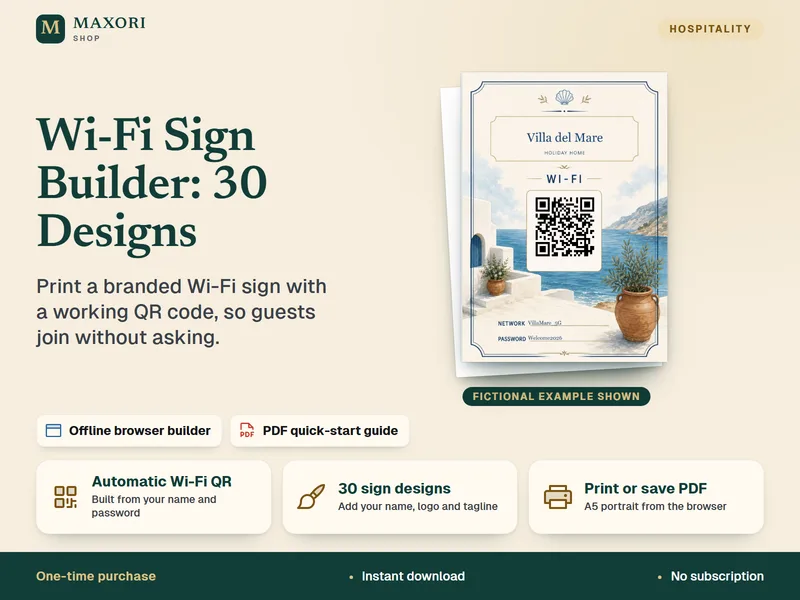
Wi-Fi Sign Builder – 30 Printable Designs with QR Code
Print a branded Wi-Fi sign with a working QR code, so guests can join without asking.
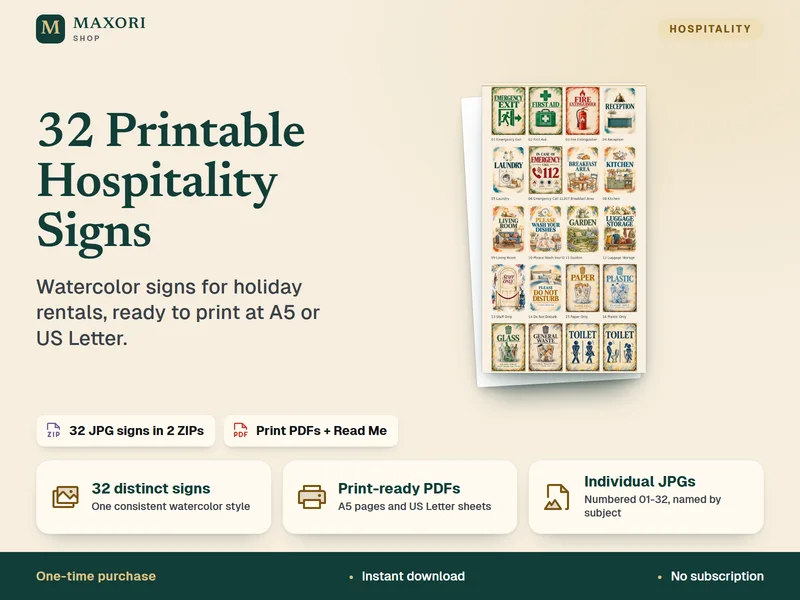
Hospitality Signs – Mediterranean Watercolor Collection (32 Printable Signs)
32 ready-to-print watercolor signs for holiday rentals, B&Bs and guesthouses.
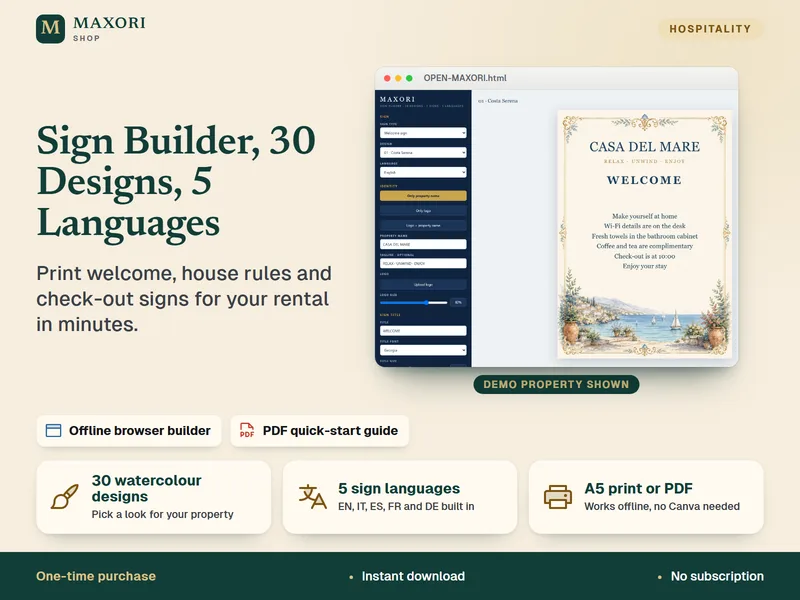
Sign Builder – Welcome, House Rules and Check-out Signs in 5 Languages
Build printable welcome, house rules and check-out signs for your rental.