Hospitality
Digital Guest Guide vs PDF vs Printed Welcome Book
By MAXORI Studio · Updated 12 October 2026 · 5 min read
For most holiday rentals the best answer is a short guest guide that guests can open on their phone, backed by a few printed essentials in the property. A printed book is easy to find but hard to update, a PDF is cheap and portable, and a web-based guide is the easiest to change but needs hosting. Here is how to choose and what to put in it.
What every guest guide should include
Whatever format you choose, the content matters more than the design. Guests look for the same things in the first hour.
- Check-in and check-out: times, how to get in, key or lockbox instructions, parking
- Wi-Fi: network name and password
- House rules: quiet hours, smoking, pets, extra guests, waste and recycling
- Appliances: heating or air conditioning, hob, oven, washing machine, TV, hot water
- Local tips: supermarkets, pharmacy, restaurants, public transport, beaches or sights
- Emergency and contacts: your phone number, local emergency number, nearest hospital or doctor
The three formats compared
The differences are practical rather than technical. This table shows how the three options usually compare.
| Printed book | PDF guide | Web-based guide | |
|---|---|---|---|
| Setup effort | Higher: layout and printing | Low to medium | Medium: needs hosting |
| Running cost | Printing and replacement | None once created | Possible hosting costs |
| Updating | Reprint pages | Edit and resend or replace the file | Edit once, changes appear at once |
| Works without internet | Yes | Yes, once downloaded or printed | Needs a connection |
| Languages | One book per language | One file per language | Language switch possible |
| Guest experience | Familiar, always at hand | Easy to save and search | Smooth on a phone |
When a printed welcome book still makes sense
A printed book works in places with weak mobile reception, for guests who prefer paper, and as an extra on the coffee table that makes the stay feel looked after. Keep it short, in a clear binder or folder, and use pages you can replace one by one.
Its weak point is aging. A phone number, a restaurant or a rule that is out of date can sit unnoticed for months, so check it at every seasonal change.
PDF versus web-based guest guide
A PDF is the simplest option: you can email it before arrival, attach it to booking messages, print it, or show a QR code that opens it. It does not need an account or a hosting service, and it is readable offline once saved.
A web-based guide is better when information changes often or when you manage many properties, because one edit updates everything. The price is hosting, a link to maintain and a dependence on guests having a connection. Many hosts combine both: a PDF as the base and a printed sheet with the essentials.
Keeping the guide up to date
Decide who owns the guide and when it is reviewed, otherwise it drifts out of date.
- Keep the source file in one place and add a date or version in the footer
- Review it at every season change and after every guest question that the guide should have answered
- Re-check phone numbers, opening hours and the Wi-Fi password
- Replace the printed copy and the file you send at the same time, so the two never disagree
- Save a backup copy of your project file
Languages for international guests
Write the guide in the languages your guests actually speak, not in every possible language. Check your booking history: for many properties two to four languages cover most arrivals.
Automatic translation of long texts can produce mistakes in rules and safety instructions. Have important sentences checked by a native speaker, and keep sentences short and plain, which also makes any translation more reliable. Offering one file per language is usually clearer than mixing languages on the same page.
Questions
Is a PDF guest guide enough for a holiday rental?
Often yes, especially for a single property. Add a short printed sheet in the property with Wi-Fi, house rules and emergency contacts in case guests have no data or battery.
How do guests open a digital guest guide?
Typically through a link or QR code in your booking message or on a sign in the property. A PDF can also be sent as an attachment.
How long should a welcome book be?
Short enough to read quickly. Many hosts use one to two pages for essentials, plus optional pages for appliances and local tips.
Do I need guest consent to share their data in the guide?
A guide with general information does not contain guest data. If you collect guest details elsewhere, such as registration forms, check the data protection and registration rules for your country.
Ready-made tools for this
Digital Guest Guide Builder and Luxury Welcome Book Builder are one-time downloads that run offline in a desktop browser and export one guest guide PDF per language (English, Italian, Spanish, French, German). They are not online services: there is no hosted link, account or sync, and the text you write about your property is not translated for you.
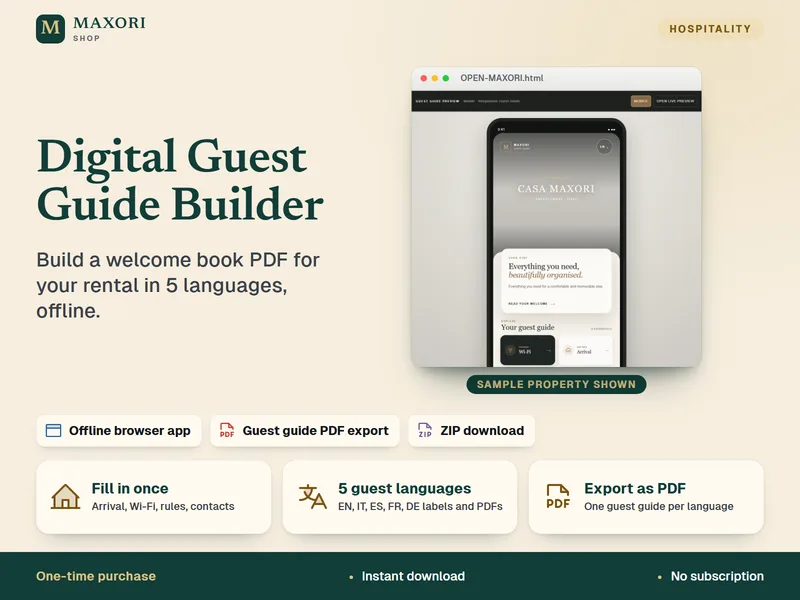
Digital Guest Guide Builder – Welcome Book, 5 Languages
Build a guest guide PDF for your rental in English, Italian, Spanish, French and German.
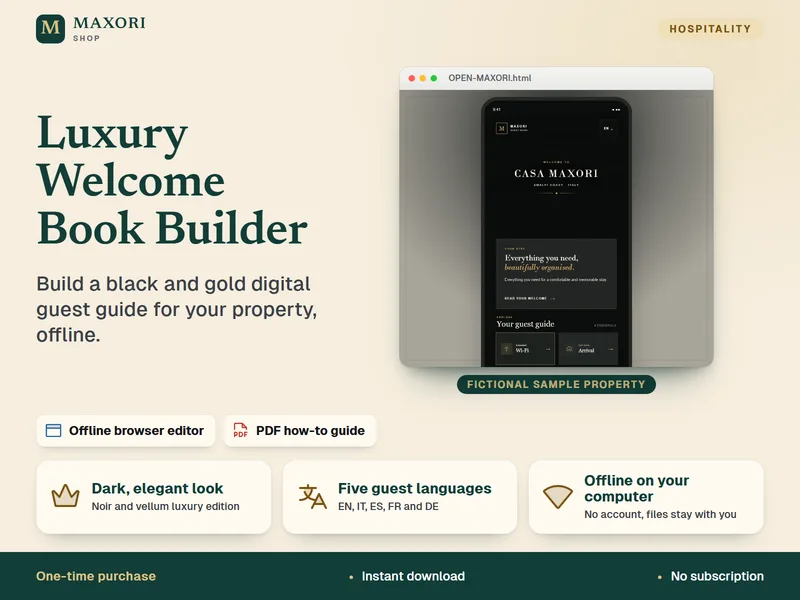
Luxury Welcome Book Builder – Black and Gold Guest Guide Editor
Build an elegant dark digital guest guide for your property, offline.