 1 / 9
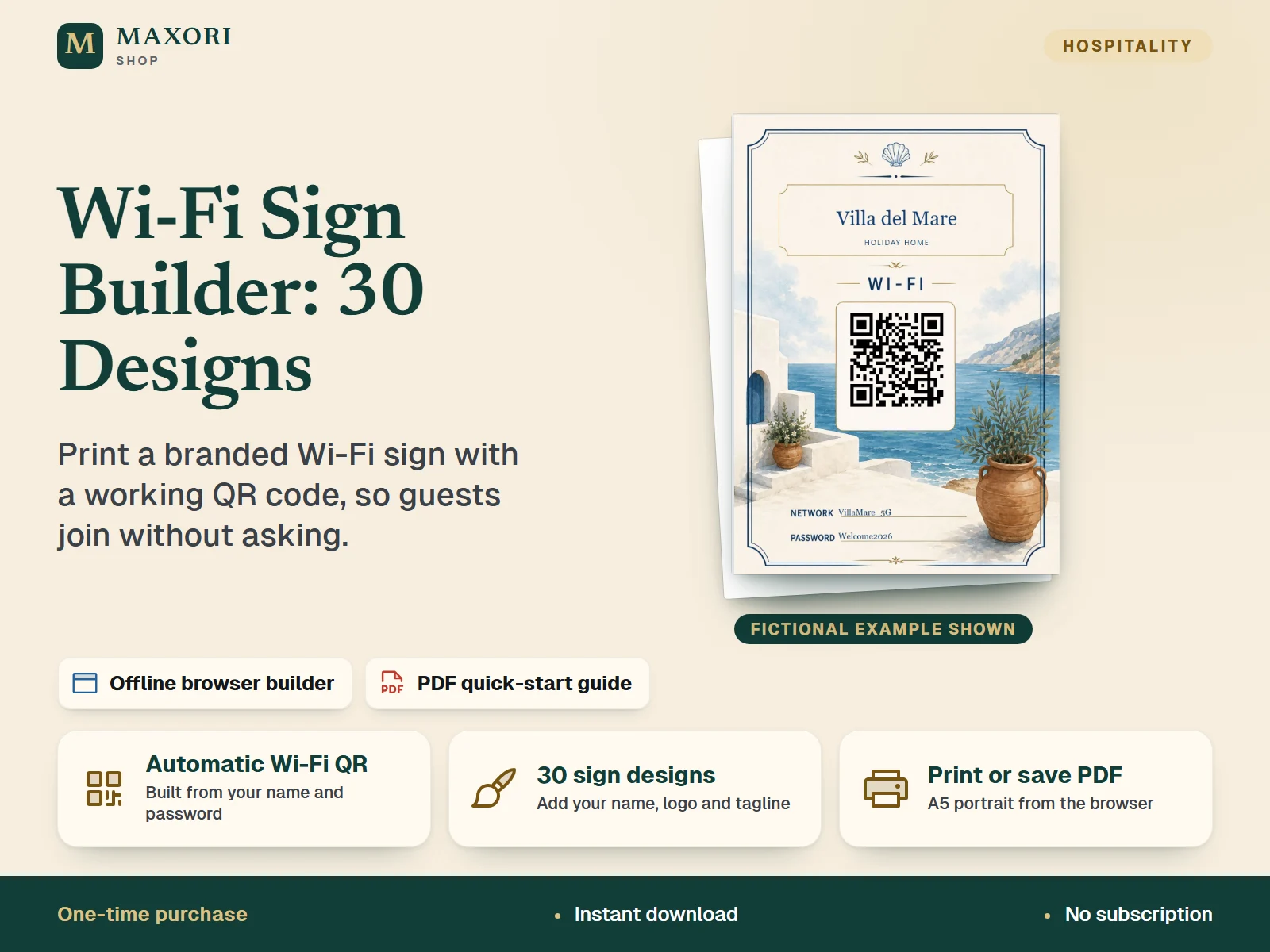
1 / 9An offline browser tool for hosts and small hospitality businesses: pick one of 30 designs, add your property name or logo and your Wi-Fi details, and the sign shows a Wi-Fi QR code generated on your computer. Print it at A5 or save it as a PDF from your browser's print dialog. One-time digital download with an illustrated PDF quick-start guide.
The problem it solves
Guests keep asking for the Wi-Fi name and password, and typing a long password on a phone is slow and error-prone.
Who it is for
Airbnb and holiday-rental hosts, guesthouses, B&Bs and small hotels who want a good-looking printed Wi-Fi sign for their own properties.
What you get
- 30 ready-made A5 sign designs: choose one from a dropdown and see the sign update instantly
- The Wi-Fi QR code is generated automatically from your network name, password and security type, so guests can scan it with a phone camera to join
- Show your property name, your own logo or both, plus an optional tagline, with font, size, bold/italic and position controls
- Works offline in your normal desktop browser: no Canva, no account, no subscription
- Supports WPA/WPA2/WPA3 networks and open networks without a password
- Reuse it as often as you like to regenerate signs for your own properties
How you use it
- Extract the whole ZIP, keep the MAXORI system folder next to OPEN-MAXORI.html, and double-click OPEN-MAXORI.html.
- Choose a design, then enter your property name or upload a logo and add an optional tagline.
- Type your network name (SSID), password and security type exactly as your router uses them; the QR code updates automatically.
- Use Save changes locally to keep your setup in this browser, then click Print / Save PDF and choose A5 portrait at 100% in the print dialog.
- Scan the printed sign with a smartphone to check that it offers to join the right network.
Questions
Does the QR code really connect guests to my Wi-Fi?
The QR code uses the standard Wi-Fi format (network name, password and security type) generated locally in the builder. The guide asks you to scan your printed sign with a smartphone to confirm it offers the right network before you use it.
Does it need Canva or internet?
No. It is an offline HTML tool that runs in your browser. No Canva, no subscription and no account.
Is my Wi-Fi password sent anywhere?
The QR code is generated on your computer. If you use Save changes locally, your setup, including the password, is stored in that browser on that computer only.
Can I add my logo?
Yes. Upload a PNG, JPG, WebP or SVG logo (a transparent PNG usually looks best) and choose logo only, name only, or logo plus name.
Can I use it for a property I do not own?
The licence covers properties you own, manage or directly operate. Reselling or sharing the tool or designs is not allowed.
What is included
- OPEN-MAXORI.html: the offline Wi-Fi Sign Builder (double-click to open in your browser)
- HOW-TO-USE-MAXORI.pdf: 8-page illustrated quick-start guide in English
- MAXORI-SYSTEM-FILES-DO-NOT-DELETE folder: the 30 design masters, the local QR generator and the licence and terms (TXT)
- One ZIP download (34 files); extract it and keep the folder structure
Requirements
A modern desktop web browser (the builder was opened and checked in Chromium-based Edge/Chrome; other browsers, Mac, tablets and phones are not tested). No internet connection, installation or account needed. A printer or a browser 'Save as PDF' option is needed to produce the sign; the guide recommends A5 portrait at 100% / Actual Size.
Version 1.0
Good to know
- The builder and the guide are in English; the sign layouts are fixed A5 portrait designs.
- Not an online service or cloud app: your settings are saved only in the browser you use, on that computer, with no sync between devices.
- The PDF is produced through your browser's print dialog; there is no separate PDF export button.
- You edit one sign at a time. The 30 design masters are fixed artwork and cannot be edited, only the property name, logo, tagline, network and password.
- The QR code covers WPA/WPA2/WPA3 and open networks; other security types and hidden-network flags are not offered.
- Some designs may need small position adjustments of the network and password lines with the sliders.
- Licence: for properties you own, manage or operate yourself. No resale, sharing, redistribution or selling editable templates based on the designs.
- Digital product only: no physical sign is shipped.
This is a downloadable digital product, not online software. It does not need an account and is not part of the MAXORI Software subscriptions.
Works well with
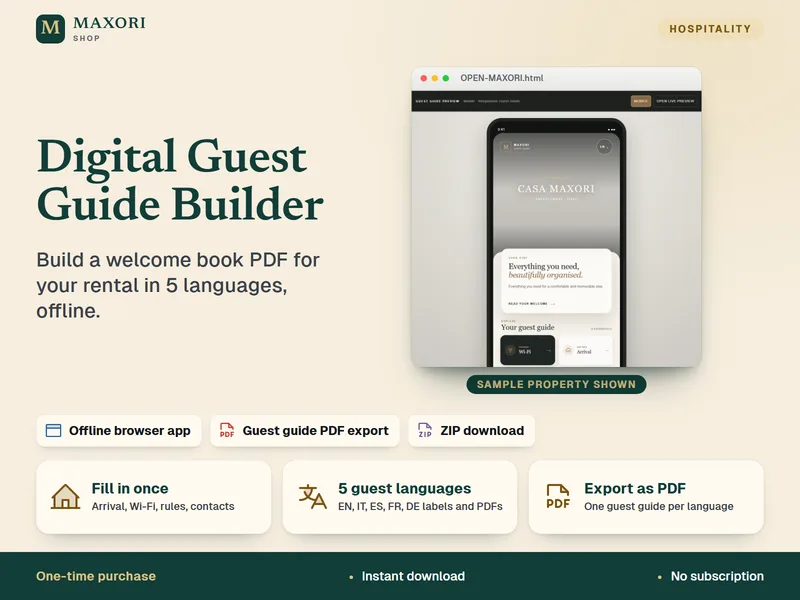
Digital Guest Guide Builder – Welcome Book, 5 Languages
Build a guest guide PDF for your rental in English, Italian, Spanish, French and German.
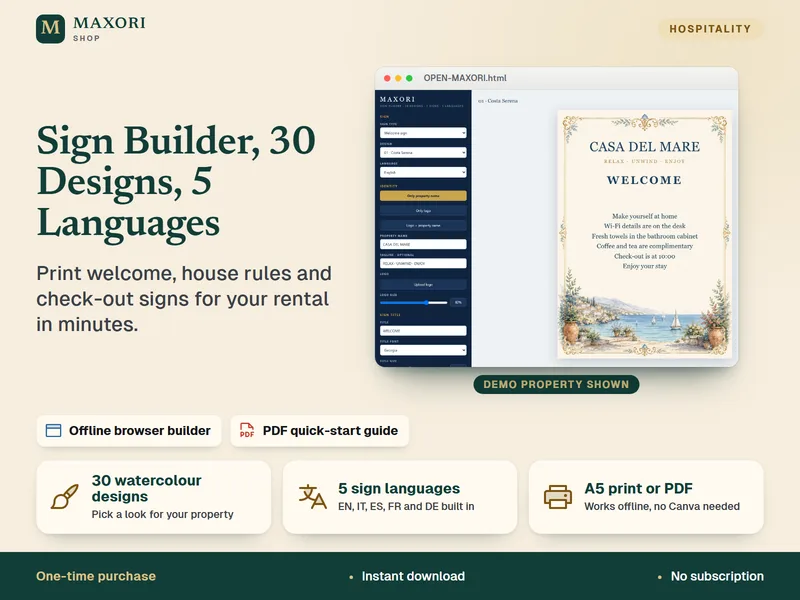
Sign Builder – Welcome, House Rules and Check-out Signs in 5 Languages
Build printable welcome, house rules and check-out signs for your rental.
Wi-Fi Sign Builder – 30 Printable Designs with QR Code
€8.35