Beauty
How to Build a Salon Service Menu and Manage Bookings
By MAXORI Studio · Updated 12 October 2026 · 5 min read
A good salon service menu lists every treatment with a clear name, a realistic duration and a price, and it is backed by a simple system for appointments and client records. This guide shows how an independent salon or beauty studio can set that up step by step, including packages, gift balances and ways to reduce no-shows.
Start with a clear service menu structure
Clients scan a menu in seconds, so group treatments into a few categories such as hair, nails, skin and brows, rather than one long list. Keep four to eight items per category and put the treatments you most want to book near the top.
Each line needs the same four parts: a plain name, one short sentence on what is included, the duration and the price. Avoid internal jargon; a client should understand the line without asking.
- Name the treatment the way clients search for it
- State what is included (for example, consultation or finishing)
- Show the booked duration, not only the hands-on time
- Mark add-ons separately so the base price stays readable
Set prices and durations you can actually keep
A price only works if the duration behind it is honest. Time a few real appointments, then add the minutes you spend on preparation, cleaning and notes. That total is the slot you block in the diary.
Use one rule for variations. If long hair or a repair adds time, state it as a fixed add-on or a from-price instead of negotiating at the chair.
| Item | What to record | Why it helps |
|---|---|---|
| Hands-on time | Measured over several visits | Gives a realistic base duration |
| Buffer | Preparation and cleaning minutes | Prevents running late |
| Add-ons | Fixed extra time and price | Keeps quotes consistent |
| Review date | When you re-check prices | Stops the menu going stale |
Organise appointments and client records
Whatever tool you use, record the same fields every time: client name, contact, service, date and time, duration, status and any deposit received. Consistent records make it easy to see who is due back and which slots are empty.
Keep notes to what you need for the service, such as preferences and the date of the last visit. Client contact details and photos are personal data, so store only what is necessary, tell clients how you use it and check your local rules. This is general information, not legal advice.
Handle packages and gift balances cleanly
A treatment package is a set number of sessions of one treatment, and a gift balance is a money value the client can spend. Both are a promise to deliver later, so they need a written record of every use.
Record the date of issue, the starting amount or number of sessions, each use in date order and what remains. Correct a mistake by adding a visible reversal rather than overwriting the old entry. Decide your expiry and refund terms in advance and print them with the voucher or statement.
Reduce no-shows with reminders and a deposit policy
Most no-shows come from forgotten appointments, so a reminder one or two days ahead with an easy way to reschedule already helps. Ask the client to confirm, and release the slot if there is no answer by a time you state.
A deposit policy is an idea worth considering for long or expensive treatments: a small advance, deducted from the final bill, with clear conditions for cancelling in time. Publish the rule on your menu and booking messages so it is never a surprise.
A simple weekly routine
Fifteen minutes on the same day each week keeps the system reliable.
- Review next week's appointments and send reminders.
- Check deposits received and outstanding.
- Update client notes and the date of each last visit.
- Check package and gift balances that are close to running out or expiring.
- Note which services were requested but not on the menu, and adjust prices or durations once a month.
- Save a backup copy of your records.
Questions
How many services should a salon menu have?
Enough to cover what you actually sell, usually grouped into a few categories with four to eight items each. A shorter menu is easier to read and to book.
Should I show prices on my service menu?
Showing prices or clear from-prices saves time and avoids awkward questions. If a price depends on hair length or condition, say so on the line.
What is the difference between a package and a gift balance?
A package holds a number of sessions of one treatment. A gift balance holds a money value that can be spent on any service you allow.
Do I need a deposit to cut no-shows?
No, but it is one option for longer treatments. Reminders and a clear cancellation rule come first; add a deposit only if no-shows remain a problem.
Ready-made tools for this
MAXORI offers three offline browser tools for this workflow: Beauty Menu Studio to build and export a print or social service menu, Salon Client and Booking Desk to track clients, appointments and deposits, and Package & Gift Balance Studio to track packages and gift balances. They are one-time downloads with an English interface, they store data in your browser, and they do not send reminders or process payments.
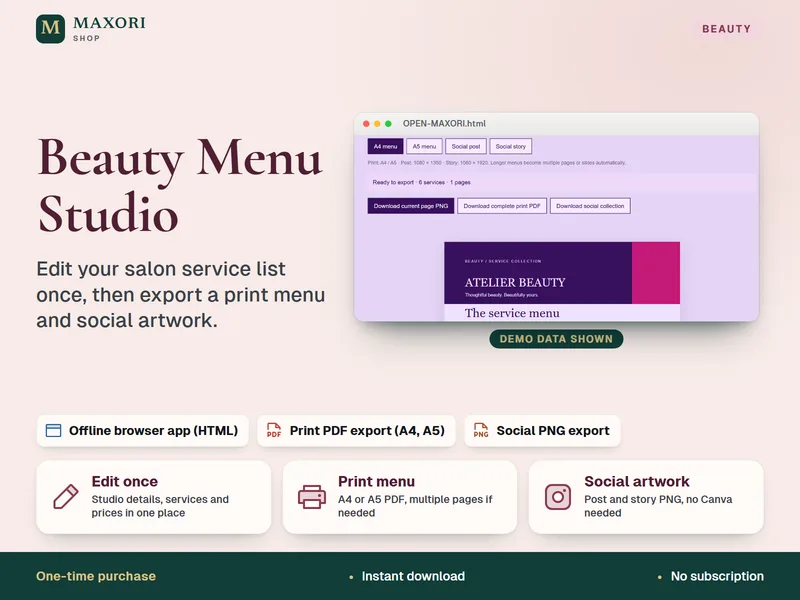
Beauty Menu Studio – Salon Price List Maker
Edit your service list once, then export a print menu and social artwork.
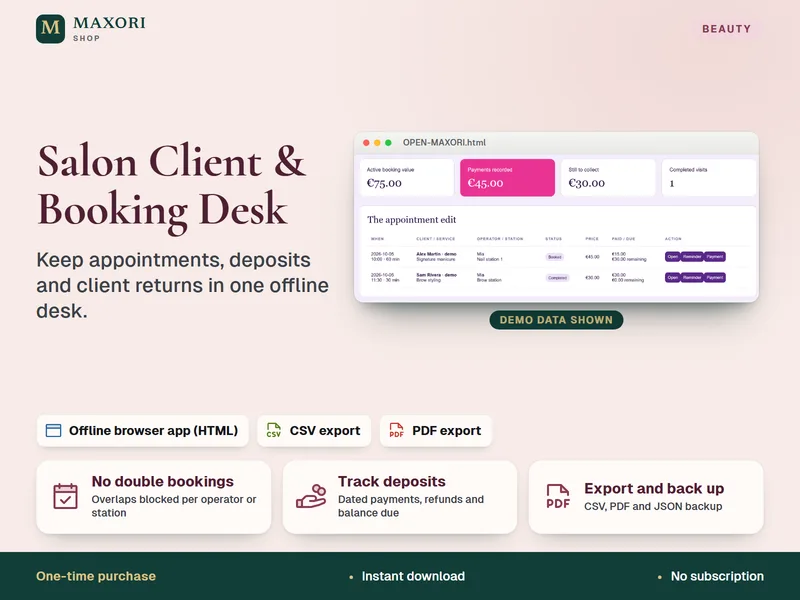
Salon Client and Booking Desk – Appointment and Deposit Tracker
Keep appointments, deposits and client returns in one offline desk.
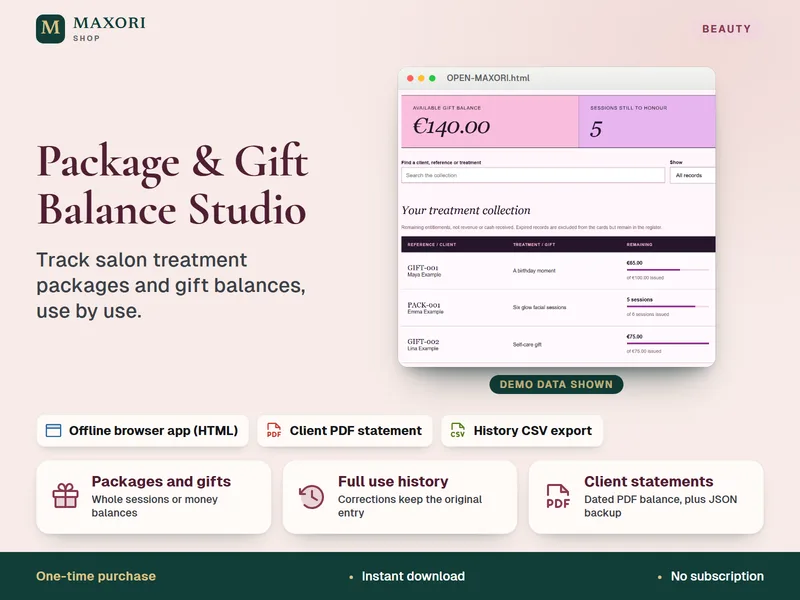
Package & Gift Balance Studio – Salon Packages and Gift Vouchers Tracker
Track salon treatment packages and gift balances, use by use.