 1 / 9
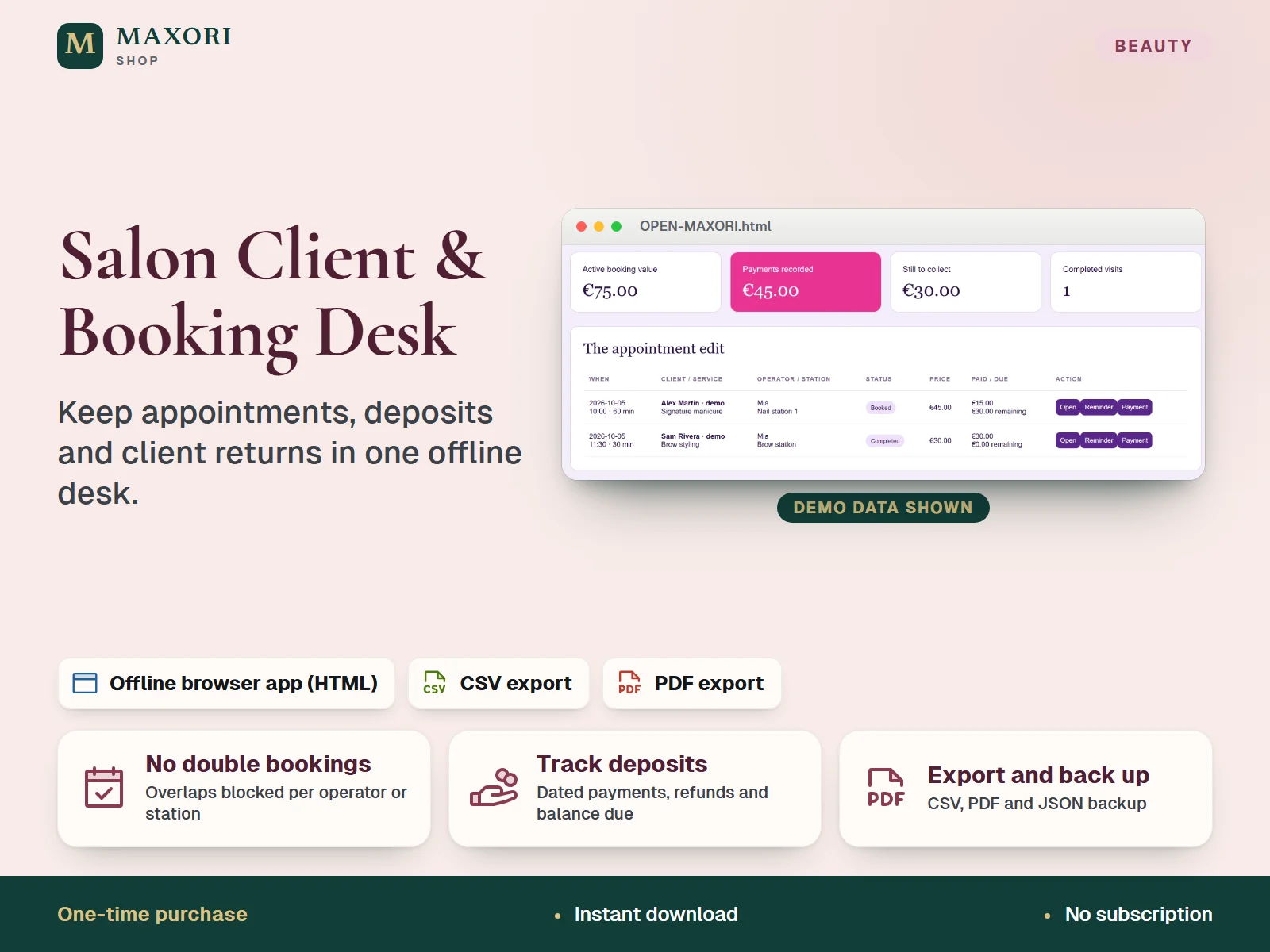
1 / 9An offline browser tool for small salons and beauty studios to manage clients, services and appointments, record dated payments and refunds, and follow up client returns, with CSV and PDF exports and JSON backup.
The problem it solves
Appointments, deposits and follow-ups end up in diaries, chats and notes, so double bookings happen and it is unclear who has paid and who is due back.
Who it is for
Independent salons, beauty studios and freelance stylists, nail and brow artists who want a simple, private record of bookings and deposits without a subscription.
What you get
- Blocks overlapping bookings for the same operator or the same station
- Records dated payments and refunds with a history, and shows what is still to collect
- Client returns list: set follow-up dates and mark clients as contacted
- Exports booking and payment CSV files, booking and appointment PDFs, and a JSON backup
- Works offline in your desktop browser, with no account and no subscription
How you use it
- Download and unzip your purchase on a desktop computer.
- Open OPEN-MAXORI.html in Chrome or Edge and explore the fictional demo.
- Choose Start empty studio, then pick EUR, USD or GBP and enter your studio name.
- Add clients and services, then add bookings with an operator and a station.
- Record payments or refunds on each booking and set follow-up dates for returning clients.
- Export CSV or PDF files and download a JSON backup regularly.
Questions
Is this an Excel or Google Sheets template?
No. It is an HTML app that runs offline in your desktop browser. It exports CSV files, which spreadsheet software can open, and PDF files.
Does it send reminders to my clients?
No. It can prepare a reminder text and an appointment PDF that you share manually, but nothing is sent automatically by SMS, email or WhatsApp.
Where is my data stored, and can I use it on my phone?
Locally in your browser, on the device and profile you use. It does not sync between devices, and mobile use is not validated. Download a JSON backup regularly to protect your records.
Does it take card payments or deposits online?
No. You record payments, deposits and refunds that you handle yourself; the tool does not charge or transfer money.
What is included
- MAXORI Salon Client and Booking Desk app (OPEN-MAXORI.html)
- Illustrated quick-start guide (QUICK-START.html)
- READ-ME.txt with usage and storage notes
- Third-party licence file (THIRD-PARTY-LICENSE.txt)
- Fictional demo data to explore, plus an empty studio of your own
Requirements
A current desktop browser (Chrome or Edge tested on Windows) with local file access and storage enabled. No installation, account or internet connection needed.
Version 1.0
Good to know
- One-time digital download of an offline tool, not the MAXORI online software: no cloud sync, no multi-user access and one studio per browser profile.
- Not a booking website, and it sends no automatic reminders or messages: you contact clients yourself.
- It records payments but does not process them or move money; it is not accounting, tax, payroll or medical-record software.
- Data is stored unencrypted in your browser on your device: clearing browser data or switching browser can lose it, so keep JSON backups.
- Interface in English only; currencies EUR, USD or GBP, chosen per studio.
- Tested on desktop Chrome and Edge on Windows; printing, Safari/macOS and mobile are not validated.
- Screens in the listing use fictional clients and amounts; for your own business use, no resale of the tool.
This is a downloadable digital product, not online software. It does not need an account and is not part of the MAXORI Software subscriptions.
Works well with
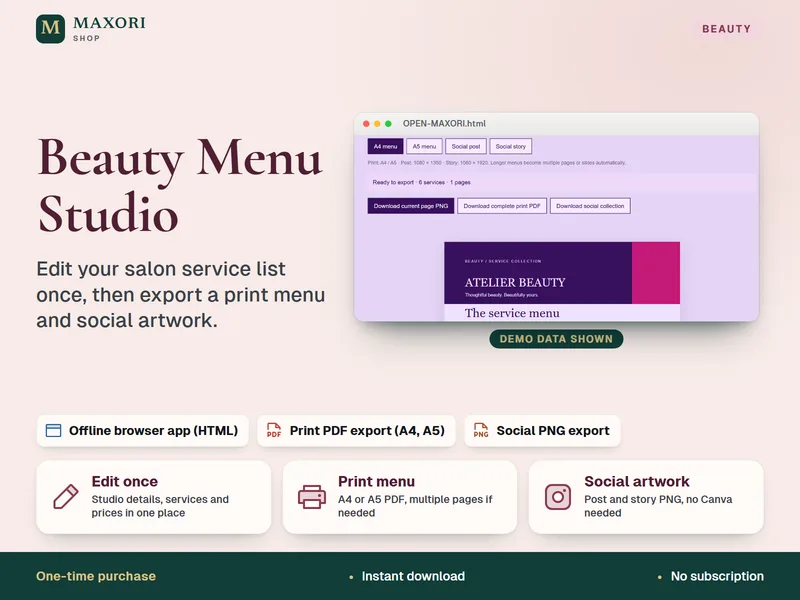
Beauty Menu Studio – Salon Price List Maker
Edit your service list once, then export a print menu and social artwork.
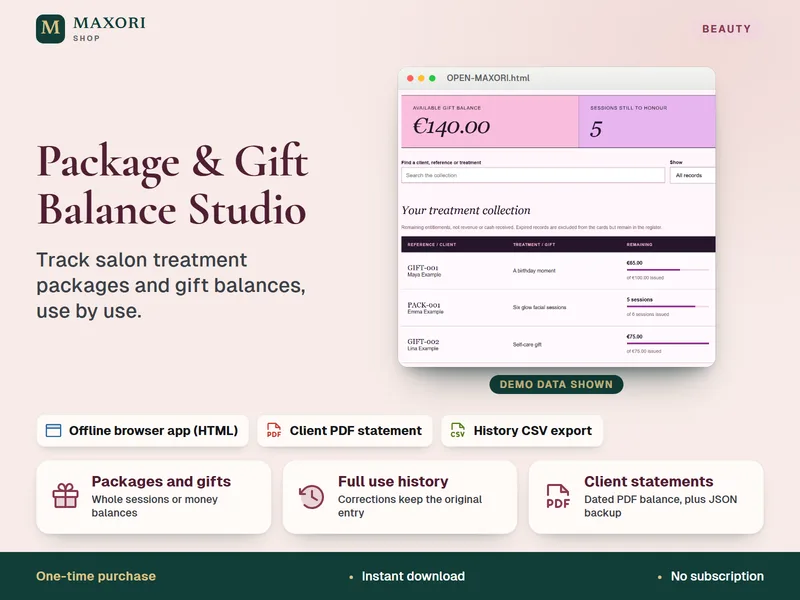
Package & Gift Balance Studio – Salon Packages and Gift Vouchers Tracker
Track salon treatment packages and gift balances, use by use.
Salon Client and Booking Desk – Appointment and Deposit Tracker
€9.56