 1 / 9
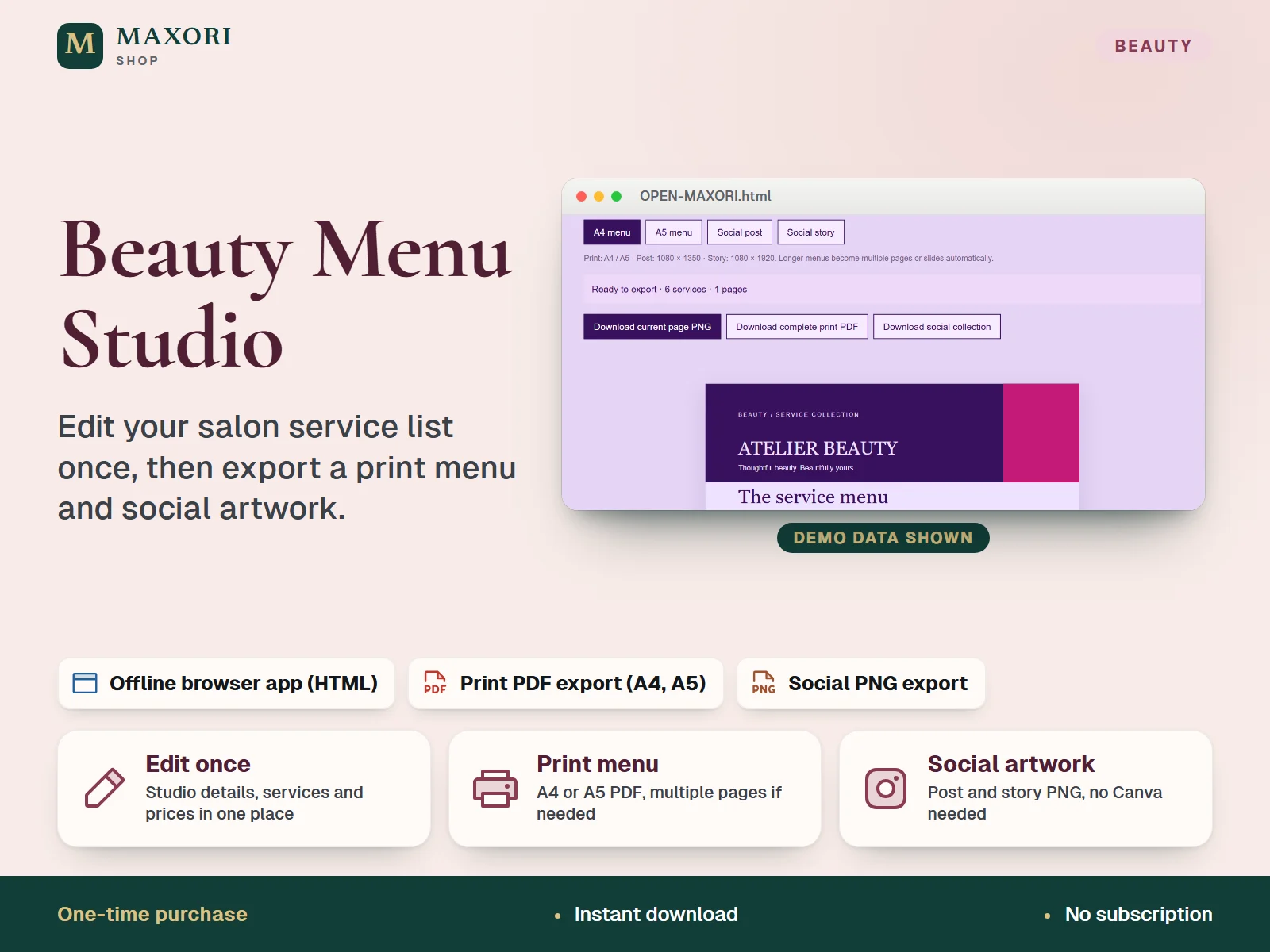
1 / 9An offline browser tool for beauty salons and studios. Enter your studio details and services, pick a colour direction and export an A4 or A5 print PDF plus social post and story PNG artwork, with no Canva subscription needed.
The problem it solves
Service menus are often rebuilt by hand for every format, so prices and descriptions drift between the printed list and social posts.
Who it is for
Salon owners, nail, brow, lash and beauty professionals who want a tidy service and price menu for print and social media.
What you get
- Edit studio details, services, prices and descriptions in one place
- Export an A4 or A5 print PDF and social post (1080 x 1350) and story (1080 x 1920) PNG artwork
- Choose from three colour directions: Lilac / hot pink, Rose / orchid or Violet / blush
- Works offline with no account; save and load a JSON backup of your menu
How you use it
- Download and extract the ZIP on a desktop computer.
- Open OPEN-MAXORI.html in a current desktop Chrome or Edge browser.
- Replace the fictional studio details, services and prices with your own and choose a colour direction.
- Preview the A4, A5, social post and social story formats.
- Download the print PDF and social PNG artwork, and save a JSON backup regularly.
Questions
Do I need Canva or an account?
No. The tool runs offline in your browser and no Canva subscription or account is needed after download.
Which formats can I export?
A print PDF in A4 or A5, plus social post (1080 x 1350) and story (1080 x 1920) PNG artwork. Longer menus become multiple pages or slides automatically.
Can I add my logo or post directly to Instagram?
No. Logo upload, QR generation, social publishing and cloud sync are not included. You download the files and share them yourself.
Where is my menu stored?
In your browser on your device. Save a JSON backup regularly, because browser storage is local and may be cleared.
What is included
- MAXORI Beauty Menu Studio browser tool (OPEN-MAXORI.html)
- READ-ME.txt with quick steps and licence terms
- THIRD-PARTY-LICENSE.txt (pdf-lib, MIT)
- Quick start and guide built into the tool
- Fictional example studio and services to replace with your own
Requirements
A current desktop Chrome or Edge browser. No internet connection, account or Canva subscription is needed after download.
Version 1.0
Good to know
- It is a service menu tool, not for financial calculations or appointment booking.
- No logo upload, QR code generator, social publishing or cloud sync is included.
- The software interface is in English; your studio and service text can be edited.
- Exported PDF and PNG artwork is flattened: edit in the tool and export again.
- Data is stored in your browser on your device and may be cleared, so save JSON backups regularly.
- The examples are fictional: check your own descriptions, prices and conditions.
- A one-time digital download, not the MAXORI online software.
This is a downloadable digital product, not online software. It does not need an account and is not part of the MAXORI Software subscriptions.
Works well with
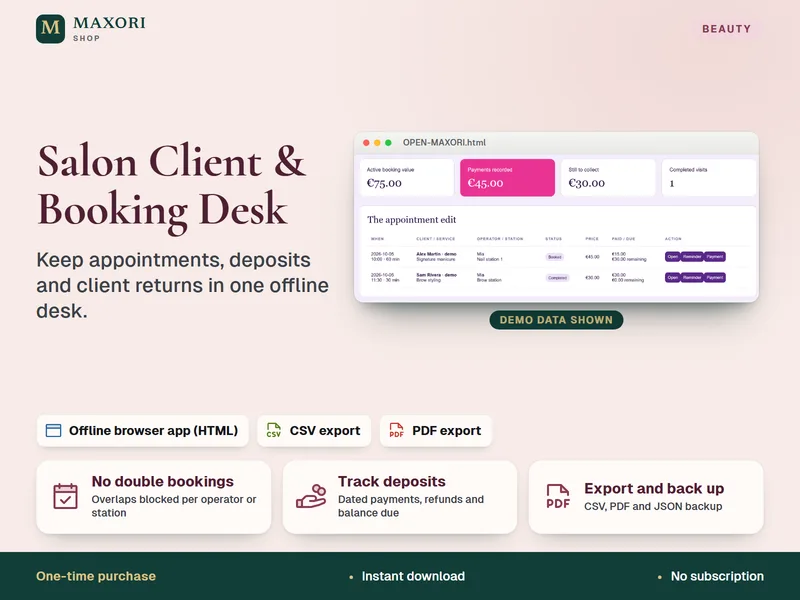
Salon Client and Booking Desk – Appointment and Deposit Tracker
Keep appointments, deposits and client returns in one offline desk.
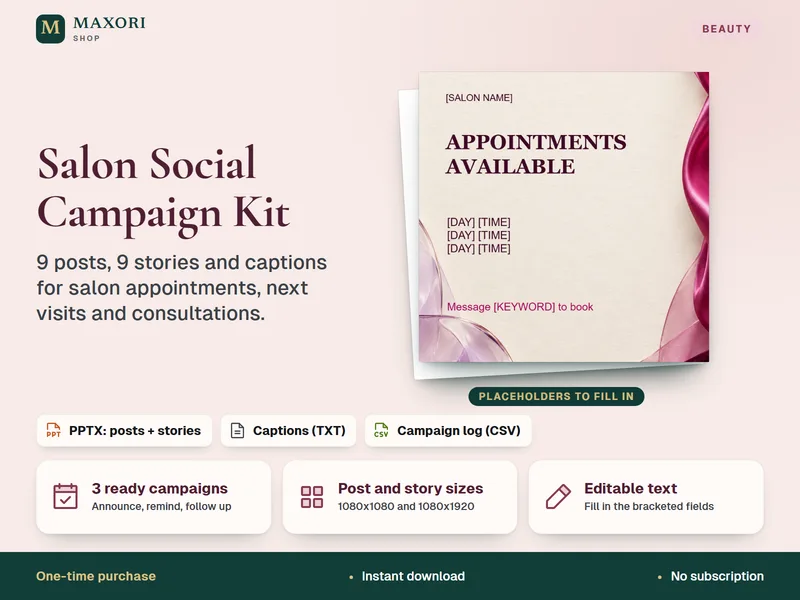
Salon Social Campaign Kit – 9 Posts and 9 Stories (PPTX for Canva)
Ready campaign posts, stories and captions for your salon's available appointments.
Beauty Menu Studio – Salon Price List Maker
€9.56