 1 / 9
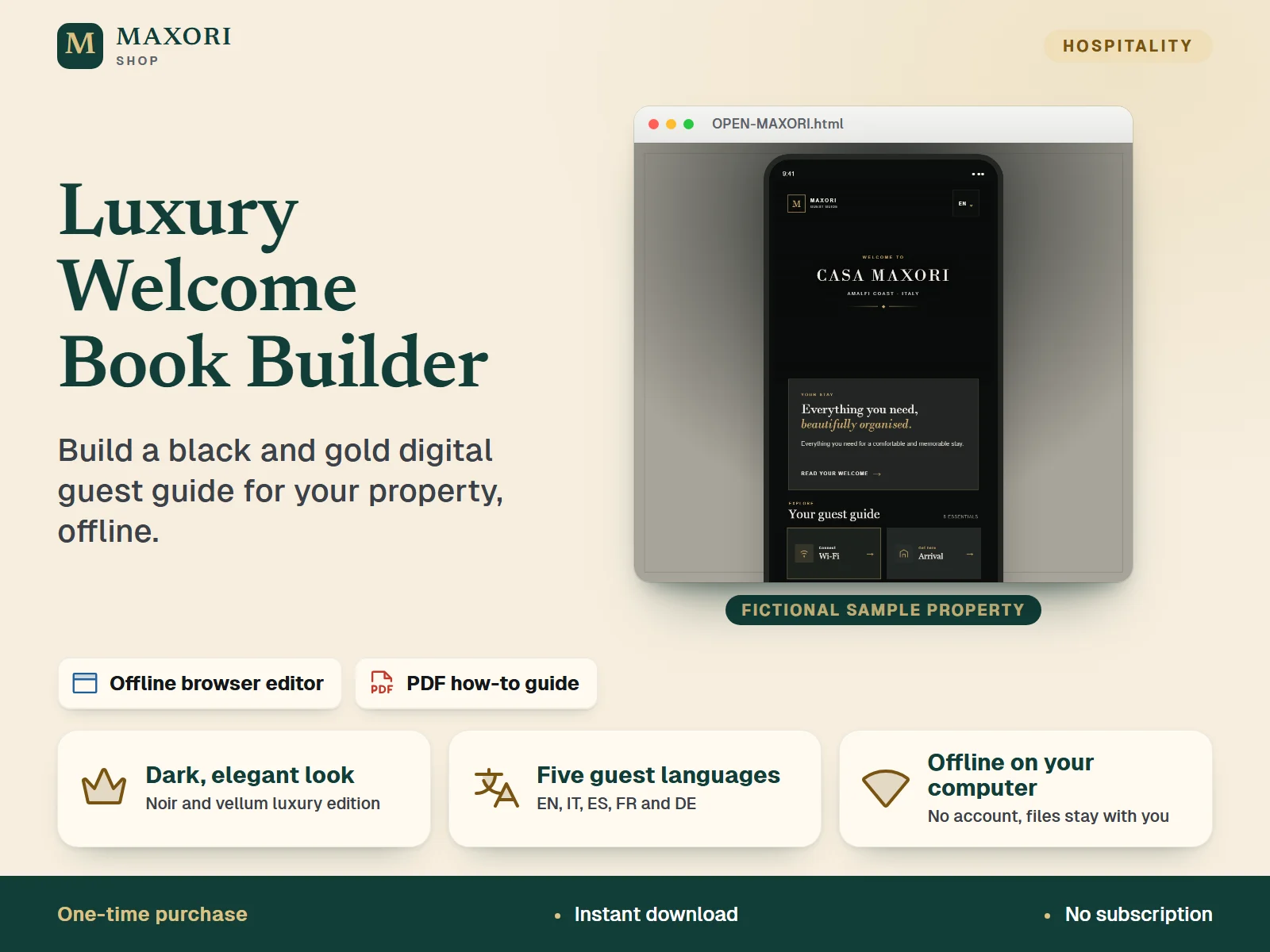
1 / 9An offline guest guide editor in a dark black-and-gold luxury edition. Open OPEN-MAXORI.html in your desktop browser, enter your property details once, preview the guide on a phone and export one guest guide PDF per language in English, Italian, Spanish, French or German. One-time digital download with an English PDF how-to guide.
The problem it solves
Welcome information ends up scattered across messages and notes, and a generic template rarely looks premium or speaks the guest's language.
Who it is for
Villa, boutique and holiday-rental hosts and property managers who want a refined, dark-styled digital guest guide they can edit themselves.
What you get
- A dark noir-and-vellum luxury look instead of a plain template
- Guest content ready to edit in five languages: English, Italian, Spanish, French and German
- A live mobile preview updates as you fill in each section
- Works offline on your own computer: no account, and your project is saved as a .maxori file
- Export one guest guide PDF per language whenever you need it
How you use it
- Download and extract the whole ZIP, then double-click OPEN-MAXORI.html to open it in your desktop browser.
- Choose New property and fill in the sections: Guest Guide, Welcome, Arrival, Directions, Wi-Fi, Amenities, House rules, Departure, Emergency and Contact.
- Check the live mobile preview and edit each of the five language tabs.
- Click Save changes to download your editable .maxori project file, and keep it safe.
- Click Generate Digital Guest Guide, choose a language and save the page as PDF from your browser print window.
Questions
Is this an online service?
No. It is a one-time download that runs offline in your desktop browser. It is separate from the MAXORI Guest Guide online software, which is a subscription.
Which languages are included?
The guest guide can be edited and exported in English, Italian, Spanish, French and German. The editor interface and the how-to PDF are in English.
How do I get a PDF for my guests?
Click Generate Digital Guest Guide, pick a language and save the page as PDF from your browser print window. Repeat for each language.
How is this different from the Airbnb welcome book builder?
It is the dark black-and-gold luxury edition of the same kind of editor, sold separately.
What is included
- OPEN-MAXORI.html: the offline guest guide editor
- HOW-TO-USE-MAXORI.pdf: 10-page illustrated how-to guide in English
- MAXORI-SYSTEM-FILES-DO-NOT-DELETE folder: scripts, styles and images the editor needs
- LICENSE-AND-TERMS.txt: single-purchaser commercial-use licence
Requirements
A desktop browser on Windows, Mac or Linux. No internet account is needed to use the editor. The folders must stay together after extraction. Tested here by opening the editor in a Chromium-based browser; other browsers are not verified.
Version 1.0
Good to know
- The editor menus and the how-to guide are in English; the guest guide content can be written in English, Italian, Spanish, French and German. Host text you enter is not translated automatically.
- Not an online service or subscription and not the MAXORI Guest Guide online software: no cloud sync, no hosting and no sharing between devices.
- Your project is a downloaded .maxori file: keep your own backups.
- The guest PDF is produced through your browser's Save as PDF print option.
- Check all property, safety, emergency and contact information yourself before guests use it.
- For your own properties or properties you manage; no resale or redistribution of the files.
This is a downloadable digital product, not online software. It does not need an account and is not part of the MAXORI Software subscriptions.
Luxury Welcome Book Builder – Black and Gold Guest Guide Editor
€14.40