 1 / 9
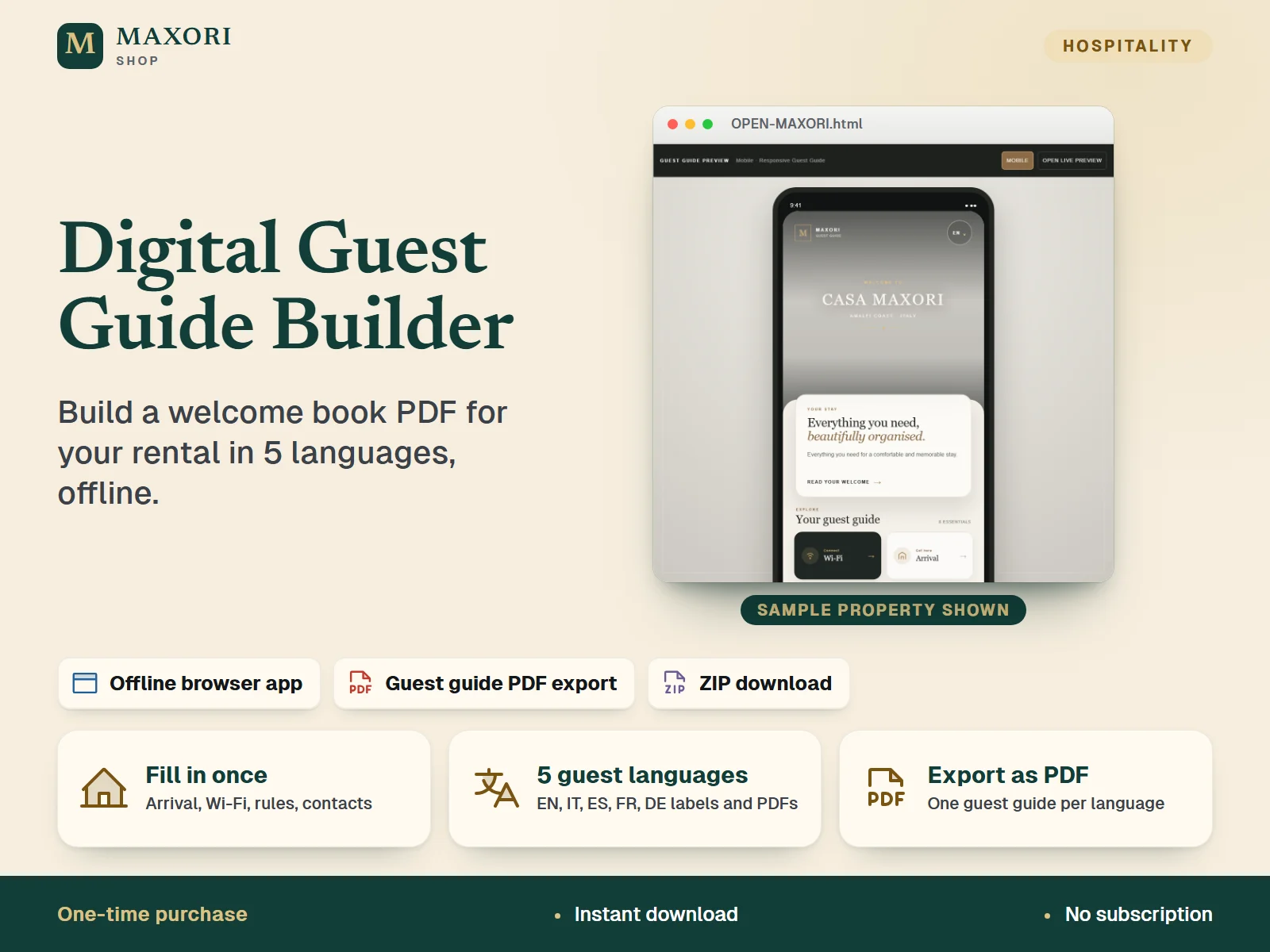
1 / 9MAXORI Studio is an offline browser tool for hosts. Enter your property details once, check the live preview, then generate a guest guide PDF in the language your guest speaks. A one-time purchase with no account and no subscription.
The problem it solves
House rules, Wi-Fi details and arrival instructions end up scattered across messages. Guests ask the same questions again, and a designed welcome book takes hours to build.
Who it is for
Airbnb, Booking.com and holiday-rental hosts, and property managers who want a polished welcome book for guests without design skills.
What you get
- Fill in ready-made sections once: property, welcome, arrival, directions, Wi-Fi, amenities, house rules, departure, emergency and contacts
- Guide labels and headings come in English, Italian, Spanish, French and German; generate one PDF per guest language
- Live phone-style preview updates as you type
- Save an editable .maxori property file and reopen it whenever something changes
- Works offline on your own computer: no account, no subscription, no cloud
How you use it
- Download and unzip your purchase on a desktop computer. Do not run it from inside the ZIP.
- Open OPEN-MAXORI.html and choose New property.
- Fill in each section in the left sidebar and add photos if you wish. Check the live preview as you go.
- Write your own text for each language tab you want to offer: your host text is not translated automatically.
- Click Generate Digital Guest Guide, choose the language, then Save as PDF in your browser's print dialog.
- Click Save changes to download your .maxori file, and use Open property to edit it later.
Questions
Is it a template or an app?
It is a tool, not a fill-in template. You open OPEN-MAXORI.html in your browser, enter your property information, and the tool builds the guest guide PDF for you.
Does it translate my text into five languages?
No. The guide's headings, buttons and labels appear in English, Italian, Spanish, French or German. The text you write about your property stays as you type it, so enter it in each language tab you want to offer.
Do I need Canva, an account or an internet connection?
No. Everything runs offline in your browser on your computer.
How do I get the finished PDF?
Click Generate Digital Guest Guide, choose a guest language and use Save as PDF in the browser print dialog. Repeat for each language.
What is included
- OPEN-MAXORI.html: the MAXORI Studio browser tool
- HOW-TO-USE-MAXORI.pdf: illustrated how-to guide (10 pages)
- MAXORI-SYSTEM-FILES-DO-NOT-DELETE folder with the tool's own files and the licence terms
- A sample property (CASA MAXORI) to explore, plus an empty property of your own
Requirements
A desktop or laptop computer (Windows, Mac or Linux) with a modern browser such as Chrome, Edge, Firefox or Safari. Keep the system folder next to OPEN-MAXORI.html. No internet connection or account needed to use it.
Version 1.0
Good to know
- Offline tool, not an online service: it creates PDFs you share yourself. There is no hosted guest link, no account and no subscription; it is not the MAXORI Guest Guide online software.
- Five languages means the guide's own headings, buttons and labels plus the language tabs and PDF export. The text you type about your property (welcome message, rules, directions) is not translated for you: write or paste it for each language.
- The PDF is generated through your browser's print dialog (Save as PDF) and has a mobile-style layout, one PDF per language.
- Your property is kept in the .maxori file you save, so store backups yourself. It does not sync between devices.
- Designed for use on a computer, not for editing on a phone or tablet.
- You are responsible for checking property, safety, emergency and contact information before guests use the guide.
- Single-purchaser commercial licence for the properties you own, host or manage; the tool and its files may not be resold or shared.
This is a downloadable digital product, not online software. It does not need an account and is not part of the MAXORI Software subscriptions.
Digital Guest Guide Builder – Welcome Book, 5 Languages
€14.40