Hospitality
Printable Welcome Folder for a Vacation Rental: What to Put in It
By MAXORI Studio · Updated 18 October 2026 · 5 min read
Guests ask the same things again and again: the Wi-Fi password, how the oven works, where the bins go, who to call. A printable welcome folder keeps those answers in one physical place in the home, even when the phone is off or the battery is flat. This guide lists what to include, how to word it and how to keep it up to date.
Why a paper folder still helps
A message sent before arrival is easy to miss or lose. A folder on the kitchen table is there when the guest needs it, works without a signal and can be read by everyone in the group. It complements your digital messages, it does not replace them.
What to include: a page-by-page checklist
Aim for around ten to twelve pages, one topic per page, so a guest can find an answer in seconds.
| Page | What to write |
|---|---|
| Welcome and Wi-Fi | A friendly line, network name and password, a contact for questions |
| Check-in and check-out | Times, key or code instructions, a short leaving checklist |
| House rules | Quiet hours, smoking, pets, visitors, in a kind tone |
| Waste and recycling | Which bin, which day, where the bins are |
| Appliances | Short how-to for the oven, hob, washing machine, heating, TV |
| Emergency and useful numbers | Local emergency numbers, your contact, nearest doctor or pharmacy |
| Eat, drink and get around | A few places you really like, groceries, transport |
| If something breaks | Who to tell and how, without worry |
Write rules as friendly requests
'Please keep noise down after 10 pm so our neighbours can sleep' lands better than a list of prohibitions. Keep each rule short, give a reason where you can and avoid threats. Check that your rules match your booking platform's terms and your local law.
Fill it in and set it up
A folder is quick to make once you know the order.
- Walk through the home as a guest and note every question you would have.
- Write the answers by hand or type them, one topic per page.
- Check every number, password and time against reality.
- Print at actual size, punch the pages and put them in a binder.
- Leave it somewhere visible and mention it in your arrival message.
Keep it current
Outdated details cause more confusion than no folder at all. Re-check the Wi-Fi, numbers, bin days and recommendations at the start of each season, and reprint any page that is worn or has changed.
Questions
What should a welcome folder for guests contain?
Wi-Fi, check-in and check-out details, house rules, waste and recycling, how to use appliances, emergency and useful numbers, local tips and what to do if something breaks.
How long should it be?
Around ten to twelve short pages is enough. If a guest cannot find an answer in a few seconds, the folder is too long or badly ordered.
Should I put the Wi-Fi password in writing?
Most hosts do, because it is one of the most common questions. Keep it in the folder rather than on a public listing.
Do I need a different version for each language?
If you host guests from several countries, offering the pages in their language is a kind touch. Keep the content identical in every version.
Ready-made tools for this
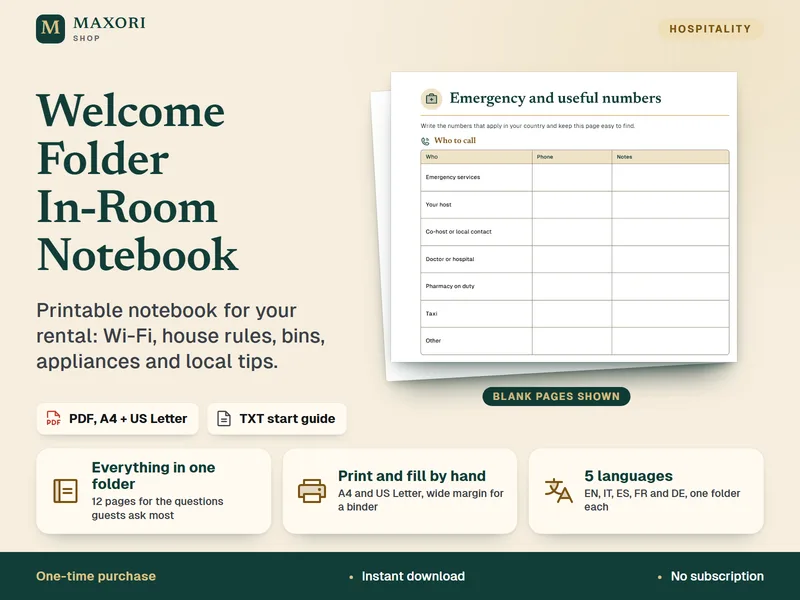
The Welcome Folder In-Room Notebook is a printable PDF download with 12 pages to fill in by hand: welcome and Wi-Fi, check-in and check-out, house rules, waste, appliances, emergency numbers, local tips, if-something-breaks and a guest notes page. Included in A4 and US Letter, in English, Italian, Spanish, French and German. The pages are blank on purpose: you write what is right for your area. The PDFs are not editable and there is no Word or Canva file.