Work
Client Tracking and Onboarding for Freelancers
By MAXORI Studio · Updated 12 October 2026 · 5 min read
A simple client tracking spreadsheet needs one row per opportunity, a clear stage and a dated next action. Pair it with a short onboarding checklist and a written handoff, and most missed follow-ups and project misunderstandings disappear.
Columns that matter in a client tracker
Resist the urge to track everything. A tracker is useful when it tells you who to contact next, so every column should support that question.
- Contact: name, company, email, source of the lead
- Opportunity: service offered, expected fee, date created
- Stage: where the deal stands right now
- Next action and next action date
- Last contact date and a short note
- Outcome and reason if lost
Pipeline stages for a solo service business
Use few stages and define each one by an event, not a feeling. Five is usually enough for a freelancer.
- New lead: someone has shown interest.
- Conversation: you have talked and understood the need.
- Proposal sent: a price and scope are in writing.
- Won or lost: a clear yes or no.
- Active project: onboarding has started.
Follow-up rhythm that does not feel pushy
Most deals stall because nobody sets the next date. After every contact, write the next action and a date in the tracker before closing the file.
A reasonable pattern is a short check-in after a few days, a second after about a week, and a polite closing message after that. Keep each message useful: answer a question, add a detail, offer a call. Then review the sheet each morning for anything due or overdue.
A client onboarding checklist
Onboarding sets expectations before work starts. Cover the same points every time, so nothing depends on memory.
- Confirm scope, deliverables, timeline and price in writing
- Agree how and how often you communicate
- Collect materials, access and approvals, with an owner and a due date for each
- Define how feedback is given and how many revision rounds are included
- Explain the payment steps and what happens if materials arrive late
Project handoff and closing
A handoff is the moment the client receives everything and knows what comes next. List the final files, where they are stored, any logins you pass on, and what you will and will not support afterwards.
Write down the date, the version delivered and any open items. Then log the outcome in your tracker and add a follow-up for a month later: feedback, a testimonial or the next project often start there.
Common mistakes to avoid
Tracking too many fields that nobody updates is the most frequent problem. Next is a missing next-action date, followed by vague stages and verbal agreements that never reach an email.
Also avoid storing passwords or payment card details in the sheet. Keep sensitive data in a proper password manager and make sure your tracker contains only what you are comfortable sharing if needed.
Questions
Can I track clients in Excel instead of a CRM?
Yes. For a solo business a spreadsheet with contacts, opportunities and a next action date is often enough. A CRM becomes useful when several people work on the same data.
How often should I follow up with a lead?
A few days after the first contact, again after about a week, then one polite closing message. Always record the next date in the tracker.
What should a client onboarding include?
Written scope, timeline and price, communication rules, a list of materials with owners and dates, and how feedback and revisions work.
How many pipeline stages do I need?
Four to six is usually enough. Define each stage by a concrete event so you always know where a deal stands.
Ready-made tools for this
The Client Tracker for Excel is an English workbook with six sheets (Start, Today, Contacts, Opportunities, History, Handoff) and a Today view of overdue follow-ups; it is a manual workflow with no automatic reminders. The Client Onboarding & Handoff Kit has ten English worksheets as PPTX files built for Canva import and as static A4 PDFs, plus five email scripts and a materials register.
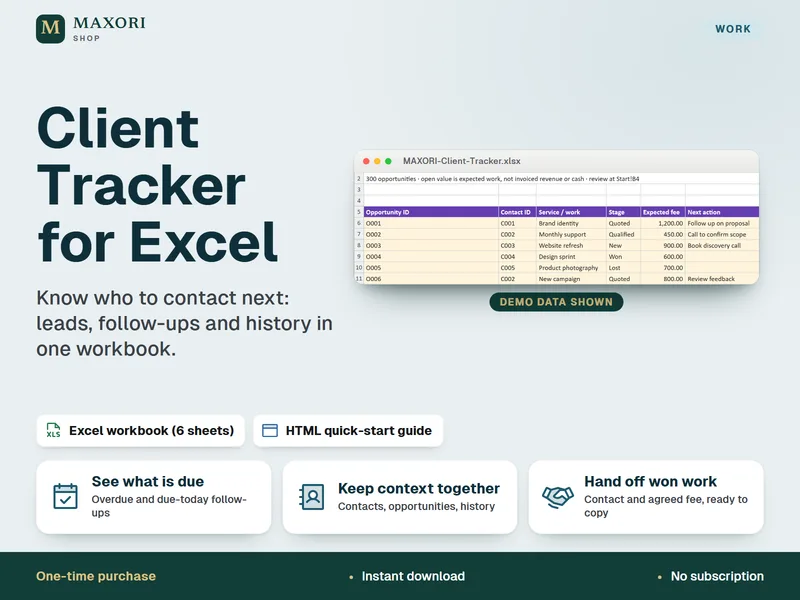
Client Tracker for Excel – Leads, Follow-Ups and Contact Log
Know who to contact next, in one Excel workbook.
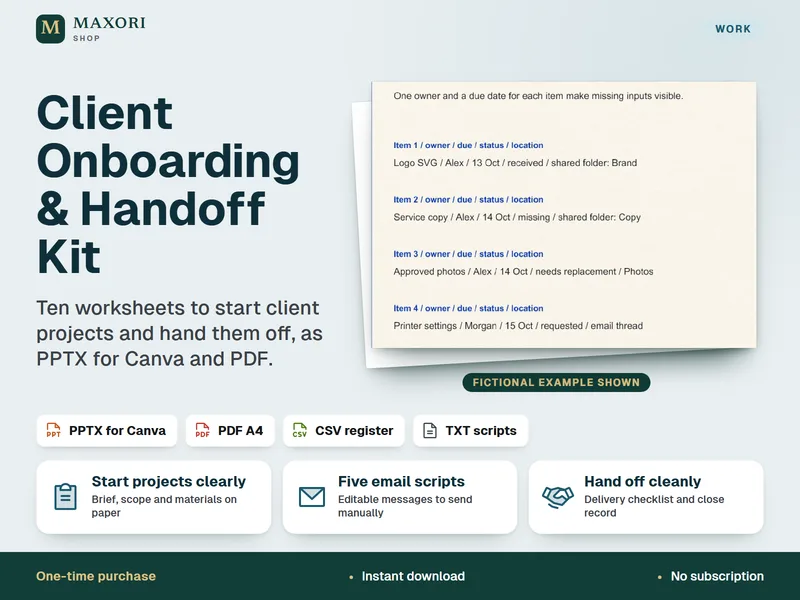
Client Onboarding & Handoff Kit – 10 Worksheets for Canva and PDF
Start client projects clearly and hand them off cleanly.