 1 / 9
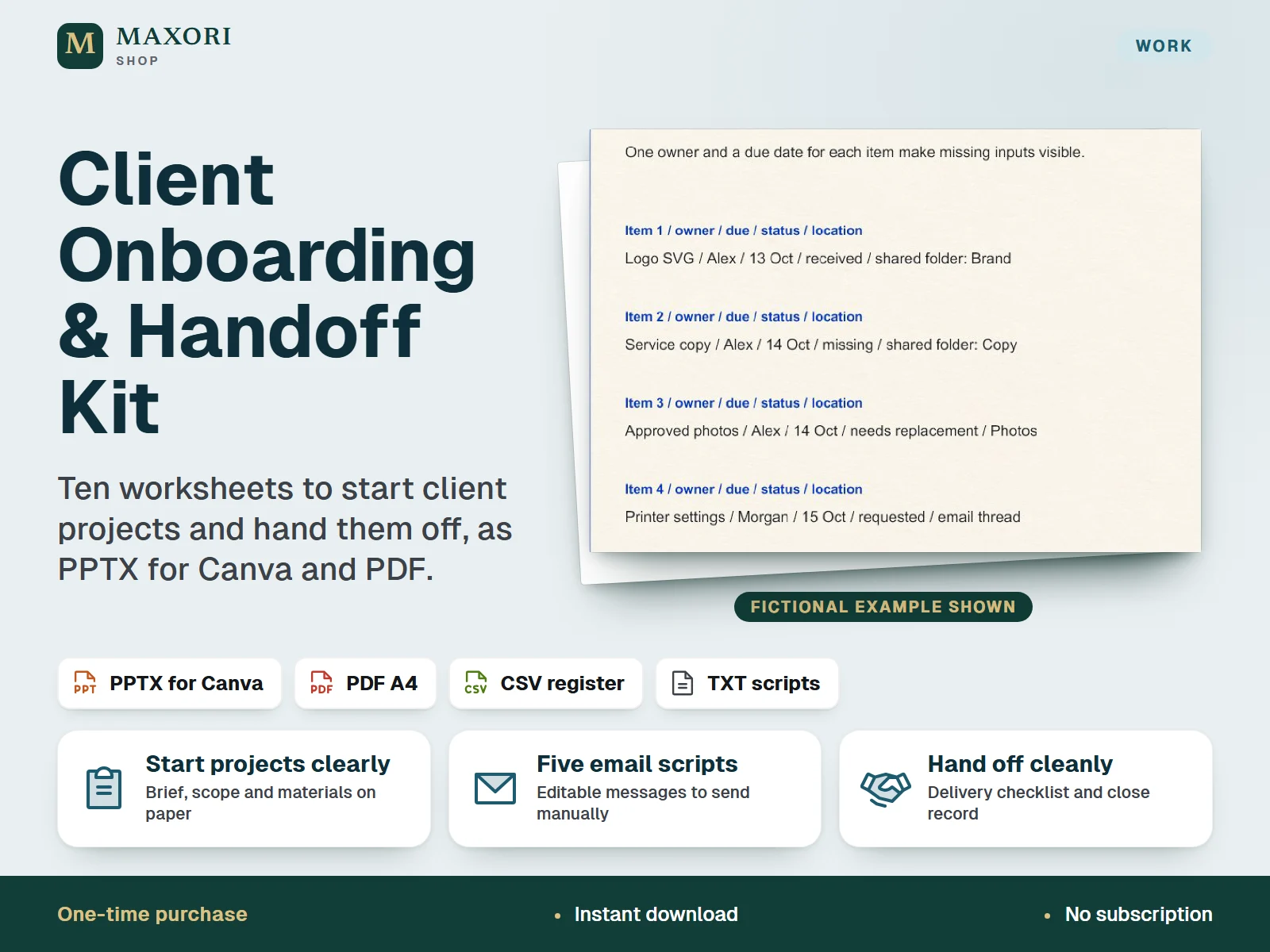
1 / 9An English kit of ten client onboarding and delivery worksheets for freelancers and small studios, supplied as editable PPTX files built for Canva import, static A4 PDFs, five email scripts and a materials register. Each worksheet comes blank and completed with a fictional brochure project. One-time digital download.
The problem it solves
Projects start with unclear scope, missing materials and undocumented changes, and end without a clear record of what was delivered and what is still open.
Who it is for
Freelancers and small studios who deliver client projects and want a repeatable way to collect inputs, agree scope and close the project.
What you get
- Ten worksheets cover the whole sequence: welcome kit, client brief, scope and revision plan, materials list, responsibilities, kickoff notes, change log, delivery checklist, handoff note and project close
- Every worksheet is included twice: blank for your own projects and completed with a fictional example to show how to fill it in
- The materials page gives each item one owner, a due date and a status, so missing inputs stay visible
- Five email scripts (welcome, materials request, missing-input follow-up, change request, handoff) to adapt and send manually
- Static A4 PDFs for reading or printing, plus a CSV register for extra materials
How you use it
- Download and extract the ZIP, keep the originals as a backup and read the EXAMPLE PDF to see the sequence.
- On desktop, import MAXORI-Client-Onboarding-BLANK.pptx into Canva with Upload your own material. This is a file import, not a Canva template link.
- Duplicate the design for each client, replace [YOUR BUSINESS] and the other bracketed answers, and remove the pages you do not need.
- Download your edited design as a PDF from Canva and share that PDF with the client, not the original template files.
- Use the email scripts and the materials register alongside the worksheets, and send messages yourself.
Questions
Do I need Canva?
For the workflow in the guide, yes. The kit is written for importing the PPTX into Canva on desktop with a Canva account. Canva is not included, and the PPTX files are not represented as tested in native PowerPoint.
Are the PDFs fillable forms?
No. The PDFs are static A4 versions for reading or printing. To fill in the worksheets, edit the PPTX in Canva.
Is this a contract template?
No. It is an operational kit for collecting inputs and recording decisions. Agree commercial terms in your own separate service contract.
Does it connect to the MAXORI online software or other tools?
No. It is a separate one-time download with no integration. You can copy a client or project reference by hand into tools such as a client tracker or a project planner, which are sold separately.
What is included
- MAXORI-Client-Onboarding-BLANK.pptx: ten editable worksheet pages
- MAXORI-Client-Onboarding-EXAMPLE.pptx: the same ten pages completed with a fictional project
- MAXORI-Client-Onboarding-BLANK.pdf and MAXORI-Client-Onboarding-EXAMPLE.pdf: static A4 versions (not fillable)
- EMAIL-SCRIPTS.txt: five messages to adapt
- MATERIALS-REGISTER.csv: blank list with owner, due date, status and location
- QUICK-START.md: step-by-step guide to the Canva import
Requirements
A Canva account and Canva on desktop to use the Canva workflow described in the guide (Canva is not included). The worksheets are English with A4 proportions. The PPTX files are not represented as tested on mobile or in native PowerPoint, and the Canva import has not been verified in this catalog.
Version 1.0
Good to know
- Canva dependent: the guide and the editing workflow are written for importing the PPTX into Canva on desktop. No Canva template link is included, and the stationery artwork imports as one image whose parts are not individually editable.
- The PDFs are static A4 pages, not fillable forms. A PDF exported from Canva may have a larger physical page size than A4; print it with Fit to A4 paper. Exact trim-size print production is not included.
- An operational document kit, not a contract, accounting system, booking platform or automation: no reminders, calculations, payment processing, sync or guaranteed time savings.
- Emails are not sent for you. Do not put passwords, payment-card data or sensitive records into the worksheets.
- Mobile and native PowerPoint use are not represented as tested.
- For your own business and its client projects; you may share completed exports with your clients. No resale or redistribution of the blank or editable files as a template.
This is a downloadable digital product, not online software. It does not need an account and is not part of the MAXORI Software subscriptions.
Works well with
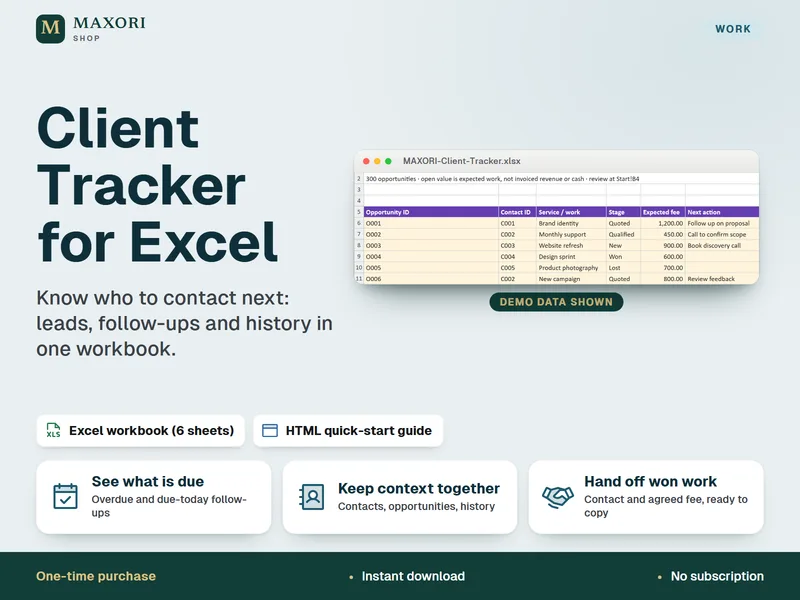
Client Tracker for Excel – Leads, Follow-Ups and Contact Log
Know who to contact next, in one Excel workbook.
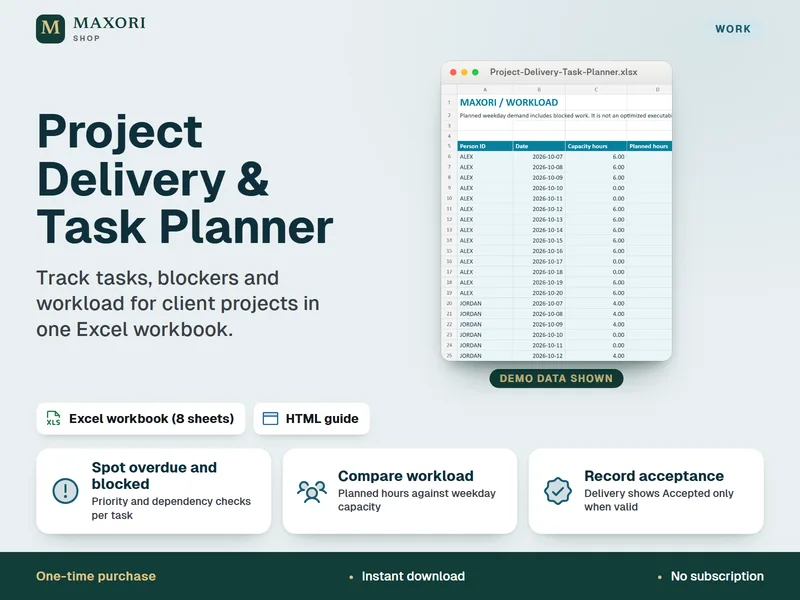
Project Delivery & Task Planner for Excel – Tasks, Blockers and Workload
See overdue tasks, blockers and workload for client projects in one Excel workbook.
Client Onboarding & Handoff Kit – 10 Worksheets for Canva and PDF
€5.93