 1 / 9
1 / 9Preview inside
Browse the real pages of this product, page by page, before you buy.
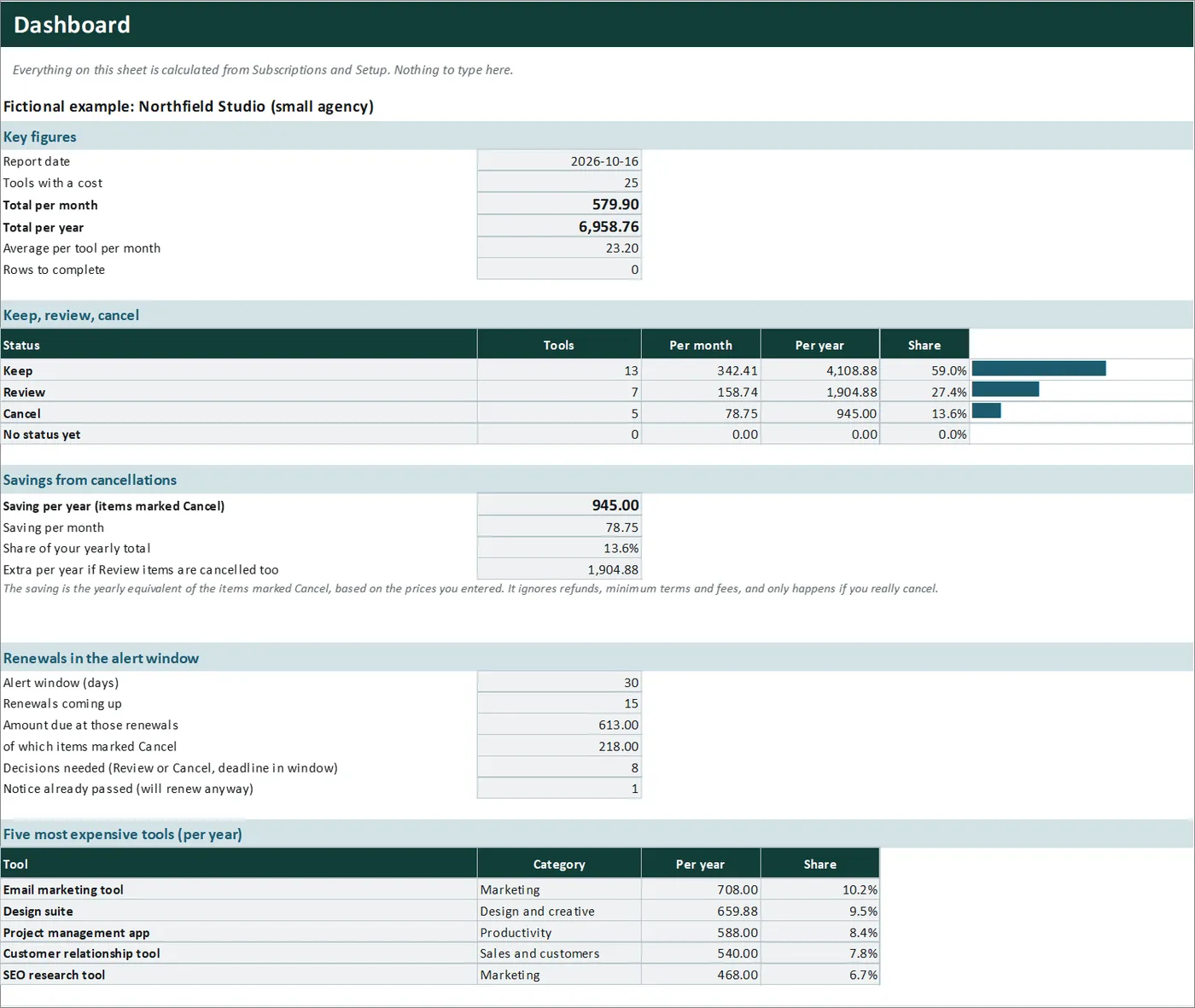
Real screens of the product with fictional example data. The file you download is editable or printable as described above.
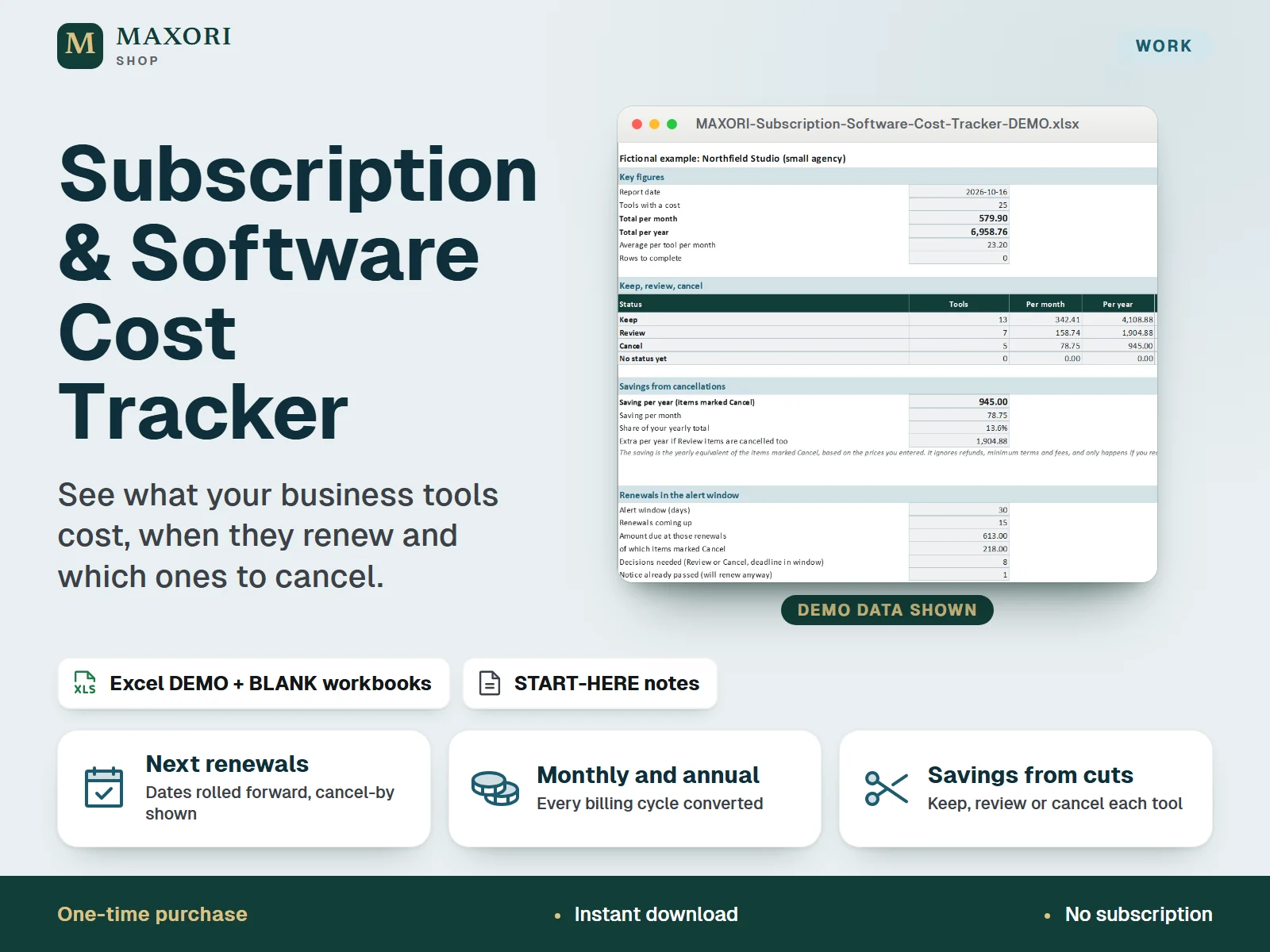
An Excel (XLSX) workbook for freelancers and small businesses that keeps every business subscription and software tool in one register. For each tool you enter the billing cycle (monthly, quarterly, every 6 months or annual), the price of one cycle, a known renewal date, the notice days from your contract, a category, an owner or team and a status: Keep, Review or Cancel. The workbook converts everything to a monthly and an annual cost, finds the next renewal date, works out the cancel-by date, flags what needs a decision, and totals the savings from the tools you mark Cancel. One download holds five complete language editions, each with a fictional DEMO and an empty BLANK workbook.
The problem it solves
Business subscriptions pile up across cards and invoices, each with its own cycle and renewal date. Without one list you do not see the yearly total, tools that overlap, or the cancel-by date you just missed, so renewals are charged before you decide.
Who it is for
Freelancers, solo professionals, small agencies and small business owners who pay for several tools and subscriptions and want to know the real total, what renews next and what to cut.
What you get
- One register for up to 80 tools: billing cycle, price, renewal date, notice days, category, owner or team, status and notes
- Monthly and annual cost worked out for every tool, with totals and an average per tool
- Next renewal date calculated for you: a past date is rolled forward by whole billing cycles, with the cancel-by date and the days left
- Alerts in the sheet: renews soon, decide now, or notice passed and renews anyway, based on an alert window you set
- Keep / Review / Cancel status, with the yearly saving from the tools marked Cancel and what Review items could add
- Dashboard with the five most expensive tools and costs by category, owner or team and billing cycle
- Five full language editions in one purchase (EN, IT, ES, FR, DE), each with a DEMO and a BLANK workbook
How you use it
- Download and unzip the file, then open the folder of the language you want.
- Open the DEMO workbook in desktop Excel and look at Subscriptions, Dashboard and Renewals.
- Keep the BLANK as a master, save a working copy, and on Setup enter your business name, the alert window, and your own category and owner or team lists.
- On Subscriptions add one row per tool in the cream columns: cycle, price of one cycle, a known renewal date, notice days and status.
- Read Dashboard for the totals and savings and Renewals for what renews next and which Review or Cancel items still need a decision.
Questions
How is this different from Bills & Renewals Tracker?
Bills & Renewals Tracker is an offline browser app for household bills, due dates and subscription renewals. This is an Excel workbook for the software and subscription costs of a business: categories, owners or teams, normalized monthly and annual cost, Keep / Review / Cancel status and the savings from cancellations. The files are separate and not linked.
How does it find the next renewal date?
You enter any known billing or renewal date and the billing cycle. If that date is already past, the workbook adds whole billing cycles until it reaches the first date on or after the report date, then subtracts your notice days to give the cancel-by date.
What does the saving include?
The yearly cost of every tool whose status is Cancel, plus a separate figure for what Review items would add. It uses the prices you entered and ignores refunds, minimum terms and fees.
Does it send reminders or read my invoices?
No. Alerts show in the sheet when you open it, based on the dates you entered. There is no e-mail, bank or provider connection.
Which languages are included?
English, Italian, Spanish, French and German. Each language folder has its own DEMO workbook, BLANK workbook and START-HERE.txt; the figures are the same in every language.
Does it work in Google Sheets or on a Mac?
It was built and recalculated in desktop Microsoft Excel for Windows. Google Sheets, Excel for the web, Mac and mobile have not been verified.
What is included
- One ZIP with five folders: EN, IT, ES, FR and DE
- In each folder: a DEMO workbook (a fictional small agency with 25 generic tools), an empty BLANK workbook and a START-HERE.txt, all in that language
- Five sheets per workbook: Start, Setup, Subscriptions, Dashboard and Renewals
- A START-HERE.txt in the root of the ZIP; 16 files in total
Requirements
Desktop Microsoft Excel (not included). XLSX files with formulas, drop-down lists, input validation and sheet protection, no macros. Tested by recalculation in installed desktop Excel for Windows. Google Sheets, Excel for the web, Mac, mobile and older Excel versions have not been verified and are not promised.
Version 1.0
Good to know
- Renewal dates and notice days are your own entries. The workbook does not know your contracts or the providers' terms, so check them before relying on a cancel-by date.
- The saving is the yearly equivalent of the items marked Cancel at the prices you enter. It ignores refunds, minimum terms and fees, and only happens if you actually cancel.
- Monthly and annual costs are an even conversion of the price per billing cycle, not what leaves your account in a given month. One currency per workbook (the currency cell is only a label); no exchange rates and no VAT or sales tax calculation.
- It is a tracking sheet, not accounting, bookkeeping or tax software. It has no bank, card, e-mail or cloud connection, does not read invoices and sends no reminders: alerts appear in the sheet when you open it.
- Up to 80 tools, 10 categories, 8 owners or teams and four billing cycles (monthly, quarterly, every 6 months, annual). Other cycles are not included.
- Formula sheets are protected without a password to prevent accidental overwrites; only the cream cells are meant to be edited. Five helper columns are hidden. The demo data and tool names are fictional.
- A one-time digital download for your own use, not the MAXORI online software; no resale or redistribution.
This is a downloadable digital product, not online software. It does not need an account and is not part of the MAXORI Software subscriptions.
Works well with
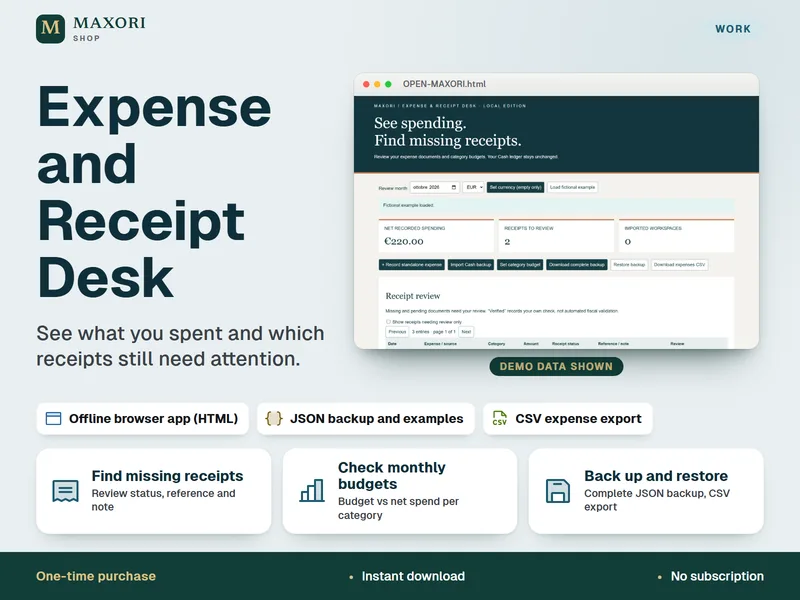
Expense and Receipt Desk – Offline Expense Tracker
See what you spent and which receipts still need attention.
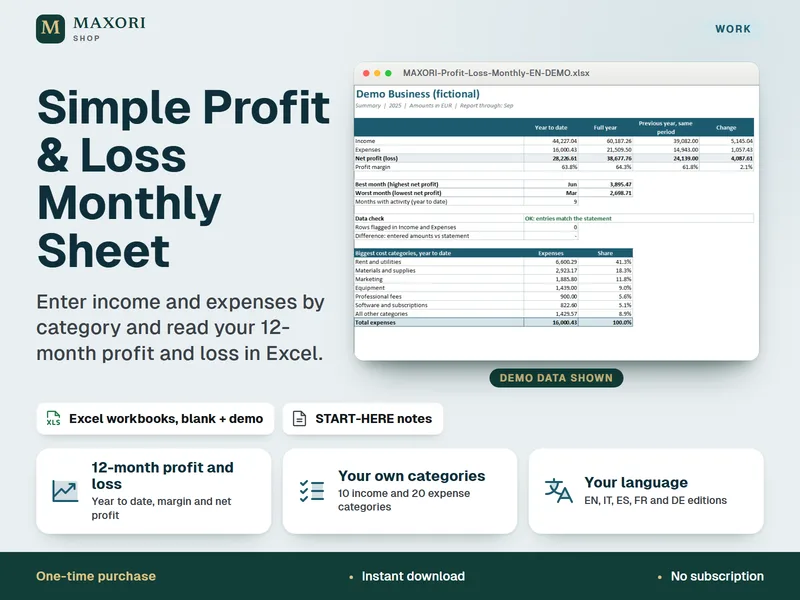
Simple Profit & Loss Monthly Sheet – Excel Income and Expense Tracker (5 Languages)
Enter income and expenses by category and read your 12-month profit and loss.
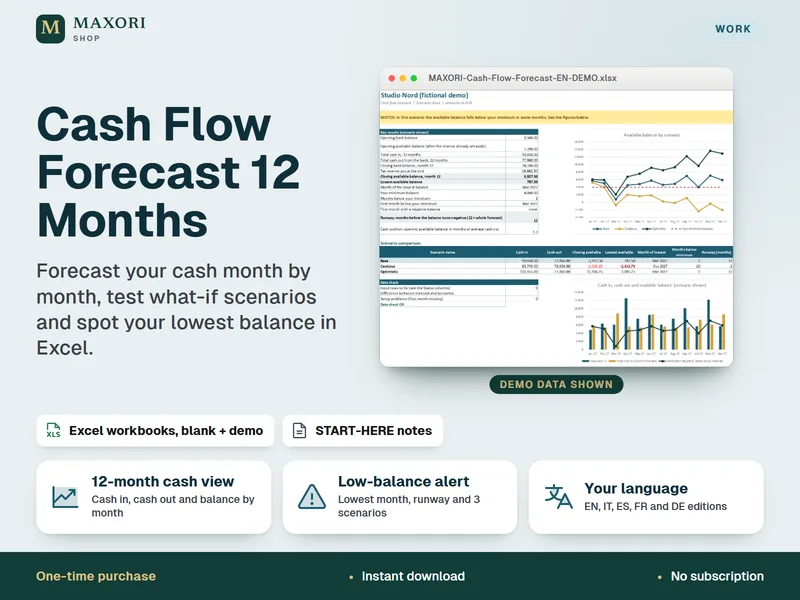
Cash Flow Forecast 12 Months – Excel Template for Freelancers and Small Businesses (5 Languages)
Forecast your cash month by month, test what-if scenarios and spot your lowest balance in Excel.
Subscription & Software Cost Tracker – Excel Tool for Business Subscriptions and Renewals
€8.35