 1 / 9
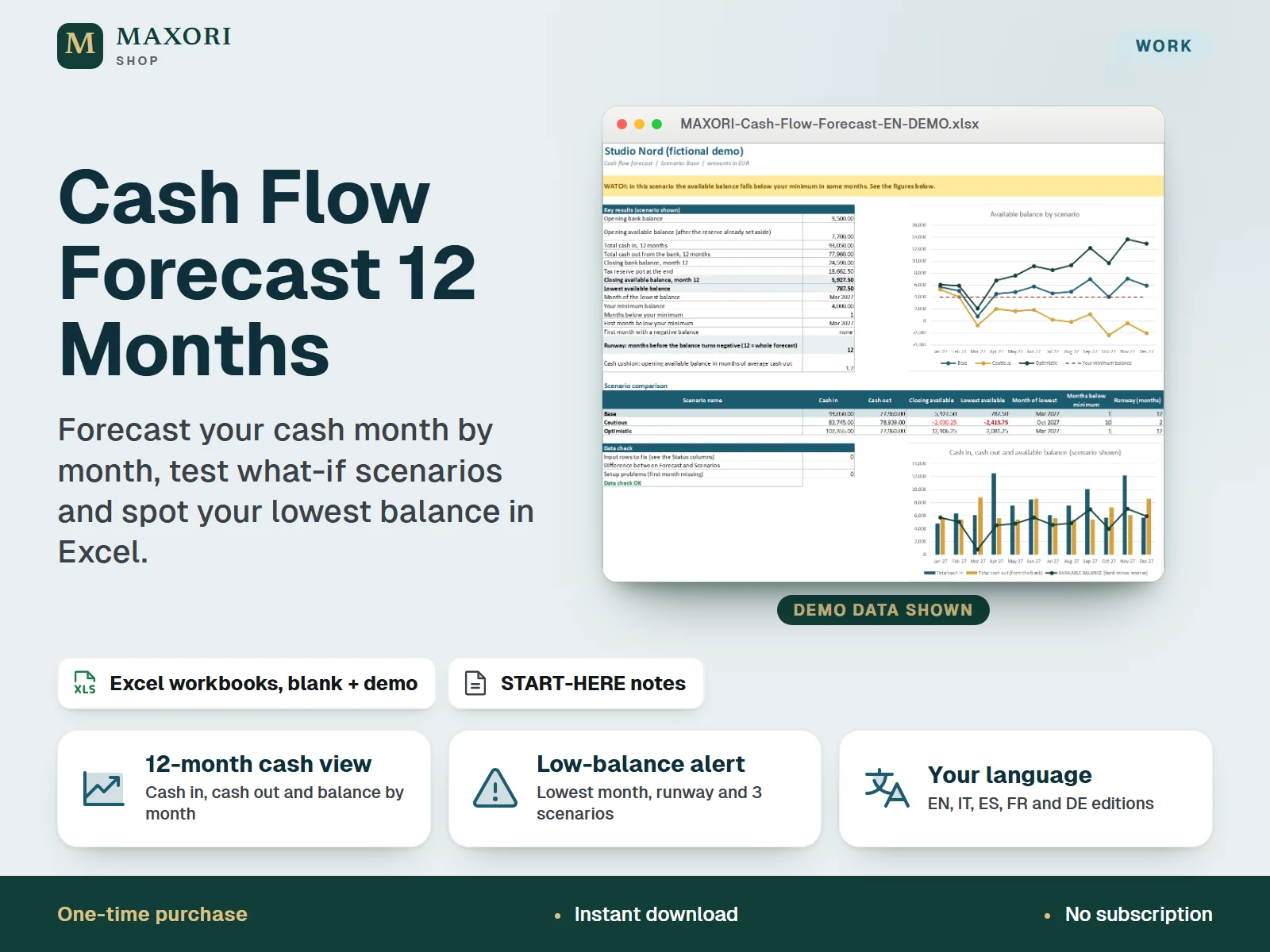
1 / 9An Excel (XLSX) 12-month cash flow forecast for freelancers and small businesses. Start from your bank balance today, list the money you expect to receive and to pay (recurring or one-off), set aside a tax reserve with a percentage you choose, and read the month-by-month result. It flags the month with the lowest balance, warns when you fall below a minimum you set, shows your runway in months and compares a base, a cautious and an optimistic scenario with your own percentages. One download holds five complete editions (English, Italian, Spanish, French and German), each with a blank and a demo workbook with fictional data. A planning sheet, not accounting or tax advice.
The problem it solves
Profit on paper does not pay the bills. Quarterly invoices, a yearly insurance, a tax payment or a quiet month can leave the account short, and it is hard to see it coming from a list of invoices and a bank balance.
Who it is for
Freelancers, consultants, sole traders, small shops, studios and side-business owners who want to look ahead at their cash in a simple desktop Excel sheet, in their own language.
What you get
- See 12 months of cash in, cash out and balance in one view, starting from your real bank balance
- Enter recurring lines (every 1 to 12 months, with optional start and end dates) and one-off amounts with a single date: 24 cash-in lines and 28 cash-out lines
- Mark each cost as Fixed, Variable or Paid from reserve, and set aside a tax reserve with a percentage you choose; the available balance is the bank balance minus the reserve
- Compare a base, a cautious and an optimistic scenario at the same time, with your own percentage changes to cash in, fixed costs and variable costs
- A Summary sheet shows an alert, the lowest balance and its month, the months below your minimum, the runway in months and two charts
- Status flags and a data check point to rows to fix, such as an invalid date, a missing amount or a date outside the 12 months
How you use it
- Download and unzip the file, then open the folder of the language you want.
- Open the DEMO workbook in desktop Excel and read the Guide sheet to see how it works.
- Open BLANK and save your own working copy; keep the supplied original as a master.
- On Setup, type the first month, your opening bank balance, the minimum balance you want to keep, your tax-reserve percentage and the scenario changes (amber cells).
- On Cash In and Cash Out, list your recurring lines and one-off amounts and pick a type for each cost.
- Read Forecast, Scenarios and Summary, which update by themselves, and save dated copies as backups.
Questions
Do I get all five languages?
Yes. One download contains the English, Italian, Spanish, French and German editions. Each edition is fully in its own language, including month names, with its own blank and demo workbook.
How does the tax reserve work?
You type a percentage on Setup. Each month that share of your cash in is moved into a reserve pot, which stays in the bank but is not counted as available. Costs marked Paid from reserve are taken from the pot first. The percentage is only your own planning figure: the workbook gives no tax advice and calculates no tax.
What are the scenarios?
Three scenarios are calculated at the same time. Each one changes cash in, fixed costs and variable costs by percentages you set on Setup, for example -10% cash in in the cautious case. You choose which one the Forecast and Summary sheets show.
What does runway mean here?
The number of months from the start before the available balance first turns negative. A value of 12 means it stays at or above zero for the whole forecast.
Will it work on Mac, Google Sheets or my phone?
It requires desktop Microsoft Excel and was tested in Windows desktop Excel only. Other platforms and apps have not been tested, so they are not promised.
What is included
- One ZIP with five folders: EN, IT, ES, FR and DE
- In each folder: a BLANK XLSX workbook (your clean master), a DEMO XLSX workbook (fictional business with a full forecast) and a START-HERE text file, all in that language
- Each workbook has seven sheets: Guide, Setup, Cash In, Cash Out, Forecast, Scenarios and Summary
- 16 files in total, including a short START-HERE.txt at the top level
Requirements
Desktop Microsoft Excel (not included). Offline XLSX files without macros. The workbooks were recalculated and checked in installed Windows desktop Excel; Mac, Excel on the web, mobile apps, Google Sheets, LibreOffice and older Excel versions have not been tested and are not promised.
Version 1.0
Good to know
- A planning tool, not accounting software and not tax, legal or financial advice. A forecast is an estimate and real results will differ. Ask a qualified professional in your country about tax questions.
- The tax-reserve percentage and the scenario percentages are your own figures; the example values in the demo are fictional and are not recommendations. The workbook does not calculate any tax or VAT.
- Amounts count in the month of the date you enter (cash view). No loans, interest, VAT separation, stock, payroll, bank import or currency conversion; the currency is only a label.
- Fixed capacity: 12 recurring and 12 one-off cash-in lines, 16 recurring and 12 one-off cash-out lines, 12 months from the first month you set, 3 scenarios. Recurring lines repeat every 1, 2, 3, 4, 6 or 12 months.
- Sheets are protected without a password to prevent accidental edits; this is not security or encryption. If you unprotect a sheet and change formulas, the results are no longer guaranteed.
- A clean data check does not prove that your figures are complete or realistic.
- For one purchaser or business. You may edit and print your own forecasts; no resale or redistribution of the template.
This is a downloadable digital product, not online software. It does not need an account and is not part of the MAXORI Software subscriptions.
Works well with
Small Business Cash & Invoice Desk – Quotes, Invoices and Part Payments
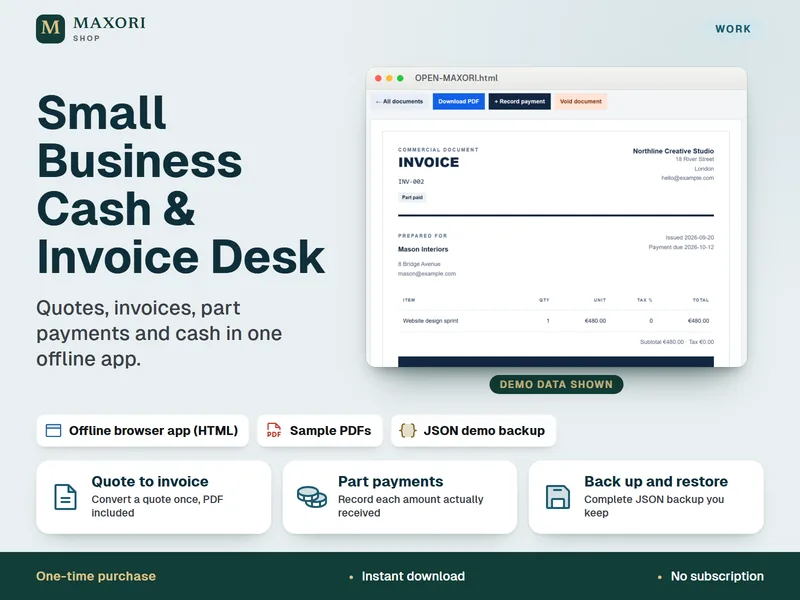
Quotes, invoices, part payments and cash in one offline app.
Freelance Rate & Hourly Price Calculator – Excel Hourly Rate and Project Pricing
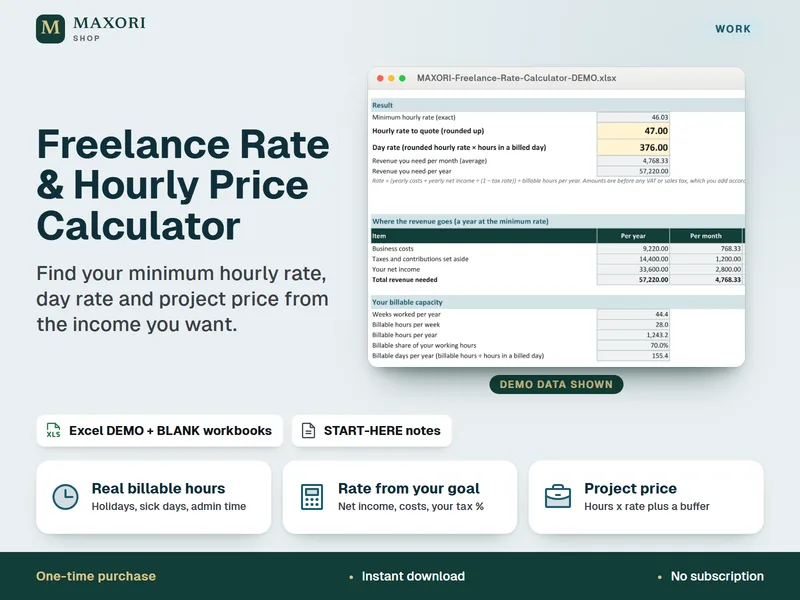
Work out your minimum hourly rate, day rate and project price in Excel.
Simple Profit & Loss Monthly Sheet – Excel Income and Expense Tracker (5 Languages)
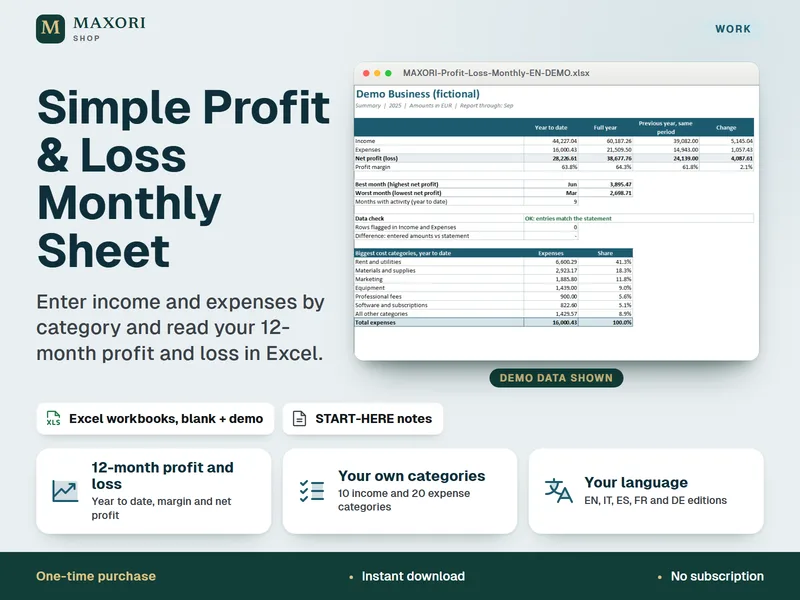
Enter income and expenses by category and read your 12-month profit and loss.
Cash Flow Forecast 12 Months – Excel Template for Freelancers and Small Businesses (5 Languages)
€9.90