 1 / 9
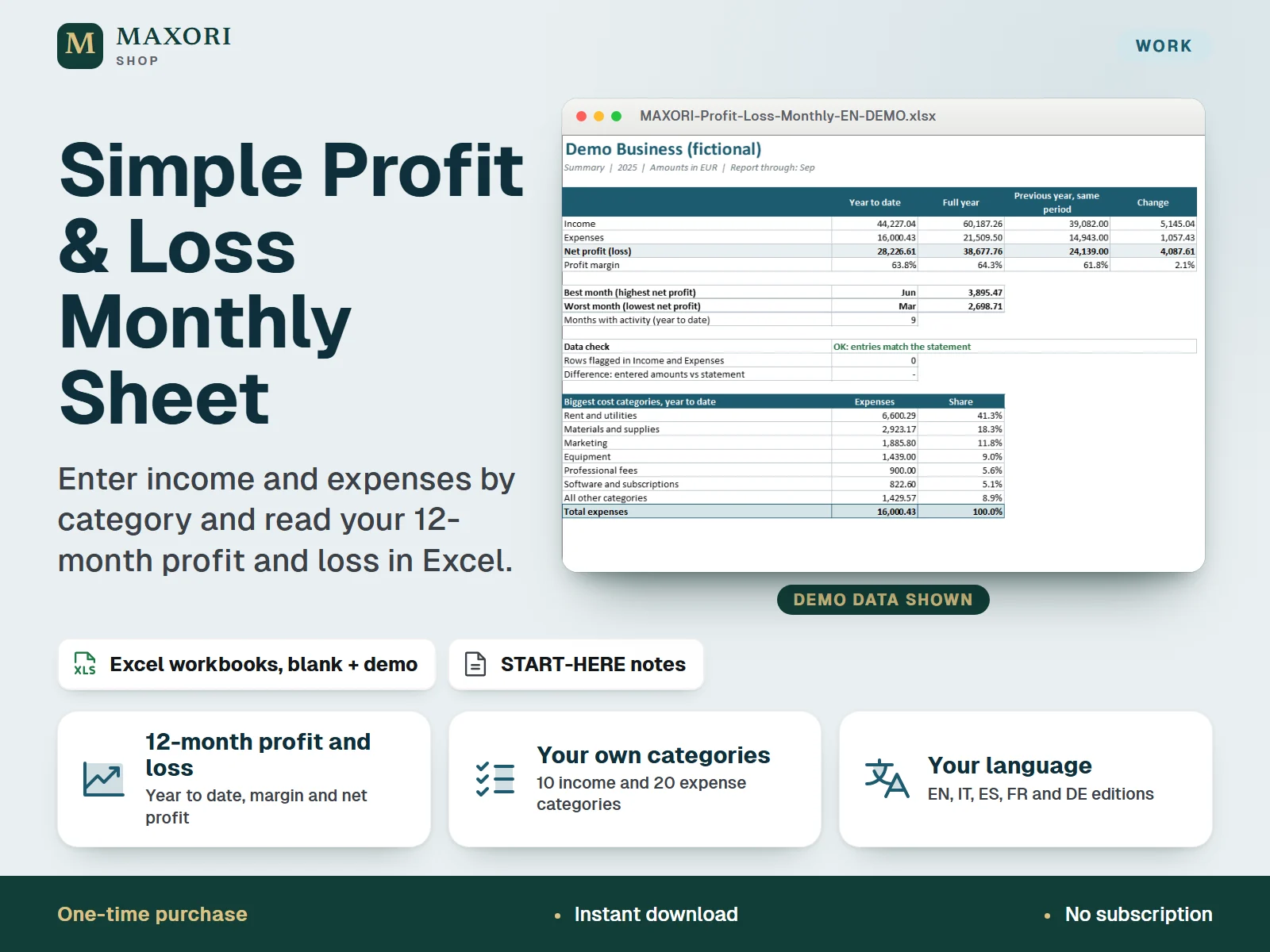
1 / 9An Excel (XLSX) monthly profit and loss sheet for freelancers, small shops and side businesses: record income and expenses by category, then read a 12-month profit and loss statement with year-to-date figures, profit margin, best and worst month, cost share by category and two charts. One download contains five complete editions (English, Italian, Spanish, French and German), each with a blank workbook and a demo workbook with fictional data. Not accounting or tax software.
The problem it solves
Income and expenses sit in receipts, notes and bank statements, so it is hard to see month by month whether the business is making a profit and which costs take the biggest share.
Who it is for
Freelancers, sole traders, small shops, makers and side-business owners who want a simple desktop Excel sheet that turns their income and expense list into a clear monthly profit and loss, in their own language.
What you get
- Enter each amount once, with a date, a category from your own list and a short description: up to 600 income rows and 800 expense rows for one calendar year
- Edit the category lists yourself: 10 income and 20 expense categories, replace or empty the suggested names
- A 12-month profit and loss statement with full-year and year-to-date columns, net profit, profit margin and the share of each category
- A Summary sheet with best and worst month, the biggest cost categories and two charts: income, expenses and profit by month, and cost share
- Optional year-over-year comparison: type last year's monthly income and expense totals on Setup
- Status flags and a data check show rows to fix, such as a date in another year, an unknown category or an amount that is not a number
How you use it
- Download and unzip the file, then open the folder of the language you want.
- Open the DEMO workbook in desktop Excel and read the Guide sheet to see how it works.
- Open BLANK and save your own working copy; keep the supplied original as a master.
- On Setup, type your business name, the report year, a currency label and the month up to which year to date is calculated, then edit your category lists (amber cells).
- On Income and Expenses, add one row per amount actually received or paid and check the Status column.
- Read Profit and Loss and Summary, which update by themselves, and save dated copies as backups.
Questions
Do I get all five languages?
Yes. One download contains the English, Italian, Spanish, French and German editions. Each edition is fully in its own language, with its own blank and demo workbook.
Can I change the categories?
Yes. On Setup you can rename, replace or empty up to 10 income and 20 expense categories. The drop-downs and the statement follow your lists.
What is the difference between BLANK and DEMO?
DEMO is filled with a fictional business and a full year of entries so you can see how everything works. BLANK is the clean workbook; keep it as a master and work in your own copy.
Is this accounting or tax software?
No. It is a simple management sheet that shows profit and loss from the amounts you enter. It does not prepare tax returns or official accounts and it gives no tax or legal advice.
Will it work on Mac, Google Sheets or my phone?
It requires desktop Microsoft Excel and was tested in Windows desktop Excel only. Other platforms and apps have not been tested, so they are not promised.
What is included
- One ZIP with five folders: EN, IT, ES, FR and DE
- In each folder: a BLANK XLSX workbook (your clean master), a DEMO XLSX workbook (fictional business, full year of entries) and a START-HERE text file, all in that language
- Each workbook has six sheets: Guide, Setup, Income, Expenses, Profit and Loss and Summary
- 21 files in total, including a short START-HERE.txt at the top level
Requirements
Desktop Microsoft Excel (not included). Offline XLSX files without macros. The workbooks were recalculated and checked in installed Windows desktop Excel; Mac, Excel on the web, mobile apps, Google Sheets, LibreOffice and older Excel versions have not been tested and are not promised.
Version 1.0
Good to know
- Not accounting or tax software: it does not file taxes, prepare official accounts or give tax, legal or financial advice. Ask a qualified professional in your country about those questions.
- Amounts are counted in the month of the date you enter. There are no accruals, sales tax or VAT separation, stock, depreciation, payroll or bank import.
- Fixed capacity: 600 income rows, 800 expense rows, 10 income categories, 20 expense categories and one calendar year per file. Rows dated in another year are flagged and not counted.
- Currency is only a label; there is no currency conversion.
- Sheets are protected without a password to prevent accidental edits; this is not security or encryption. If you unprotect a sheet and change formulas, the results are no longer guaranteed.
- A clean data check does not prove that your records are complete or correctly categorised.
- For one purchaser or business. You may edit and print your own records; no resale or redistribution of the template.
This is a downloadable digital product, not online software. It does not need an account and is not part of the MAXORI Software subscriptions.
Works well with
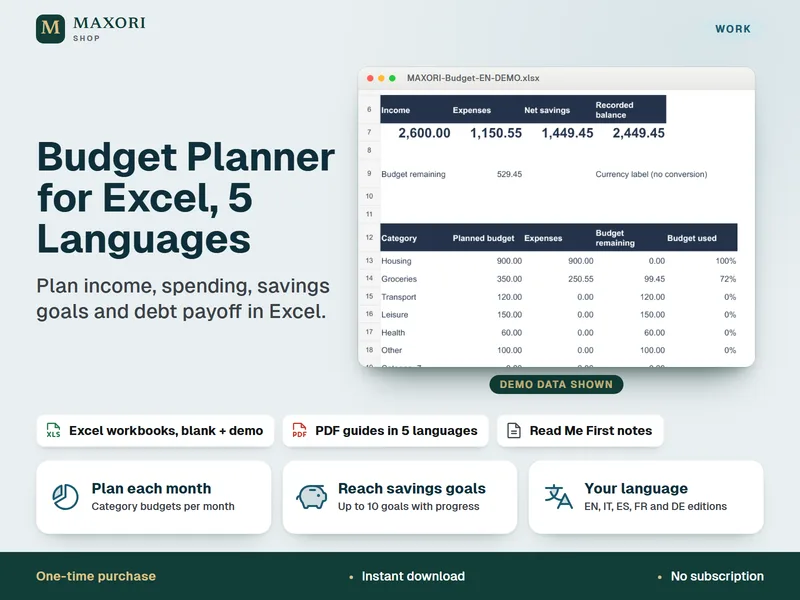
Budget Planner for Excel – Household Budget, Savings Goals and Debt Payoff (5 Languages)
Plan income, spending, savings goals and debt payoff in Excel.
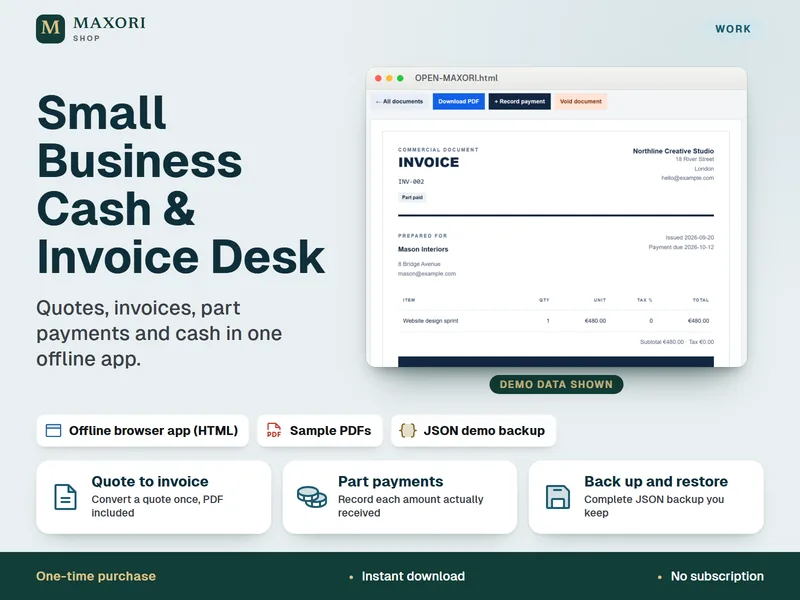
Small Business Cash & Invoice Desk – Quotes, Invoices and Part Payments
Quotes, invoices, part payments and cash in one offline app.
Simple Profit & Loss Monthly Sheet – Excel Income and Expense Tracker (5 Languages)
€9.90