 1 / 8
1 / 8Preview inside
Browse the real pages of this product, page by page, before you buy.
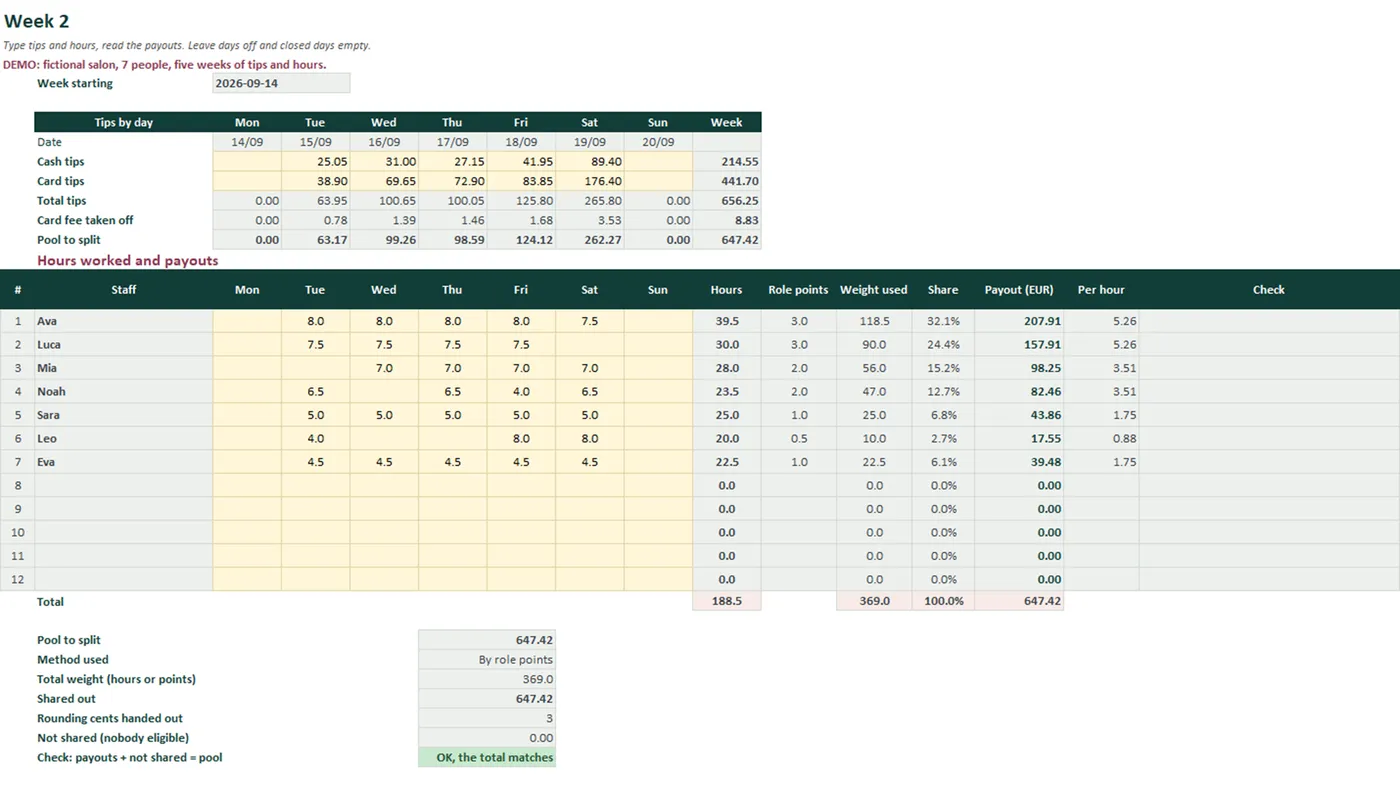
Real screens of the product with fictional example data. The file you download is editable or printable as described above.
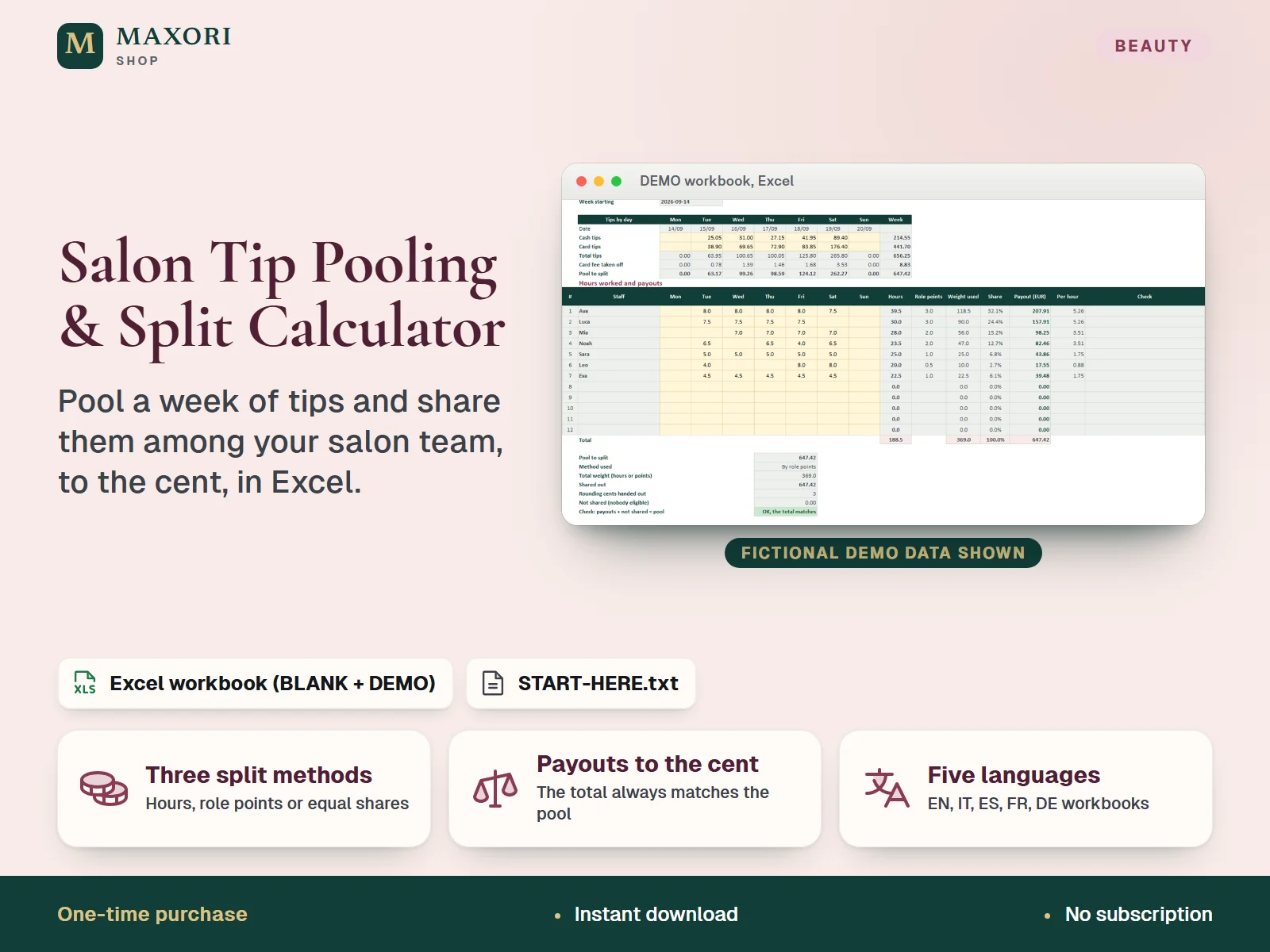
An Excel (XLSX) workbook for salons, barbershops and beauty studios that pool their tips. For each week you type the cash tips and card tips of every day and each person's hours; the workbook shares the pool among the team by hours worked, by role points (optionally multiplied by hours) or in equal shares, as you choose in Setup. Every person gets a payout rounded to the cent, and the leftover cents are handed out so the payouts always add up to the pool, with the rounding shown. A weekly summary and a five-week month summary show the pool, the hours and each person's total. One download holds five complete editions (English, Italian, Spanish, French and German), each with a fictional DEMO workbook and an empty BLANK one. It does arithmetic only: tip rules differ by country and it is not payroll, tax or legal advice.
The problem it solves
Splitting a shared tip jar by hand means arguments about hours, a calculator, and cents that never add up. Without a written method everyone has to trust that the split was fair.
Who it is for
Salon owners, barbershop managers and beauty studio teams who collect tips in a common pool and want a clear, repeatable and transparent way to share them.
What you get
- Three split methods, chosen in Setup: by hours worked, by role points, or in equal shares
- Role points can count once per person present or be multiplied by the hours worked, with up to 6 roles and 12 staff
- A weekly sheet for cash tips and card tips for each day, with an optional card fee percentage taken off card tips only
- Payouts rounded to the cent: leftover cents go to the largest remainders, so the total always matches the pool and the rounding is shown
- Clear handling of edge cases: people with no hours get no share, and if nobody has hours the amount is shown as Not shared instead of disappearing
- A weekly summary and a five-week month summary with each person's total, hours and amount per hour
- Five full language editions in one purchase, each with a fictional DEMO workbook and a BLANK one
How you use it
- Download and unzip the file, then open the folder of the language you want.
- Open the DEMO workbook in desktop Excel and look at a Week sheet and the Summary to see how it works.
- Open the BLANK workbook, save a working copy and, on Setup, enter your salon name, the Monday your first week starts, the split method and the card fee percentage.
- Still on Setup, list your roles with their points and your staff (up to 12 people), each with a role.
- Each week, type the cash and card tips for each day and each person's hours on the Week sheet, then read the Payout column and the Summary.
Questions
Do I get all five languages?
Yes. One download contains the English, Italian, Spanish, French and German editions. Each folder has its own BLANK and DEMO workbook and a START-HERE.txt, fully in that language.
Which split methods are there?
By hours worked (each person's share follows their hours), by role points (each role has points you set; they count once per person present, or are multiplied by hours if you choose that), and equal shares among the people who worked that week.
What happens to the leftover cents?
Each share is rounded down to the cent, then the leftover cents go one each to the largest remainders (the first in the list when equal). The payouts then add up exactly to the pool, and the number of cents handed out is shown on the sheet.
Can I use it to decide what tips staff are legally entitled to?
No. Tip rules differ by country and employment type, and the workbook only does the arithmetic with the numbers and the method you choose. Check your own rules with a qualified professional.
Will it work on Mac, Google Sheets or my phone?
The workbooks need desktop Microsoft Excel and were tested in Excel for Windows only. Other platforms and apps have not been tested, so they are not promised.
What is included
- One ZIP with five folders: EN, IT, ES, FR and DE
- In each folder: a BLANK workbook (your clean master), a DEMO workbook (a fictional salon with 7 people and five weeks of tips and hours) and a START-HERE.txt, all in that language
- Eight sheets per workbook: Start, Setup, Week 1 to Week 5 and Summary
- A START-HERE.txt in the root of the ZIP; 21 files in total
Requirements
Desktop Microsoft Excel (not included). XLSX files with formulas, drop-down lists, input validation, conditional formatting and sheet protection, no macros. Recalculated and checked in installed desktop Excel for Windows only; Excel for Mac, Excel on the web, mobile apps, Google Sheets, LibreOffice and older Excel versions have not been tested and are not promised.
Version 1.0
Good to know
- Arithmetic only. Tip rules differ by country and by type of employment, and the workbook does not know yours. It is not payroll, tax, employment or legal advice and does not check whether a split is allowed or how tips must be treated; check this with a qualified professional.
- Manual entry only: no link to a till, card terminal or booking system. You type the tip totals and hours from your own records.
- Fixed capacity: 12 staff, 6 roles and five weeks (Monday to Sunday) per workbook. The month summary is the sum of those five weeks, so choose the first Monday to fit your month. Do not insert or delete rows or columns.
- Only people with hours in a week take part in that week's split. If nobody has hours (or, with role points, nobody has points), the pool cannot be shared and is shown as Not shared.
- The card fee is a single percentage taken off card tips; it is not looked up from any provider. Amounts are rounded to the cent and the pool is rounded to the cent after the fee. One currency label, no exchange rates.
- Sheets are protected without a password to prevent accidental edits; this is not security or encryption. If you unprotect a sheet and change formulas, the results are no longer guaranteed.
- Translations have not been reviewed by native speakers. For one purchaser or business; you may edit and print your own copies, no resale or redistribution.
- Different from the Staff Commission & Rent-a-Chair Calculator (payout statements from services, retail and commission or chair rent), the Salon Daily Cash-Up & Takings Sheet (closing the till each day) and the Salon Staff Schedule & Shift Planner (planning future shifts): this one shares a tip pool among the team.
This is a downloadable digital product, not online software. It does not need an account and is not part of the MAXORI Software subscriptions.
Works well with
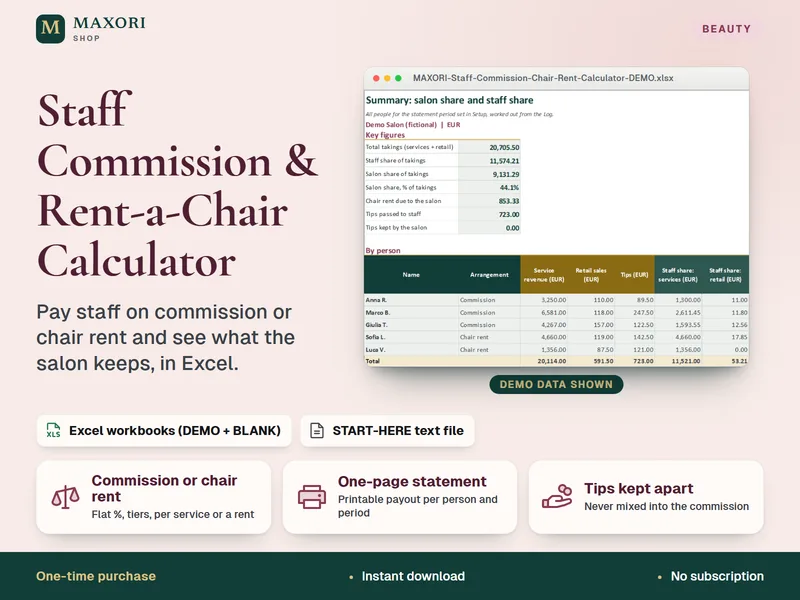
Staff Commission & Rent-a-Chair Calculator – Excel Payout Statements for Salons
Pay staff on commission or chair rent and see what the salon keeps, in Excel.
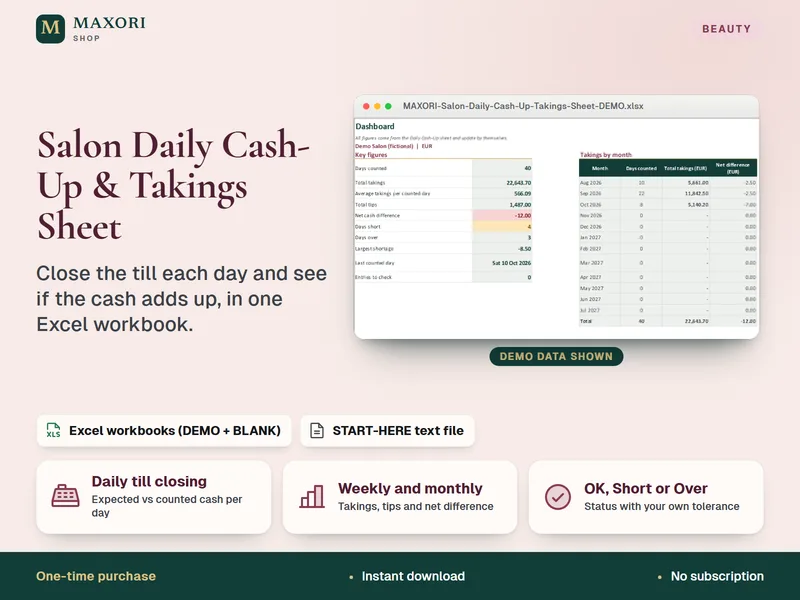
Salon Daily Cash-Up & Takings Sheet – Excel Till Closing Workbook
Close the till each day and see if the cash adds up, in one Excel workbook.
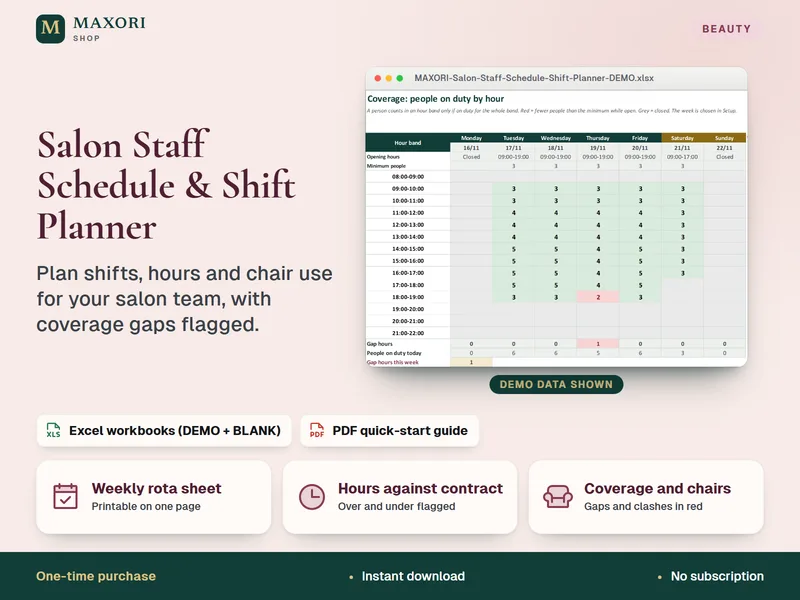
Salon Staff Schedule & Shift Planner – Weekly Rota, Coverage and Hours in Excel
Plan shifts, hours and chair use for your salon team in Excel.
Salon Tip Pooling & Split Calculator – Excel Tip Sharing Workbook (5 Languages)
€8.35