 1 / 10
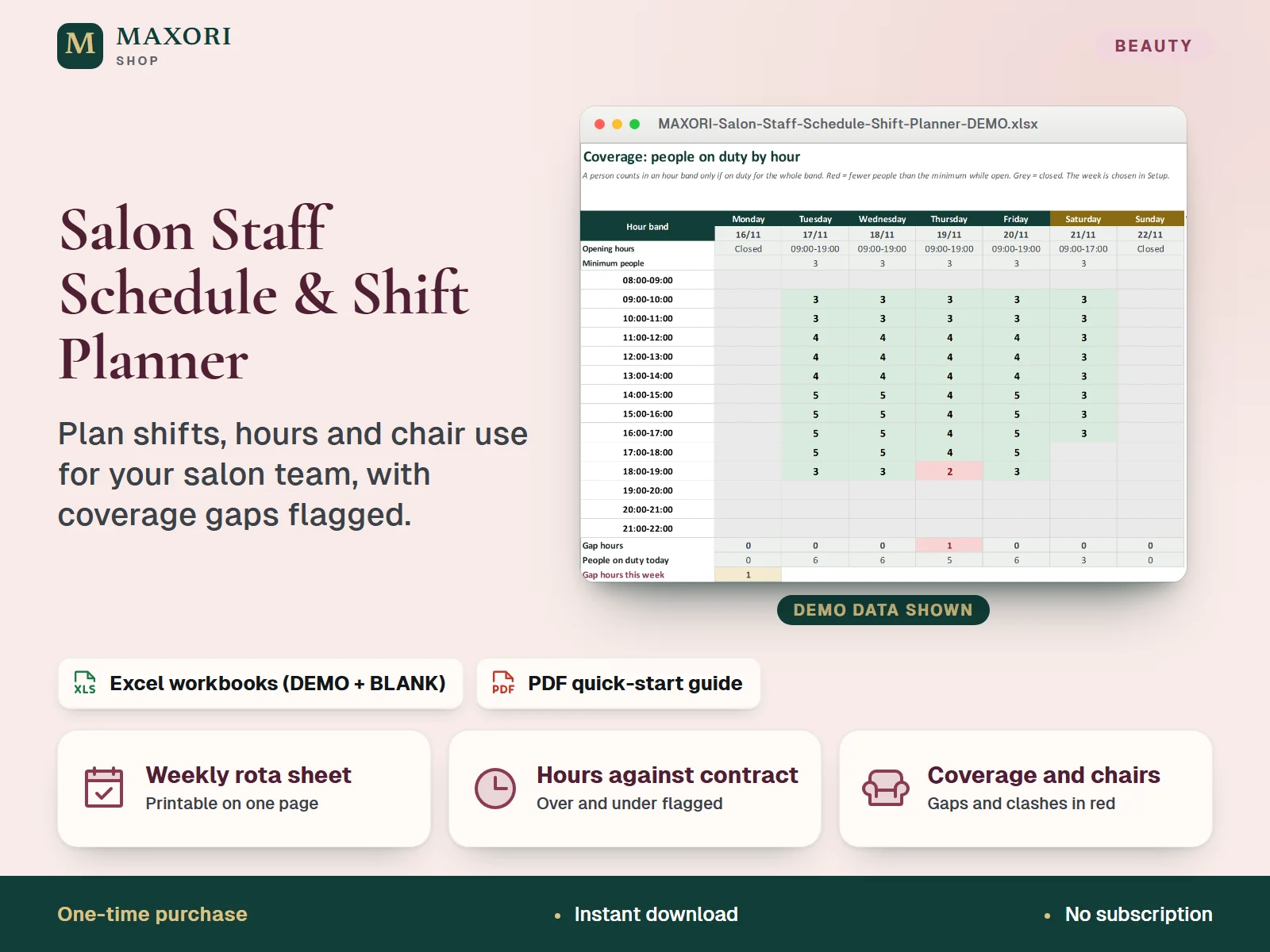
An Excel (XLSX) workbook for salons, barbershops and beauty studios to plan FUTURE shifts for up to 12 people and 3 chairs or rooms. Type a shift code per person and day on a five-week rota, then get a printable weekly sheet, planned hours against contracted hours with the over and under hours highlighted by thresholds you set, a coverage view of the people on duty for each hour against your opening hours with gaps in red, and a chair or room allocation that flags overlaps. Each language comes as a fictional DEMO and an empty BLANK workbook, in English, Italian, Spanish, French and German, with a short PDF guide.
The problem it solves
Rotas live in notebooks and messages, so nobody sees at a glance who is short of hours, who is over, which hours of the day are thinly covered or who is booked on the same chair at the same time.
Who it is for
Salon owners and managers who juggle part-time and full-time staff, days off, holidays and a few shared chairs, and want the next weeks planned on one clear sheet instead of a paper diary or a chat thread.
What you get
- A five-week rota (Monday to Sunday) with one shift code per person and day: your own start, end and unpaid break, plus Day off and Holiday codes
- A printable one-page weekly sheet with each person's shifts, chair or room, planned hours, contracted hours and a status
- Planned hours against contracted hours for each person and week, with over and under hours highlighted by thresholds you enter yourself
- A coverage view of the people on duty for each hour band against your opening hours, with hours below your minimum in red
- Simple chair or room allocation with an optional override per day, and a red flag when two people overlap on the same chair
- Entry lists and checks: shift codes from a list, duplicate names flagged, formula cells protected without a password
How you use it
- Download and extract the ZIP, open your language folder and the DEMO workbook to see how it works.
- Open the BLANK workbook, save a working copy and read the first sheet.
- In Setup, enter the first Monday of your rota, your opening hours with the minimum people on duty, your chair or room names and your shift codes.
- In Staff, list up to 12 people with their contracted hours per week and their usual chair or room.
- In Rota, type or pick a shift code for each person and day, and name another chair or room for a day where needed.
- Pick the week in Setup, then print the Weekly Sheet and check Coverage, Chairs and Hours for red cells.
Questions
Is this a timesheet or payroll tool?
No. It plans future shifts: who works when, on which chair or room, and whether hours and coverage fit your own limits. It does not record the hours actually worked afterwards and it does not calculate pay, tax or overtime.
How is it different from Team Hours & Timesheet for Excel?
That workbook records the hours people actually worked. This one plans the shifts before they happen, shows the printable weekly sheet and checks the coverage against your opening hours.
Can it tell me the legal overtime or maximum hours?
No. It knows no labour law. You enter your own tolerance and an optional weekly limit in Setup, and the workbook highlights hours above or below them. Check your own rules with a qualified professional.
What is the difference between DEMO and BLANK?
The DEMO workbook holds a fictional salon so you can see every sheet at work. The BLANK workbook is the same file, empty and ready for your team.
How does it relate to the commission calculator and the booking desk?
The Staff Commission & Rent-a-Chair Calculator works out what each person earns from their takings, and the Salon Client and Booking Desk keeps client appointments. This planner only covers staff shifts, hours and chair use.
What is included
- 5 language folders: English, Italian, Spanish, French, German
- In each folder: a DEMO workbook with a fictional salon (6 people, 3 chairs or rooms, a five-week rota), an empty BLANK workbook and a 2-page PDF quick-start guide
- Eight visible sheets in every workbook: Start Here, Setup, Staff, Rota, Weekly Sheet, Coverage, Chairs and Hours
- START-HERE.txt in all five languages
Requirements
Desktop Microsoft Excel (not included). The workbooks use standard formulas with no macros or external links. They were recalculated in desktop Excel with no formula errors; Google Sheets, Excel for Mac and phone apps were not tested.
Version 1.0
Good to know
- Plans FUTURE shifts only: it does not record clock-in times or the hours actually worked, and it is not a timesheet.
- Not payroll and no legal advice: no pay, tax, overtime-rule or labour-law calculation. Over and under thresholds are numbers you enter yourself; check your own rules with a qualified professional.
- Five weeks of 7 days from a Monday you choose, 12 people, 3 chairs or rooms and 12 shift codes; one shift per person per day, ending the same day (no overnight shifts).
- In the coverage view a person counts in an hour band only if on duty for the whole band; public holidays are not known, so mark them with the Holiday code or leave the day closed.
- Manual entry in desktop Excel; no online booking, no reminders to staff, no cloud sync and no shared editing.
- Translations into Italian, Spanish, French and German are not native-reviewed.
- For your own business use; no resale or redistribution.
This is a downloadable digital product, not online software. It does not need an account and is not part of the MAXORI Software subscriptions.
Works well with
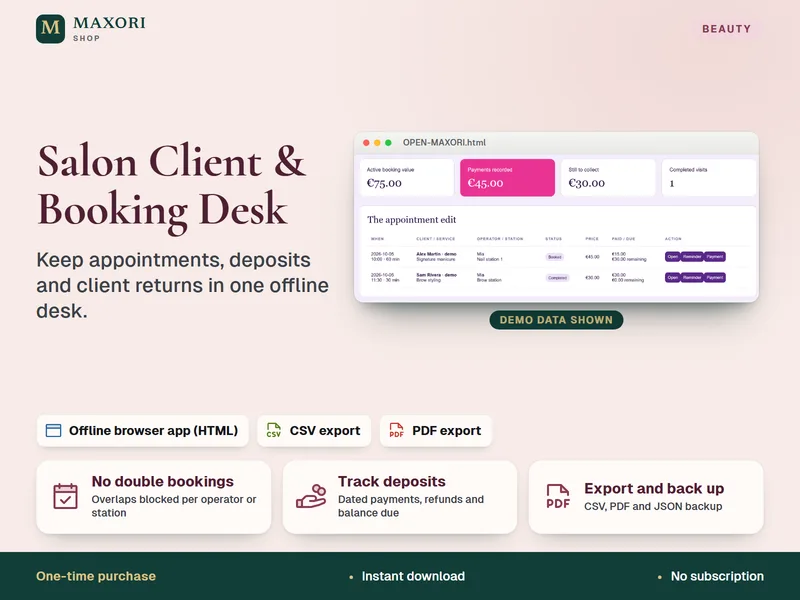
Salon Client and Booking Desk – Appointment and Deposit Tracker
Keep appointments, deposits and client returns in one offline desk.
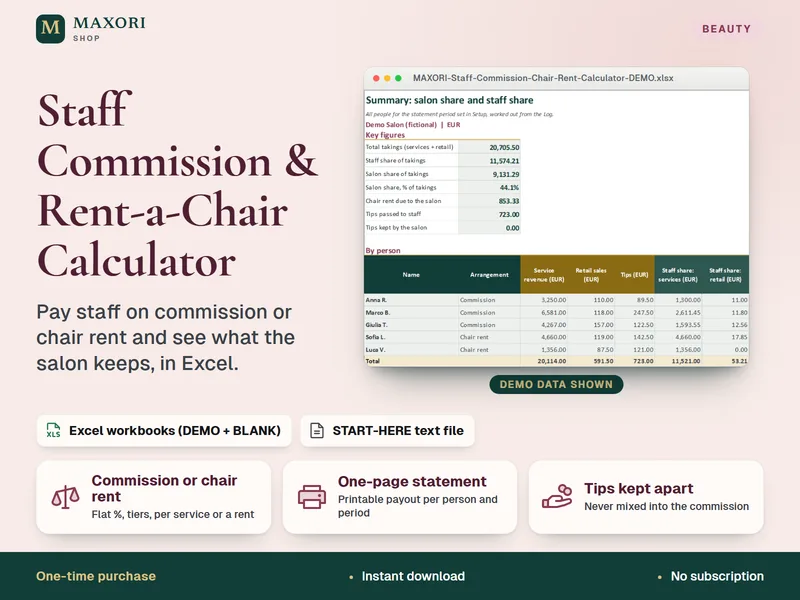
Staff Commission & Rent-a-Chair Calculator – Excel Payout Statements for Salons
Pay staff on commission or chair rent and see what the salon keeps, in Excel.
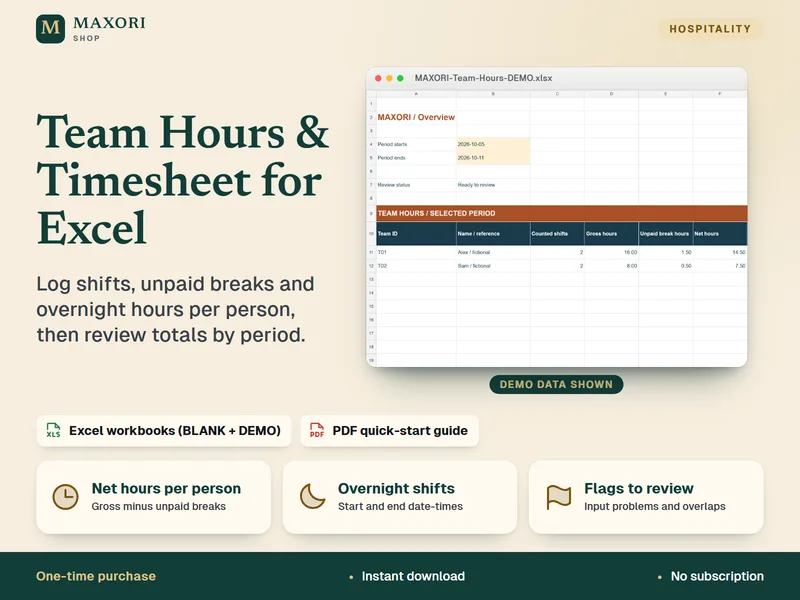
Team Hours & Timesheet for Excel – Shift Log with Unpaid Breaks and Overnight Shifts
Log shifts and net hours per person in one Excel workbook.
Salon Staff Schedule & Shift Planner – Weekly Rota, Coverage and Hours in Excel
€9.90