 1 / 9
1 / 9Preview inside
Browse the real pages of this product, page by page, before you buy.
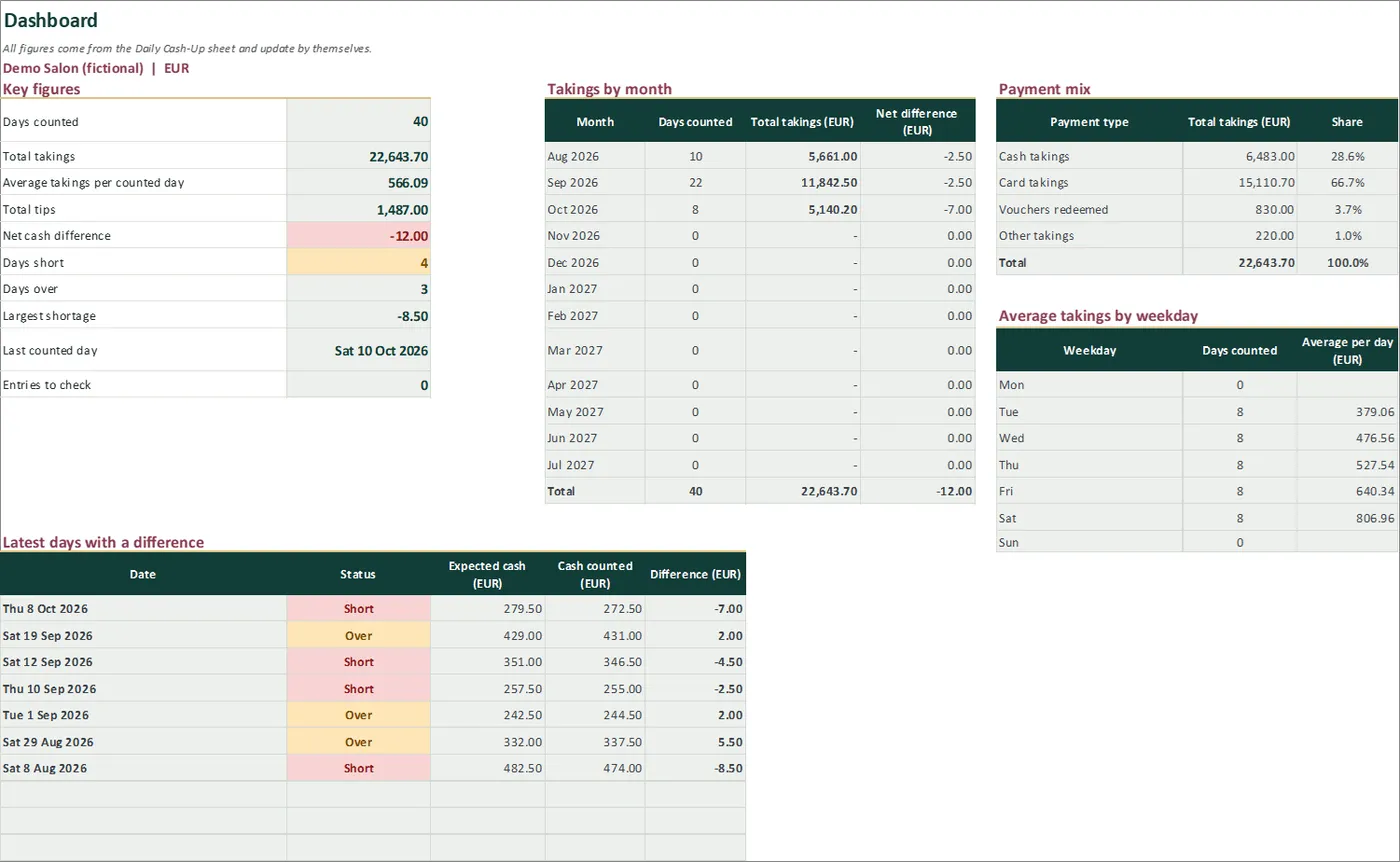
Real screens of the product with fictional example data. The file you download is editable or printable as described above.
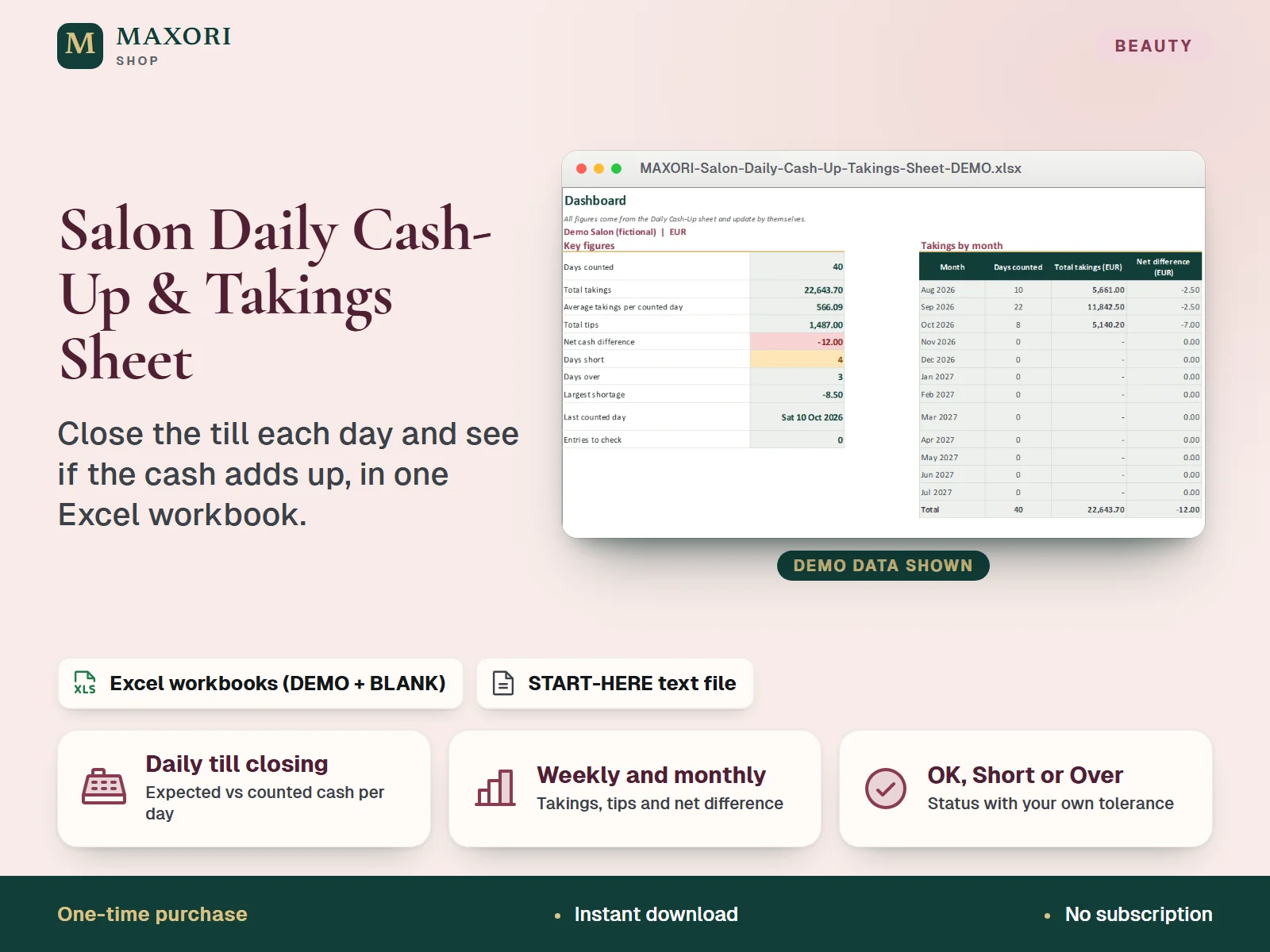
An Excel (XLSX) workbook for salons, barbers and beauty studios to close the till every day. For each day you enter the opening float, the takings by cash, card, vouchers redeemed and other, the tips, the cash paid out and the tips paid out in cash, then the cash you counted. The workbook works out the cash you should have, the difference, whether the day is OK, short or over (with a tolerance you choose) and how much sits above your standard float. Weekly and monthly summaries, payment mix, average takings by weekday and a list of the latest days with a difference are built from the daily rows. Each language comes as a fictional DEMO and an empty BLANK workbook, in English, Italian, Spanish, French and German.
The problem it solves
At closing the drawer is counted in a hurry, the card and cash totals live on different slips, a small shortage goes unnoticed until it repeats, and nobody can say quickly how the week or the month went.
Who it is for
Independent salons, barbershops, nail and beauty studios that take cash and cards at the desk and want a simple, consistent end-of-day count and a clear view of takings by week and month.
What you get
- One row per day: opening float, takings by cash, card, vouchers redeemed and other, tips, cash paid out and cash counted
- Expected cash, difference and a status (OK, Short or Over) using a tolerance you set, so a few cents do not raise alarms
- Cash above your standard float, to see what you could take out and bank while leaving the float for tomorrow
- Weekly summary (weeks start on Monday) and 12-month summary with takings, tips, cash paid out and net difference
- Dashboard with payment mix, average takings by weekday and the latest days with a difference
- Input check column flags duplicate dates, a missing date or opening float and cash counted without takings
How you use it
- Download and extract the ZIP, open your language folder and the DEMO workbook to see how it works.
- Open the BLANK workbook, save a working copy and fill Setup: business name, currency label, your standard opening float, the difference you accept as OK and the first month of the summaries.
- At closing add one row in Daily Cash-Up: date, opening float, takings by cash, card, vouchers redeemed and other, tips, cash paid out and tips paid out in cash.
- Count the drawer and type the total in Cash counted. Expected cash, Difference and Status appear by themselves.
- Read Weekly, Monthly and the Dashboard, and fix anything shown in the Input check column.
Questions
Does it connect to my till or card terminal?
No. It is a downloadable Excel workbook that you fill in by hand with the totals from your own reports and your drawer count. It has no point-of-sale integration.
How is the expected cash calculated?
Opening float plus cash takings plus cash tips, minus cash paid out and minus tips paid out in cash. The difference is what you counted minus that figure, and the status uses the tolerance you set in Setup.
What is the difference between DEMO and BLANK?
The DEMO workbook holds a fictional salon with 40 trading days so you can see every sheet working. The BLANK workbook is the same file, empty and ready for your own days.
How is it different from the Salon Client and Booking Desk or the Package & Gift Balance Studio?
Those tools track clients, appointments and prepaid balances. This workbook closes the till each day: opening float, takings by payment type, tips, expected versus counted cash and weekly and monthly totals. It does not hold client records or voucher balances.
What is included
- 5 language folders: English, Italian, Spanish, French, German
- In each folder: a DEMO workbook with a fictional salon (40 trading days from August to October 2026) and an empty BLANK workbook
- Six sheets in every workbook: Start Here, Dashboard, Daily Cash-Up, Weekly, Monthly and Setup
- START-HERE.txt in all five languages
Requirements
Desktop Microsoft Excel (not included). The formulas were recalculated in desktop Excel with 0 errors. Google Sheets, Excel for Mac and phone apps were not tested.
Version 1.0
Good to know
- Manual entry only: no connection to a till, card terminal, booking system or bank, and no point-of-sale integration. You type the totals from your own reports.
- A tool for your own records, not accounting, tax or payroll software and not tax, legal or accounting advice. Rules on tips and on voucher sales differ by country: the workbook only records the amounts you enter.
- Capacity: 400 daily rows; the Weekly sheet shows 53 weeks and the Monthly sheet 12 months from the first month in Setup.
- One currency label, no exchange rates; enter amounts consistently with or without VAT. Weeks start on Monday.
- Cash expected assumes you record every cash payment and every cash payout; the workbook cannot tell why a difference happened.
- Yellow cells are inputs; grey-green cells are formulas and sheets are protected without a password.
- Translations were not reviewed by native speakers. For your own business use, no resale or redistribution.
This is a downloadable digital product, not online software. It does not need an account and is not part of the MAXORI Software subscriptions.
Works well with
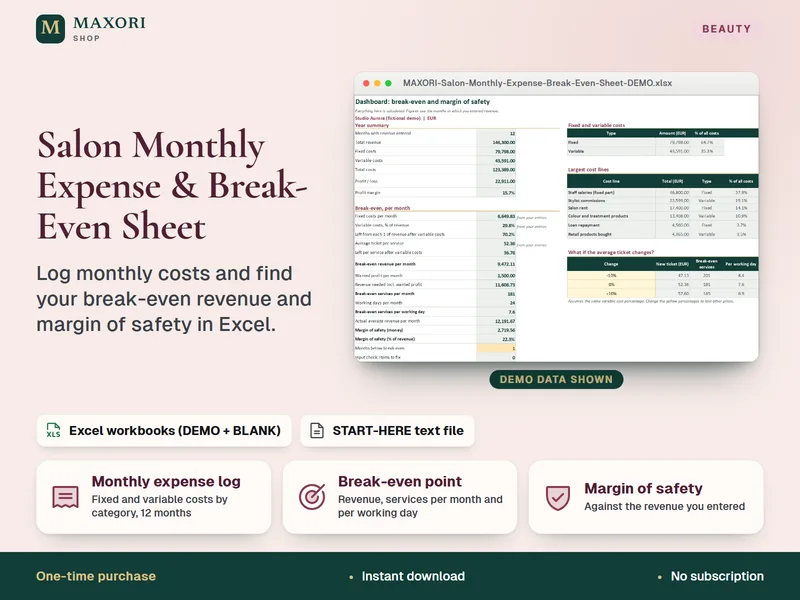
Salon Monthly Expense & Break-Even Sheet – Excel Cost Tracker for Salons and Barbers
Log monthly costs and see your break-even revenue and margin of safety in Excel.
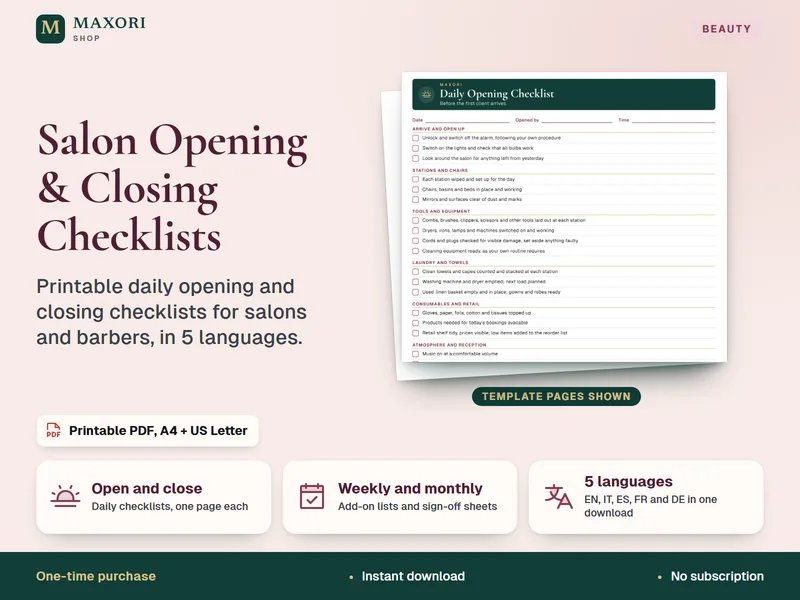
Salon Daily Opening & Closing Checklists – Printable PDF in 5 Languages
Printable opening and closing checklists for salons, barbers and beauty studios.
Salon Daily Cash-Up & Takings Sheet – Excel Till Closing Workbook
€8.35