 1 / 9
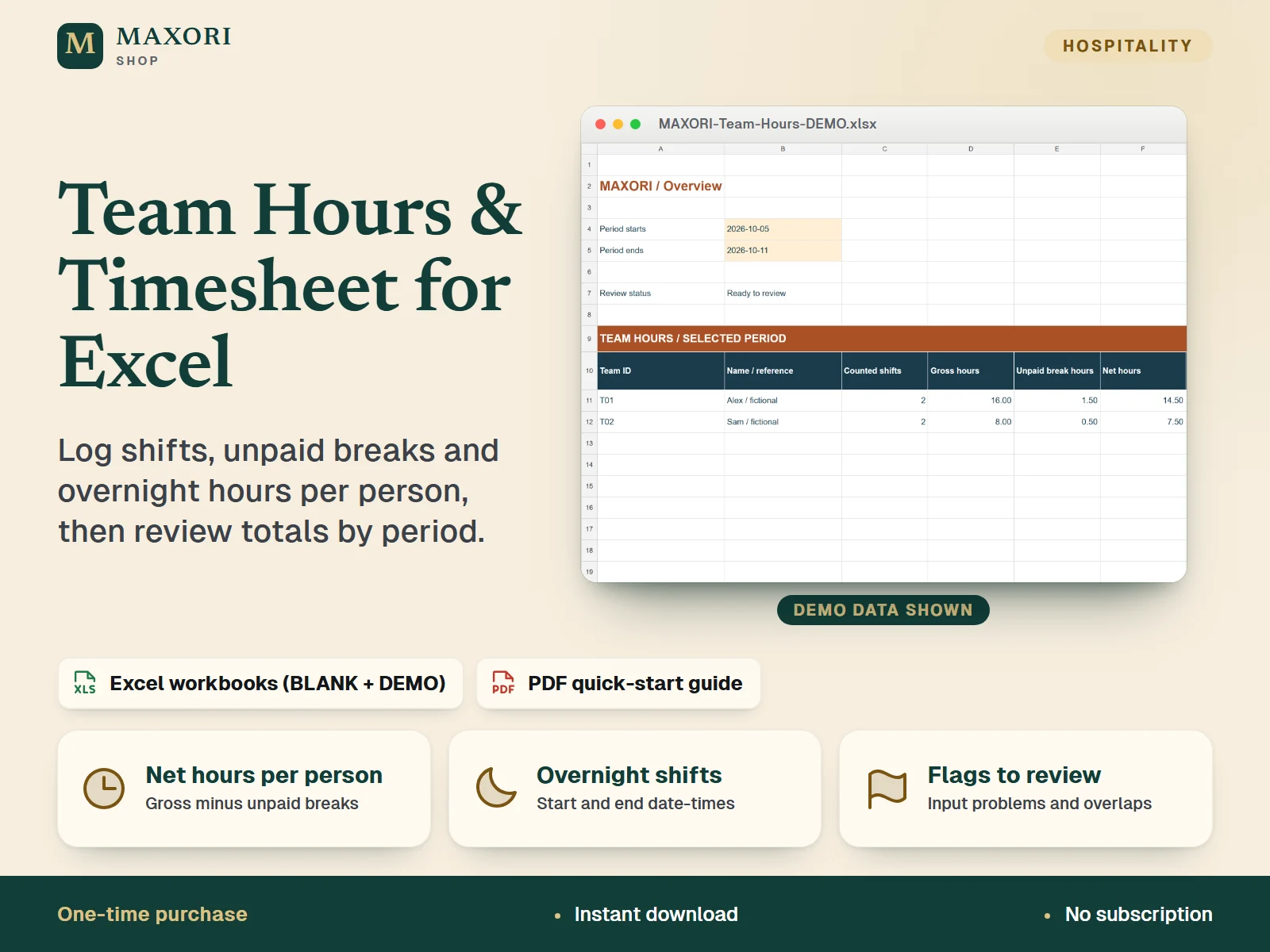
1 / 9An English Excel (XLSX) workbook for small teams to record shifts per person, deduct unpaid breaks and review net hours for a chosen period. Includes a BLANK workbook, a DEMO workbook with fictional examples and a 3-page PDF quick-start guide. One-time digital download.
The problem it solves
Shift times, breaks and night shifts end up on paper, in chats or in scattered files, and totals per person are slow to check.
Who it is for
Small teams and managers, for example cleaning or hospitality staff, who want a simple spreadsheet to record who worked when, without payroll software.
What you get
- Record up to 20 people and 500 shifts with explicit start and end date-times, including shifts that cross midnight
- Gross hours, unpaid break hours and net hours per person for any period you choose on the Overview sheet
- Whole-shift rule: an overnight shift is counted entirely on its start date and is not split across days, months or years
- Flags for missing or duplicate IDs, unknown team members, invalid dates, over-24-hour shifts, bad breaks and overlapping shifts
- A BLANK workbook for your own records and a DEMO workbook with fictional examples to explore first
How you use it
- Download and extract the whole ZIP, open BLANK in desktop Microsoft Excel and save a working copy.
- In Team, enter a unique Team ID and a name or reference for each person.
- In Shifts, record each shift with a unique Shift ID, Team ID, start and end date-time, unpaid break minutes and status.
- In Overview, choose the start and end dates, fix any flags, then review the hours per person.
- Use File > Save As to keep dated XLSX backups.
Questions
Is this payroll software?
No. It records worked time and net hours only. It does not calculate pay, tax, overtime or leave.
How are night shifts handled?
Enter the start date and time and the end date and time, with the end on the next day. The whole shift is counted on its start date.
What is the difference between BLANK and DEMO?
BLANK is your clean working template. DEMO has the same sheets filled with fictional examples so you can see how the totals work.
Does it work in Google Sheets or on a phone?
It is built for desktop Microsoft Excel. Mac, Excel web, Google Sheets and mobile have not been verified.
What is included
- MAXORI-Team-Hours-Timesheet-BLANK.xlsx: your working template with four sheets (Overview, Shifts, Team, Guide)
- MAXORI-Team-Hours-Timesheet-DEMO.xlsx: the same four sheets with fictional examples
- MAXORI-Team-Hours-Quick-Start.pdf: 3-page guide in English
- START-HERE.txt: short setup notes
Requirements
Desktop Microsoft Excel (not included). The workbooks use standard formulas with no macros or external links. The package notes say Windows desktop Excel opening, editing, recalculation, saving and reopening were verified on 9 October 2026; Mac, Excel web, Google Sheets and mobile are not verified.
Version 1.0
Good to know
- Records worked time only: no pay, tax, overtime entitlement, leave management or legal compliance, and no payroll calculations.
- No automatic clock-in, location tracking, bank link, macros or cloud sync; entries are made by hand.
- Fixed capacity of 20 people and 500 shifts; do not insert or delete rows or overwrite formula cells.
- Each shift belongs entirely to its start date; shifts longer than 24 hours must be split into separate records.
- Overlapping shifts stay counted in the totals: review and correct them before relying on the summary.
- Date-times have no timezone or daylight-saving adjustment; correct records when clock changes affect elapsed time.
- Not a Google Sheets template. For use in your own business; no resale or redistribution.
This is a downloadable digital product, not online software. It does not need an account and is not part of the MAXORI Software subscriptions.
Works well with
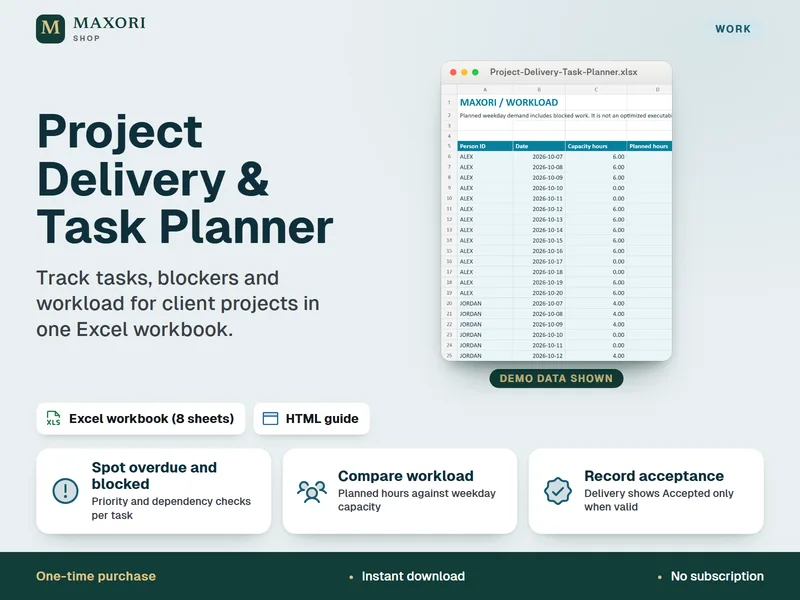
Project Delivery & Task Planner for Excel – Tasks, Blockers and Workload
See overdue tasks, blockers and workload for client projects in one Excel workbook.
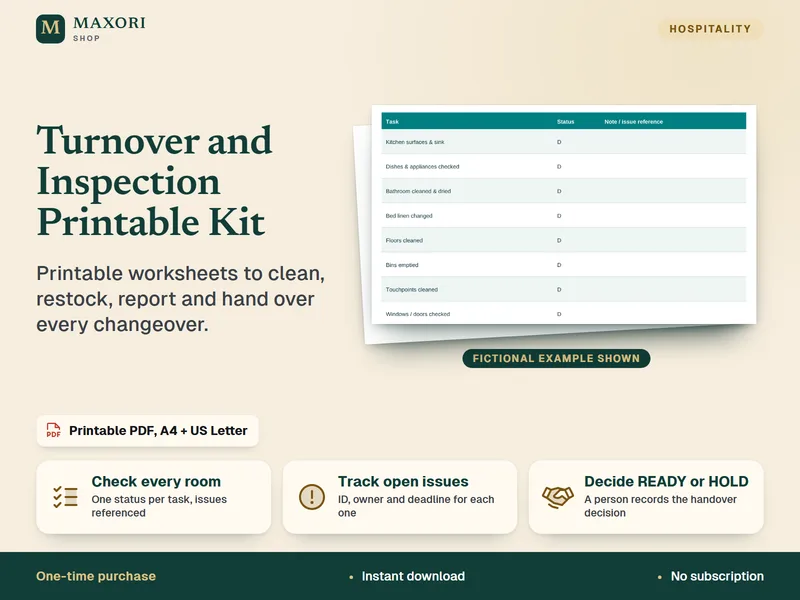
Turnover and Inspection Printable Kit – Cleaning Checklists
Printable worksheets to clean, restock, report and hand over every changeover.
Team Hours & Timesheet for Excel – Shift Log with Unpaid Breaks and Overnight Shifts
€7.14