 1 / 9
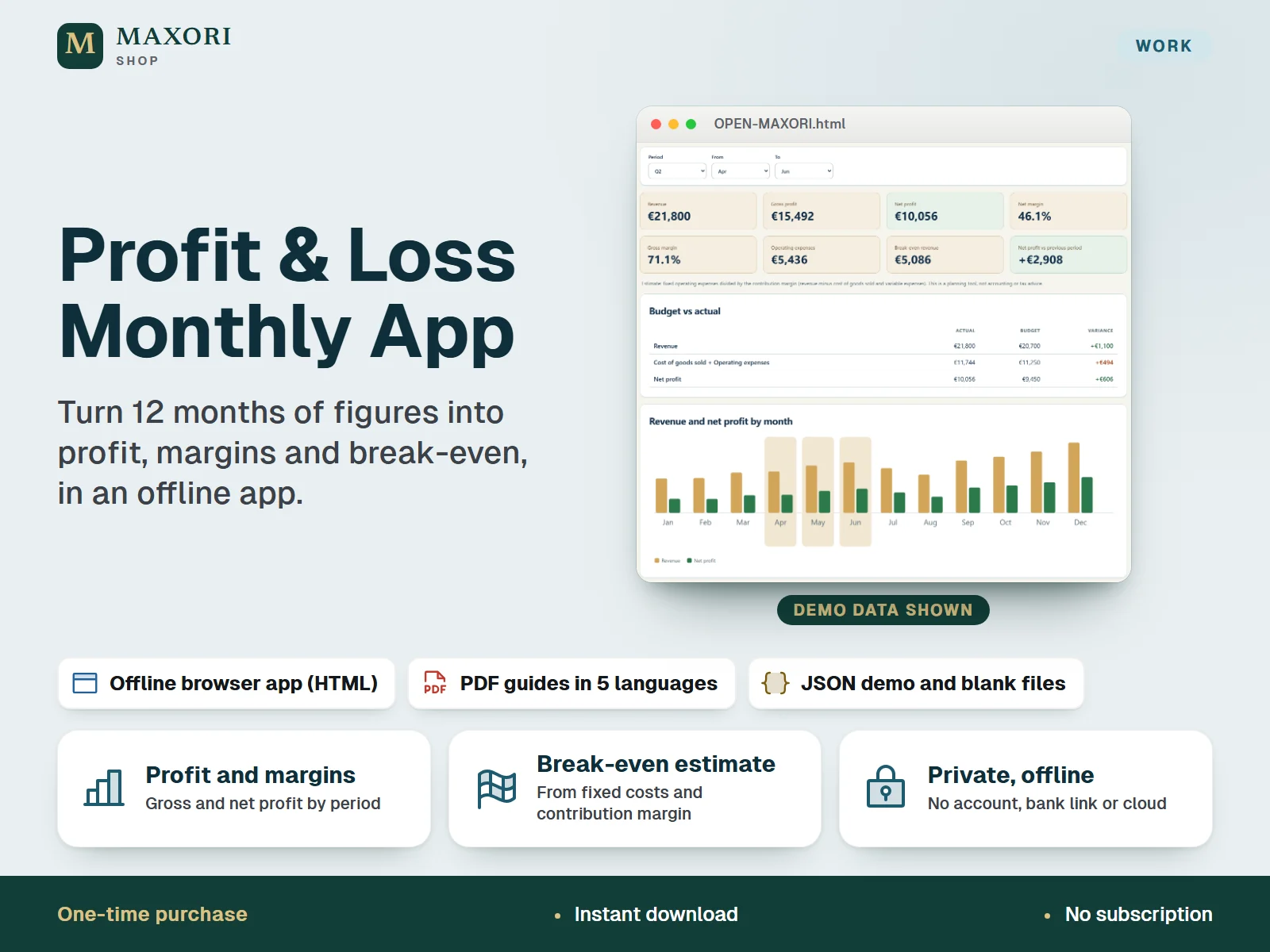
1 / 9A single-file offline app (HTML) that builds a monthly profit and loss statement from the figures you type: revenue, cost of goods sold and operating expenses for 12 months, with an optional budget. It shows gross profit, net profit, margins, a break-even estimate and a revenue and profit chart for the period you choose, and compares it with the previous period of equal length. The interface runs in English, Italian, Spanish, French and German. One ZIP with the app, five PDF guides, text guides and fictional demo and blank JSON files. One-time digital download. Not accounting or tax software.
The problem it solves
Monthly totals are easy to collect but hard to read: it is not obvious how much you really keep after costs, how this quarter compares with the last, or how much you need to sell to cover fixed costs.
Who it is for
Freelancers, small shops, makers and side-business owners who already know their monthly totals and want a private, offline way to see profit, margins and break-even, without a spreadsheet or an account.
What you get
- Type actual amounts for up to 40 lines across 12 months: revenue, cost of goods sold and operating expenses, with names you choose
- Mark each operating expense as fixed or variable, so the break-even estimate (fixed operating expenses divided by the contribution margin) reflects your cost structure
- Pick a period: full year, a quarter, a half year or custom months, and see revenue, gross and net profit, gross and net margin and operating expenses
- Compare net profit with the previous period of equal length, and set a monthly budget to read budget vs actual with the variance
- A chart of revenue and net profit by month and a line-by-line statement with percentage of revenue
- Private by design: no account, no bank connection, no cloud, no subscription; JSON backup and restore, CSV export and a print button for the statement
How you use it
- Extract the ZIP into a permanent folder and open OPEN-MAXORI.html in a desktop browser with JavaScript and local storage enabled. Nothing to install.
- Choose your language, then try a DEMO JSON from Setup & backup > Restore backup (or the Load fictional example button) to see a full year.
- Download a backup, then restore the BLANK file for your language, or use Start with an empty statement, and set the year, first month of the year and currency.
- Under Lines, rename, add or remove your lines and mark expenses fixed or variable. Under Monthly figures, type actual amounts, and switch to Budget if you want a plan.
- Open Overview and Statement, pick a period and read profit, margins, break-even, the comparison with the previous period and budget vs actual. Download a dated JSON backup regularly.
Questions
Is this a spreadsheet or an app?
It is an offline app in a single HTML file that you open in your desktop browser. The package contains no Excel or Google Sheets file.
How is it different from the MAXORI Excel profit and loss sheet?
The Excel sheet records each dated income and expense row by category and builds the statement from them. This app takes monthly totals per line and adds period selection, a comparison with the previous period, budget vs actual and a break-even estimate, in your browser with no Excel needed.
How does the break-even estimate work?
It divides your fixed operating expenses by the contribution margin, which is revenue minus cost of goods sold and variable expenses. You decide which expenses are fixed and which are variable. It is an estimate for planning.
Which languages does it support?
The app interface and the guides come in English, Italian, Spanish, French and German. You pick the language from the selector at the top right. Line names are yours and do not change with the language.
How do I keep my data safe?
Use Download backup in Setup & backup regularly and keep dated JSON files in a safe folder, especially before moving or renaming the HTML file, changing browser or device, or clearing browser data.
Can I use it on my phone or Mac?
It was designed for desktop browsers. Phones, tablets and Mac were not tested, so we cannot promise they work.
What is included
- OPEN-MAXORI.html: the whole offline app in one file
- START-HERE.txt: setup steps and limits
- GUIDES/: five PDF guides and the same five guides as plain text (English, Italian, Spanish, French, German)
- EXAMPLES/: ten JSON files, a fictional DEMO and an empty BLANK backup for each of the five languages
- 22 files in total in one ZIP
Requirements
A desktop browser with JavaScript and local storage enabled. No installation, account or internet connection needed. Verified in a headless Chromium browser opening the file locally; other desktop browsers, Mac, phones and tablets were not tested.
Version 1.0
Good to know
- Planning tool only: not accounting or tax software, not financial or tax advice. No accruals, depreciation, VAT or tax calculation, and no certified accounts.
- The break-even figure is an estimate based on the fixed and variable flags you set and on the period you pick; it is not available when there is no positive contribution margin.
- You type monthly totals by hand: no bank connection, no import of transactions, no cloud sync and no invoices. For dated income and expense rows by category, MAXORI also offers an Excel profit and loss sheet.
- Up to 40 lines, one year at a time and one currency per file: changing the currency only relabels amounts and does not convert them.
- Data is kept unencrypted in your browser on one device and one file location (localStorage). Clearing site data, private browsing, changing browser or device, or moving or renaming the HTML file can make records unavailable, so keep JSON backups.
- CSV exports every line (actual and budget) but cannot restore the app; the JSON file is the backup. The Print / PDF button opens the statement for your browser print dialog; the print dialog and paper output were not tested.
- It is an HTML app, not an Excel or Google Sheets file. Personal or internal business use by one buyer; no resale or redistribution.
This is a downloadable digital product, not online software. It does not need an account and is not part of the MAXORI Software subscriptions.
Works well with
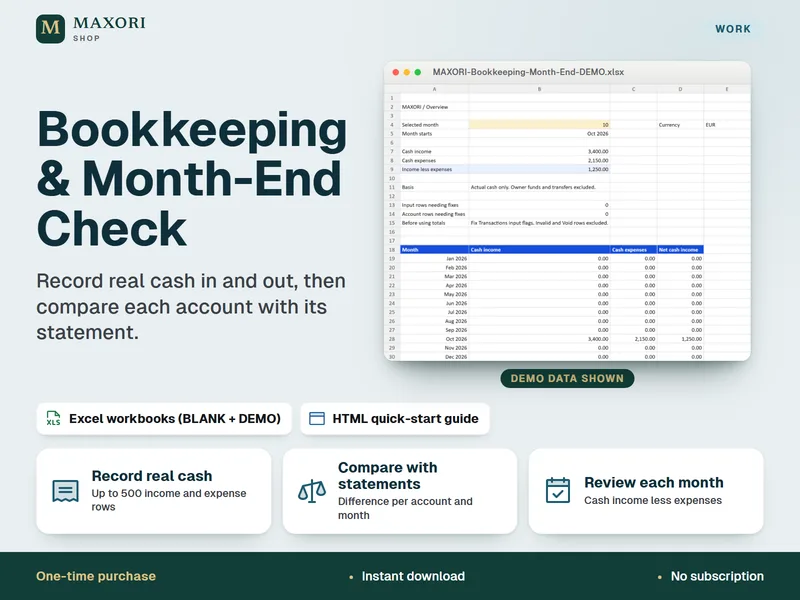
Bookkeeping & Month-End Check – Small Business Excel Spreadsheet
Record real cash in and out, then compare each account with its statement.
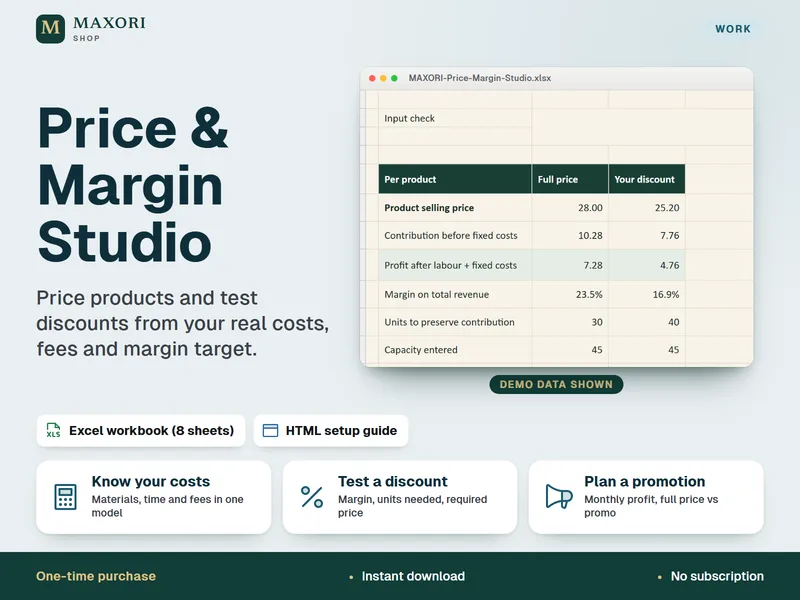
Price & Margin Studio – Excel Pricing and Discount Calculator
Price products from real costs, fees and margin, in one Excel workbook.
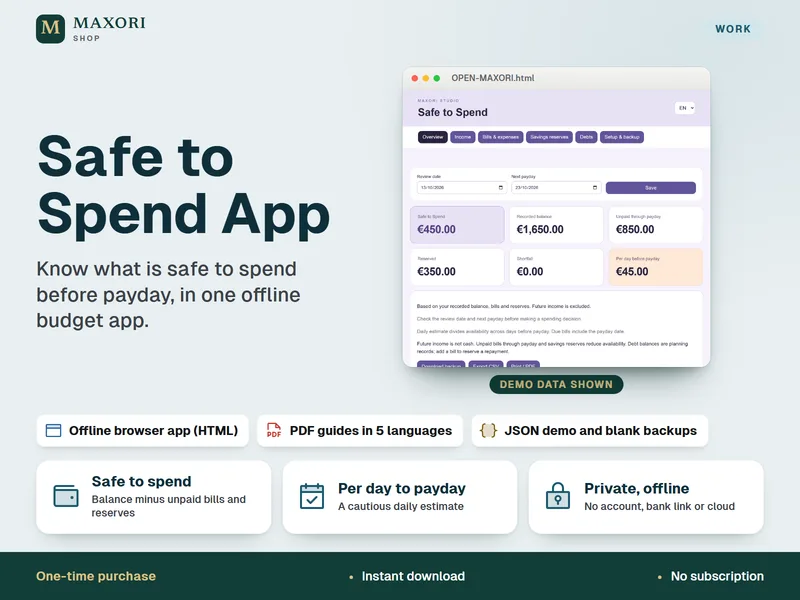
Safe to Spend Budget App – Offline Payday Planner in 5 Languages
See what you can safely spend before the next payday, in one offline browser app.
Profit & Loss Monthly App – Offline Statement and Break-Even Tool in 5 Languages
€8.35