 1 / 9
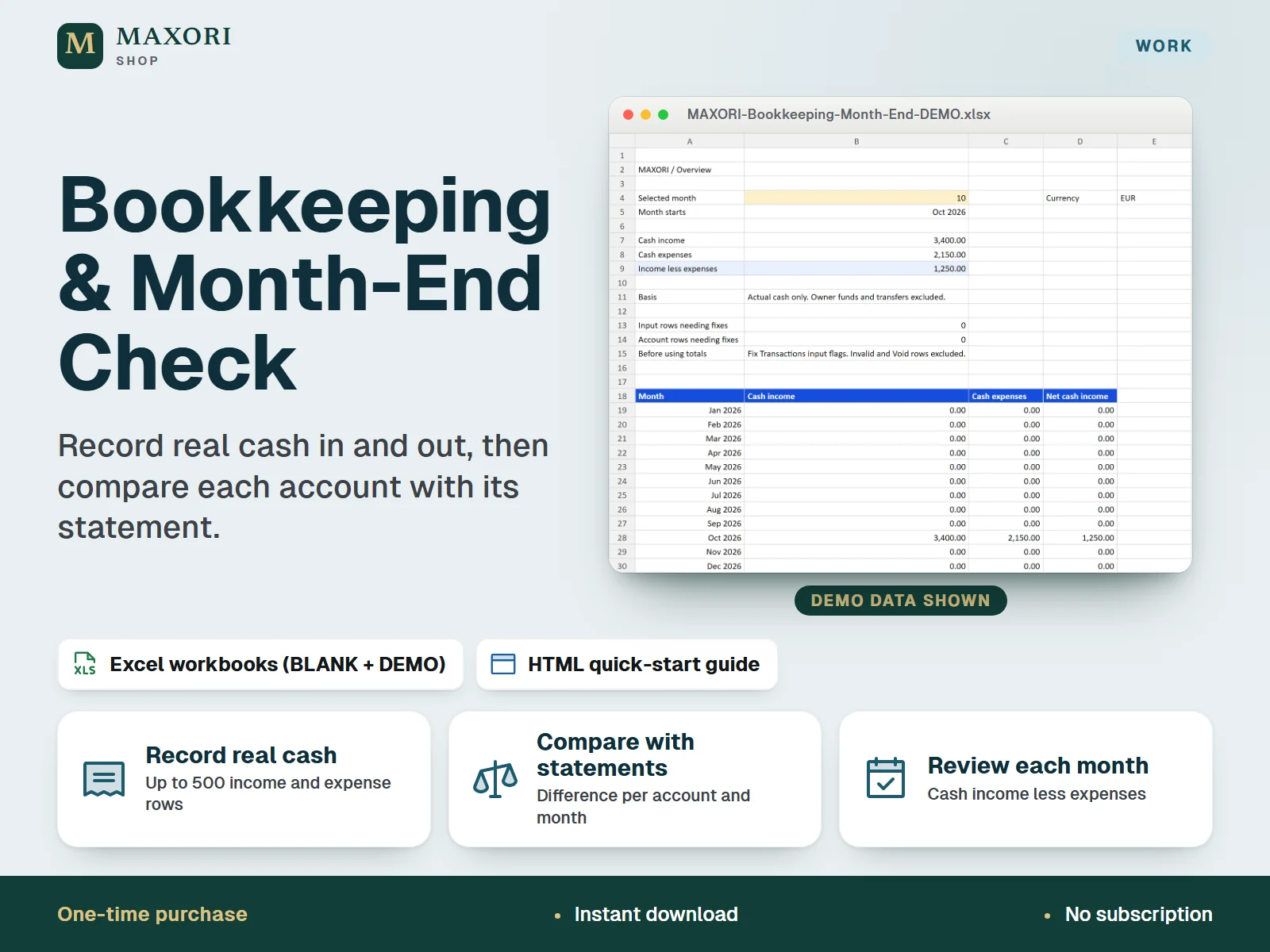
1 / 9An English Excel (XLSX) bookkeeping spreadsheet for small business owners and freelancers: record the money actually received and paid, then compare each recorded account balance with your statement balance every month. Includes an empty BLANK workbook, a fictional DEMO workbook and an HTML quick-start guide. One-time digital download. Not accounting or tax software.
The problem it solves
Monthly records drift away from what the statement says, and it is hard to see where the gap comes from.
Who it is for
Small business owners and freelancers who want a simple Excel sheet to record actual cash movements and check monthly account balances against bank or cash statements.
What you get
- Record up to 500 transactions for one calendar year: income, expenses, refunds, owner contributions and withdrawals, and transfers between accounts
- Overview sheet: choose a month from 1 to 12 and see cash income, cash expenses and the difference, plus a table for every month
- Balances sheet: opening balance, money in, money out and recorded balance per account and month; type the statement balance and read the difference
- Up to 3 accounts, each with its own January 1 opening balance
- Input status flags show rows that need fixing, such as invalid or duplicate IDs, before you rely on the totals
- A BLANK workbook for your business and a DEMO workbook with fictional records to learn from
How you use it
- Download and extract the ZIP, then open the DEMO workbook in desktop Excel to see the fictional example.
- Open the BLANK workbook and save a working copy with a clear business and year name; keep the supplied original separately.
- On Accounts, enter the calendar year, a currency label and up to three account IDs with their January 1 opening balances.
- On Transactions, fill the yellow cells for each payment received or paid, and check the Input status column.
- On Balances, type each statement closing balance by hand and review any difference; pick the month on Overview.
- Save a dated XLSX copy as a backup after each monthly check.
Questions
Is this accounting software?
No. It is a downloadable Excel workbook for recording cash actually received and paid and comparing balances with statements. It does not file taxes, produce certified accounts or connect to your bank.
What is the difference between BLANK and DEMO?
DEMO contains fictional records so you can see how the sheets work. BLANK is empty and meant for your own business; save a working copy before you start.
Does it work in Google Sheets, on Mac or on a phone?
It is built for desktop Microsoft Excel. The release notes cover one tested workflow in Windows desktop Excel; Google Sheets, Excel web, Mac and mobile are not verified.
Can I use more than one year or currency?
Each file covers one calendar year and one currency label, with up to 3 accounts and 500 transactions. Use a new copy of the BLANK workbook for another year.
How do I back up my data?
Your data stays in your own file. Save dated XLSX copies in a separate location; CSV or PDF exports do not preserve the formulas.
What is included
- MAXORI-Bookkeeping-Month-End-BLANK.xlsx: empty workbook with five sheets (Overview, Accounts, Transactions, Balances, Guide)
- MAXORI-Bookkeeping-Month-End-DEMO.xlsx: the same workbook filled with a fictional worked example
- START-HERE.html: quick-start guide in English
- RELEASE-NOTES.txt: version and verification notes
Requirements
Desktop Microsoft Excel (Excel is not included). XLSX workbooks in English, no macros. The release notes document one tested workflow in Windows desktop Excel; Google Sheets, Excel web, Mac and mobile are not verified.
Version 1.0
Good to know
- Not accounting or tax software: no tax filing, tax computation, certified accounts, accruals, payroll or depreciation.
- No bank connection or import: statement balances are typed in by hand, and there is no sync with other MAXORI products.
- One calendar year and one currency label per file, up to 3 accounts and 500 transaction rows; no currency conversion.
- Formulas are not locked: edit the yellow input cells only and do not insert rows.
- A zero difference does not prove that your records are complete or correctly classified; capital purchases, loans and taxes need professional classification.
- A manual cash record, not an invoice or quote tool. CSV and PDF exports are not workbook backups: save dated XLSX copies.
- For use within your own business; no resale or redistribution.
This is a downloadable digital product, not online software. It does not need an account and is not part of the MAXORI Software subscriptions.
Works well with
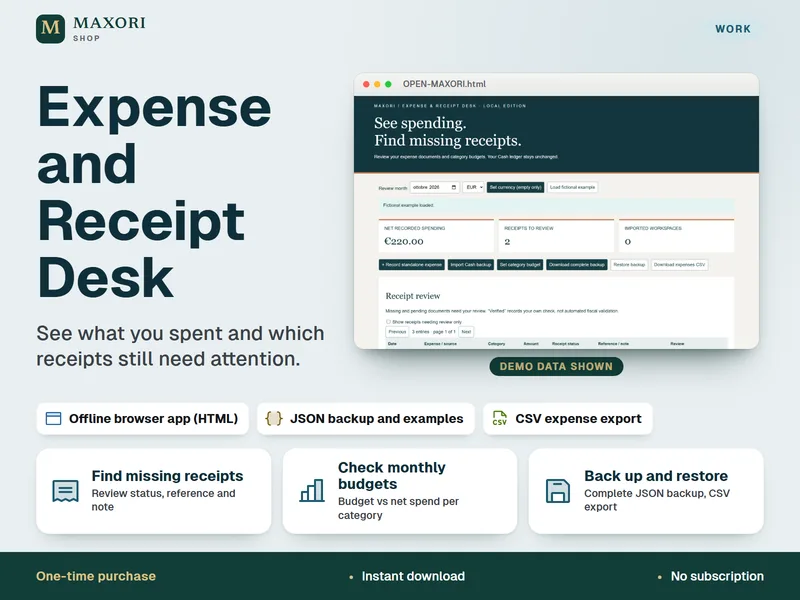
Expense and Receipt Desk – Offline Expense Tracker
See what you spent and which receipts still need attention.
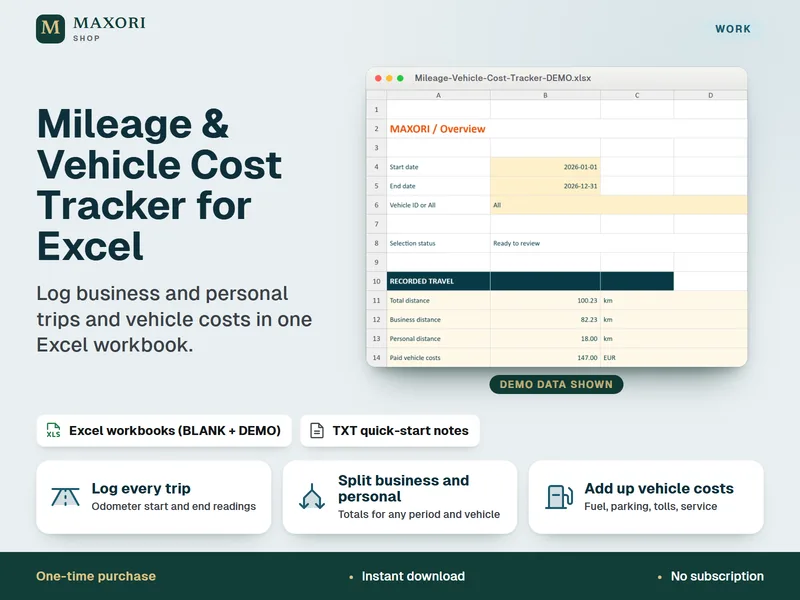
Mileage & Vehicle Cost Tracker for Excel – Trip Log and Costs
Log business and personal trips and vehicle costs in one Excel workbook.
Bookkeeping & Month-End Check – Small Business Excel Spreadsheet
€7.14