 1 / 10
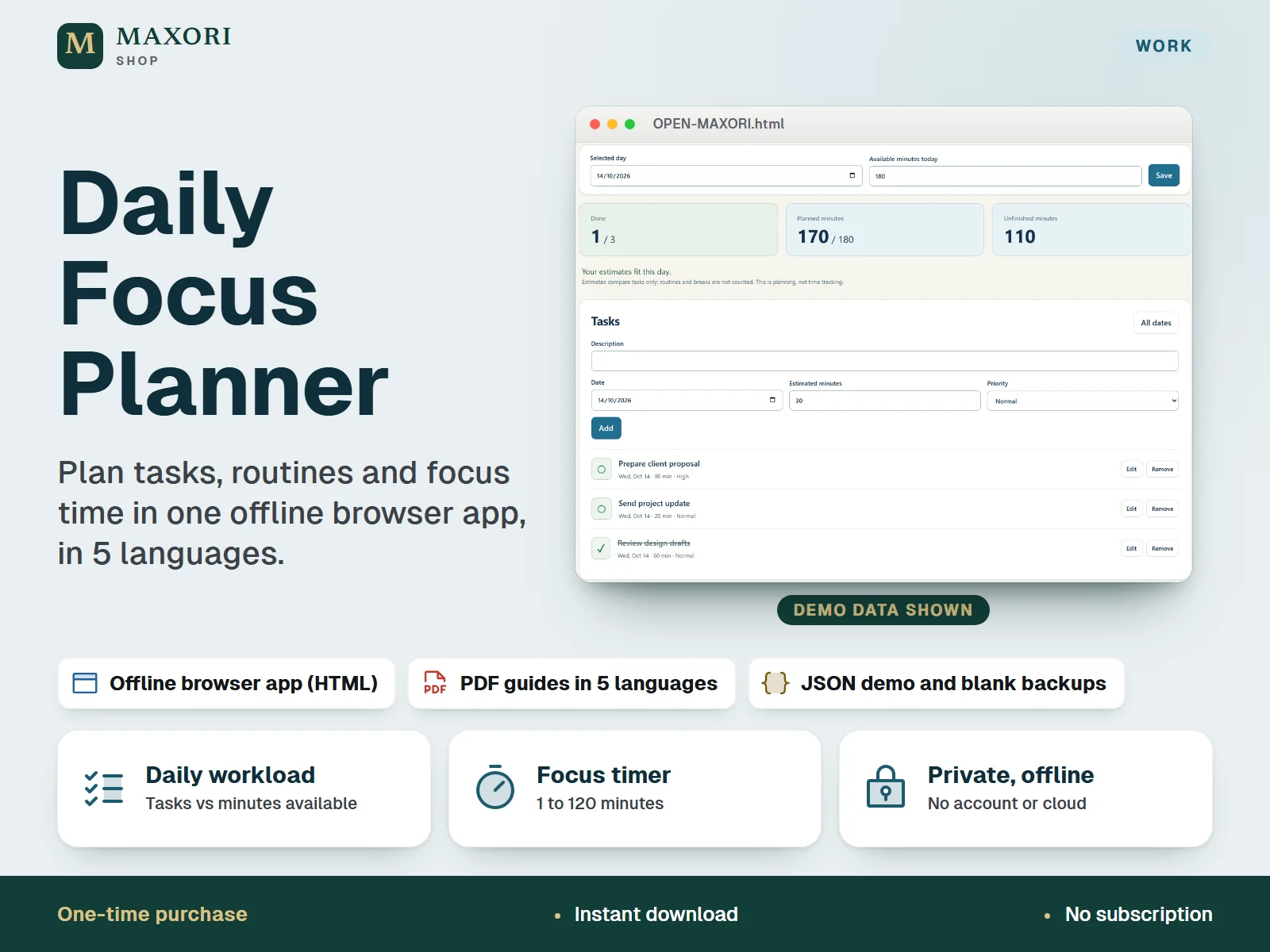
A single-file offline planner (HTML) for your working day. Add tasks with a date, priority and estimated minutes and compare them with the minutes you have available for that date. Keep routines by weekday and daily habits with a 7-day history, jot ideas in a brain dump and turn them into tasks, review a Monday to Sunday week and run a focus timer from 1 to 120 minutes. The interface runs in English, Italian, Spanish, French and German. One ZIP with the app, five PDF guides, five text guides and fictional demo and blank JSON files. One-time digital download.
The problem it solves
A to-do list does not tell you whether the day is realistic. Without estimates against the time you actually have, tasks pile up, routines slip and notes never become work.
Who it is for
Freelancers, remote workers and busy professionals who want a private, manual daily planner without accounts, subscriptions or cloud sync.
What you get
- Add tasks with a date, priority and estimated minutes, and see planned minutes against the minutes available for that day
- Keep routines on chosen weekdays and daily habits, each with a 7-day completion history
- Capture ideas in a brain dump and turn a note into a task with one click
- Review a Monday to Sunday week with the planned minutes of every day
- Run a focus timer from 1 to 120 minutes with start, pause and reset
- Switch the interface between English, Italian, Spanish, French and German; download a JSON backup, restore it after a confirmation, or export a CSV
- Private by design: no account, no cloud, no subscription
How you use it
- Extract the ZIP into a permanent folder and open OPEN-MAXORI.html in a desktop browser with JavaScript and local storage enabled. Nothing to install.
- Choose your language at the top. To see how it works, open Setup & backup and use Load fictional example, or restore a DEMO JSON from EXAMPLES.
- Restore the BLANK file for your language, or choose Start with an empty planner, then set the day and the minutes you have available.
- Add tasks with estimates, set up routines and habits, jot notes in the brain dump and turn the useful ones into tasks. Check the Week view and start the focus timer.
- Download a dated JSON backup regularly and keep it in a safe folder.
Questions
Is this a spreadsheet or an app?
It is an offline app in a single HTML file that you open in your desktop browser. The package contains no Excel or Google Sheets file.
Does it sync between devices or connect to my calendar?
No. Data stays in your browser on that device, unencrypted. You move it between devices yourself with a JSON backup, and there is no calendar integration.
Which languages does it support?
The app interface and the guides come in English, Italian, Spanish, French and German. You pick the language from the selector at the top right.
How do I keep my data safe?
Use Download backup in Setup & backup regularly and keep dated JSON files in a safe folder, especially before moving or renaming the HTML file, changing browser or device, or clearing browser data.
Does the timer ring or notify me?
No. The timer counts down on screen using your device clock and shows when it has finished. No background alarm or notification is provided.
Can I use it on my phone or Mac?
It was designed for desktop browsers. Phones, tablets and Mac were not tested, so we cannot promise they work.
What is included
- OPEN-MAXORI.html: the whole offline app in one file
- START-HERE.txt: setup steps and limits
- GUIDES/: five PDF guides and five text guides (English, Italian, Spanish, French, German)
- EXAMPLES/: ten JSON files, a fictional DEMO and an empty BLANK backup for each of the five languages
Requirements
A desktop browser with JavaScript and local storage enabled. No installation, account or internet connection needed. Verified in a headless Chromium browser opening the file locally; other browsers, Mac, phones and tablets, browser printing and notifications were not tested.
Version 1.0
Good to know
- A planning aid only: workload compares task estimates with the minutes you enter; it is not time tracking, and routines and breaks are not counted.
- Data is kept unencrypted in your browser on one device and one file location (localStorage). Clearing site data, private browsing, changing browser or device, or moving or renaming the HTML file can make records unavailable, so keep JSON backups. Avoid sensitive personal information.
- No cloud sync, no calendar integration, no reminders and no background alarm: the timer uses your device clock and closing the page does not pause it.
- CSV exports tasks, routines, habits and notes for reading only; the JSON file is the complete backup and the only way to restore.
- A brain dump note can hold up to 4000 characters, but only notes up to 500 characters can be turned into a task; longer notes must be shortened first.
- Phones, tablets, Mac, other browsers, browser printing and notifications were not verified.
- It is an HTML app, not an Excel or Google Sheets file, not a Canva template and not an installable mobile app. Personal or internal business use; no resale or redistribution.
This is a downloadable digital product, not online software. It does not need an account and is not part of the MAXORI Software subscriptions.
Works well with
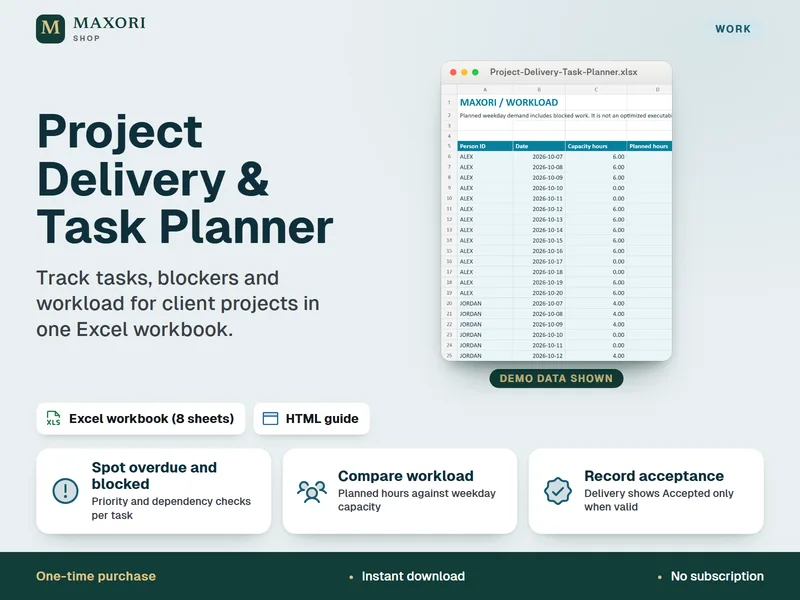
Project Delivery & Task Planner for Excel – Tasks, Blockers and Workload
See overdue tasks, blockers and workload for client projects in one Excel workbook.
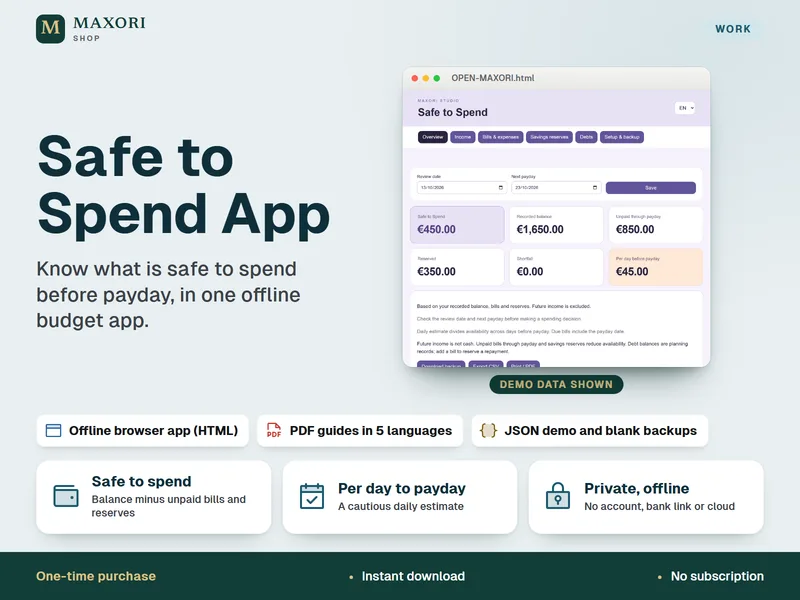
Safe to Spend Budget App – Offline Payday Planner in 5 Languages
See what you can safely spend before the next payday, in one offline browser app.
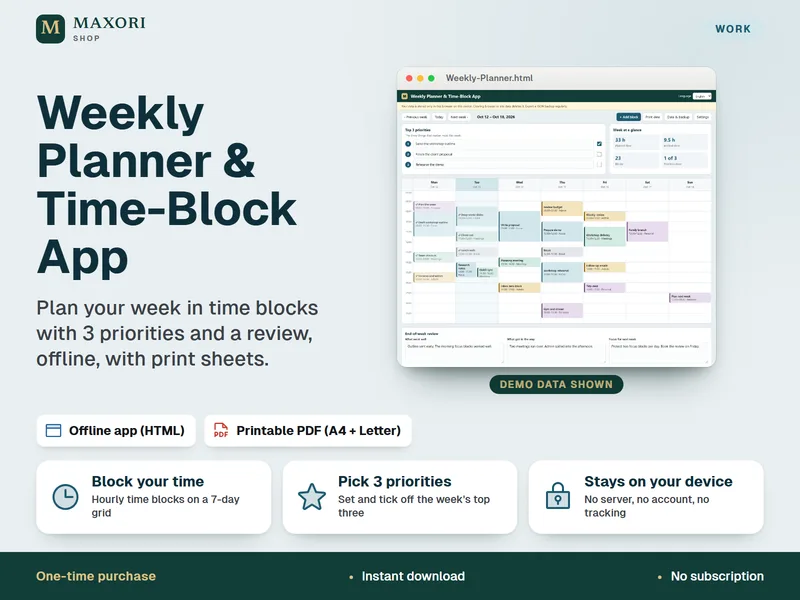
Weekly Planner & Time-Block App
Plan your week in time blocks with 3 priorities and a weekly review, offline, with printable sheets.
Daily Focus Planner – Offline Task, Routine and Habit App in 5 Languages
€9.56