 1 / 10
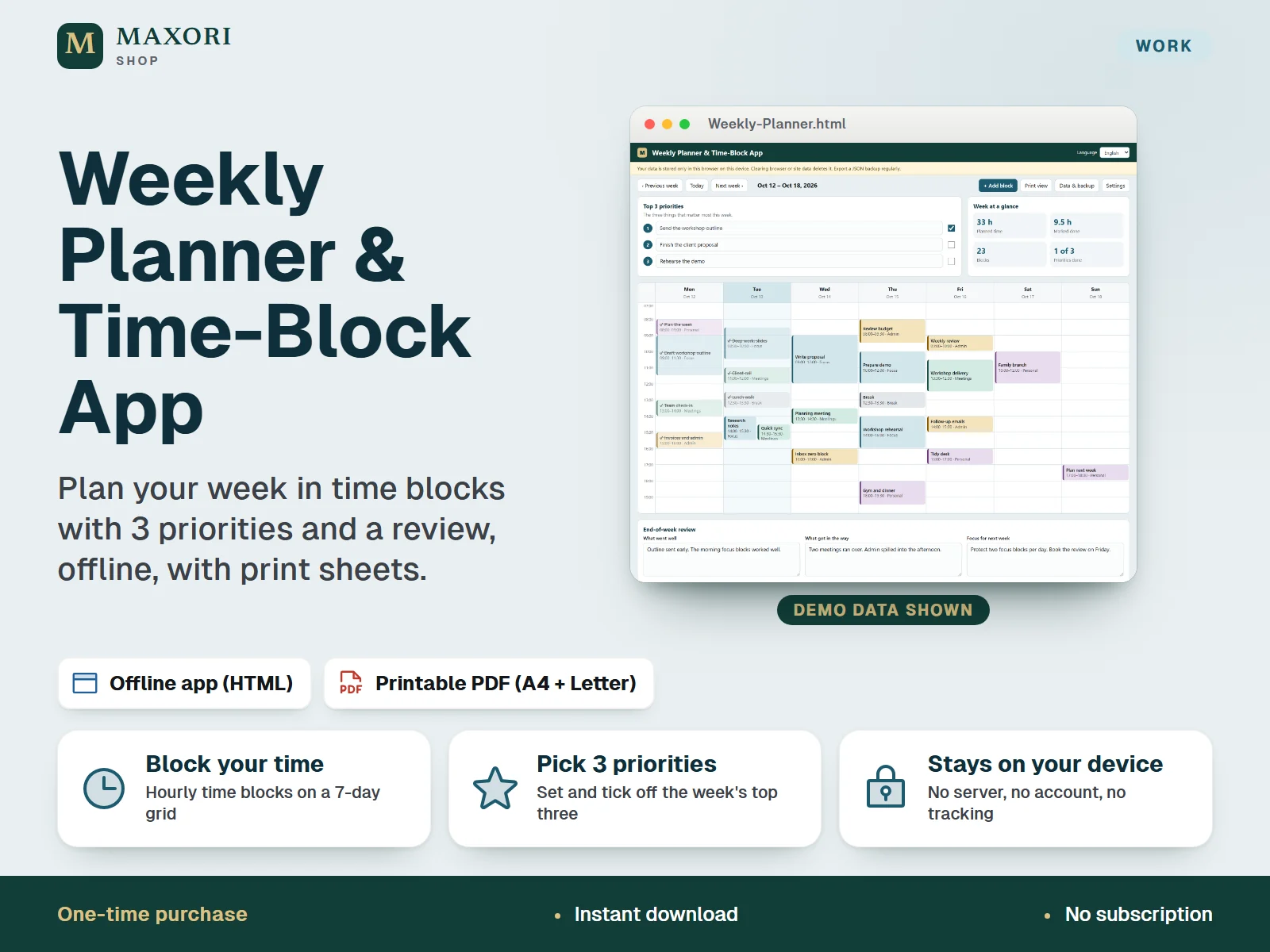
An offline weekly planner that runs in your web browser from a single HTML file. Plan the week on a seven-day grid of hourly time blocks, set your top 3 priorities, write an end-of-week review and print the week. The app and a printable PDF weekly sheet (A4 and US Letter) come in English, Italian, Spanish, French and German. No server, no account, no tracking. One-time digital download.
The problem it solves
Tasks, meetings and focus time end up in different places, and the week is rarely reviewed. A single weekly view with a few priorities and a short review keeps the plan visible without another online account.
Who it is for
Freelancers, home-office workers, students and small teams who want a simple, private way to plan and review their week on screen or on paper.
What you get
- Plan the week on a seven-day grid of time blocks: click an empty slot to add a block, click a block to edit, mark it done or delete it
- Set your top 3 priorities for each week and tick them off; see planned time, time marked done and block count at a glance
- Write an end-of-week review (what went well, what got in the way, focus for next week) and keep it with the week
- Print view and printable PDF weekly sheets in A4 and US Letter, in each of the five languages
- Works offline from one HTML file: no server, no account, no tracking, no network requests
- Export your data as a JSON backup and import it again; switch between English, Italian, Spanish, French and German inside the app
How you use it
- Download and extract the whole ZIP, then open Weekly-Planner.html from your language folder in a web browser.
- Write your top 3 priorities, then click empty slots in the grid to add time blocks for the week.
- Edit blocks, choose a category, and mark blocks and priorities as done as the week goes on.
- At the end of the week fill in the review boxes, then use Print view or the PDF sheet to print or keep a copy.
- Export a JSON backup regularly from Data & backup, because the data is stored only in your browser.
Questions
Does it need internet or an account?
No. It is a single HTML file that runs in your browser. It makes no network requests and has no tracking or accounts.
Where is my data stored, and can I lose it?
Only in your browser's local storage on your device. If you clear browser or site data, use another browser or device, or use a private window, your planner will be empty. Use Data & backup to export a JSON file and keep it safe.
Can I use it on my phone or in Safari or Firefox?
It was tested in Chromium on Windows only. It may work elsewhere, but Firefox, Safari and mobile devices have not been tested, so we cannot promise it.
Which languages and paper sizes are included?
The app and the PDF weekly sheet come in English, Italian, Spanish, French and German. The sheet is provided for A4 and US Letter. You can switch the app language at any time.
Is this the same as the Project Delivery or Budget planners?
No. This is a personal weekly time-block planner. The project and budget planners are separate Excel products and are not connected to it.
What is included
- Five language folders (EN, IT, ES, FR, DE), each with Weekly-Planner.html, the offline app
- Weekly-Sheet-A4.pdf and Weekly-Sheet-Letter.pdf in each folder: a two-page landscape sheet with priorities, a seven-day time grid, review and notes
- START-HERE.txt in five languages: setup, backup, what was tested and limits
- One ZIP download
Requirements
A modern desktop web browser; nothing to install and no internet connection needed. Tested in Chromium on Windows only. Firefox, Safari, other browsers, mobile phones and tablets, touch use, screen readers and physical printers have not been tested. A PDF reader is needed for the printable sheets.
Version 1.0
Good to know
- Your entries are saved only in the browser you use, on that device. Clearing browser or site data, using a private window, or switching browser or device removes access to them. Export a JSON backup regularly.
- Single user and single browser: no sync between devices, no accounts, no sharing and no team features.
- Weeks start on Monday. No reminders or notifications, no recurring blocks and no calendar import or export.
- A planning and printing tool. It does not guarantee any result and is not linked to other calendars or to other MAXORI products.
- Importing a JSON backup replaces everything saved in that browser. Own use only; no resale or redistribution.
This is a downloadable digital product, not online software. It does not need an account and is not part of the MAXORI Software subscriptions.
Works well with
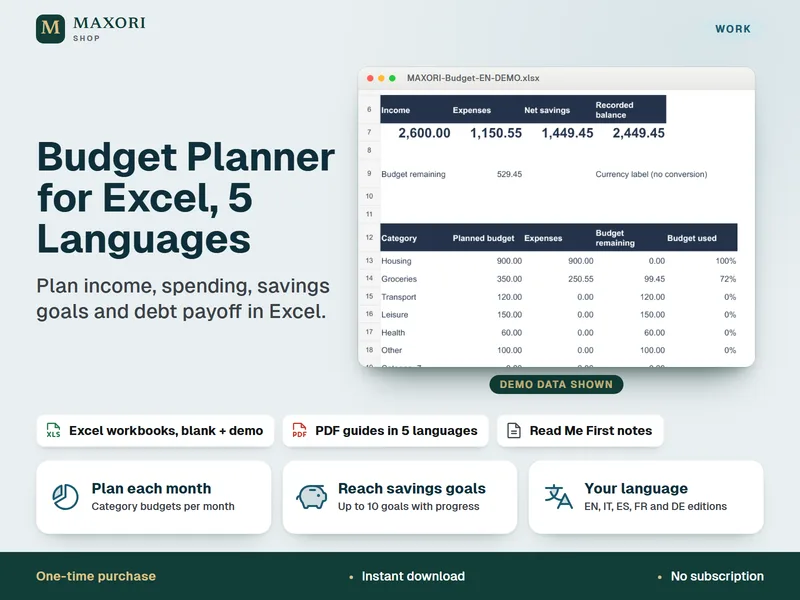
Budget Planner for Excel – Household Budget, Savings Goals and Debt Payoff (5 Languages)
Plan income, spending, savings goals and debt payoff in Excel.
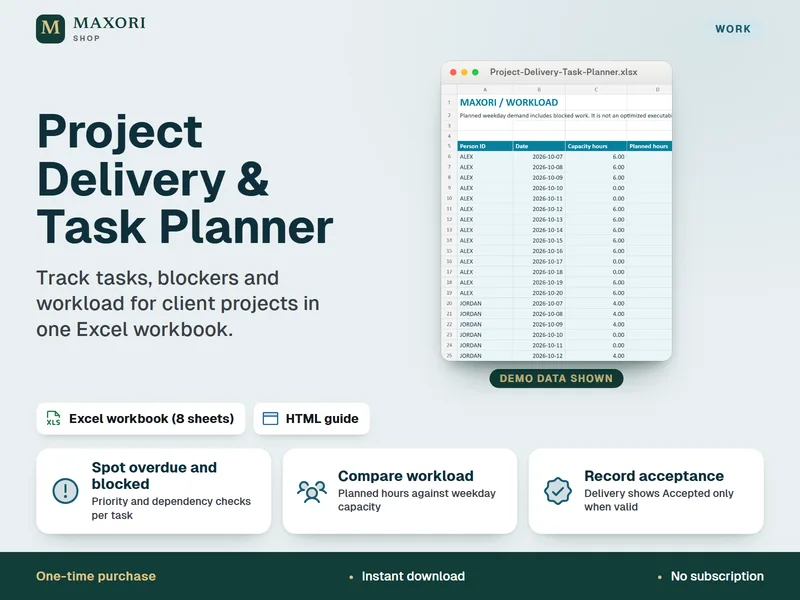
Project Delivery & Task Planner for Excel – Tasks, Blockers and Workload
See overdue tasks, blockers and workload for client projects in one Excel workbook.
Weekly Planner & Time-Block App
€11.98