 1 / 9
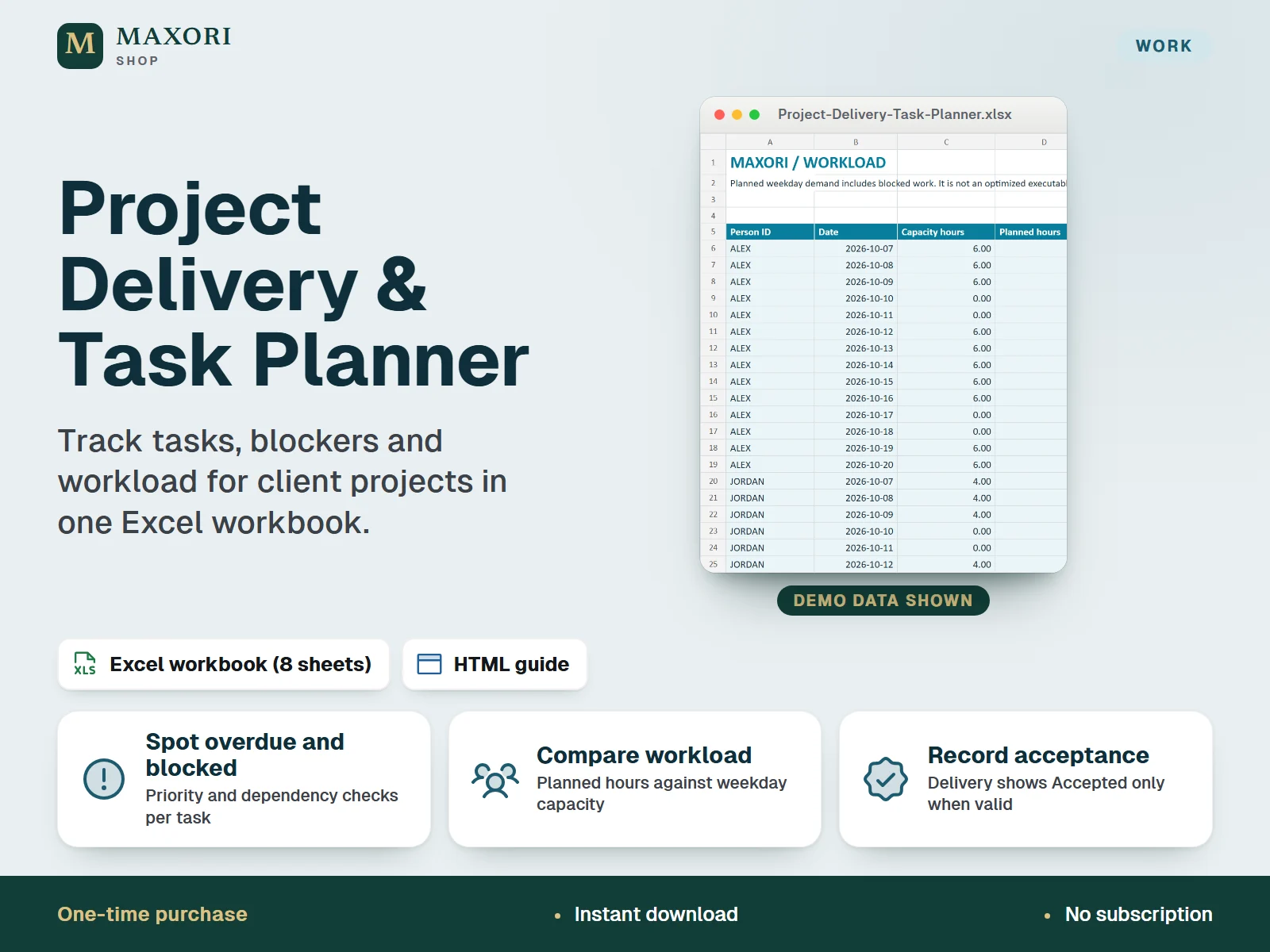
1 / 9An English Excel (XLSX) workbook for service studios, freelancers and small agencies to organize task dates, predecessors, remaining hours and delivery acceptance across client projects. It compares planned hours with weekday capacity, shows a 14-day timeline and lists the open tasks to review first. One-time digital download, delivered with an illustrated HTML guide.
The problem it solves
Task dates, dependencies and workload end up in different places, so overdue work, blocked tasks and overloaded people are noticed too late.
Who it is for
Service studios, freelancers and small teams who deliver client projects and want a simple spreadsheet to see what is overdue, blocked or overloaded.
What you get
- Keep up to 40 projects, 200 tasks and 10 people in one workbook, each task with a start date, due date, status, owner and current remaining hours
- Give a task one predecessor and let the workbook flag missing links, links across projects and reversed order, and mark tasks that are waiting
- A 14-day Workload sheet compares planned hours with each person's weekday capacity and shows overdue hours separately
- A 14-day Timeline marks each task as Planned, Blocked or Done, and a Review sheet lists the first 20 open tasks by due date
- Projects show Accepted only when the inputs are valid, every active task is Done and the acceptance date is consistent
- A Handoff sheet keeps your manual references to client, cost, invoice and campaign records, with a next action and date
How you use it
- Download and extract the whole ZIP, read GUIDE.html, then open MAXORI-Project-Delivery-Task-Planner.xlsx in desktop Excel and save a working copy.
- Set the review / workload start date on the Start sheet and try the fictional example.
- Clear the example input cells as the guide explains, keeping formulas and table headers, then add your people, projects and tasks.
- Enter the current remaining hours for each task and update them as work progresses.
- Check the Review, Workload and Timeline sheets, fix any Input check messages, and save dated XLSX backups.
Questions
Is this a Google Sheets template or an online project tool?
No. It is a downloadable Excel XLSX workbook for desktop Excel. It does not sync, send notifications or work as a cloud service, and Google Sheets has not been verified.
Does it schedule my tasks automatically?
No. You enter the dates yourself. The workbook checks them, shows a 14-day timeline and spreads remaining hours over the working days of each task window as a planning estimate.
Does it work with the MAXORI online software or other MAXORI tools?
It works on its own and is a separate one-time download. The Handoff sheet only stores references you type in by hand; nothing is transferred automatically.
Is my data protected?
Your data stays in your own file. There is no automatic backup: save dated XLSX copies and store the file privately.
What is included
- MAXORI-Project-Delivery-Task-Planner.xlsx: eight sheets (Start, Setup, Projects, Tasks, Timeline, Workload, Review, Handoff) with clearly fictional example data
- GUIDE.html: illustrated guide in English
- START-HERE.txt: short setup notes
- guide-images folder: five guide screenshots (fictional data)
Requirements
Desktop Microsoft Excel (2019 or later recommended; Excel is not included). Standard formulas, no macros. The formula engine and a saved copy were checked, but native desktop Excel, Mac, Excel web, mobile and Google Sheets have not been verified.
Version 1.0
Good to know
- A planning estimate, not an automatic scheduler: dates never move on their own, and there is no critical-path optimization.
- Workload uses Monday to Friday only. There is no public-holiday or leave calendar, no changing daily capacity and no overtime.
- One predecessor per task; multiple predecessors and arbitrary dependency graphs are not supported.
- Fixed capacity of 10 people, 40 projects, 200 tasks and 200 handoff rows. Do not insert or delete rows or overwrite formula columns.
- No notifications, live collaboration, time-clock recording, financial accounting or cloud sync. A CSV export is not a full backup.
- Acceptance is your own operational record, not a signature, contract or legal proof. Own business use only; no resale or redistribution.
This is a downloadable digital product, not online software. It does not need an account and is not part of the MAXORI Software subscriptions.
Works well with
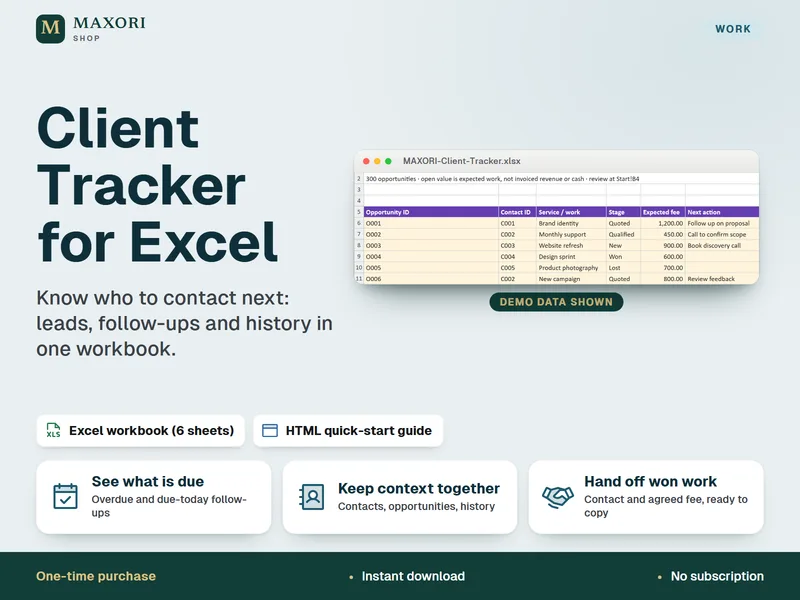
Client Tracker for Excel – Leads, Follow-Ups and Contact Log
Know who to contact next, in one Excel workbook.
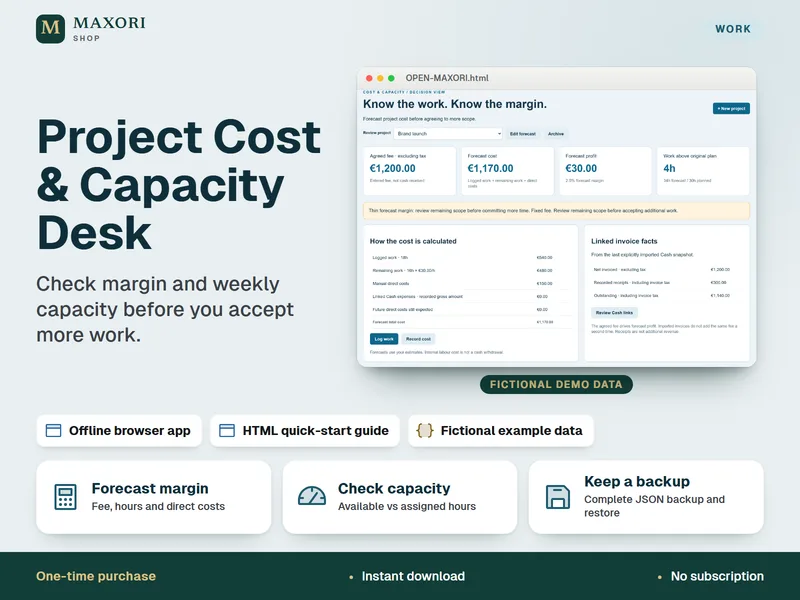
Project Cost & Capacity Desk – Margin and Workload Planner
Check margin and weekly capacity before you accept more work.
Project Delivery & Task Planner for Excel – Tasks, Blockers and Workload
€7.14