 1 / 9
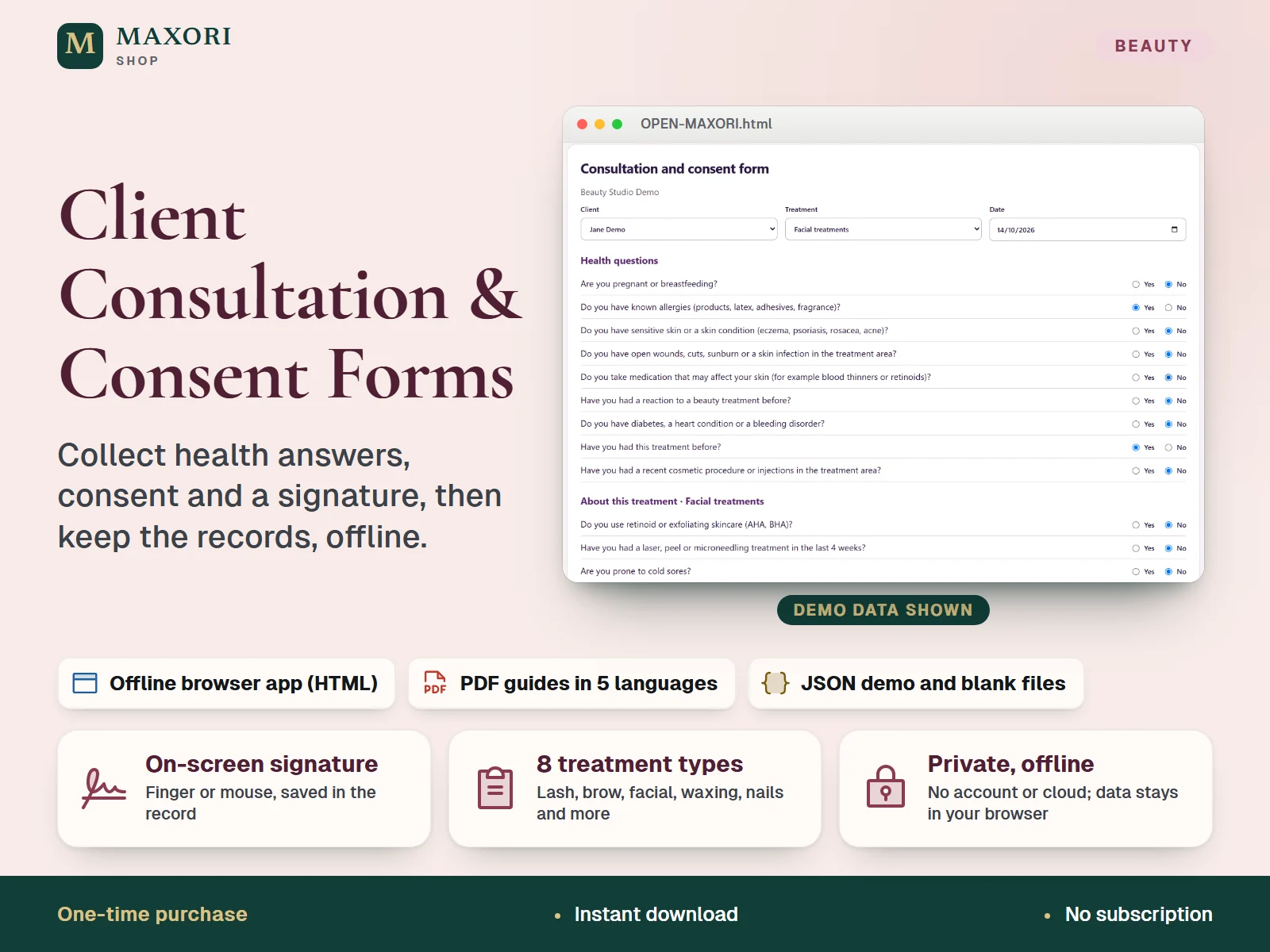
1 / 9A single-file offline app (HTML) for beauty professionals. Add your clients, fill in a consultation form for a treatment (eyelash, brow, facial, waxing, nails, hair colour, massage or spray tanning), tick the consent statements and let the client sign on the screen. Each signed form is saved in your browser, listed by client and treatment, and can be opened, printed or saved as PDF from your browser's print dialog. The interface runs in English, Italian, Spanish, French and German. One ZIP with the app, five PDF guides, text guides and fictional demo and blank JSON files. One-time digital download. The forms are templates, not legal or medical advice.
The problem it solves
Paper consultation forms get lost, are hard to search and are filled in differently each time. You need the health questions, the consent and the signature kept together, one record per client and visit.
Who it is for
Lash and brow artists, nail technicians, facial and skin therapists, waxing and massage practitioners, hairdressers and spray tan providers who want a tidy digital consultation and consent form with a signature, instead of loose paper.
What you get
- A client list with name, phone, email, date of birth and notes, with search; removing a client also removes their forms
- One form per client, treatment and date: 9 health questions and 3 questions specific to the treatment, each answered Yes or No, with space for details of any Yes
- Consent statements: four are required (including one specific to the treatment) and a photo consent is optional; the aftercare advice for the treatment is shown on the form
- The client signs on the screen with a finger or mouse; saving is blocked until every answer, the four required consents and a signature are in place
- Signed forms listed by date, filtered by client or treatment, with a note on forms that have Yes answers to review; open, print or save as PDF from the browser, or delete
- Private by design: no account, no cloud, no subscription; JSON backup and restore, CSV summary and your business name printed on every form
How you use it
- Extract the ZIP into a permanent folder and open OPEN-MAXORI.html in a desktop browser with JavaScript and local storage enabled. Nothing to install.
- Choose your language at the top right and, under Setup & backup, enter your business name and phone so they are printed on every form. Try a DEMO JSON from Restore backup, or the Load fictional example button, to see how it looks.
- Under Clients, add the client. Under New form, choose the client, the treatment and the date, then answer the questions and tick the consents.
- The client signs in the signature box and you press Save signed form. Open it under Forms to print it or save it as PDF.
- Download a dated JSON backup regularly. Restore shows the number of clients and forms before anything is replaced, and Cancel keeps your current data.
Questions
Are the signed forms legally valid?
We cannot say. The forms are general templates and the signature is an image drawn on screen, not a certified electronic signature. Laws and insurer requirements differ by country and treatment, so check the wording with your insurer or an adviser and adapt it before use.
Is it GDPR or privacy compliant?
The app itself has no account, cloud or tracking: your data stays in your browser on your device, unencrypted. Whether your way of collecting, storing and deleting client health data meets the rules that apply to you is your responsibility.
How is it different from the MAXORI Client Consultation & Preferences Form?
That is a set of printable PDF and text forms you fill in on paper. This is an app: it keeps client records, shows treatment-specific questions and consent statements, captures an on-screen signature and stores each signed form so you can filter, print or save it as PDF.
Does it also book appointments?
No. It records consultations and consent, not appointments, deposits or payments. For appointments, MAXORI has a separate Salon Client and Booking Desk.
Where is my data stored, and how do I keep it safe?
In your browser's local storage on this device. Use Download backup in Setup & backup regularly, keep dated JSON files in a safe folder, and do the same before moving or renaming the HTML file or changing browser or device.
Can clients sign on a tablet or phone?
The guide says it works on a tablet, but we tested only a desktop browser with mouse input. Tablets, phones and finger or pen signing were not tested, so we cannot promise they work.
What is included
- OPEN-MAXORI.html: the whole offline app in one file
- START-HERE.txt: setup steps and limits
- GUIDES/: five PDF guides and the same five guides as plain text (English, Italian, Spanish, French, German)
- EXAMPLES/: ten JSON files, a fictional DEMO and an empty BLANK backup for each of the five languages
- 22 files in total in one ZIP
Requirements
A desktop browser with JavaScript and local storage enabled. No installation, account or internet connection needed. Verified in a headless Chromium browser opening the file locally, with the signature drawn using mouse events; other desktop browsers, Mac, tablets, phones and touch or pen signing were not tested.
Version 1.0
Good to know
- Not legal advice and no guarantee of legal validity: the questions and consent statements are general templates. A signature drawn on screen is stored as an image in the record and is not a certified or qualified electronic signature. Check the wording with your insurer or an adviser and adapt it to your local law before use.
- Not a privacy or GDPR compliance tool. The forms hold health information, so you are responsible for protecting it, for how long you keep it and for following the rules that apply to you. Nothing here is medical advice or a medical record system.
- Data stays in your browser on one device and is not encrypted (localStorage). Clearing site data, private browsing, changing browser or computer, or moving or renaming the HTML file can make records unavailable, so keep JSON backups in a safe place.
- Up to 500 clients and 300 signed forms per browser. Everything is stored in one browser on one device: there is no cloud sync and no multi-device or multi-user access.
- Eight fixed treatment types with fixed questions and wording: you cannot edit the questions or consent text inside the app. Use the forms as they are or adapt your practice around them.
- CSV exports a summary of the forms without signatures and cannot restore the app; the JSON file is the backup. The print button opens your browser's print dialog; the dialog and paper output were not tested.
- It is an HTML app, not an Excel or PDF form. Personal or internal business use by one buyer; no resale or redistribution.
This is a downloadable digital product, not online software. It does not need an account and is not part of the MAXORI Software subscriptions.
Works well with
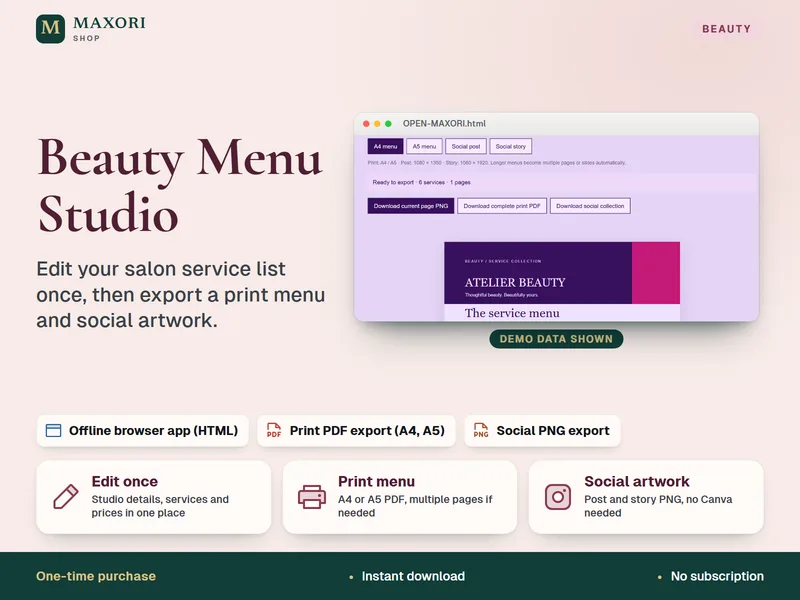
Beauty Menu Studio – Salon Price List Maker
Edit your service list once, then export a print menu and social artwork.
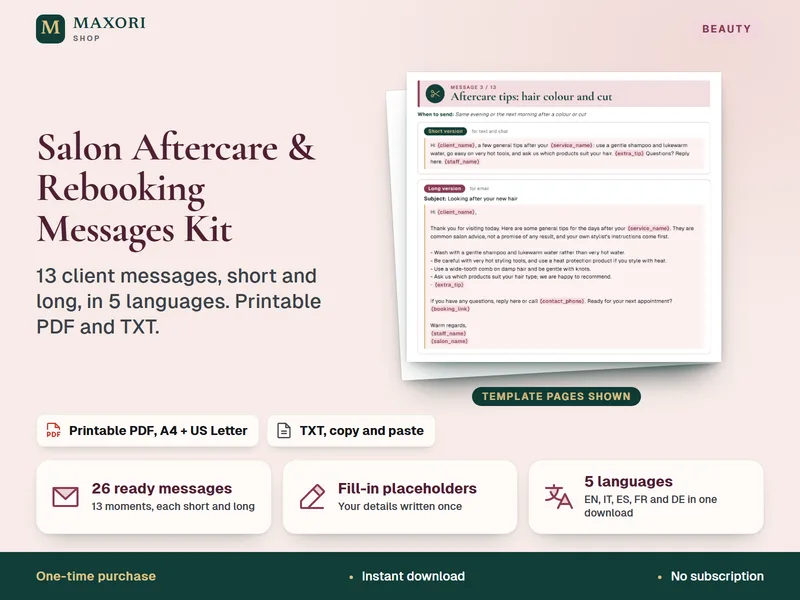
Salon Aftercare & Rebooking Messages Kit – 26 Client Messages in 5 Languages
13 client messages, short and long, in 5 languages. Printable PDF and TXT.
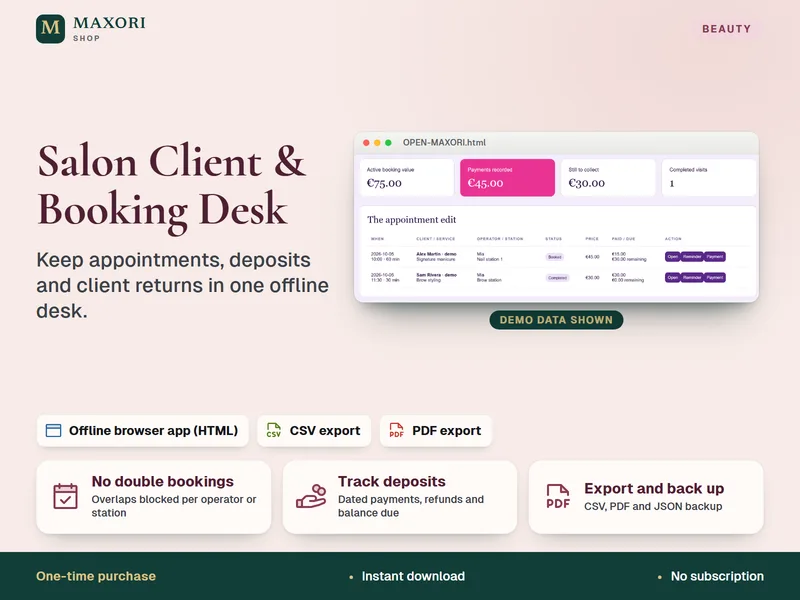
Salon Client and Booking Desk – Appointment and Deposit Tracker
Keep appointments, deposits and client returns in one offline desk.
Client Consultation & Consent Forms – Offline App with Signature, 5 Languages
€14.40