 1 / 9
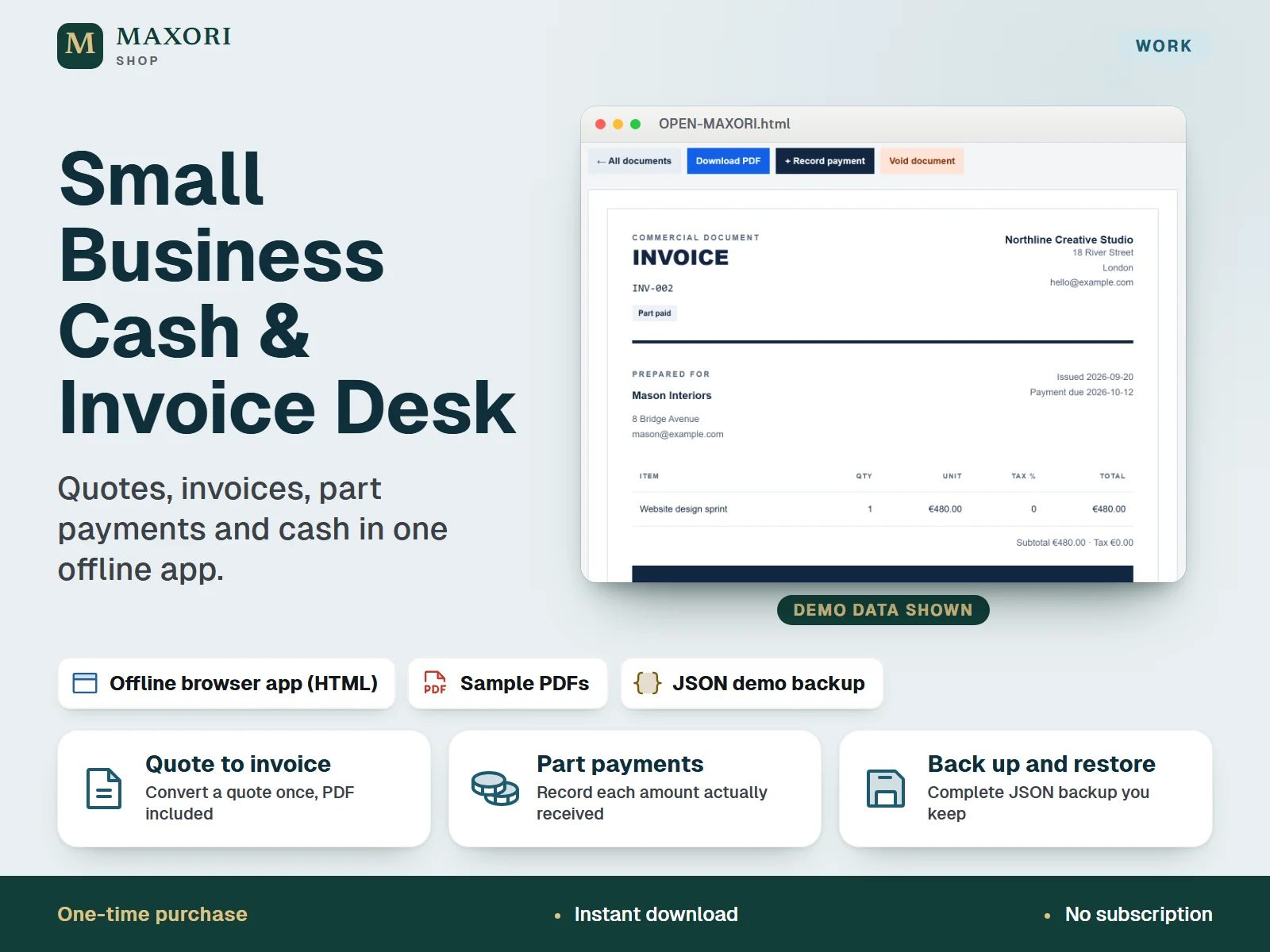
1 / 9An offline browser app for freelancers and small businesses to write quotes, issue invoices, record the payments actually received and see the recorded cash position. Opens in desktop Chrome or Edge, keeps data on your computer and comes with a fictional sample, sample PDFs and a JSON demo backup. One-time digital download.
The problem it solves
Quotes sit in one file, invoices in another and payments in your head, so it is hard to tell what has really been received and what is still outstanding.
Who it is for
Freelancers, studios and small service businesses that want a simple local tool for quotes, invoices and cash, without a subscription or an account.
What you get
- Create quotes and invoices with line items, entered tax rates, due dates and a live total preview
- Convert an unexpired quote into one linked invoice; the client and line items copy over
- Record each payment you actually receive: part payments update the remaining balance and overdue invoices stand out
- A cash position screen separates billed from banked: opening balance + received payments - paid expenses, for any date you choose
- Corrections stay visible: reverse a full entry with a reason instead of overwriting history
- Download invoice, quote and cash report PDFs, export the ledger as CSV and keep a complete JSON backup
How you use it
- Download and extract the whole ZIP into one folder, then read QUICK-START.html.
- Open OPEN-MAXORI.html in desktop Chrome or Edge and explore the fictional sample.
- Click Start my workspace, then choose EUR, USD or GBP, your opening date and opening cash, and add your business details and clients.
- Create a quote, convert it to an invoice, and record each payment and paid expense as it happens.
- Download a JSON backup after every session and keep it outside the browser.
Questions
Is this an Excel template?
No. It is an offline HTML app that runs in desktop Chrome or Edge. You do not need Excel, an account or an internet connection.
Can I record part payments?
Yes. Use Record payment on an invoice for each amount you receive. The remaining balance updates and overdue balances are flagged. A payment cannot exceed the outstanding total.
Can I fix a mistake?
Saved documents are fixed. You reverse the full entry with a date and an explanation, and the original stays visible. To change an invoice, reverse its receipts, void it and issue a replacement.
How is it different from MAXORI Connected Finance?
This is the standalone Cash & Invoice Desk: quotes, invoices, payments, expenses and cash reports. Connected Finance is a separate file that also links Bills & Renewals payments into Cash. Both are sold separately and do not sync.
Where is my data stored?
On your computer, in your browser. Nothing is uploaded. Download a JSON backup after each session and keep it somewhere safe.
What is included
- OPEN-MAXORI.html: the offline app, with a fictional sample workspace (Northline Creative Studio)
- QUICK-START.html: illustrated guide in English
- STARTER-CHECKLIST.html: printable six-step checklist
- EXAMPLES folder: sample quote, invoice and cash report PDFs, plus DEMO-BACKUP.json to practise with
- READ-ME.txt and THIRD-PARTY-LICENSE.txt
Requirements
Desktop Chrome or Edge recommended. No Excel, account or internet connection needed. The interface is in English; one currency per workspace (EUR, USD or GBP). Physical printing, Safari and a real Mac installation have not been tested.
Version 1.0
Good to know
- Local single-user app: no cloud sync, no multi-user access and no bank connection. Data is stored unencrypted in your browser, so keep a JSON backup.
- Does not send invoices or reminders, collect payments, create credit notes or handle partial refunds, recurring invoices, inventory or payroll.
- Not accounting software or a general ledger, and not tax advice: you enter your own tax rates and check what your country requires on invoices.
- Bills and subscriptions are not part of this product. Linked invoices, cash and bills in one file is a different product, MAXORI Connected Finance.
- Use one browser profile and one file location: moving the file, clearing browser data or private browsing can make saved records unavailable.
- A CSV or PDF is a report, not a restorable backup. For use within one business; no resale or redistribution.
This is a downloadable digital product, not online software. It does not need an account and is not part of the MAXORI Software subscriptions.
Works well with
Small Business Cash & Invoice Desk – Quotes, Invoices and Part Payments
€9.56