 1 / 9
1 / 9Preview inside
Browse the real pages of this product, page by page, before you buy.
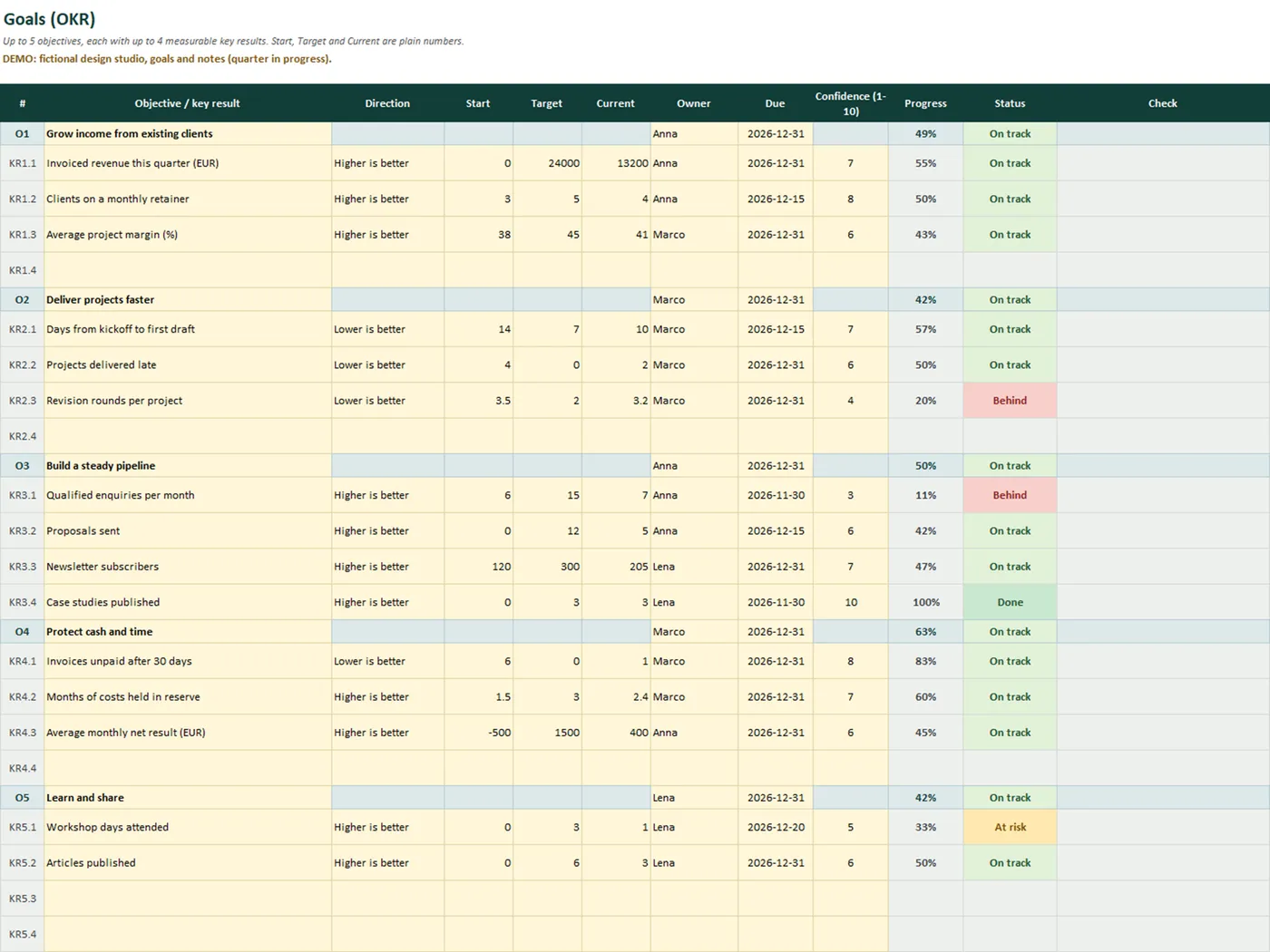
Real screens of the product with fictional example data. The file you download is editable or printable as described above.
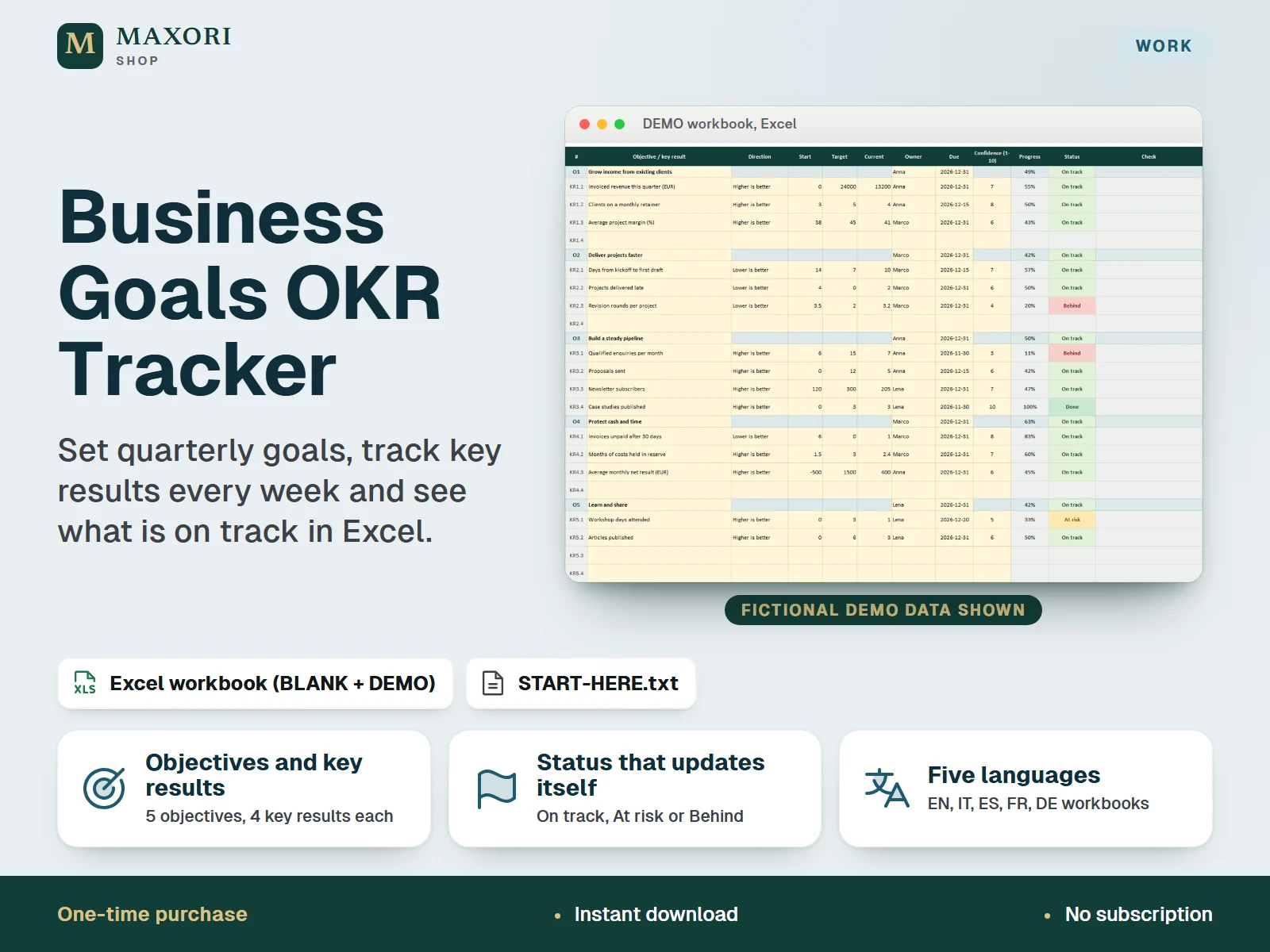
An Excel (XLSX) workbook for freelancers and small businesses that turns quarterly goals into numbers you can follow. You write up to 5 objectives per quarter and up to 4 key results under each one: a start value, a target, the current value, an owner, a due date and your confidence. Formulas work out the progress of every key result and of every objective, compare it with the share of the quarter that has already passed and show a status: On track, At risk or Behind (or Done). A weekly check-in sheet records confidence, wins, blockers and next focus, and a dashboard shows overall progress, key results by status and the ones that need attention first. One download holds five complete editions (English, Italian, Spanish, French and German), each with a fictional DEMO workbook and an empty BLANK one.
The problem it solves
Quarterly goals are easy to write and easy to forget. Without a measure, a target and a weekly look, you notice in the last week that a goal slipped, and nobody can say whether the quarter is going well or badly.
Who it is for
Freelancers, consultants, small studios, online shops and solo founders who set goals each quarter and want a simple, repeatable way to see whether they are on course.
What you get
- Up to 5 objectives per quarter, each with up to 4 key results: start value, target, current value, owner, due date and confidence from 1 to 10
- Progress in percent for every key result and every objective, for rising targets, falling targets (lower is better) and negative numbers
- A status that updates itself by comparing progress with the share of the quarter already elapsed: Done, On track, At risk, Behind or No update, with limits you can change
- A weekly check-in sheet for 13 weeks with confidence, key results updated, wins, blockers and focus for next week
- A dashboard with overall progress, key results counted by status, a bar per objective and a ranked list of the key results that need attention
- Plain-language data checks that point to rows to fix, such as a missing start value or a due date outside the quarter
- Five full language editions in one purchase, each with a fictional DEMO workbook and a BLANK one
How you use it
- Download and unzip the file, then open the folder of the language you want.
- Open the DEMO workbook in desktop Excel and look at Goals, Check-in and Dashboard to see how it works.
- Open the BLANK workbook, save a working copy and, on Setup, type your name, a quarter label and the quarter start date.
- On Goals, write your objectives and, under each, the key results with a start value, a target and the direction (higher or lower is better).
- Each week, update the current values and add one line on Check-in; then read the Dashboard and act on the items that need attention.
Questions
Do I get all five languages?
Yes. One download contains the English, Italian, Spanish, French and German editions. Each folder has its own BLANK and DEMO workbook and a START-HERE.txt, fully in that language.
How is progress calculated?
Progress = (current - start) / (target - start), kept between 0 and 100 percent. It works when the target is lower than the start (for example days to deliver), with zero targets and with negative numbers. An objective's progress is the average of its key results.
How does the status work?
Done at 100 percent. On track if progress is no more than 10 points below the share of the quarter already passed, At risk up to 25 points below, otherwise Behind. No update when no current value is typed. Both limits can be changed on Setup.
Can I use it for more than one quarter?
Yes, but one workbook covers one quarter. Save a copy of the BLANK file for each new quarter and keep the finished ones as your record.
Will it work on Mac, Google Sheets or my phone?
The workbooks need desktop Microsoft Excel and were tested in Excel for Windows only. Other platforms and apps have not been tested, so they are not promised.
What is included
- One ZIP with five folders: EN, IT, ES, FR and DE
- In each folder: a BLANK workbook (your clean master), a DEMO workbook (a fictional small design studio with a quarter in progress) and a START-HERE.txt, all in that language
- Five sheets per workbook: Start, Setup, Goals, Check-in and Dashboard
- A START-HERE.txt in the root of the ZIP; 16 files in total
Requirements
Desktop Microsoft Excel (not included). XLSX files with formulas, drop-down lists, input validation, conditional formatting and sheet protection, no macros. Recalculated and checked in installed desktop Excel for Windows only; Excel for Mac, Excel on the web, mobile apps, Google Sheets, LibreOffice and older Excel versions have not been tested and are not promised.
Version 1.0
Good to know
- A planning aid, not business, financial or tax advice. Targets are your own; the demo values are fictional and are not benchmarks or recommendations. No statistics are supplied.
- You type every number yourself: no data import, no cloud sync, no reminders or notifications, and no sharing beyond passing the file around.
- Fixed capacity: 5 objectives, 4 key results each and 13 weekly check-ins per workbook. Use one workbook per quarter.
- Status compares progress with the share of the quarter that has passed on the report date, using two limits you can change. It is a simple signal, not a forecast. Progress is limited to 0 to 100 percent, and a key result with no current value counts as 0 percent in its objective.
- Sheets are protected without a password to prevent accidental edits; this is not security or encryption. If you unprotect a sheet and change formulas, the results are no longer guaranteed. A clean data check does not prove your figures are correct.
- Translations have not been reviewed by native speakers. For one purchaser or business; you may edit and print your own copies, no resale or redistribution.
- Different from the Year-End Business Review & Goals Planner (an annual review with printable PDFs), the Project Delivery & Task Planner (tasks and workload) and the Meeting Notes & Action Items Tracker (meeting follow-up): this one is a quarterly objectives and key results tracker.
This is a downloadable digital product, not online software. It does not need an account and is not part of the MAXORI Software subscriptions.
Works well with
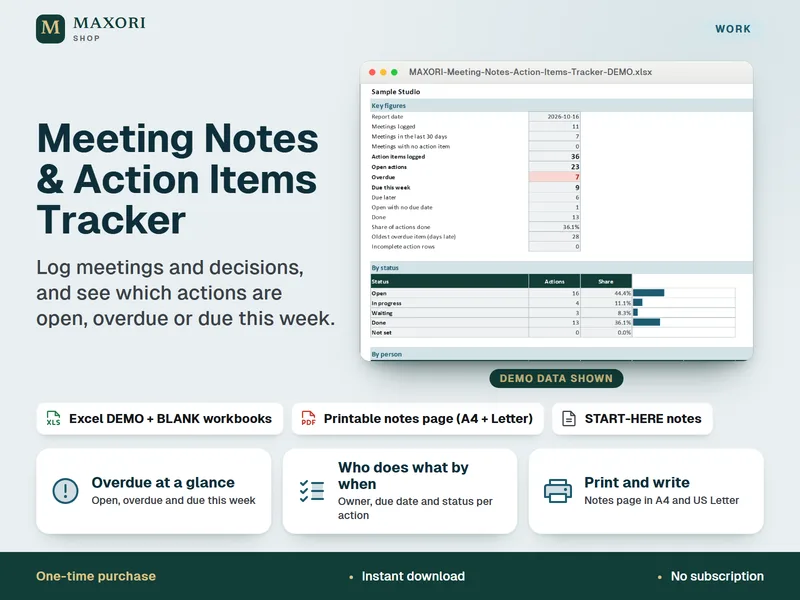
Meeting Notes & Action Items Tracker – Excel Workbook and Printable Notes Page
Log meetings and decisions, assign actions, and see what is open, overdue or due this week, in Excel.
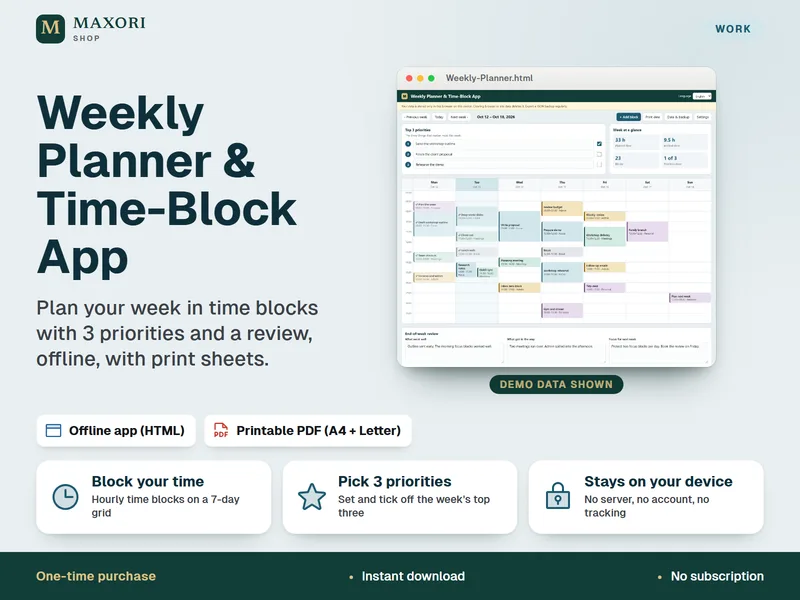
Weekly Planner & Time-Block App
Plan your week in time blocks with 3 priorities and a weekly review, offline, with printable sheets.
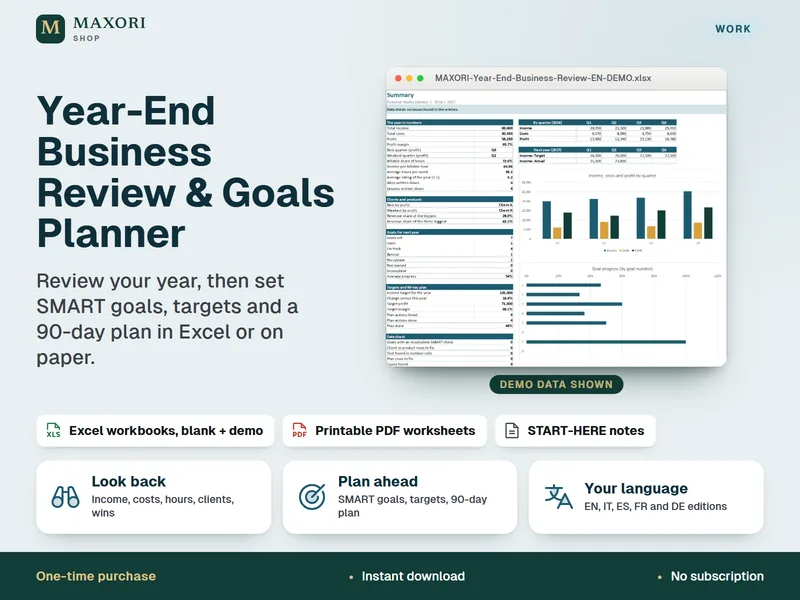
Year-End Business Review & Goals Planner – Excel + Printable PDF for Freelancers and Small Businesses (5 Languages)
Review your year, then turn it into SMART goals, targets and a 90-day plan in Excel or on paper.
Business Goals OKR Tracker – Quarterly Goals Excel Workbook (5 Languages)
€8.35