 1 / 9
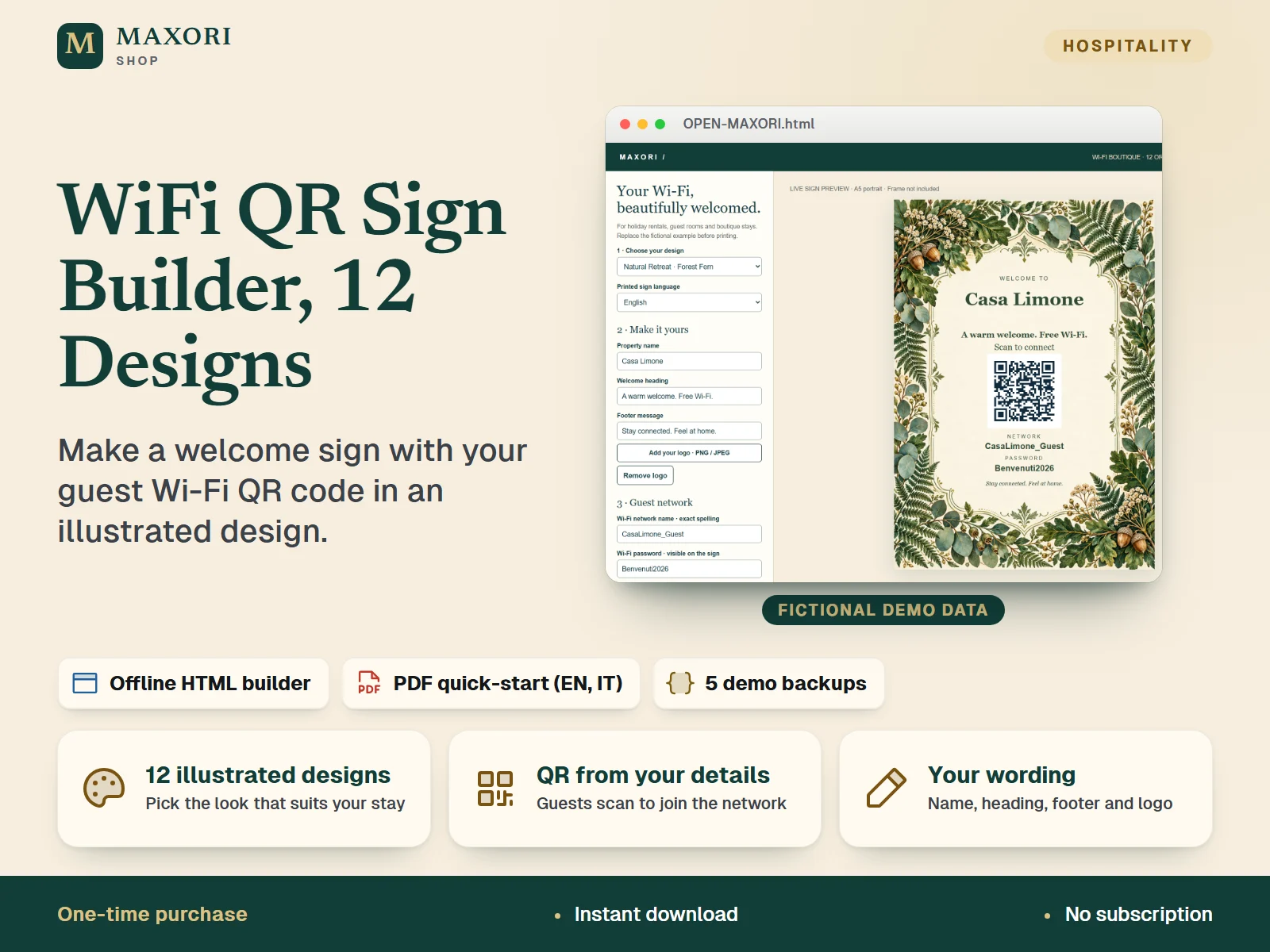
1 / 9An offline HTML sign builder for holiday rentals, B&Bs and guest rooms. Pick one of 12 illustrated backgrounds, type your property name, wording and guest network, and the builder generates a Wi-Fi QR code on an A5 sign you can export as PNG or SVG or print from your browser. One-time digital download in a single ZIP.
The problem it solves
Guests keep asking for the Wi-Fi password, and a plain printed note does not suit a carefully styled property.
Who it is for
Hosts, B&B owners and property managers who want a good-looking Wi-Fi sign with a QR code for their own properties, without a design tool.
What you get
- 12 illustrated designs in four groups: Mediterranean Boutique, Urban Hotel, Natural Retreat and Classic Elegance
- A Wi-Fi QR code is generated from the network name and password you enter, for WPA/WPA2 personal or open networks, with an optional hidden-network flag
- Edit the property name, welcome heading and footer message, and add an optional PNG or JPEG logo
- Fixed sign labels in English, Italian, German, Spanish and French
- Download the sign as PNG (1748 × 2480 px) or SVG, or print it at A5 from your browser; save a JSON backup to reuse later
How you use it
- Download and extract the ZIP on a desktop computer, then open OPEN-MAXORI.html in your browser.
- Choose a design and the printed language, then enter the property name, heading and footer.
- Enter the exact guest network name and password, or tick Open network or Hidden network.
- Download the PNG or SVG, or use Print / Save PDF with A5 portrait, 100% scale, no margins and background graphics on.
- Scan the sign with a phone and connect to the real network before displaying it to guests.
Questions
Is this a Canva template?
No. It is a local HTML sign builder that opens in your browser. No Canva account or subscription is needed.
Can I change the illustrations or colours?
No. The 12 backgrounds are fixed. You can edit the property name, heading, footer, network details, printed language and add a logo.
Which languages are included?
The printed labels on the sign come in English, Italian, German, Spanish and French. The editor controls are in English and the quick-start PDFs are in English and Italian.
How do I get the sign onto paper?
Download a PNG or SVG, or use the browser Print / Save PDF option, which is laid out for A5 portrait. Paper, printer and frame are not included, and printer margins may vary.
Is it the same as the 30-design Wi-Fi Sign Builder?
No. This is a separate 12-design illustrated collection. It does not include the 30-design Wi-Fi Sign Builder, which is sold separately.
What is included
- OPEN-MAXORI.html: one standalone HTML sign builder with all 12 backgrounds embedded
- QUICK-START-EN.pdf and QUICK-START-IT.pdf: quick-start guides in English and Italian
- DEMO folder: five fictional demo backup files (EN, IT, DE, ES, FR)
- START-HERE.txt, LICENSE.txt and THIRD-PARTY-NOTICES.txt
Requirements
A desktop computer with a web browser; no account, server or internet connection needed to use the builder. The editor controls are in English. Printing needs your own printer, paper and frame. Specific browsers and operating systems are not guaranteed.
Version 1.0
Good to know
- The 12 illustrated backgrounds are fixed: colours and decorative elements are not individually editable. Wording, network details and logo are.
- This is a local HTML editor, not a Canva template; no Canva account is needed.
- Only WPA/WPA2 personal and open networks are supported; no enterprise authentication or captive-portal sign-in.
- Editor controls are in English only; the printed labels are available in English, Italian, German, Spanish and French, and the PDF guides are in English and Italian.
- Wi-Fi details appear on the sign and are stored unencrypted in the browser and in JSON backups. Use a guest network and keep backups private. There is no cloud sync.
- PNG export is 1748 × 2480 px; this does not mean the source illustrations are 300 dpi. SVG has vector text and QR over an embedded raster background.
- Phone scanning, physical printing and every browser or operating system have not been independently verified. Test your finished sign before guests use it.
- Illustrations were created with AI-assisted tools under MAXORI creative direction. For properties you own or manage; do not redistribute the builder or resell it as templates. No physical item, frame or print is included.
This is a downloadable digital product, not online software. It does not need an account and is not part of the MAXORI Software subscriptions.
Works well with
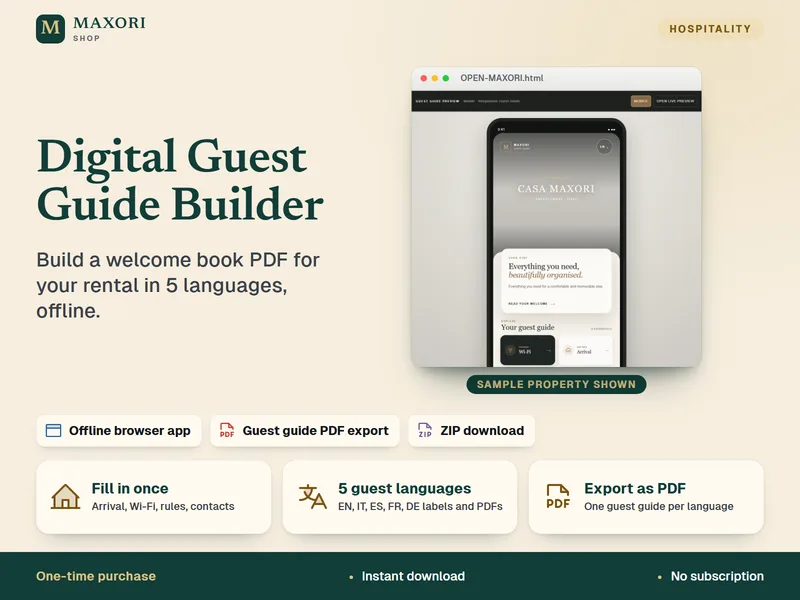
Digital Guest Guide Builder – Welcome Book, 5 Languages
Build a guest guide PDF for your rental in English, Italian, Spanish, French and German.
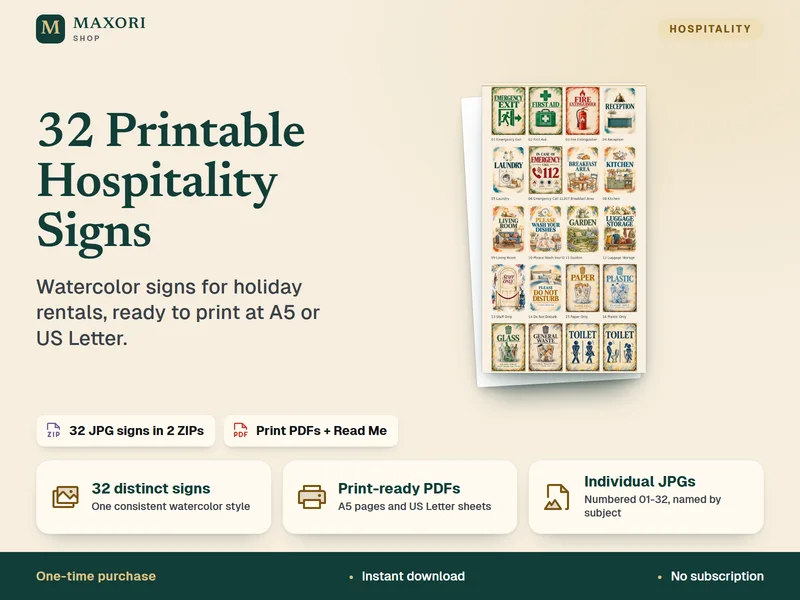
Hospitality Signs – Mediterranean Watercolor Collection (32 Printable Signs)
32 ready-to-print watercolor signs for holiday rentals, B&Bs and guesthouses.
WiFi QR Code Sign Builder for Vacation Rentals | 12 Illustrated Designs
€8.35