 1 / 9
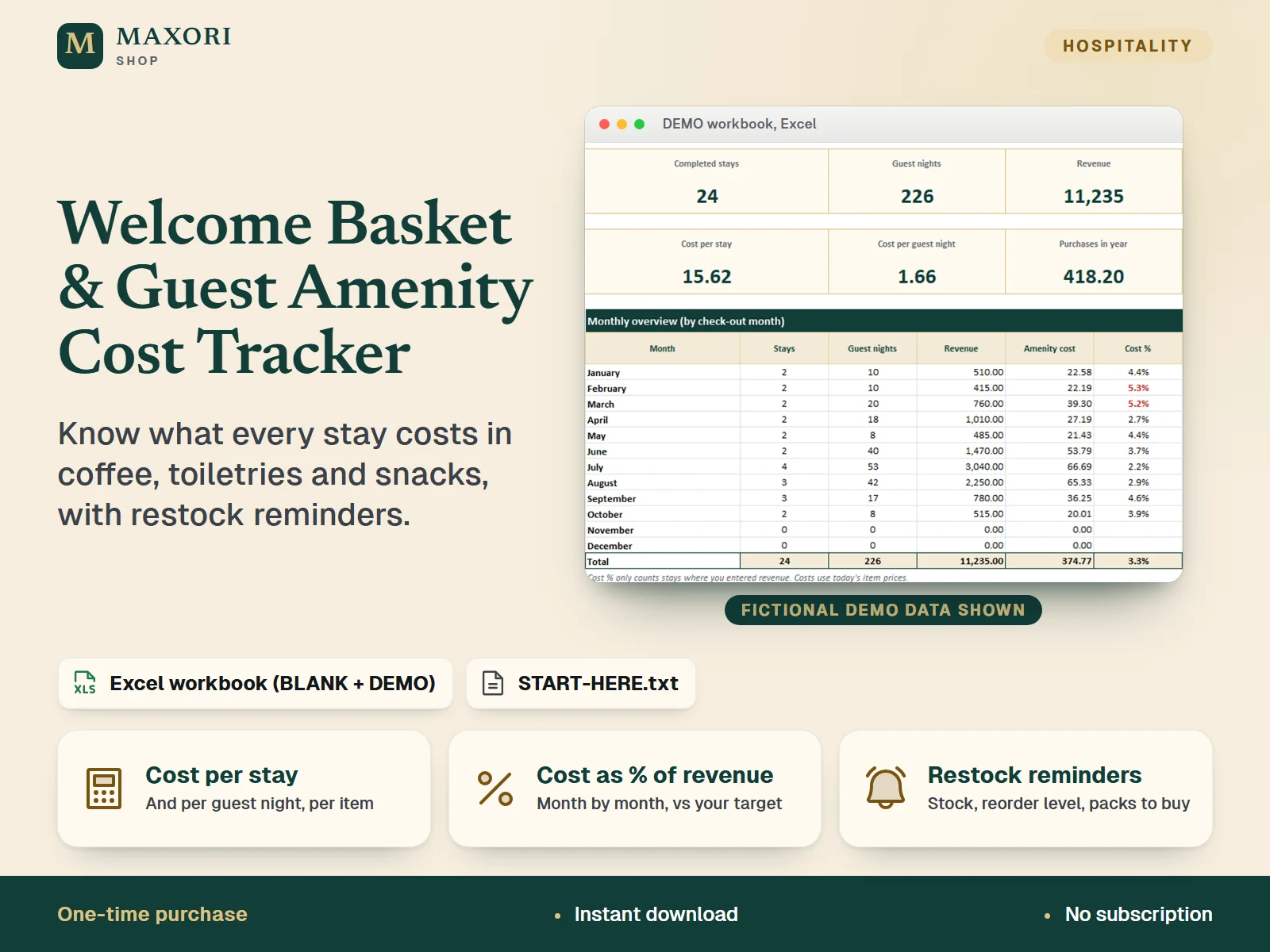
1 / 9An Excel workbook (XLSX) for short-term rental hosts, B&B and guesthouse owners: list your welcome items and consumables with pack cost and units per pack, say how much goes into each stay, guest, night or guest night, log your bookings with revenue, and the workbook calculates the cost per item, per stay and per guest night, monthly totals, cost as a % of revenue against your own target, estimated stock and restock reminders. A BLANK workbook and a DEMO workbook with fictional data are included in English, Italian, Spanish, French and German.
The problem it solves
Welcome items and consumables are bought a few euros at a time, so nobody knows what a stay really costs, which bookings barely cover it, or that the coffee ran out until a guest asks.
Who it is for
Hosts, B&B and guesthouse owners and small property managers who give guests coffee, toiletries, snacks or cleaning supplies and want to know what that really costs per booking, in desktop Excel.
What you get
- Pack cost and units per pack give the cost per unit; each item is charged per stay, per guest, per night or per guest night
- Every stay gets its calculated cost, cost per guest night and cost as a % of the revenue you enter, with stays above your own target highlighted
- Dashboard with monthly totals, cost per stay, cost by category, the five costliest items and purchases for the year
- Estimated stock from opening stock, purchases and use, with reorder level, packs to order and estimated reorder cost
- Purchases log with price paid per unit compared with your list price
- Complements the Check-in / Check-out & Inventory Kit, which counts objects: this one calculates cost per booking
- All files in English, Italian, Spanish, French and German; start from the BLANK workbook or learn first with the DEMO
How you use it
- Download and unzip, open the folder of your language and try the DEMO workbook first.
- Open the BLANK workbook in desktop Microsoft Excel and save a working copy. In Setup, type your properties, check the categories and set your own target for amenity cost as a % of revenue.
- In Items, list each welcome item and consumable with pack cost, units per pack and how many units are used per stay, guest, night or guest night. Count your stock once and enter it as opening stock, with a reorder level.
- Log each booking in Stays with dates, guests and revenue, and each restock in Purchases.
- Open the Dashboard to read monthly totals, cost per stay and per guest night, cost % of revenue and the restock reminders.
Questions
How is the cost of a stay calculated?
Each item has a cost per unit and a basis: per stay, per guest, per night or per guest night. The cost of a stay adds all items according to the guests and nights you enter, plus any one-off extras you type.
Does the stock update by itself?
It is calculated from your opening stock, the purchases you log and the estimated use of completed stays, plus a manual adjustment column. It is an estimate, so count your real stock now and then and correct it.
Is it really in five languages?
Yes. Sheet names, headings, lists, instructions and the START-HERE guide are provided in English, Italian, Spanish, French and German, in separate folders.
Does it work in Google Sheets, LibreOffice or Excel for Mac?
It was tested in desktop Excel for Windows only. Other programs were not tested, so we cannot promise they behave the same.
What is included
- One folder per language (en, it, es, fr, de), each with the same files in that language
- BLANK workbook (XLSX): 6 sheets - Start, Dashboard, Stays, Items, Purchases, Setup
- DEMO workbook (XLSX): the same workbook with fictional data (2 properties, 17 items, 27 stays)
- START-HERE.txt in every language folder, plus a short START-HERE.txt at the top level
Requirements
Microsoft Excel for desktop (not included). Built and tested with Excel 16.0 for Windows: all 10 workbooks were recalculated with no formula errors and the cost, stock and restock logic was checked with probe data. No macros and no external links. Mac, Excel for the web, phone apps, Google Sheets and LibreOffice were not tested.
Version 1.0
Good to know
- Capacity: 60 items, 300 stays, 300 purchase lines and 10 properties. Calculated cells are locked without a password.
- Stock is an estimate (opening stock + purchases - estimated use from completed stays + your manual adjustment). Do a real count now and then and correct it.
- Costs use today's pack cost of each item; price history is not tracked. The Purchases sheet shows what you actually paid per unit.
- Cost % only counts stays where you entered revenue. Revenue is what you type; no platform fees or taxes are calculated, and the target % is your own choice, not a benchmark.
- No macros, no cloud sync, no automatic emails or reminders: you open the file and read the Dashboard.
- Not accounting software, not tax advice. Example data is fictional. For your own business use; reselling or sharing the files is not allowed.
- This is a one-time digital download, separate from the MAXORI online software.
This is a downloadable digital product, not online software. It does not need an account and is not part of the MAXORI Software subscriptions.
Works well with
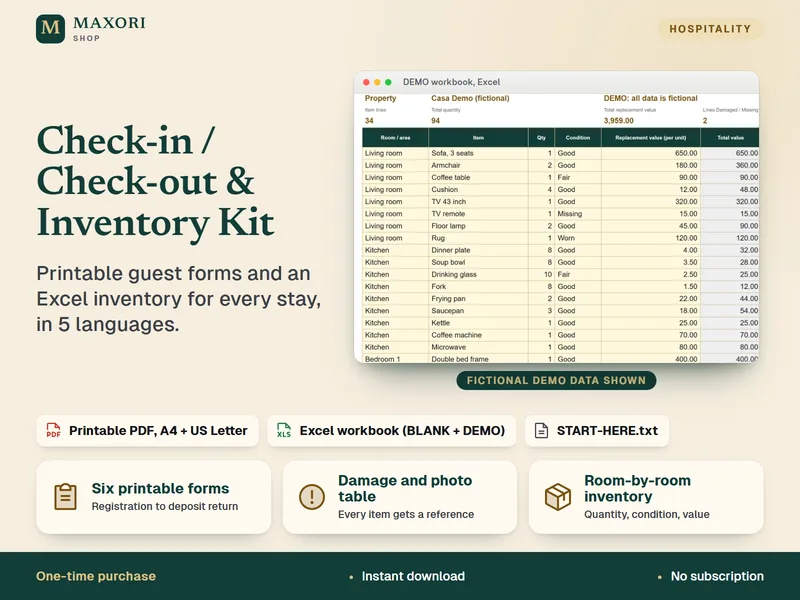
Check-in / Check-out & Property Inventory Kit – Printable Forms + Excel
Printable guest forms and an Excel property inventory for every stay, in 5 languages.
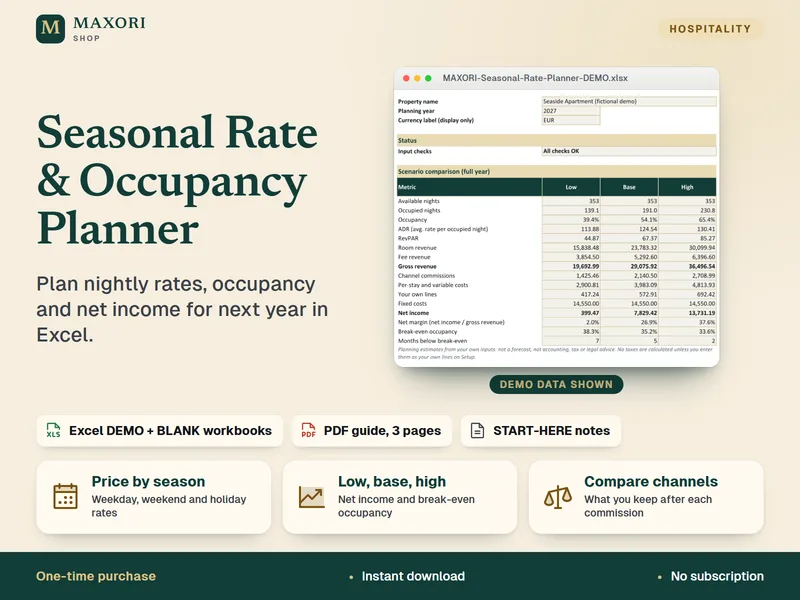
Seasonal Rate & Occupancy Planner – Excel Pricing Workbook
Plan nightly rates, occupancy and net income for next year, in 5 languages.
Welcome Basket & Guest Amenity Cost Tracker (Excel, 5 languages)
€8.35