 1 / 9
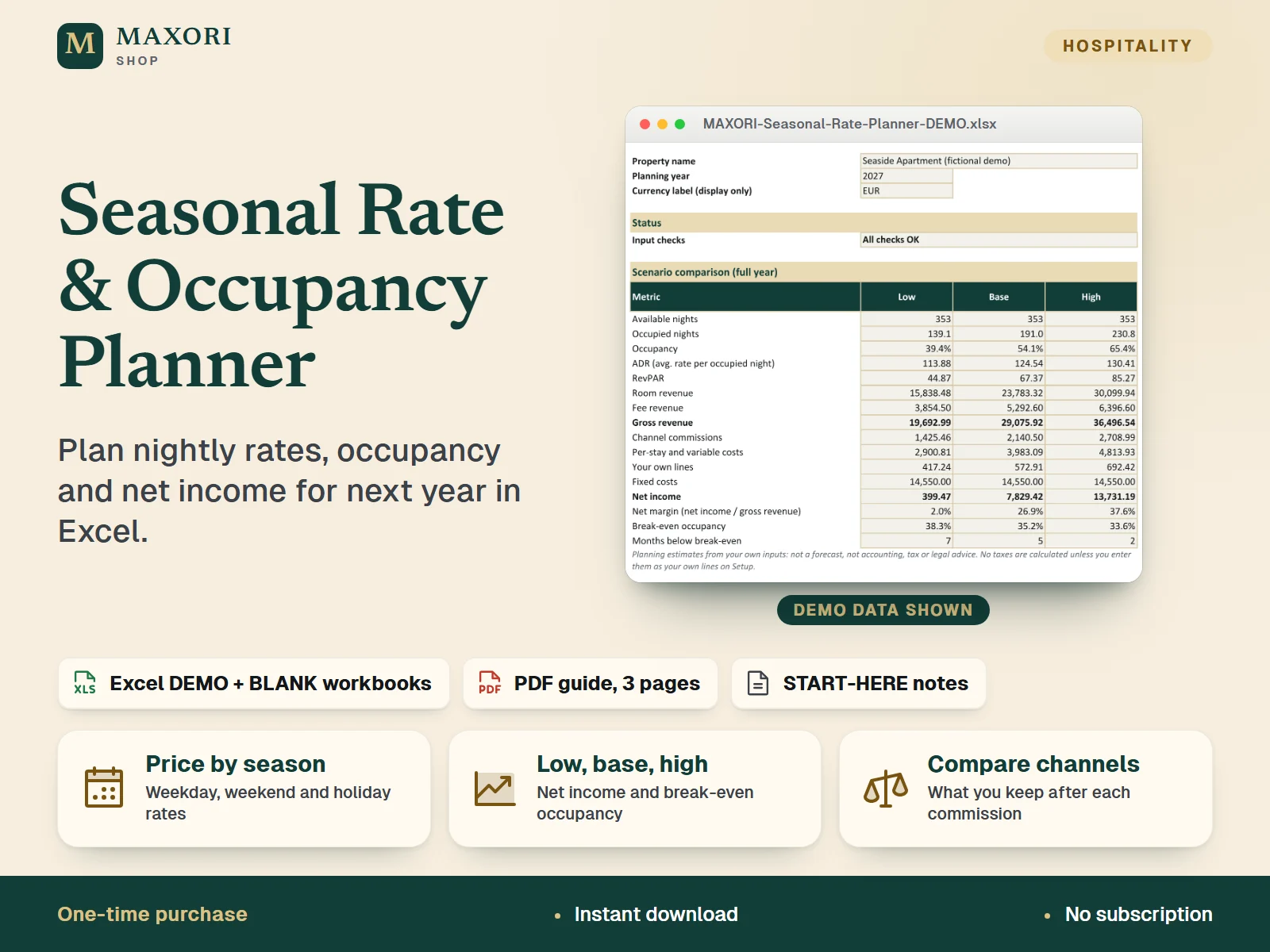
1 / 9An Excel workbook (XLSX) for holiday-rental hosts, B&Bs and guesthouses that looks forward: set nightly rates by season, weekday, weekend and holiday, add minimum stays, a cleaning fee and an extra-guest fee, then see monthly and yearly revenue and net income for a low, base and high scenario, your break-even occupancy and what you keep on each booking channel. A fictional DEMO and an empty BLANK workbook come in English, Italian, Spanish, French and German, with a 3-page PDF guide in each language.
The problem it solves
Prices are often set by feel: it is hard to see how seasons, weekends, holidays, minimum stays and channel commissions add up, or what occupancy you need just to cover your fixed costs.
Who it is for
Independent hosts, B&B and guesthouse owners and small property managers who set prices for the year ahead and want to test them before the season starts.
What you get
- Build a full rate card: up to 5 seasons with weekday and weekend rates, plus up to 15 holiday or event dates with their own rate and minimum stay
- Check every day of the year on a calendar of rates, minimum stays and seasons
- Compare a low, base and high scenario month by month: occupancy, ADR, RevPAR, gross revenue and net income
- See the break-even occupancy for each scenario and each month, with a margin of safety
- Quote a real stay with cleaning and extra-guest fees and see what you receive on each channel, using the commission percentages you enter
- Start from the BLANK workbook or learn first with the fictional DEMO, in your own language
How you use it
- Download and extract the ZIP, then open the folder of your language and read START-HERE.txt.
- Open the DEMO in desktop Microsoft Excel and look at Summary, Rate Card and Year Calendar.
- Open the BLANK, use Save As to keep your own working copy, and fill the cream cells on Setup: seasons, rates, special dates, fees, expected occupancy, channels and costs.
- Read Summary, Scenarios and Break-even, and fix anything flagged in the input checks.
- Use Quote and Channels to price a real stay and compare what you keep on each channel.
Questions
How is this different from the Booking Planner and Rental Performance?
This workbook looks forward: it plans next year's rates, occupancy and expected income. MAXORI Booking Planner records your actual reservations on a calendar, and MAXORI Rental Performance analyses what your properties actually earned. They are separate products and are not linked to this file.
Does it calculate tourist tax, VAT or income tax?
No. No tax calculations and no tax rates are built in. If you want a levy or tax in your projection, enter your own value under Your own lines on Setup.
Do I have to enter the commissions of Airbnb, Booking.com or other platforms?
Yes. No platform rates are included. You type the commission percentage that applies to you for each channel, and 0% for direct bookings.
Which languages are included?
English, Italian, Spanish, French and German. Each language folder has its own DEMO workbook, BLANK workbook and 3-page PDF guide; the figures are the same in every language.
Does it work in Google Sheets or on a Mac?
It was built and recalculated in desktop Microsoft Excel for Windows. Google Sheets, Excel for the web, Mac and mobile have not been verified.
What is included
- MAXORI-Seasonal-Rate-Planner-DEMO.xlsx: 9 sheets filled with fictional example data (Seaside Apartment)
- MAXORI-Seasonal-Rate-Planner-BLANK.xlsx: the same workbook, empty, for your own plan
- MAXORI-Seasonal-Rate-Planner-Guide.pdf: 3-page quick-start guide
- START-HERE.txt: short setup and licence notes
- One ZIP with a folder for each language: English, Italian, Spanish, French and German (the same workbooks and guide in each)
Requirements
Desktop Microsoft Excel (not included). All 10 workbooks were recalculated in desktop Excel for Windows with no formula errors. No macros and no external links. Google Sheets, Excel for the web, Mac and mobile have not been verified. Any PDF reader for the guide.
Version 1.0
Good to know
- No tax calculations are built in: tourist tax, VAT, income tax and similar items are not computed and no rates are included. You can enter your own values as extra lines on Setup.
- No platform commission rates are built in: you enter the percentage for each channel yourself. Guest-side service fees and payment fees are not modelled.
- Planning estimates only: results come from the rates, occupancy and costs you enter. They are not forecasts or guarantees, and not accounting, tax or legal advice. Check your local rules on short-term rentals.
- Occupancy is entered per season and scenario; the workbook does not predict demand, and occupied nights are expected values, not bookings.
- One planning year at a time, up to 5 seasons, 15 special dates and 5 channels. No bank, platform or calendar sync: it is not a booking calendar and not an analysis of past results.
- Formula sheets are protected without a password to prevent accidental overwrites; only the cream cells are meant to be edited. The demo data is fictional.
- A one-time digital download for your own use, not the MAXORI online software; no resale or redistribution.
This is a downloadable digital product, not online software. It does not need an account and is not part of the MAXORI Software subscriptions.
Works well with
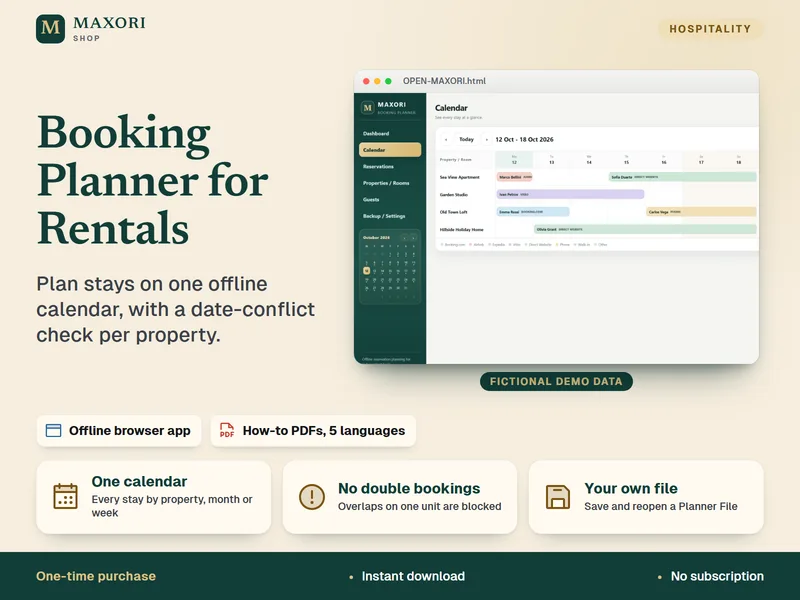
Booking Planner for Rentals – Offline Reservation Calendar
Plan every stay on one offline calendar, with a date-conflict check per property.
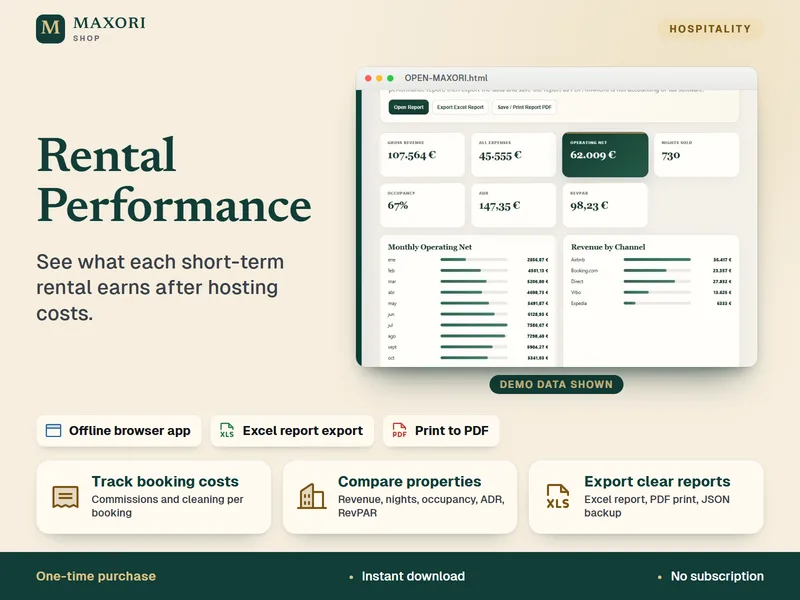
Rental Performance – Profit and Expense Tracker
See what each short-term rental earns after hosting costs.
Seasonal Rate & Occupancy Planner – Excel Pricing Workbook
€11.98