 1 / 9
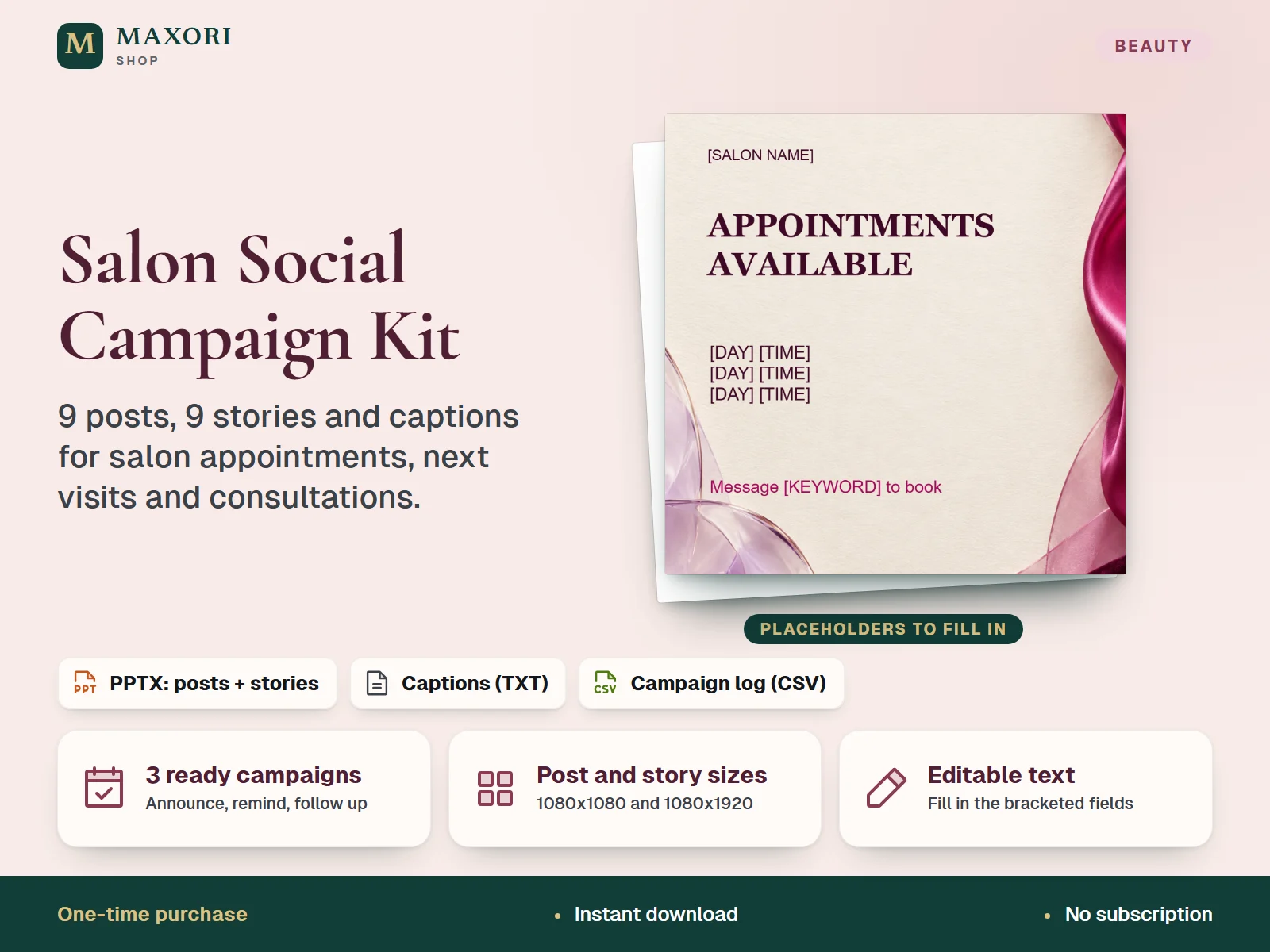
1 / 9Two editable PowerPoint (PPTX) files with nine square posts and nine vertical stories, plus ready captions, a campaign plan and a measurement log. The intended workflow is to import the PPTX into your own Canva account (Canva Free is enough), replace the bracketed text, export PNG and post manually. One-time digital download in English.
The problem it solves
Posting about free appointments, returning clients and consultations takes time, and many salons end up with irregular posts and no idea what to write.
Who it is for
Hair, beauty and nail salon owners and independent stylists who post on social media and want ready campaign layouts without designing from scratch.
What you get
- Three campaigns (available appointments, next visit, consultations), each with an announcement, a reminder and a follow-up
- The same nine messages in two sizes: square posts (1080 x 1080) and vertical stories (1080 x 1920)
- Nine matching captions with a note on when to publish each one, so you know what to write
- A CSV log to record publication date, reach, inquiries and confirmed bookings
- Text stays editable: replace [SALON NAME], [SERVICE], [PRICE] and the other bracketed fields with your own details
How you use it
- Extract the ZIP and keep the original PPTX files as your backup.
- Upload the POST and STORY PPTX files to your own Canva account on a desktop browser and wait for the import to finish.
- Replace every bracketed field on the pages you want to use, then check wrapping, price and availability.
- Download the pages as PNG (default size), then post manually on your own account with the matching caption.
- Note date, reach, inquiries and confirmed bookings in CAMPAIGN-LOG.csv.
Questions
Do I need Canva?
For the intended workflow, yes: you import the PPTX files into your own Canva account, and Canva Free is enough. Canva is not included, and the kit contains no Canva template link.
Can I edit the files without Canva?
The files are standard PPTX with editable text, but only the Canva import is the intended workflow. PowerPoint and other apps are not claimed as tested.
Is this 18 different designs?
No. It is nine campaign messages, each in a post size and a story size, across three campaigns.
Does it post for me or manage bookings?
No. You export PNG images and publish manually. It does not book appointments or connect to other MAXORI products.
Can I change the background?
You can replace the background image in your editor. It is a single flat image, so the folds in the artwork cannot be edited.
What is included
- MAXORI-Salon-Campaign-POST.pptx: 9 square posts, 1080 x 1080
- MAXORI-Salon-Campaign-STORY.pptx: 9 vertical stories, 1080 x 1920
- CAPTIONS-AND-CAMPAIGN-PLAN.txt: 9 captions with publishing notes
- CAMPAIGN-LOG.csv: simple results log
- QUICK-START.md: Canva import steps, page map, booking and measurement notes, licence
Requirements
A Canva account (Canva Free) and an internet connection for the intended Canva workflow, used in a desktop browser. The PPTX files are also kept as an offline backup. Mobile editing and other presentation apps, including PowerPoint, are not claimed as tested. Canva and PowerPoint are not included.
Version 1.0
Good to know
- Canva is not included: you need your own Canva account for the intended editing workflow. The kit is independent of Canva and not endorsed by Canva.
- No Canva template link is included. You import PPTX files, and imported layouts may need small adjustments.
- The satin/paper background is a flat image, not editable objects. You can replace it, but its folds cannot be edited. One background is used on all pages.
- The layouts are text-based: no logo, photo or QR code is included, and there is no automatic posting or scheduling to social networks.
- Not booking software and no live link to other MAXORI products: record confirmed bookings in your own appointment system.
- English text only. The kit does not guarantee appointments, reach or sales.
- For one salon business; no resale or redistribution of the source files.
This is a downloadable digital product, not online software. It does not need an account and is not part of the MAXORI Software subscriptions.
Works well with
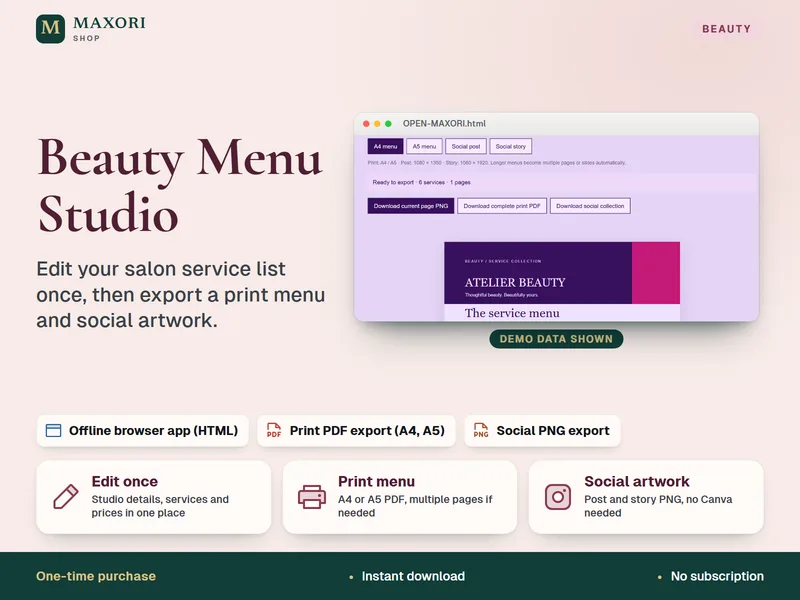
Beauty Menu Studio – Salon Price List Maker
Edit your service list once, then export a print menu and social artwork.
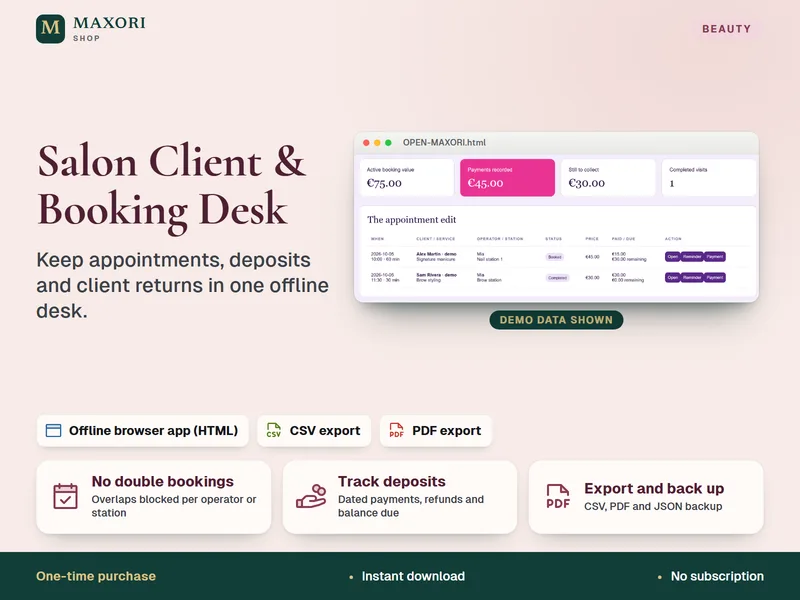
Salon Client and Booking Desk – Appointment and Deposit Tracker
Keep appointments, deposits and client returns in one offline desk.
Salon Social Campaign Kit – 9 Posts and 9 Stories (PPTX for Canva)
€7.14