 1 / 10
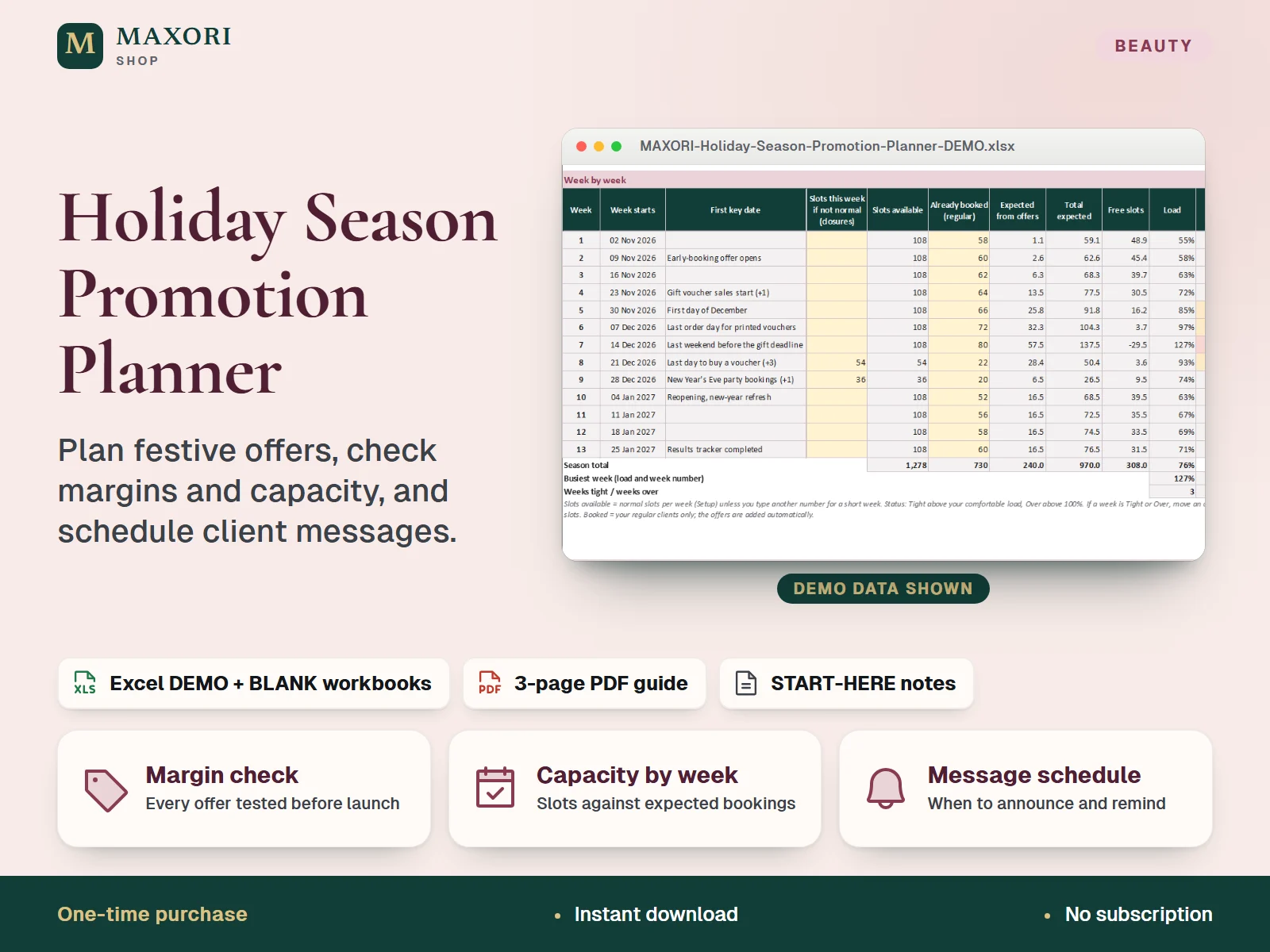
An Excel (XLSX) workbook plus a short PDF guide for salons and beauty studios planning their Nov-Dec promotions, with a generic any-season setup of up to 13 weeks. You type your own dates, list up to 12 offers (gift vouchers, bundles, early booking, loyalty) with price, direct cost and discount, and the workbook checks every offer's margin, adds up a marketing budget, compares expected bookings with your available slots week by week, schedules when to announce, remind and follow up, and gives you a results tracker for after the season. One download holds five complete language editions, each with a fictional DEMO and an empty BLANK workbook.
The problem it solves
Festive offers are often set by feel: a discount that looks generous can eat the margin, a voucher rush can overfill the busiest week, and announcements go out too late. Afterwards it is hard to say which offer actually worked.
Who it is for
Hair salons, nail studios, beauty and skin studios, brow and lash artists and barbers who plan seasonal offers and want to know in advance whether they pay, fit the diary and are worth repeating.
What you get
- Margin check for every offer: offer price, margin per sale, a flag when it is at a loss or below the lowest margin you set, and the biggest discount that still meets it
- Net effect of each offer that counts the share of buyers who would have booked anyway, so the discount given to them is not ignored
- Capacity sheet compares your regular bookings plus expected offer bookings with available slots week by week, with Tight and Over alerts
- Your own calendar of up to 16 key dates (gift moments, deadlines, closures) with weekday, season week and a prepare-by date
- Message schedule: when to announce, remind, make the last call and follow up for every offer, with overdue dates in red and a next-10 list
- Marketing budget with planned and actual spend, and a results tracker with plan against actual, rebooking rate and a repeat, adjust or drop decision
- Five full language editions in one purchase (EN, IT, ES, FR, DE), each with a DEMO, a BLANK workbook and a PDF guide
How you use it
- Download and unzip the file, then open the folder of the language you want.
- Open the DEMO workbook in desktop Excel and look through the sheets, from Setup to Results.
- Keep the BLANK as a master, save a working copy, and fill Setup: season dates, planning date, lowest margin, capacity and message timing.
- Add your key dates and your offers, then read Margin Check and Capacity and adjust until no offer is at a loss and no week is Over.
- Add your marketing spend on Budget, follow the message schedule, and after the season fill Results.
Questions
How is this different from the Social Campaign Kit and the Package and Gift Balance Studio?
This workbook plans the promotion itself: which offers, at what discount, whether they keep a margin, whether the diary can take them and when to message clients. The Salon Social Campaign Kit gives you editable posts and captions, and the Package and Gift Balance Studio tracks the balance of vouchers and packages you have sold. The files are separate and not linked.
Can I use it for seasons other than Nov-Dec?
Yes. All dates are typed by you, so you can plan any season of up to 13 weeks in any year. The demo is a November to January season.
What does the 'would have booked anyway' percentage do?
It is your own estimate of how many buyers would have booked at full price without the offer. The workbook counts the discount given to them as a cost, so an offer is not judged only on how many people used it.
Does it send reminders or messages?
No. The Messages sheet is a schedule that tells you when to announce, remind and follow up, with a place to mark each as sent. You write and send the messages yourself.
Which languages are included?
English, Italian, Spanish, French and German. Each language folder has its own DEMO workbook, BLANK workbook, PDF guide and START-HERE.txt; the figures are the same in every language.
Does it work in Google Sheets or on a Mac?
It was built and recalculated in desktop Microsoft Excel for Windows. Google Sheets, Excel for the web, Mac and mobile have not been verified.
What is included
- One ZIP with five folders: EN, IT, ES, FR and DE
- In each folder: a DEMO workbook (a fictional salon), an empty BLANK workbook, a 3-page PDF guide and a START-HERE.txt, all in that language
- Ten sheets per workbook: Start, Setup, Key Dates, Offers, Margin Check, Budget, Capacity, Messages, Results and Year View
- A START-HERE.txt in the root of the ZIP; 21 files in total
Requirements
Desktop Microsoft Excel (not included). XLSX files with formulas, input validation and sheet protection, no macros, plus a PDF guide. Tested by recalculation in installed desktop Excel for Windows. Google Sheets, Excel for the web, Mac, mobile and older Excel versions have not been verified and are not promised.
Version 1.0
Good to know
- Results show what your own estimates imply, including expected sales and the share who would have booked anyway. They are not forecasts, no income or bookings are promised, and clients must actually buy. The demo figures are invented examples.
- Rules on promotions, discounts, price indications, gift voucher validity and contacting clients differ from place to place. Adapt the offers to the rules where you work. This is not legal advice.
- The Messages sheet is a schedule only: it does not write or send anything. Dates are typed by you, and the planning date never updates by itself.
- One currency per workbook (the currency cell is only a label). VAT and sales tax are not calculated: enter all prices the same way, all with or all without tax.
- Up to 12 offers, 16 key dates, 8 marketing lines and a season of up to 13 weeks. It is not a booking system, accounting software or a mailing tool and has no calendar, bank or cloud connection.
- Formula sheets are protected without a password to prevent accidental overwrites; only the cream cells are meant to be edited.
- A one-time digital download for your own use, not the MAXORI online software; no resale or redistribution.
This is a downloadable digital product, not online software. It does not need an account and is not part of the MAXORI Software subscriptions.
Works well with
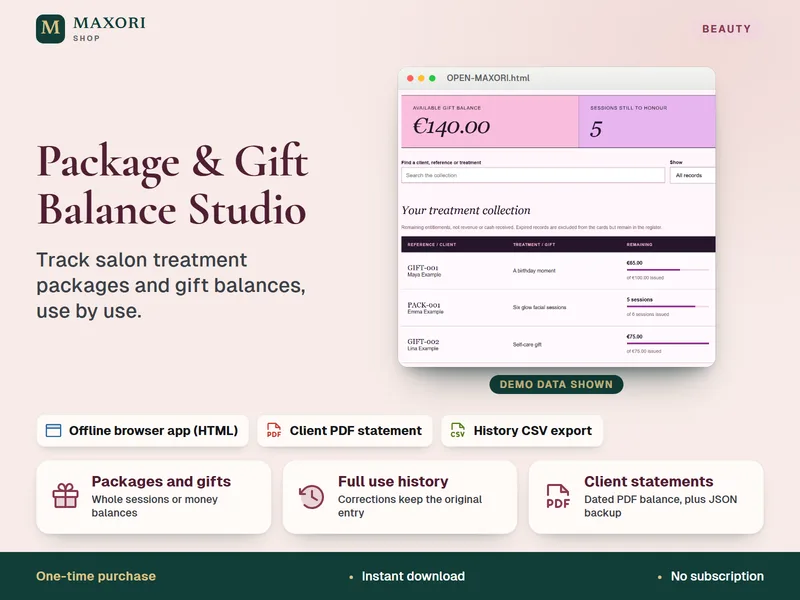
Package & Gift Balance Studio – Salon Packages and Gift Vouchers Tracker
Track salon treatment packages and gift balances, use by use.
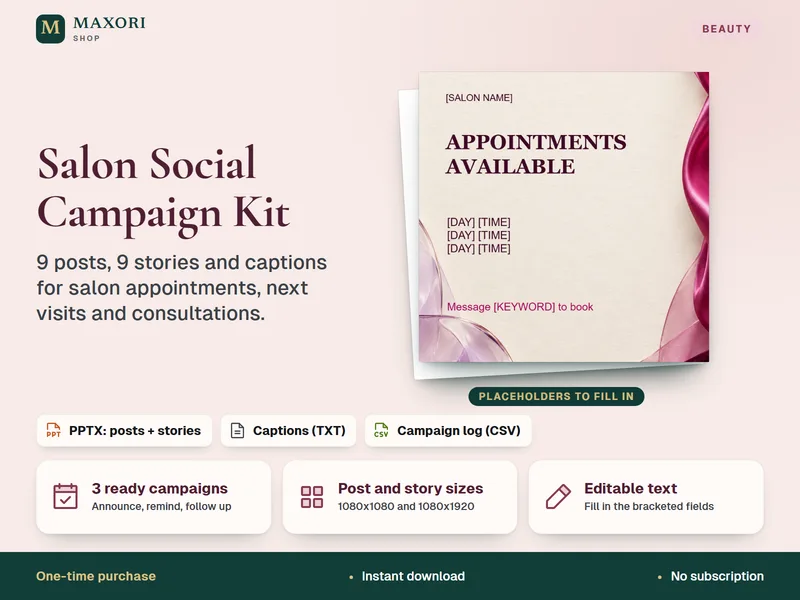
Salon Social Campaign Kit – 9 Posts and 9 Stories (PPTX for Canva)
Ready campaign posts, stories and captions for your salon's available appointments.
Holiday Season Promotion Planner – Excel Offer, Margin and Capacity Planner for Salons
€8.35