 1 / 10
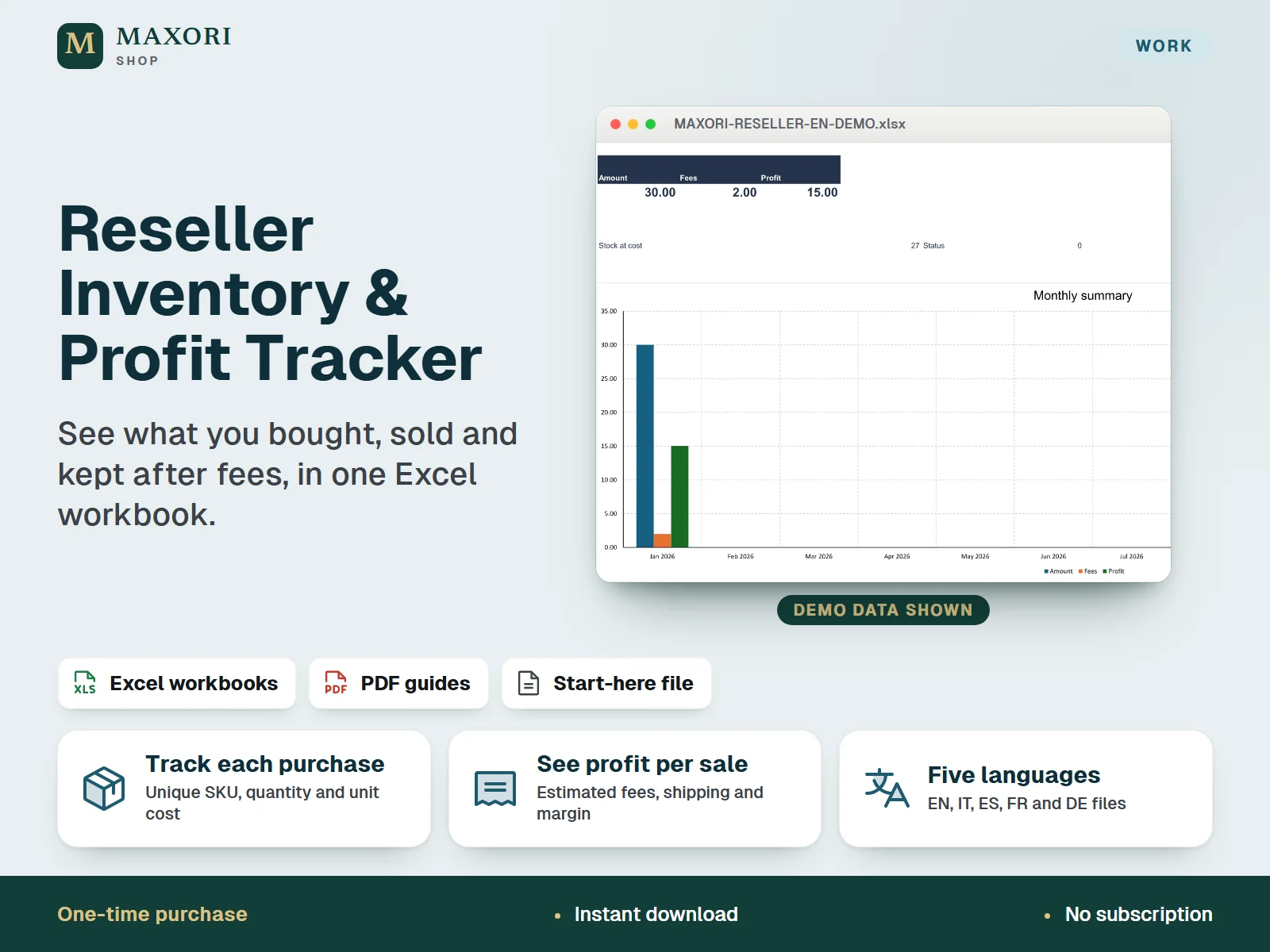
An Excel (XLSX) tracker for online marketplace resellers who want purchase lots, sales, estimated fees, profit and remaining stock in one file. Entry is manual, with one currency and editable fee rates. One-time digital download with a blank and a fictional demo workbook plus a PDF guide in each of five languages: English, Italian, Spanish, French and German.
The problem it solves
Purchase costs, sale prices, fees and shipping end up in different notes and statements, so it is hard to tell what each sale really earned and what is still unsold.
Who it is for
Online marketplace resellers and second-hand sellers who buy items, resell them and want to know what they actually kept after costs, fees and shipping.
What you get
- Record up to 200 purchase lots, each with a unique SKU, quantity and unit cost
- Record up to 500 sale rows against those SKUs, with shipping charged, shipping cost, other costs and refunds
- Estimated fees from four editable platform names, each with a percentage and a fixed amount
- Profit and margin per sale, plus remaining quantity and stock value at purchase cost per SKU
- A Dashboard and a Monthly summary for the selected year, with a chart of amount, fees and profit
- Workbook and PDF guide in English, Italian, Spanish, French and German, each with a fictional DEMO to learn from
How you use it
- Download and extract the ZIP, choose your language and read the PDF guide.
- Open the DEMO workbook to see the fictional examples, then keep BLANK unchanged and save a working copy.
- In Settings, enter the reporting year, a currency label and the fee percentage and fixed amount for each platform name. Zero values are placeholders: check your own statements.
- Add each purchase lot with a unique SKU, quantity and unit cost. A different purchase cost needs a different SKU.
- Record each sale against its SKU, then review profit, stock, the Dashboard and the Monthly summary. Save dated backup copies.
Questions
Which languages are included?
Five: English, Italian, Spanish, French and German. Each language has its own BLANK and DEMO workbook and its own PDF guide, all in one ZIP.
Does it connect to my marketplace account?
No. You enter purchases and sales by hand. There is no marketplace, bank or shop connection and no automatic import.
Does it know my marketplace fees?
No. You enter a percentage and a fixed amount for up to four platform names. The default zeros are placeholders, so check your own statements and update the rates.
Can I use more than one currency?
No. A workbook uses one currency. The currency label is only a label and does not convert amounts.
How does it differ from the Inventory Tracker?
This workbook follows purchased lots through sale costs to realised profit. The separate Inventory Tracker for Excel is for general stock movements and reorder planning. The two files do not share data.
Will it work on Mac or in Google Sheets?
It was tested in Windows desktop Excel. Mac, mobile, Google Sheets and other spreadsheet apps have not been verified, so they are not promised.
What is included
- 5 BLANK workbooks (EN, IT, ES, FR, DE): your clean working copy
- 5 DEMO workbooks (EN, IT, ES, FR, DE): the same layout with fictional examples
- 5 PDF guides, two pages each, one per language
- START-HERE.txt: short setup notes
- Each workbook has 7 sheets: Quick start, Dashboard, Settings, Purchases, Sales, Stock and Monthly summary
Requirements
Desktop Microsoft Excel (Excel is not included). XLSX files with standard formulas, no macros. Tested in Windows desktop Excel; Mac, mobile, Google Sheets, LibreOffice and older Excel versions are not verified or promised.
Version 1.0
Good to know
- Manual entry only: no connection to any marketplace, bank or shop account, and no automatic import of orders.
- One currency per workbook. The currency label does not convert amounts.
- Fees are estimates from your own rates. Fee settings are global for all sales, and changing them recalculates past estimates, so keep a dated copy first. Zero default rates are placeholders, not real marketplace fees.
- Refunds reduce revenue but do not return items to stock or credit fees. There is no physical return workflow.
- Fixed capacity of 200 purchase lots and 500 sale rows. Keep the sheet structure and formulas unchanged.
- Stock and profit by SKU are cumulative across recorded dates; fix any input warnings before relying on totals.
- Not accounting, tax filing or certified bookkeeping software. For your own business use only; no resale or redistribution. Independent product, not affiliated with any marketplace.
This is a downloadable digital product, not online software. It does not need an account and is not part of the MAXORI Software subscriptions.
Works well with
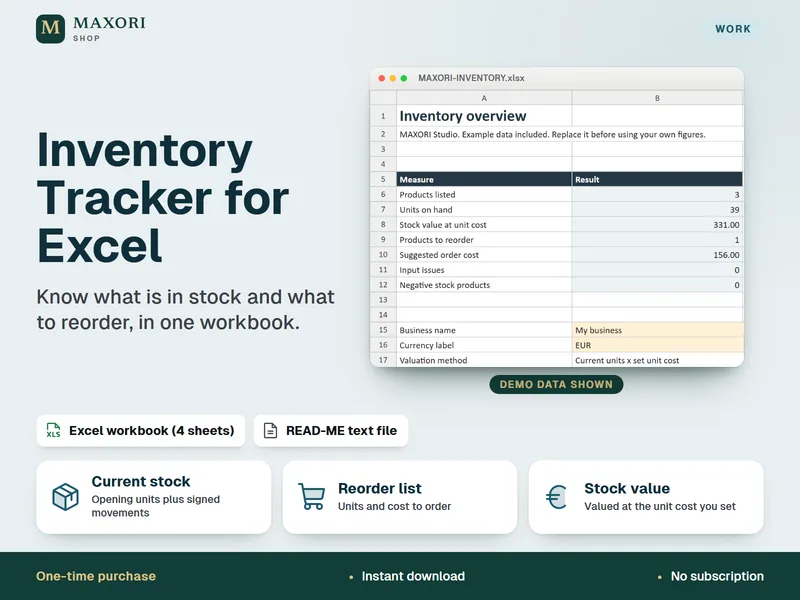
Inventory Tracker for Excel – Stock, Movements and Reorder List
See what is in stock and what to reorder, in one Excel workbook.
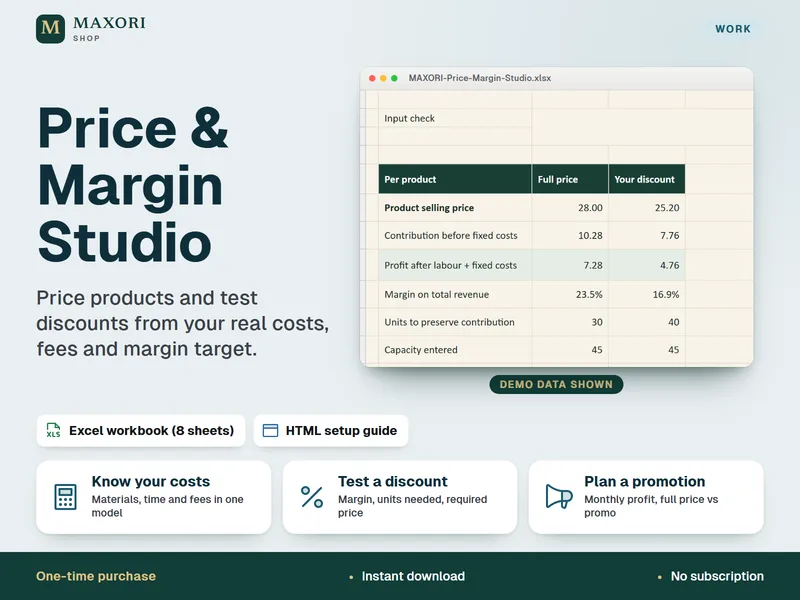
Price & Margin Studio – Excel Pricing and Discount Calculator
Price products from real costs, fees and margin, in one Excel workbook.
Reseller Inventory & Profit Tracker for Excel – Purchases, Sales and Fees
€10.10