 1 / 9
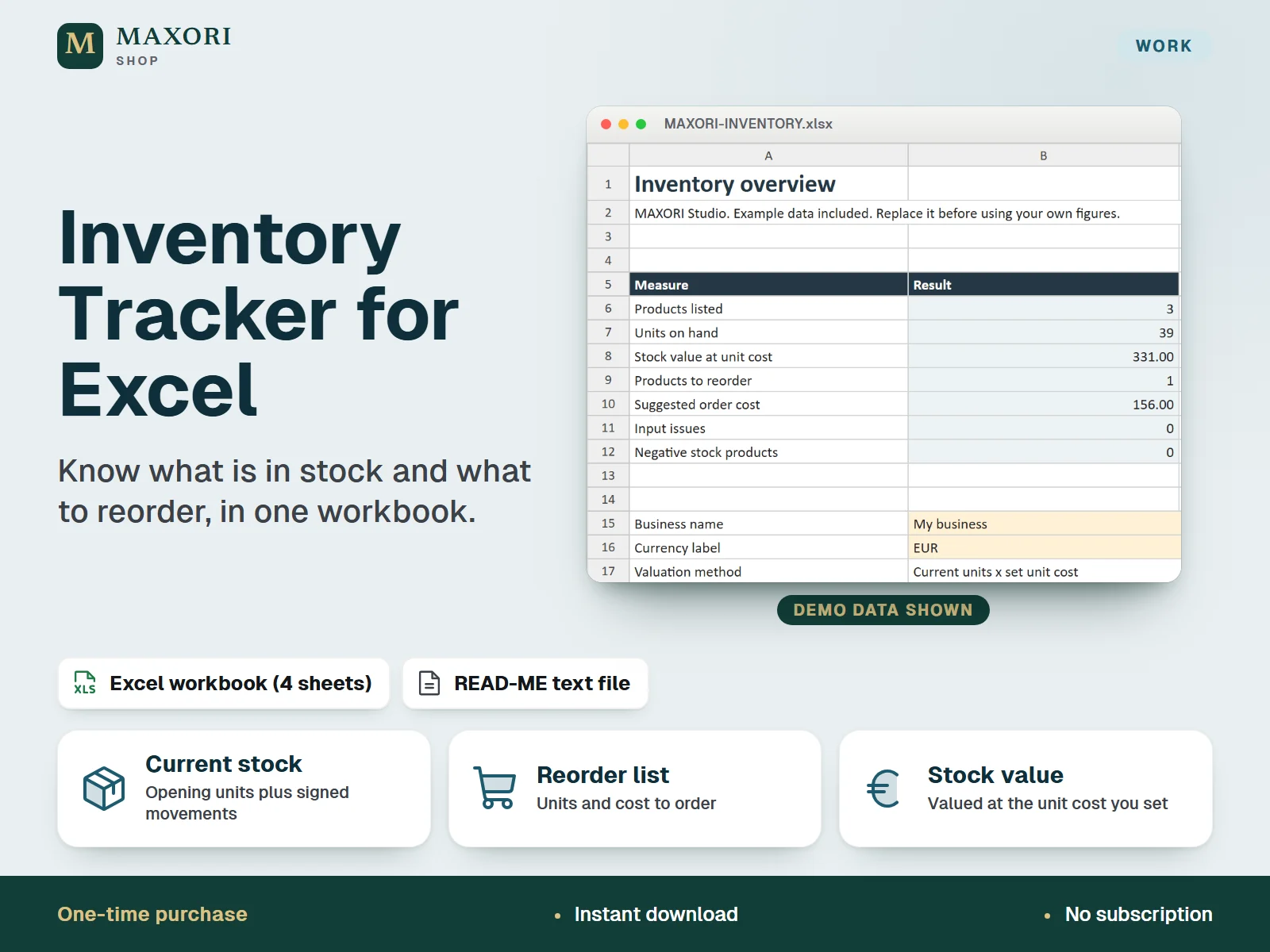
1 / 9An English Excel (XLSX) workbook for small product businesses to list products, record stock movements and see current units, stock value and a reorder list. One-time digital download with a short READ-ME text file.
The problem it solves
Stock counts, sales, deliveries and returns end up in separate notes, so it is hard to know current units, what the stock is worth and what needs reordering.
Who it is for
Small product businesses, makers and online sellers who want a simple spreadsheet to keep track of stock levels and what to order next.
What you get
- Products sheet works out current units as opening stock plus all signed movements, with stock value at unit cost
- Set a reorder point and a target for each product: at or below the reorder point the workbook shows Reorder and the units and cost to order
- Overview sheet summarises products listed, units on hand, stock value, products to reorder, suggested order cost and input issues
- Record sales, receipts, returns and write-offs as signed quantities with date, SKU, reference and notes
- Input check messages flag problems such as negative stock before you rely on the figures
- Room for 200 products and 2,000 stock movements in one file
How you use it
- Download and extract the ZIP, open MAXORI-INVENTORY.xlsx in desktop Excel and save a working copy.
- Read the Start Here sheet, then clear the example inputs in Products and Movements, leaving the formula cells unchanged.
- Enter your business name and currency label in Overview, then add products with a unique SKU, opening units, unit cost, reorder point and target units.
- Record each movement with a date, SKU, reason and signed quantity.
- Check Overview and Products: filter Stock status to see what to reorder, and resolve any Input check messages.
Questions
Is this a Google Sheets template or an inventory app?
No. It is a downloadable Excel XLSX workbook designed for desktop Excel. Google Sheets and mobile Excel are not verified, and there is no cloud sync or app.
How does it know what to reorder?
You set a reorder point and a target for each product. When current units reach or fall below the reorder point, the product shows Reorder and the order units are the target minus current units.
Does it connect to my shop or barcode scanner?
No. There are no live integrations; you record products and stock movements yourself.
Can I use more than 200 products?
This edition provides 200 product rows and 2,000 movement rows. Do not enter data beyond them.
What is included
- MAXORI-INVENTORY.xlsx: four sheets (Overview, Start Here, Products, Movements) with clearly fictional example products and movements
- READ-ME.txt: short setup and compatibility notes
Requirements
Desktop Microsoft Excel (not included). Google Sheets, mobile Excel and other apps are not verified. A native desktop Excel session has not been verified.
Version 1.0
Good to know
- Fixed capacity of 200 product rows and 2,000 movement rows; do not enter beyond them.
- Stock value uses the unit cost you enter for each product, not FIFO or weighted-average cost.
- One currency label per workbook; no exchange-rate conversion.
- No live integrations: no connection to shops, marketplaces, barcode scanners or accounting tools. Data is entered by hand.
- Amber cells are inputs and blue-grey cells are formulas; do not overwrite the formula cells.
- An operational stock tracker, not accounting software. For your own business use; no resale or redistribution.
This is a downloadable digital product, not online software. It does not need an account and is not part of the MAXORI Software subscriptions.
Works well with
Inventory Tracker for Excel – Stock, Movements and Reorder List
€6.05