 1 / 8
1 / 8Preview inside
Browse the real pages of this product, page by page, before you buy.
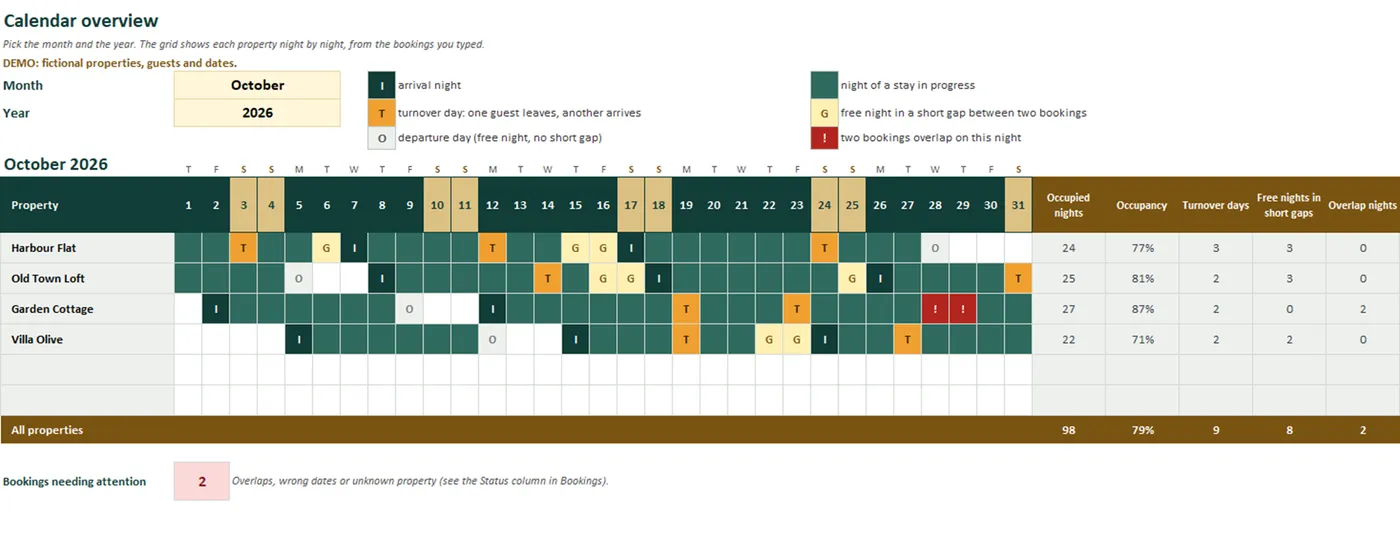
Real screens of the product with fictional example data. The file you download is editable or printable as described above.
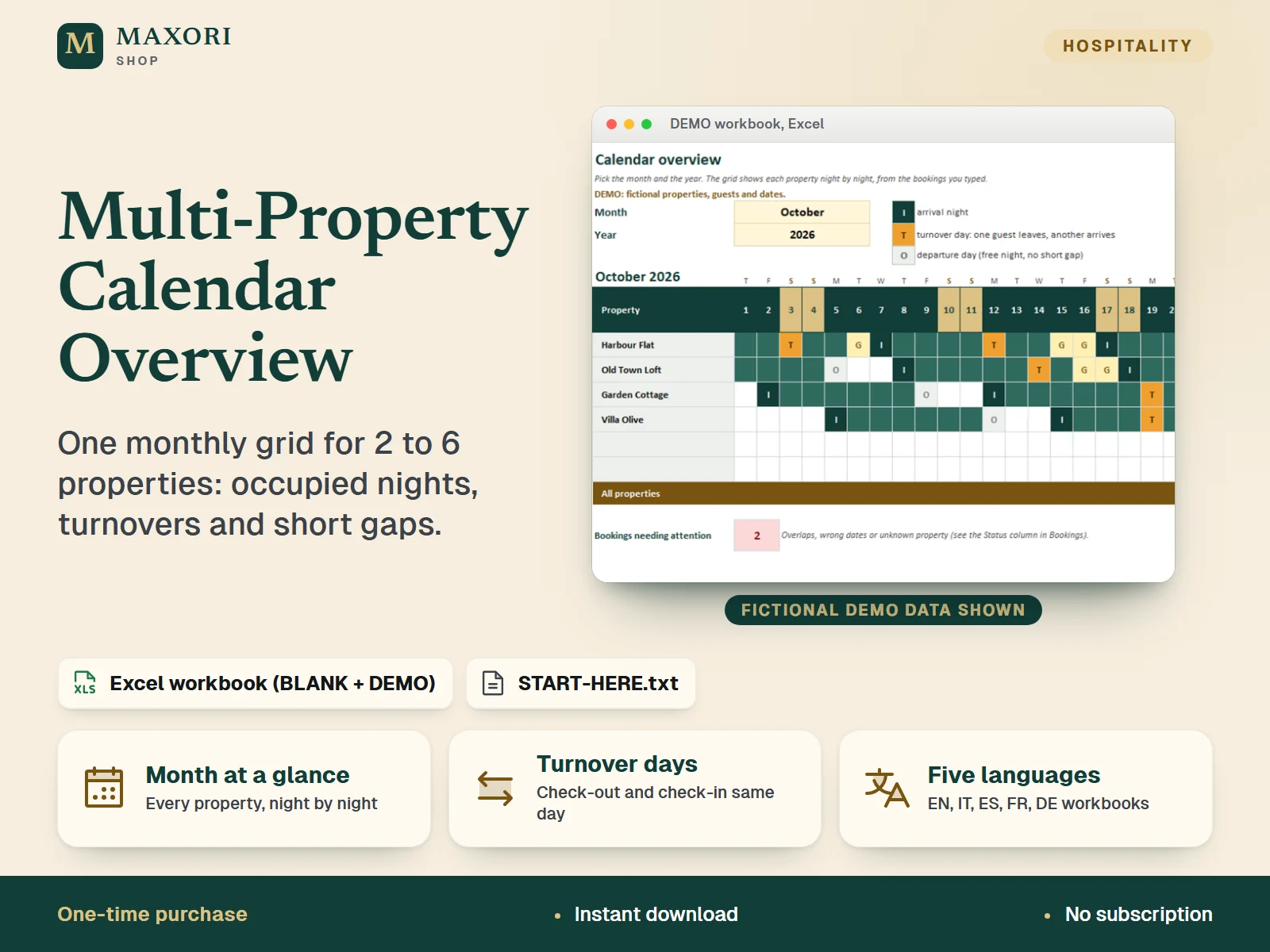
An Excel workbook (XLSX) for hosts, B&B and guesthouse owners and small property managers with 2 to 6 properties. Type each booking once (property, guest label, check-in, check-out) and pick a month: the Calendar sheet draws every property night by night, marks turnover days when one guest leaves and another arrives the same day, and flags free gaps of 1 or 2 nights between two bookings (you can set the limit from 1 to 7). It also shows occupied nights, occupancy and overlap warnings. A BLANK workbook and a DEMO workbook with fictional data come in English, Italian, Spanish, French and German. It is not a channel sync: nothing is imported from booking sites.
The problem it solves
Bookings sit in separate calendars and notes. It is hard to see at a glance which property is free, where two stays touch on the same day, and which 1 or 2 night holes are too short to sell.
Who it is for
Hosts, B&B and guesthouse owners and small property managers with 2 to 6 properties who keep bookings in desktop Excel and want one monthly picture.
What you get
- One monthly grid with up to 6 properties side by side, night by night, for any month and year you pick
- Turnover days marked automatically when a check-out and a check-in fall on the same day, so you can plan cleaning and handovers
- Short gaps of 1 to 2 free nights between two bookings flagged (limit adjustable from 1 to 7 nights), to help you decide on a minimum stay or a discount
- Overlaps, missing or reversed dates and unknown properties flagged in a Status column and counted on the Calendar
- Per property and in total: occupied nights, occupancy for the month, turnover days and free nights in short gaps
- Simple input: one list of up to 300 bookings with a property list, date checks and locked formulas
- All files in English, Italian, Spanish, French and German; start from the BLANK workbook or learn first with the DEMO
How you use it
- Download and unzip, open the folder of your language and try the DEMO workbook first.
- Open the BLANK workbook in desktop Microsoft Excel and save a working copy. In Properties type your property names; in Setup choose how many free nights count as a short gap.
- In Bookings add one row per booking: property from the list, a guest label, check-in and check-out dates.
- Open Calendar, pick the month and the year, and read the grid, the totals and the number of bookings needing attention.
Questions
Does it sync with my booking sites?
No. There is no import and no sync. You type each booking once: property, guest label, check-in and check-out.
What is a turnover day?
A day when one guest checks out and another checks in at the same property. It is marked T on the grid and listed as Turnover day in the Status column.
How are short gaps worked out?
For each property the workbook looks at the free nights between one booking and the next. If their number is within the limit you set in Setup (2 by default), those nights are marked G and the next booking is flagged Short gap.
Is it really in five languages?
Yes. Sheet names, headings, month names, status words and the START-HERE guide are provided in English, Italian, Spanish, French and German, in separate folders. The translations have not been reviewed by native speakers.
Does it work in Google Sheets, LibreOffice or Excel for Mac?
It was tested in desktop Excel for Windows only. Other programs were not tested, so we cannot promise they behave the same.
What is included
- One folder per language (en, it, es, fr, de), each with the same files in that language
- BLANK workbook (XLSX): 6 sheets - Start, Calendar, Bookings, Properties, Setup, Calc
- DEMO workbook (XLSX): the same workbook with fictional data (4 properties, 23 bookings, October 2026)
- START-HERE.txt in every language folder, plus a short START-HERE.txt at the top level
Requirements
Microsoft Excel for desktop (not included). Built and tested with Excel 16.0 for Windows: all 10 workbooks were recalculated with no formula errors and the grid, gap and overlap logic was checked with probe data. No macros and no external links. Mac, Excel for the web, phone apps, Google Sheets and LibreOffice were not tested.
Version 1.0
Good to know
- It is not a channel sync. It does not import or export any booking-site, channel-manager or iCal calendar and cannot block dates anywhere: you type the bookings in.
- Capacity: 6 properties and 300 bookings. Calculated cells are locked without a password.
- Nights are counted from check-in up to, not including, check-out. A gap is flagged only between two bookings of the same property, not before the first or after the last one.
- It only shows what you type. Wrong or missing dates give wrong or missing results; overlaps are flagged but not resolved.
- No prices, payments or profit figures: for those see rental-property-tracker-excel. For planning a single property in detail see booking-planner.
- Example data is fictional. For your own business use; reselling or sharing the files is not allowed.
- This is a one-time digital download, separate from the MAXORI online software.
This is a downloadable digital product, not online software. It does not need an account and is not part of the MAXORI Software subscriptions.
Works well with
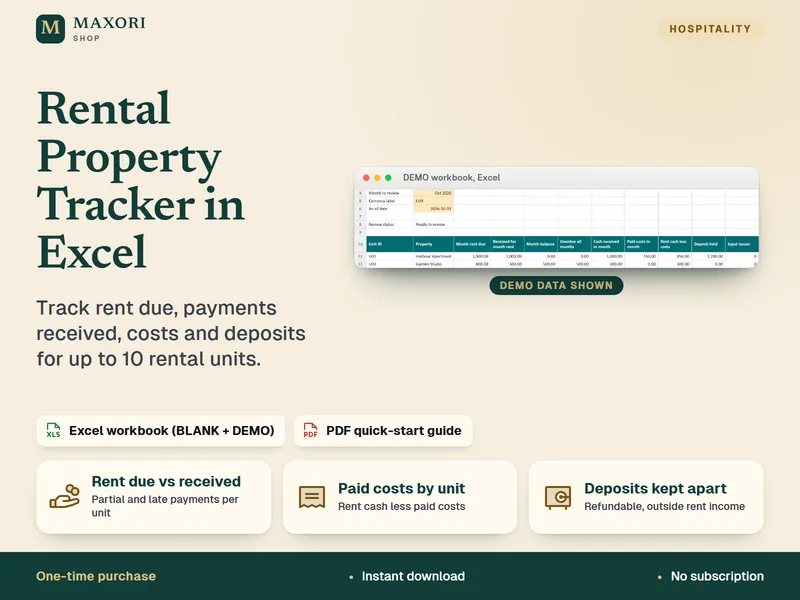
Rental Property Tracker in Excel – Rent, Costs and Deposits
Track rent due, payments received, property costs and deposits in one Excel workbook.
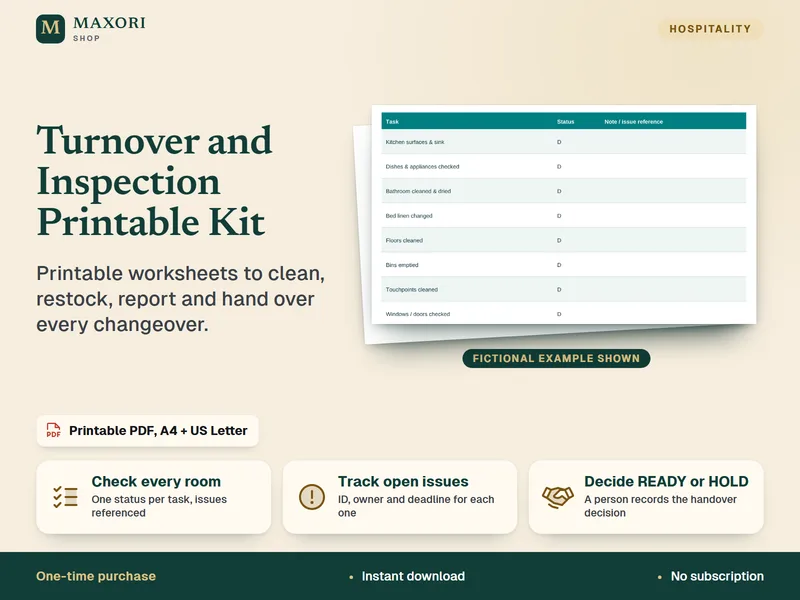
Turnover and Inspection Printable Kit – Cleaning Checklists
Printable worksheets to clean, restock, report and hand over every changeover.
Multi-Property Calendar Overview (Excel, 5 languages)
€9.90