 1 / 9
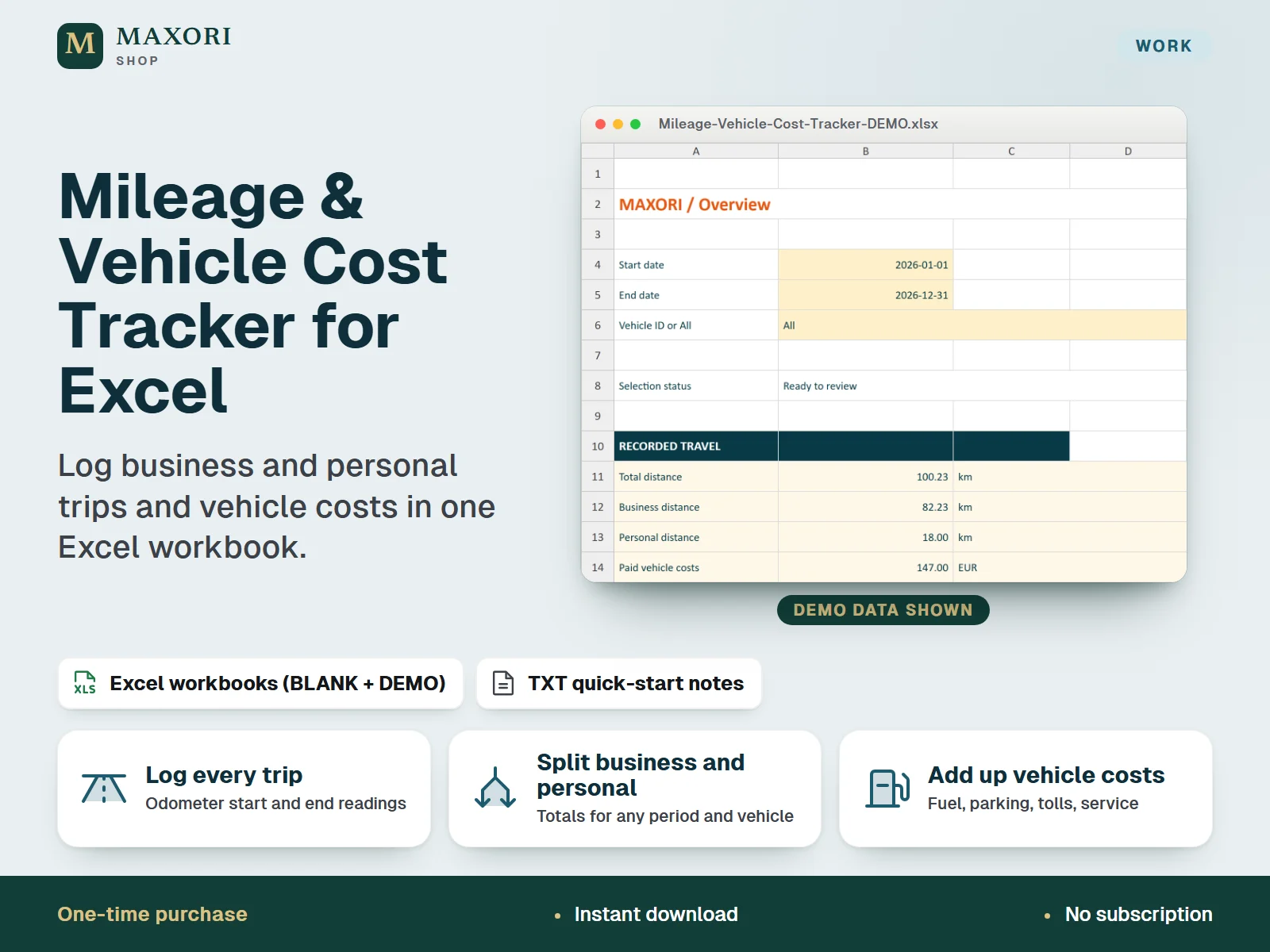
1 / 9An English Excel (XLSX) workbook for self-employed people and small businesses to record trips by odometer reading, split business and personal distance, and add up paid vehicle costs by period. One-time digital download with a BLANK workbook for your records and a DEMO workbook with fictional examples.
The problem it solves
Business and personal kilometres and vehicle costs end up scattered across notes, receipts and memory, so totals are hard to trust when you need them.
Who it is for
Freelancers, sole traders and small businesses who drive for work and want one simple workbook for mileage and vehicle costs.
What you get
- Record trips with start and end odometer readings; distance is calculated for you and split into business and personal
- Register up to 10 vehicles, each in km or miles, with up to 500 trip entries and 500 paid cost entries per workbook
- Overview totals for any period and vehicle, with a month-by-month table and a km or miles display switch
- Six cost categories (Fuel, Parking, Tolls, Service, Insurance, Other) with optional receipt references
- Input flags and reading review warnings point out invalid records, overlapping readings and missing business purposes
- A fictional DEMO workbook shows how everything works before you start with the BLANK one
How you use it
- Extract the ZIP, open the BLANK workbook in desktop Excel and save a working copy.
- Read the Guide tab, then register your vehicles with a unique ID and a fixed km or miles odometer unit.
- Enter trips and paid costs in the yellow input cells; pale blue cells are formulas.
- On the Overview sheet set the start and end dates, vehicle (or All), currency label and km or miles display.
- Check the status and review flags, then use the totals. Save dated XLSX copies as backups.
Questions
What is the difference between BLANK and DEMO?
BLANK is empty and meant for your own records. DEMO is the same workbook with fictional vehicles, trips and costs so you can see how the totals work. Do not enter real records in DEMO.
Does it calculate tax deductions or mileage allowances?
No. It records distance and paid costs and gives totals. It has no legal mileage rates, reimbursement rates or tax calculations, so check the rules that apply to you.
Can I use miles and kilometres together?
Yes. Each vehicle has its own fixed odometer unit, and the Overview converts to your chosen display unit using 1 mile = 1.609344 km.
Does it work in Google Sheets or on a phone?
It is built for desktop Microsoft Excel. Mac, Excel web, Google Sheets, LibreOffice and mobile editors have not been tested and are not promised.
How do I back up my data?
Your data stays in your own file. Use File > Save As to keep dated XLSX copies in a second location. CSV or PDF exports are reports, not full backups.
What is included
- MAXORI-Mileage-Vehicle-Cost-Tracker-BLANK.xlsx: the workbook for your own records
- MAXORI-Mileage-Vehicle-Cost-Tracker-DEMO.xlsx: the same workbook with fictional examples
- START-HERE.txt: quick-start notes in English
- LICENSE.txt: licence terms for your own business use
Requirements
Desktop Microsoft Excel, purchased separately and not included. Tested in Windows desktop Excel by opening a copy, editing a trip, recalculating, saving and reopening. Excel for Mac, Excel web, Google Sheets, LibreOffice and mobile editors have not been tested. No macros, no external links.
Version 1.0
Good to know
- Manual entry only: no GPS tracking, bank connection, automatic reminders or cloud sync.
- No legal mileage rates, reimbursement rates, deductions or tax filing; it is not certified accounting or tax software.
- Costs are recorded payments only: no business allocation and no currency conversion (one currency label per workbook).
- Fixed capacity of 10 vehicles, 500 trips and 500 costs; do not insert rows or overwrite formula cells.
- Not a Google Sheets template, a mobile app or a browser app; there is no automatic backup, so save dated copies yourself.
- Single-user tracking for your own business use; no resale or redistribution. Keep your receipts and verify records independently.
This is a downloadable digital product, not online software. It does not need an account and is not part of the MAXORI Software subscriptions.
Works well with
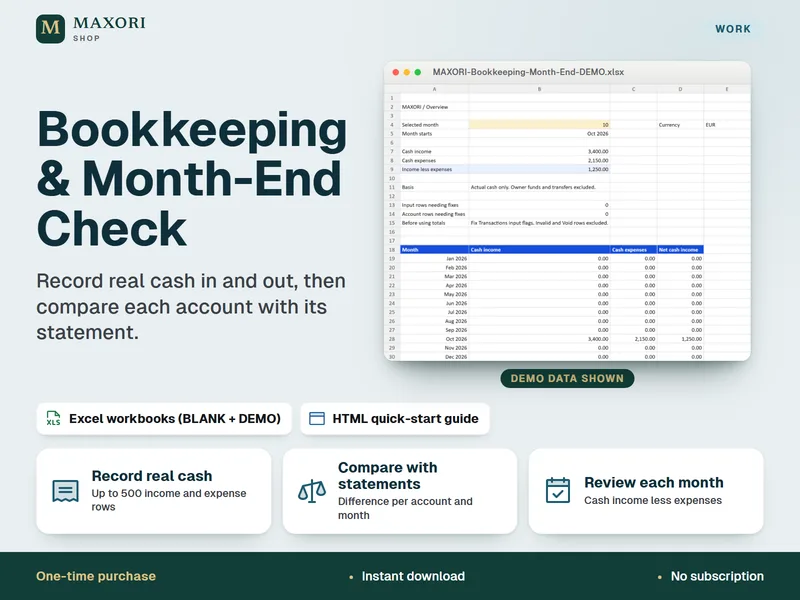
Bookkeeping & Month-End Check – Small Business Excel Spreadsheet
Record real cash in and out, then compare each account with its statement.
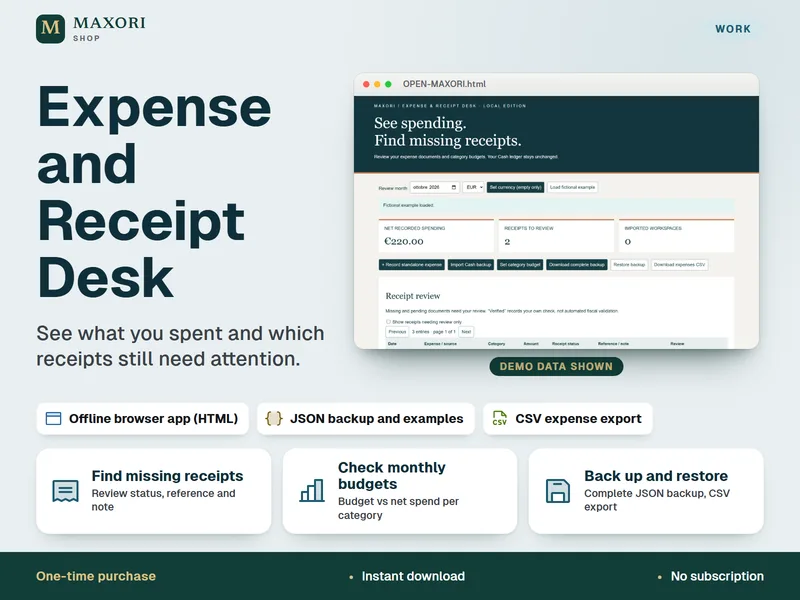
Expense and Receipt Desk – Offline Expense Tracker
See what you spent and which receipts still need attention.
Mileage & Vehicle Cost Tracker for Excel – Trip Log and Costs
€5.93