 1 / 9
1 / 9Preview inside
Browse the real pages of this product, page by page, before you buy.
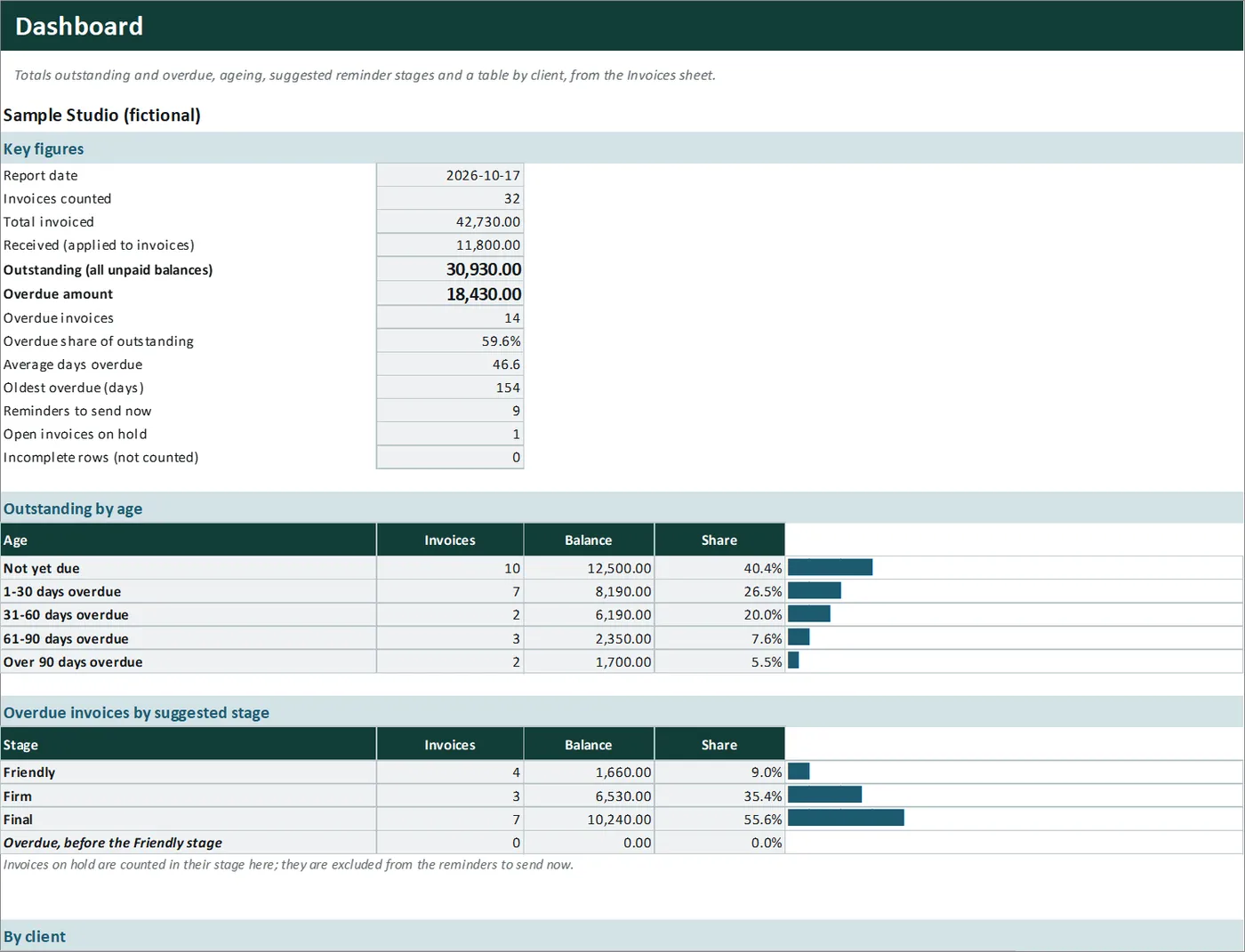
Real screens of the product with fictional example data. The file you download is editable or printable as described above.
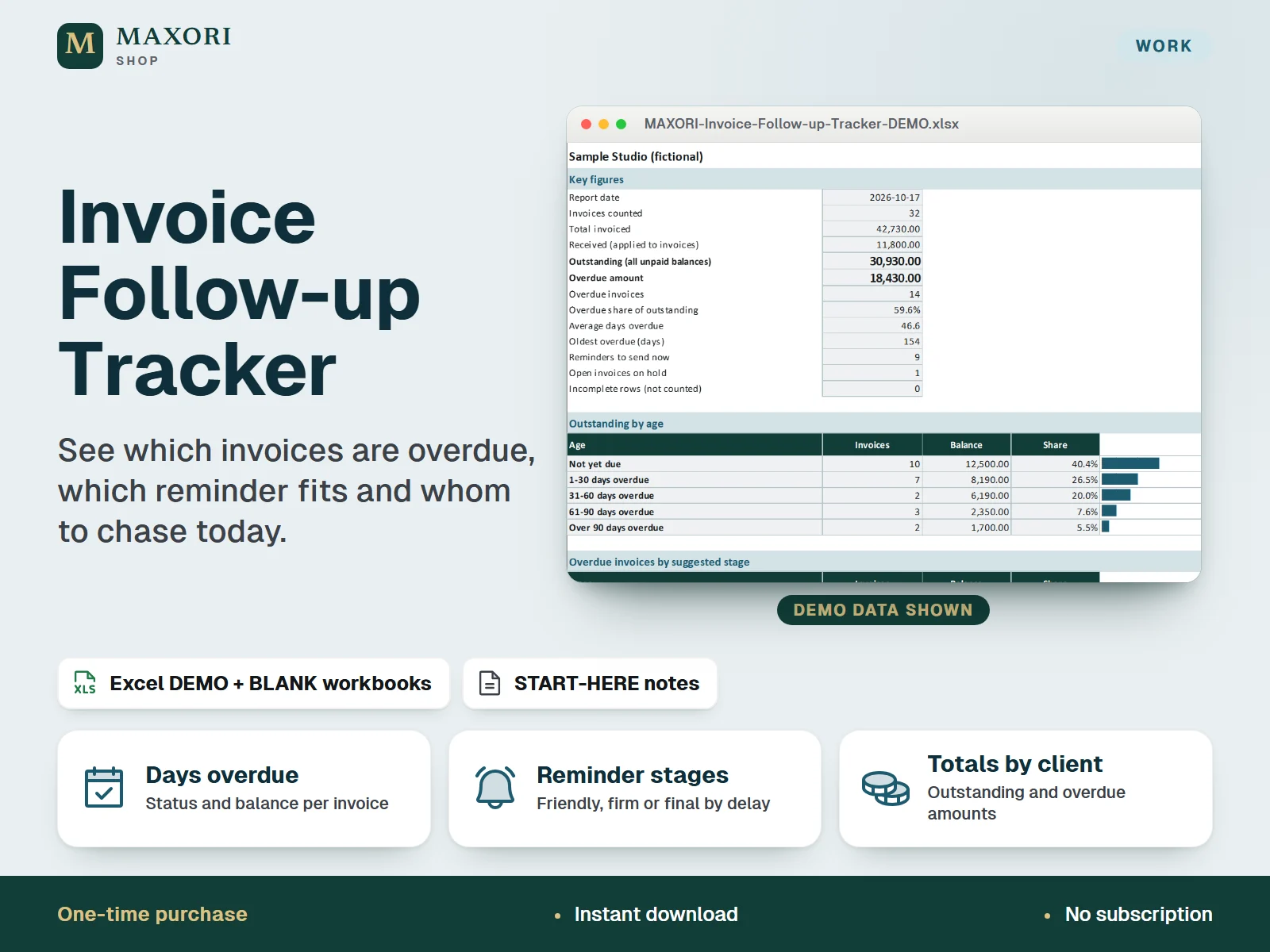
An Excel (XLSX) workbook for freelancers and small businesses that keeps every invoice you have sent in one register. For each invoice you enter the client, issue date, due date, amount, what has been paid so far and the date of your last reminder. The workbook works out the balance, the days overdue and the status, suggests a reminder stage (Friendly, Firm or Final) from the day counts you set, calculates the next reminder date, and builds a follow-up list of who to remind now. A dashboard shows outstanding and overdue totals, ageing and a table by client. One download holds five complete language editions, each with a fictional DEMO and an empty BLANK workbook.
The problem it solves
Unpaid invoices get lost between your sent folder, your bank and your memory. Without one list you do not see the total overdue, which client is slowest, or when you last reminded whom, so chasing gets late, uneven or forgotten.
Who it is for
Freelancers, consultants, small studios, tradespeople and small business owners who invoice clients and want to know who is late, by how much and when to send the next reminder.
What you get
- One register for up to 100 invoices and 20 clients: invoice number, client, issue and due date, amount, part payments, last reminder and notes
- Balance, days overdue and status (Paid, Not due, Overdue) worked out for every invoice, part payments included
- A suggested reminder stage (Friendly, Firm or Final) based on days overdue and on the day counts you set yourself
- A next reminder date that respects the minimum gap you choose since your last message, and a Hold flag for disputed or agreed delays
- A Follow-up sheet that lists who to remind now, which overdue invoices are waiting, and what falls due soon
- Dashboard with outstanding and overdue totals, ageing buckets, overdue by stage, a table by client and the five largest overdue balances
- Five full language editions in one purchase (EN, IT, ES, FR, DE), each with a DEMO and a BLANK workbook
How you use it
- Download and unzip the file, then open the folder of the language you want.
- Open the DEMO workbook in desktop Excel and look at Invoices, Follow-up and Dashboard.
- Keep the BLANK as a master, save a working copy, and on Setup enter your business name, the day counts for the three reminder stages, the minimum days between reminders and your client list.
- On Invoices add one row per invoice in the cream columns, and enter the date each time you send a reminder.
- Read Follow-up for the invoices to remind now and Dashboard for the totals, ageing and the table by client. You write and send the messages yourself.
Questions
How does it choose the reminder stage?
Only from the days an unpaid invoice is overdue and the three day counts you set on Setup (by default Friendly from day 1, Firm from day 15 and Final from day 30). Change them to fit how you work.
How is the next reminder date worked out?
It is the later of the due date plus your Friendly day count and your last reminder date plus your minimum gap, and never earlier than the report date. If the date has come, the invoice shows Send now.
Does it send reminders or write the messages?
No. It tells you whom to chase and when; you write and send the message and then enter the date. For ready-made wording see the separate Late Payment Reminder Message Kit.
Can I record part payments or pause an invoice?
Yes. Enter what was paid so far and the balance updates. Choose On hold in the Hold column for a disputed invoice or an agreed delay: no reminder is suggested for it.
Which languages are included?
English, Italian, Spanish, French and German. Each language folder has its own DEMO workbook, BLANK workbook and START-HERE.txt; the figures are the same in every language.
Does it work in Google Sheets or on a Mac?
It was built and recalculated in desktop Microsoft Excel for Windows. Google Sheets, Excel for the web, Mac and mobile have not been verified.
What is included
- One ZIP with five folders: EN, IT, ES, FR and DE
- In each folder: a DEMO workbook (a fictional studio with 32 invoices and 10 clients), an empty BLANK workbook and a START-HERE.txt, all in that language
- Five sheets per workbook: Start, Setup, Invoices, Follow-up and Dashboard
- A START-HERE.txt in the root of the ZIP; 16 files in total
Requirements
Desktop Microsoft Excel (not included). XLSX files with formulas, drop-down lists, input validation and sheet protection, no macros. Tested by recalculation in installed desktop Excel for Windows. Google Sheets, Excel for the web, Mac, mobile and older Excel versions have not been verified and are not promised.
Version 1.0
Good to know
- The suggested stage and next reminder date follow only the days overdue and the rules you set. They are prompts for you, not legal deadlines or advice on what to do.
- It is a tracking sheet, not accounting, invoicing, bookkeeping or tax software, and it gives no legal or debt-collection advice. Late-payment interest, fees and collection steps depend on your contract and local rules and are not calculated.
- It does not create invoices, write or send messages, or connect to a bank, e-mail or cloud: you send the reminders yourself and enter the date you sent them. The sister Late Payment Reminder Message Kit is a separate product.
- One currency per workbook (the currency cell is only a label); no exchange rates and no VAT or sales tax calculation.
- Up to 100 invoices and 20 clients. Invoices of a client that is not in your client list are counted in the totals but grouped under Other on the client table.
- Formula sheets are protected without a password to prevent accidental overwrites; only the cream cells are meant to be edited. Five helper columns are hidden. The demo data and client names are fictional.
- A one-time digital download for your own use, not the MAXORI online software; no resale or redistribution.
This is a downloadable digital product, not online software. It does not need an account and is not part of the MAXORI Software subscriptions.
Works well with
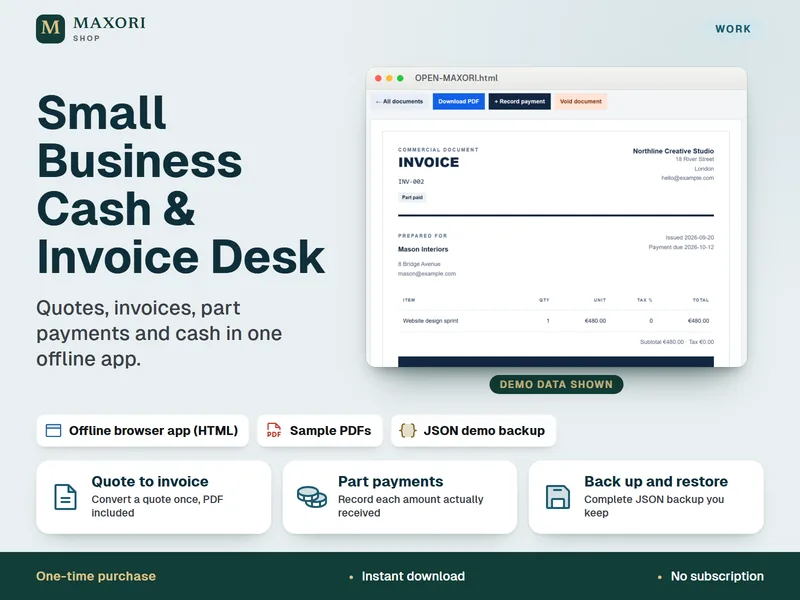
Small Business Cash & Invoice Desk – Quotes, Invoices and Part Payments
Quotes, invoices, part payments and cash in one offline app.
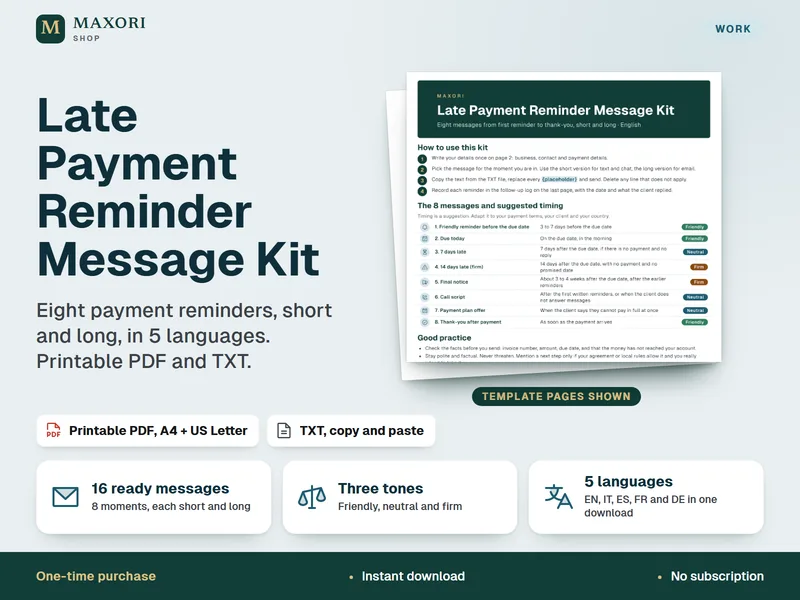
Late Payment Reminder Message Kit – 8 Payment Reminder Messages in 5 Languages
Eight payment reminders, short and long, in 5 languages. Printable PDF and TXT.
Invoice Follow-up Tracker – Excel Tool for Overdue Invoices and Payment Reminders
€8.35