 1 / 9
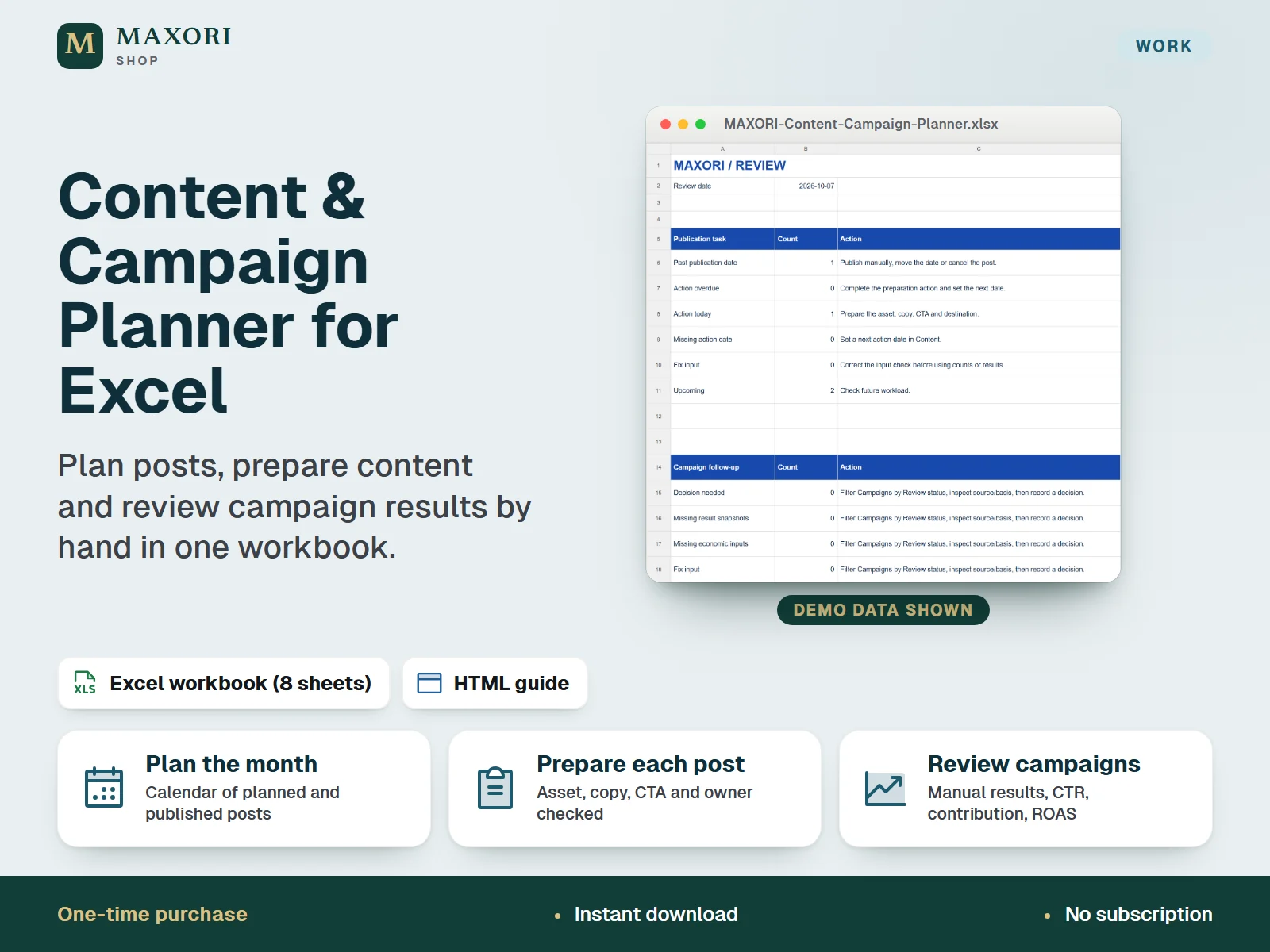
1 / 9An English Excel (XLSX) workbook for small businesses and freelancers to plan publication dates, prepare complete posts, record results manually and review campaigns. One-time digital download, delivered with an illustrated HTML guide.
The problem it solves
Post ideas, publication dates, missing captions or assets and campaign results end up scattered across notes, chats and platform reports, so gaps are noticed too late and campaigns are hard to review.
Who it is for
Small businesses, freelancers and solo marketers who plan social posts and campaigns and want to keep the plan, the preparation and the results in a single spreadsheet.
What you get
- Plan up to 200 posts with platform, format, mode (organic or paid) and status, and see planned and published posts on a month calendar
- Ready and Published posts need an asset reference, caption, call to action, destination and owner, so gaps in preparation stay visible
- Group posts into up to 60 campaigns with goal, dates, optional spend budget and a decision note
- Record one measurement snapshot per published post, with its source and observation window; CTR, net attributed revenue, contribution and paid ROAS are calculated from your own entries
- A Review sheet counts past publication dates, overdue actions, missing dates and input problems so you know what to fix first
- A Handoff sheet keeps your own Client, Project and Cash references for each post
How you use it
- Download and extract the whole ZIP, open GUIDE.html in your browser, then open the workbook in desktop Excel and save a working copy.
- Set the review date, the calendar month and the currency label on the Start sheet, then explore the fictional example.
- Clear the example input cells as the guide explains, keeping the headers and formula columns, and enter your own campaigns and posts.
- Publish manually on each platform, set the post to Published, then enter one results snapshot per post from your own platform report.
- Check the Review sheet, record a decision for each campaign and save dated XLSX backups.
Questions
Does it publish posts to Instagram or Pinterest for me?
No. You publish manually on each platform and then mark the post as Published in the workbook. There is no scheduling, no connection to platforms and no live data.
Where do the results come from?
You type them in from your own platform reports, together with the source and the observation window. The workbook calculates CTR, net attributed revenue, contribution and paid ROAS from those entries.
Is it a Google Sheets template or an online tool?
No. It is a downloadable XLSX workbook for desktop Excel. Google Sheets has not been tested and nothing is synced to the cloud.
How much can it hold?
Up to 200 posts, 60 campaigns, 200 result snapshots and 200 handoff rows. Capacity is fixed, so do not insert or delete rows.
Is my data protected?
Your data stays in your own file. There is no cloud backup: save dated XLSX copies in a private folder.
What is included
- MAXORI-Content-Campaign-Planner.xlsx: eight sheets (Start, Setup, Content, Calendar, Campaigns, Results, Review, Handoff) with clearly fictional worked examples
- GUIDE.html: illustrated guide in English
- START-HERE.txt: short setup notes
- guide-images folder: five guide screenshots (fictional data)
Requirements
Desktop Microsoft Excel (Excel is not included). Standard formulas, no macros, no accounts. Formula checks and an XLSX save-and-reopen check were done; native desktop Excel, Mac, Excel web, mobile and Google Sheets have not been tested or promised.
Version 1.0
Good to know
- Manual workflow: no auto-posting or scheduling, no connection to social platforms, no live data and no automatic attribution of sales.
- Not a cloud service or a Google Sheets template: no sync and no sharing between devices or people.
- Fixed preformatted capacity of 200 posts, 60 campaigns, 200 result snapshots and 200 handoff rows; do not insert or delete rows or overwrite formula columns.
- Asset references are text locations: no images or media are attached or generated.
- Results are entered by you. Duplicate attribution of the same sale across different posts cannot be detected, and a high ROAS is not a recommendation to spend.
- One currency label per workbook, no conversion. Not accounting or tax software; no sales or income are guaranteed.
- The handoff to other tools is manual: other MAXORI products are separate purchases and do not synchronise with this workbook. CSV is not a full backup. For your own business use; no resale or redistribution.
This is a downloadable digital product, not online software. It does not need an account and is not part of the MAXORI Software subscriptions.
Works well with
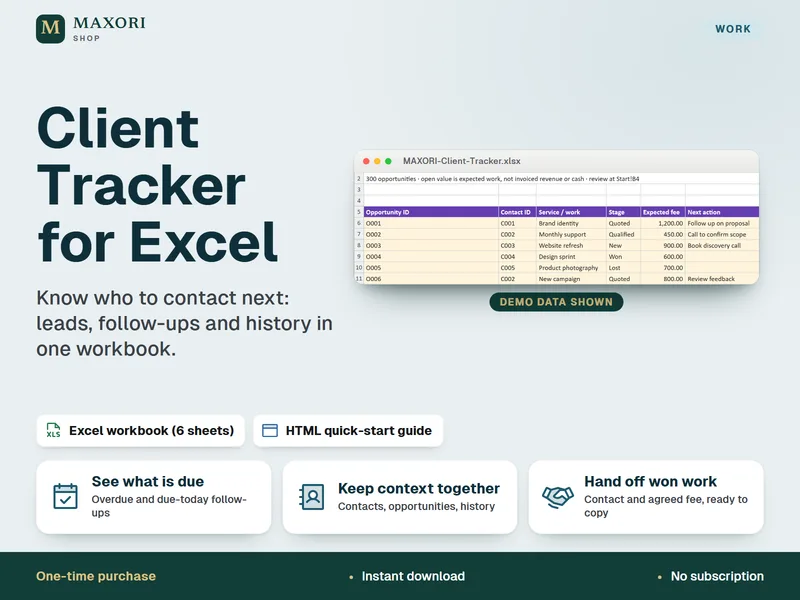
Client Tracker for Excel – Leads, Follow-Ups and Contact Log
Know who to contact next, in one Excel workbook.
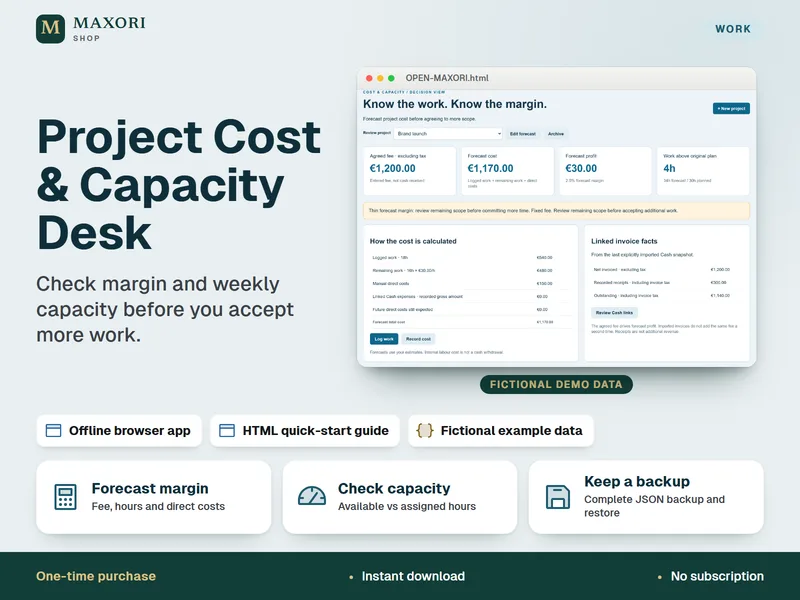
Project Cost & Capacity Desk – Margin and Workload Planner
Check margin and weekly capacity before you accept more work.
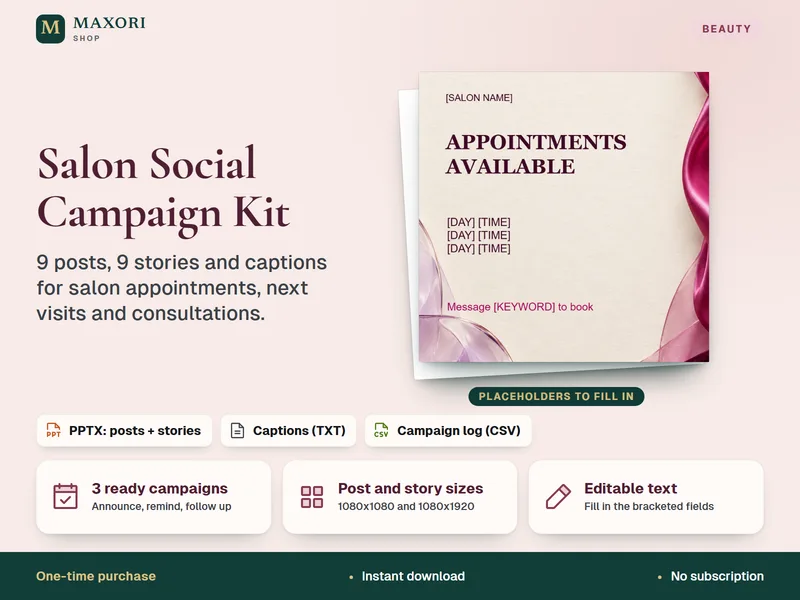
Salon Social Campaign Kit – 9 Posts and 9 Stories (PPTX for Canva)
Ready campaign posts, stories and captions for your salon's available appointments.
Content & Campaign Planner for Excel – Social Posts and Campaign Review
€7.14