 1 / 9
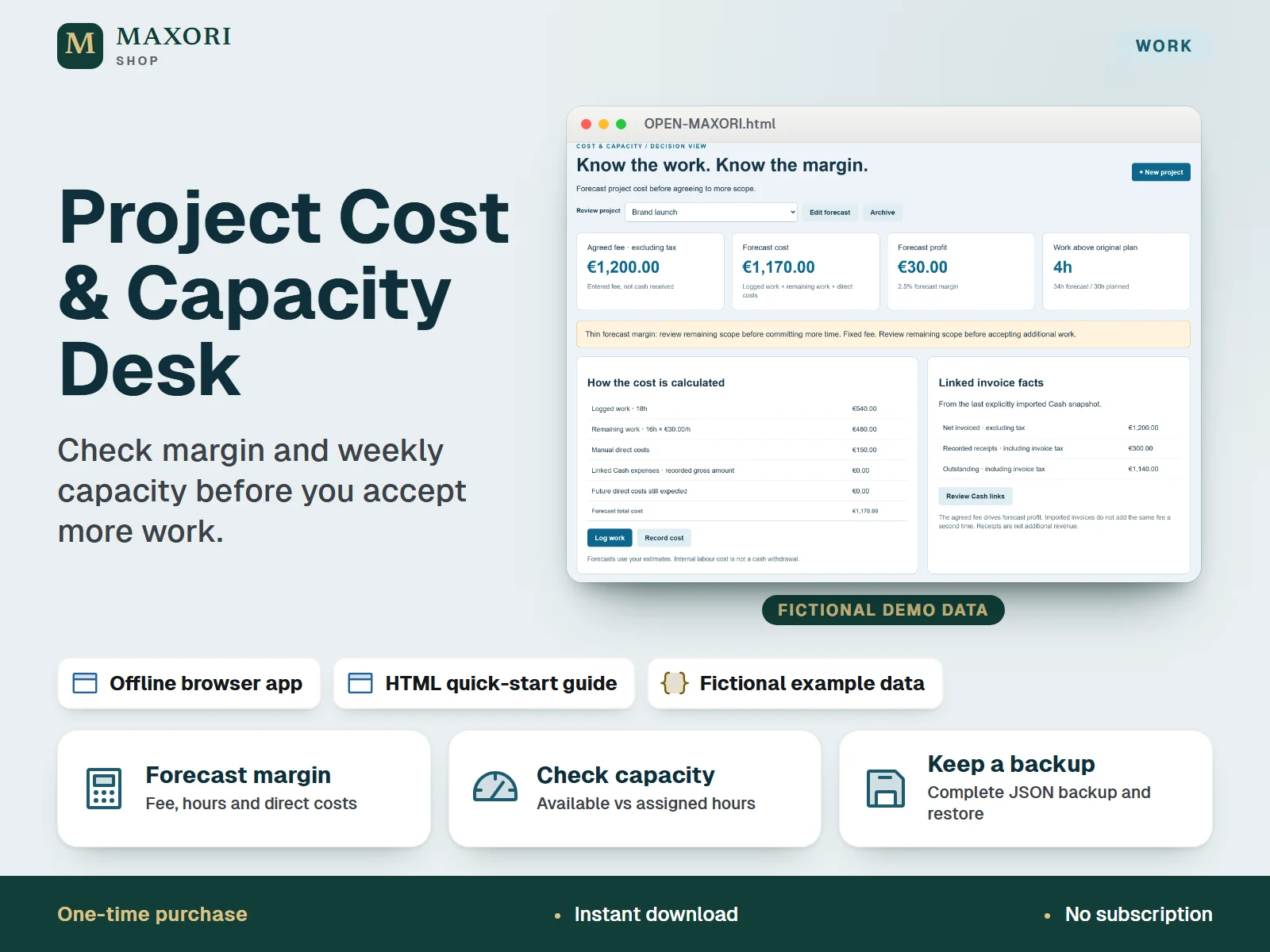
1 / 9An English offline app that runs in your desktop browser (Chrome or Edge) and helps freelancers and solo studios forecast cost and profit from the agreed fee, hours and direct costs, then plan weekly capacity. No Excel and no subscription needed. One-time digital download with an illustrated quick-start guide and fictional example data.
The problem it solves
Fixed-fee projects quietly eat margin and time. Without a forecast of cost and remaining hours, it is hard to know whether you can afford to say yes to more work.
Who it is for
Freelancers and solo service businesses who work on fixed fees and want to know the margin and the available hours before taking on more scope.
What you get
- Forecast total cost and profit per project from agreed fee, internal hourly cost, logged hours, remaining hours and direct costs
- See at a glance when forecast hours exceed the original plan and when the margin gets thin
- Plan your own weekly capacity: available hours against hours assigned to active projects
- Log work and direct costs with historical cost rates kept, and correct mistakes with Reverse while the history stays
- Optional manual import of a compatible MAXORI Cash backup to see invoice and receipt facts next to each project
- Complete JSON backup, restore, project CSV export and print or save as PDF
How you use it
- Download and extract the whole ZIP, then open OPEN-MAXORI.html in desktop Chrome or Edge in normal (not private) mode.
- Choose your currency (EUR, USD or GBP) and load the fictional example to practise, or start a new empty workspace.
- Create a project with fee, internal hourly cost, planned hours and remaining hours, then log work and costs as you go and update what remains.
- Set this week's available hours and assign hours to your projects to see whether you are above capacity.
- Download a complete JSON backup regularly and test that you can restore it.
Questions
Do I need Excel or an account?
No. It is a single HTML file that opens in desktop Chrome or Edge and works offline, with no account and no subscription.
Where is my data stored?
In your own browser on your own device, unencrypted. Download the complete JSON backup regularly and keep a second copy outside the browser.
Is it the same as the MAXORI online software?
No. It is a separate one-time download that runs locally and does not connect to the MAXORI online tools.
Can I connect it to my invoices?
Optionally, by importing a compatible JSON backup from MAXORI Cash & Invoice Desk or Connected Finance, which are sold separately. You then assign invoices and expenses to projects yourself. Bank feeds, Excel or other formats are not supported.
Does it guarantee my profit?
No. It turns your own estimates into a clear forecast of cost, profit and workload. The result is only as good as the figures you enter.
What is included
- OPEN-MAXORI.html: the offline Project Desk app (projects and margin, weekly capacity, work and costs, tasks, Cash connection, setup and backup)
- QUICK-START.html: illustrated guide in English
- START-HERE.txt: short setup notes
- EXAMPLES folder: fictional project data and a fictional Cash backup (JSON) to practise with
- GUIDE-SCREENS folder: the guide screenshots (fictional data)
Requirements
Desktop Google Chrome or Microsoft Edge in normal browsing mode. No installation, Excel or subscription needed. The app works offline and contains no external libraries or network calls. Data is saved in your browser on this device; check that saving works after reopening the file in your own setup.
Version 1.0
Good to know
- A single-user planning tool: no team scheduling, Gantt chart, automatic reminders or live sync between devices or people.
- Data is stored locally and unencrypted in your browser: keep the files in a stable location, use the same browser profile, avoid private mode and sensitive client details, and download a JSON backup regularly. CSV and printed PDF are reports, not backups.
- Forecasts are management estimates, not guaranteed profit. Not accounting, tax or legal software.
- One currency per workspace (EUR, USD or GBP), with no currency conversion.
- Not an Excel workbook and not a Google Sheets template. Mobile and multi-user use are not promised.
- The Cash connection is optional and manual: it only accepts a compatible MAXORI Cash & Invoice Desk or Connected Finance JSON backup, sold separately and not included. There is no bank connection or write-back.
- For your own business use; no redistribution or resale.
This is a downloadable digital product, not online software. It does not need an account and is not part of the MAXORI Software subscriptions.
Works well with
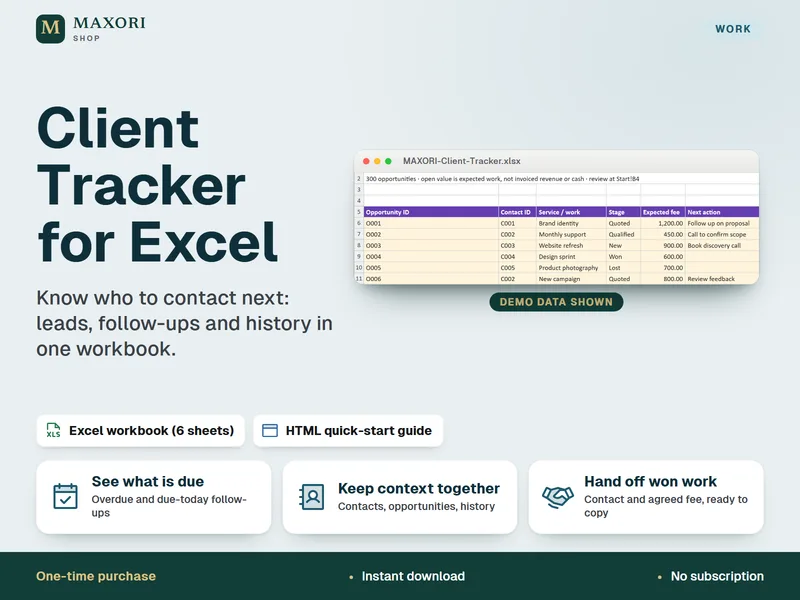
Client Tracker for Excel – Leads, Follow-Ups and Contact Log
Know who to contact next, in one Excel workbook.
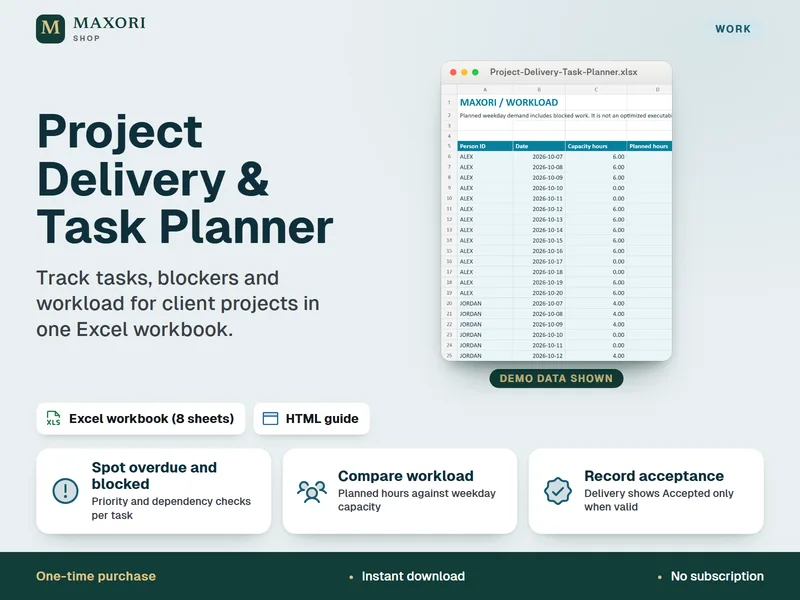
Project Delivery & Task Planner for Excel – Tasks, Blockers and Workload
See overdue tasks, blockers and workload for client projects in one Excel workbook.
Project Cost & Capacity Desk – Margin and Workload Planner
€9.56