 1 / 9
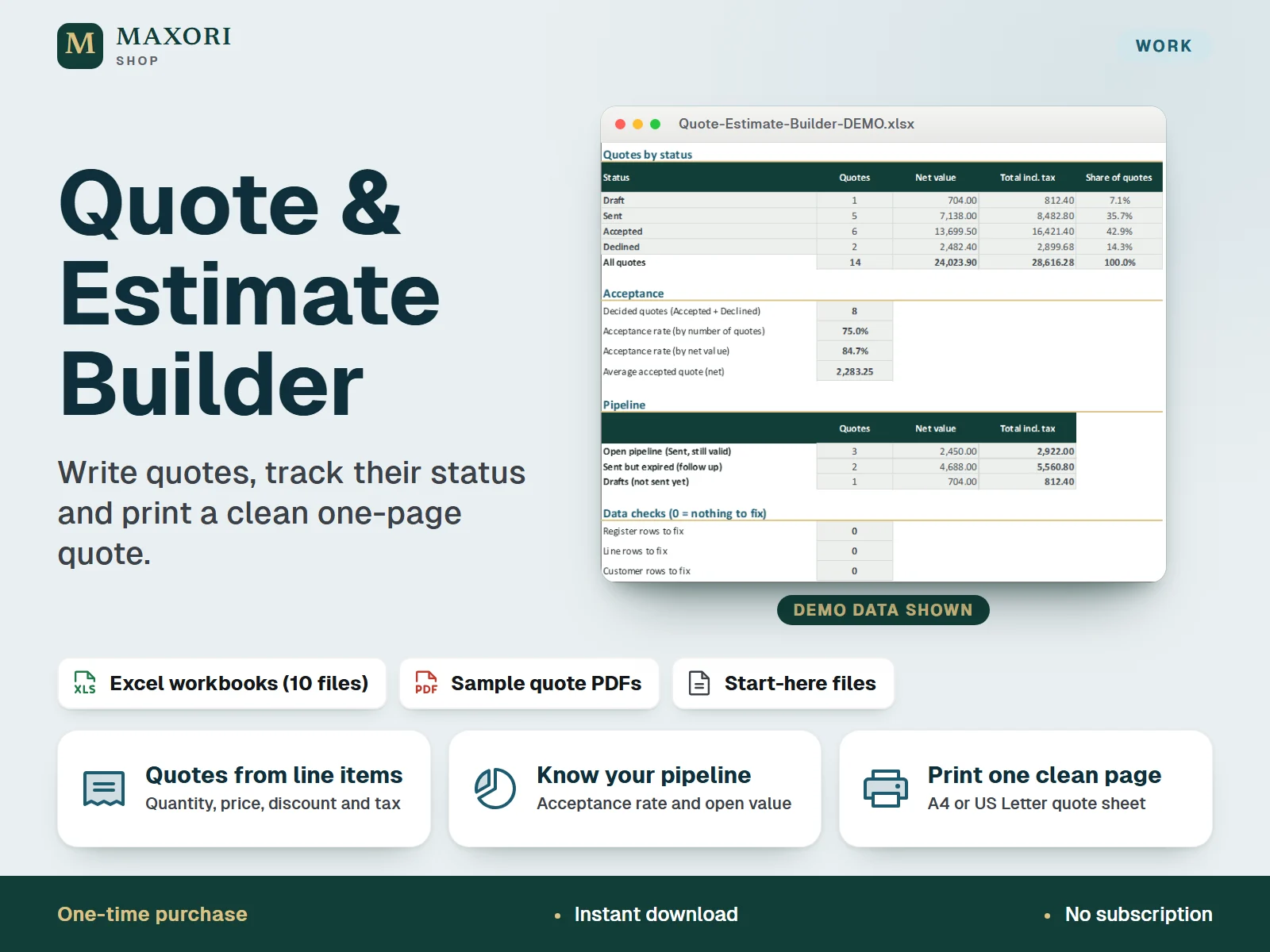
1 / 9An Excel (XLSX) workbook for freelancers and small businesses to build quotes with line items, quantities, unit prices, discounts and a tax rate you set, keep a register of every quote with its status and see acceptance rate and open pipeline value by formula. Includes a printable one-page quote sheet for A4 or US Letter. Each language comes as a fictional DEMO and an empty BLANK workbook. One-time digital download.
The problem it solves
Quotes live in separate documents, nobody remembers which ones are still open or have expired, and the real acceptance rate is a guess.
Who it is for
Freelancers, solo studios and small service or trade businesses that send quotes and want to know what is waiting for an answer.
What you get
- Build a quote from line items: quantity, unit, unit price, optional discount % and a tax rate you set, with net, tax and total calculated for you
- A quote register with number, date, customer, valid-until date and status (Draft, Sent, Accepted, Declined), and a flag for sent quotes that have expired
- A dashboard shows quotes and value by status, acceptance rate, open pipeline value, expired quotes to follow up and month-by-month totals, all by formula
- Choose a quote number on the printable Quote Sheet and print one clean page on A4 or US Letter, with your business details, customer block, notes and terms
- A customer list keeps contact details once and shows quotes, accepted value and open pipeline per customer
- Formula cells are locked, input cells are marked, and data checks flag missing or duplicate entries
How you use it
- Download and extract the ZIP, open your language folder and save a working copy of the BLANK workbook (open the DEMO workbook first to see how it works).
- In Setup, enter your business details, currency code, tax label, default tax rate, default validity and standard terms.
- Add your customers, then add one row per quote in the Quote Register and its line items in Quote Lines.
- On the Quote Sheet choose the quote number and print it, or save it as a PDF from Excel.
- Update the status as quotes are sent, accepted or declined and read the Dashboard.
Questions
Does it work like an invoicing app?
No. It is for quotes and estimates: line items, totals, validity and status. It does not create invoices, send emails or take payments.
Who sets the tax rate?
You do. Set a default rate in Setup and, if needed, a different rate on a single line. The workbook does not know your local rules and gives no tax advice.
How many lines fit on the printed quote?
18 lines per quote on one A4 or US Letter page. Longer quotes are still totalled correctly in the register, and the workbook warns you that the printout shows the first 18.
What is the difference between DEMO and BLANK?
DEMO is filled with fictional customers, quotes and prices so you can see every sheet at work. BLANK is the same workbook, empty, for your own data.
Does it work in Google Sheets or on a phone?
It is built and checked for desktop Excel. Other apps were not tested, so they are not promised.
What is included
- Five language folders (EN, IT, ES, FR, DE), each with a DEMO workbook (fictional customers and quotes) and an empty BLANK workbook
- Each workbook has 7 sheets: Start, Dashboard, Quote Register, Quote Lines, Quote Sheet, Customers, Setup
- Sample printed quote sheet as PDF, on A4 and on US Letter, in each language folder
- START-HERE.txt in each language folder and one at the top of the ZIP
Requirements
Desktop Microsoft Excel (checked in Excel for Windows; Excel is not included). Standard formulas, no macros. Mac Excel, Excel on the web, phone apps, Google Sheets and LibreOffice were not tested and are not promised.
Version 1.0
Good to know
- Capacity: 200 quotes, 600 line items and 150 customers; up to 18 lines per quote fit on the printed sheet.
- You enter the tax rates. The workbook does not know which rates apply to you, calculates tax per line rounded to 2 decimals, and is not tax or legal advice. Check what your local rules require on quotes and invoices.
- Not accounting or invoicing software: it does not create invoices, send quotes or reminders by email, take payments or connect to any other service.
- One currency per workbook (a code you type; no conversion). Prices are entered excluding tax.
- Acceptance rate = Accepted / (Accepted + Declined); open pipeline = Sent quotes not yet past their valid-until date on the date set in Setup.
- Do not insert or delete rows or edit formula cells. Rename the status names before you start.
- Translations are not native-reviewed. For your own business use; no resale or redistribution.
This is a downloadable digital product, not online software. It does not need an account and is not part of the MAXORI Software subscriptions.
Works well with
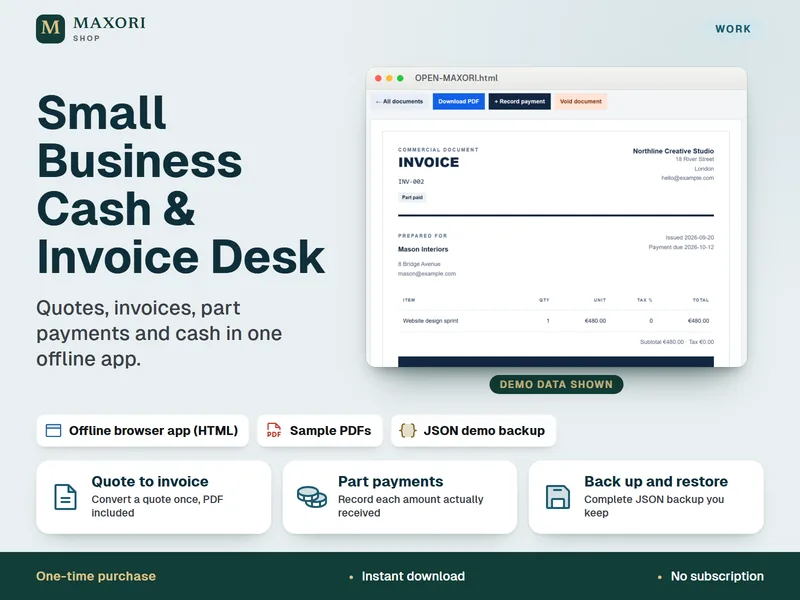
Small Business Cash & Invoice Desk – Quotes, Invoices and Part Payments
Quotes, invoices, part payments and cash in one offline app.
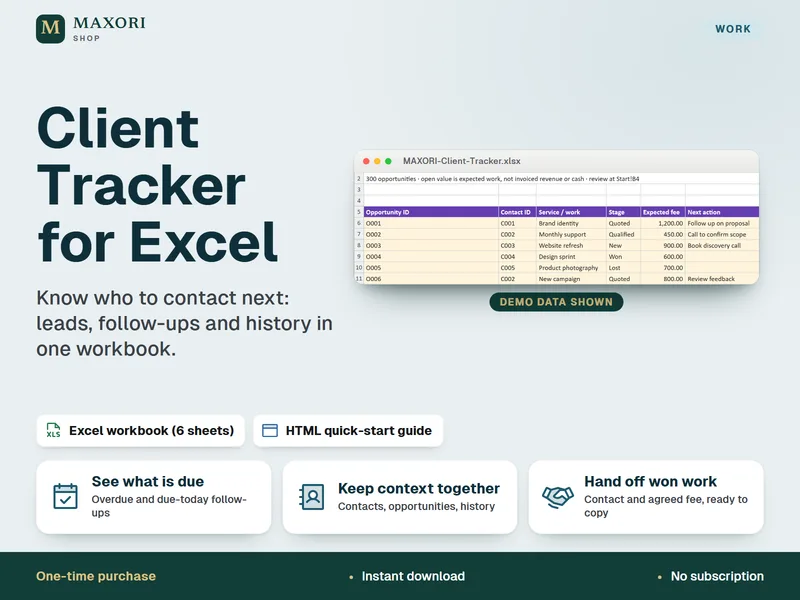
Client Tracker for Excel – Leads, Follow-Ups and Contact Log
Know who to contact next, in one Excel workbook.
Quote & Estimate Builder – Excel Quote Template with Printable Quote Sheet
€9.90